How to keep your browsing history private

It seems simple enough, you Google your latest symptoms to see if your condition warrants a visit to the doctor or just some rest and relaxation.
Suddenly, you are inundated with ads from every pharmaceutical company under the sun. Maybe that doesn’t sound so bad, but say you are in the market for a prescription, and you start receiving emails claiming to be from the medicine manufacturer with rebates.
You sign up for the rebate only to find out that you are the victim of the latest phishing scam. Now that’s a headache.
Why you want to keep your browsing history private
- If you’re sharing a computer with your family, you might want to keep information, no matter how benign, private — you don’t want inappropriate ads to pop up for your kids or grandkids
- Internet Service Providers (ISP) capture any data sent between your devices to wherever you connect to (i.e. your mobile phone to a drugstore website) – they can utilize it or sell it to third parties
- Third-party companies who have purchased your information from your ISP can now inundate you with ads or resell your private info to the highest bidder
- Hackers can snoop around and pick up bits of data from your internet activities to build a fuller picture of who you are and how to exploit you
How exactly do you keep your browsing private? Find below a list of ways to keep your private info, well, private.
Top 3 ways to keep your browsing history private
While most people assume utilizing the browser’s ‘private’ browsing features is the best way to keep your browsing history private, there are a handful of alternative options. It may be one of the simpler options presented below, but here are some other options and the pros and cons of each.
1. Use a VPN
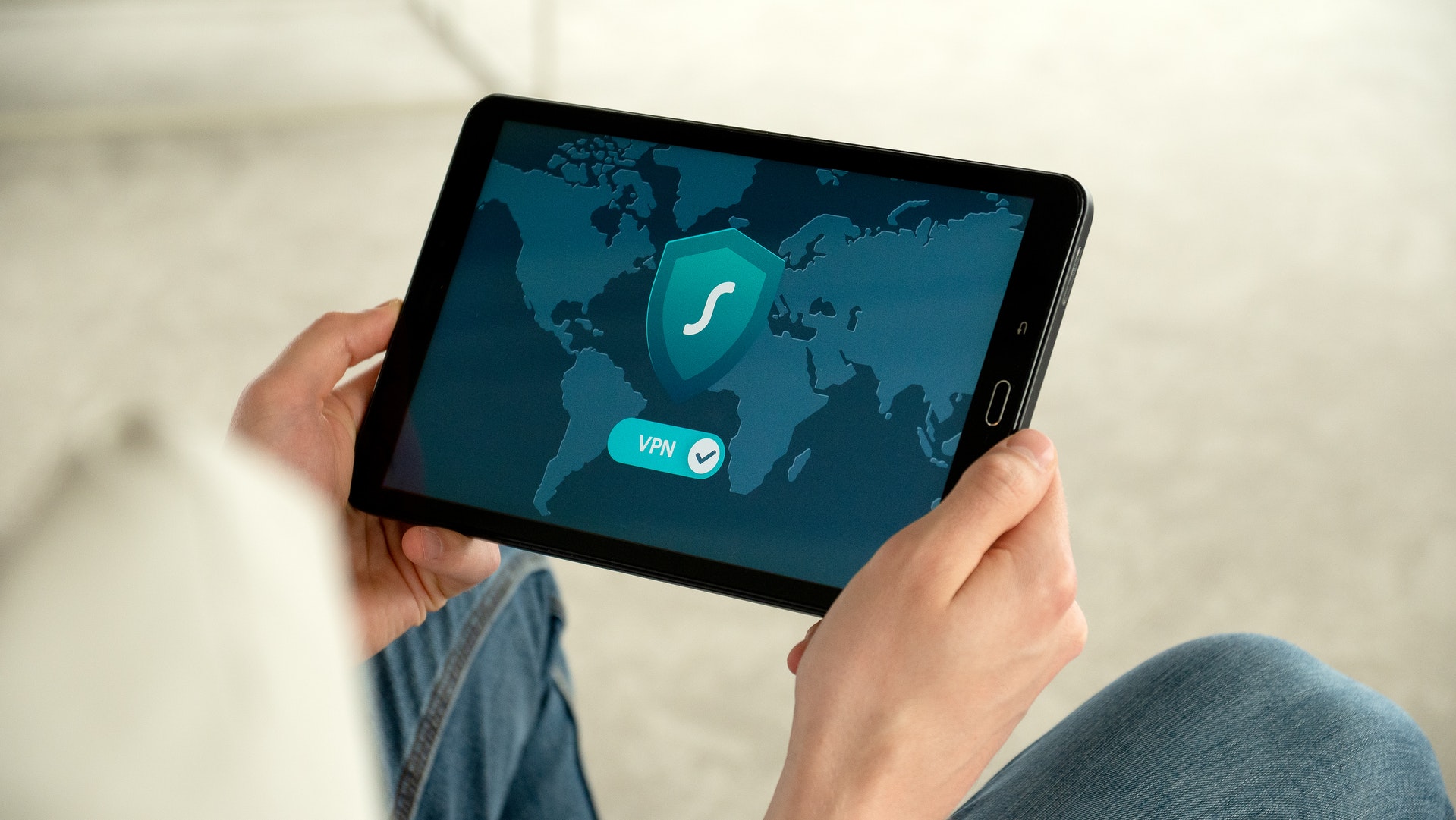
VPN service providers, such as our top picks ExpressVPN and Surfshark (see our full reviews here) are the best ways to keep your browsing history private. Once activated it won’t store browsing history, metadata, traffic destination, or DNS queries. Because it encrypts your data, hackers have a harder time pulling together information to target you. VPN cloaks your IP address so your ISP can’t view what you’re viewing and sell that information to third parties.
Pros: Encrypts data and cloaks ISP so no one can really track or sell your data as you browse. For more information about how VPN helps you browse more privately, check out: The safest way to browse the web: VPN Browsing
Cons: You usually have to pay for a VPN service provider to reap the safety and security benefits. In Are free VPNs safe?, you can read about why it ‘pays’ to get a paid, premium VPN service.
Scroll down to get my VPN deals.
2. Turn on Private Browsing mode

While private browsing options often labeled as ‘private window’, ‘incognito mode’, or ‘private tab’, will keep your browsing private with others sharing the same computer with you. It will prevent cookies from being installed, search records, browsing history, or downloads from being stored. It won’t keep your browsing information from third parties such as your ISP, employer, or school.
Pros: Keeps your local data and activities private from other users on the same device
Cons: Doesn’t prevent tracking and selling of your data
3. Use secure search engines

Secure search engines such as Brave Search, Startpage and more are great alternatives to private browsing mode.
Pros: Doesn’t collect or share your searches or log your personal information
Cons: Doesn’t provide the same variety or quantity of results that a regular search engine such as Bing or Google would
Our top recommendations for keeping your browsing history private:
While there are no foolproof ways to prevent your browsing history from becoming fodder for predatorily marketing companies and bait for eager hackers, the best remedy is prevention and a proactive stance.
A virtual private network (VPN) encrypts your internet traffic, making it harder for hackers, ISPs, or other third parties to track your online activity and searches. Many sites can read your IP address and, depending on their privacy settings, may display the city from which you are corresponding. A VPN will disguise your IP address to show an alternate location.
ExpressVPN is the go-to choice for those who prioritize ultra-fast speeds, reliability, and top-tier security. With servers in 105 countries, ExpressVPN delivers blazing-fast performance for streaming, gaming, and secure browsing. It supports P2P file sharing, offers best-in-class encryption, and maintains a strict no-logs policy—with all servers running on RAM for enhanced privacy. You can connect up to 10 devices simultaneously, and setup takes under 2 minutes. Plus, with 24/7 live customer support and a 30-day money-back guarantee, ExpressVPN is a premium choice for security-focused users who want speed without compromise.
CyberGuy Exclusive ExpressVPN Deals:
✅ Save 75% – Get 3 months FREE with 12-month plan for $3.99/month. Try 30 days risk-free.
✅ Save 84% – Get 4 months FREE with 24-month plan for $2.49/month. Try 30 days risk-free.
Surfshark – Best for Unlimited Devices & Budget-Friendly Security
If you're looking for a more affordable VPN without sacrificing security, Surfshark is an excellent choice. Surfshark operates under a strict no-logs policy and offers top-notch encryption to keep your data safe. However, Surfshark stands out by allowing unlimited devices on a single account - making it perfect for families, small businesses, or users with multiple gadgets. If you're looking for a more affordable VPN without sacrificing security, Surfshark is an excellent choice. Surfshark operates under a strict no-logs policy and offers top-notch encryption to keep your data safe. It now runs on upgraded 100 Gbps servers, delivering faster speeds, smoother streaming, and greater reliability even during peak hours. The upgrade also makes Surfshark more future-proof with improved stability, scalability, and load balancing for growing bandwidth demands.
Surfshark stands out by allowing unlimited devices on a single account—making it perfect for families, small businesses, or users with multiple gadgets. It also includes features like MultiHop (double VPN) and Camouflage Mode to bypass VPN restrictions in censored regions. With a budget-friendly price and feature-rich security, Surfshark is ideal for those who want privacy on a budget.
CyberGuy Exclusive Surfshark Deals:
✅ Save 81% – Get 3 extra months FREE with 12-month plan for $2.98/month. Try 30 days risk-free.
✅ Save 88%/b> – Get 3 extra months FREE with 24-month plan for $1.78/month. Try 30 days risk-free.
For best VPN software, see my expert review of the best VPNs for browsing the web privately on your Windows, Mac, Android & iOS devices
Both VPNs offer top-notch security, ensuring that your browsing history, IP address, and online activities remain private.
Kurt’s key takeaways
It’s easy to forget how much of your digital footprint you leave behind with every search, click, and scroll. Whether you’re checking a symptom or shopping for shoes, someone or something is keeping track. Protecting your browsing privacy isn’t about being overly cautious. It’s about being informed. Tools like VPNs and secure search engines help you stay one step ahead by keeping your activity away from prying eyes. Taking small steps now can prevent bigger problems down the line.
Have you utilized any of the above methods of keeping your browsing history private? If so, what’s worked or hasn’t? Tell us below!
Related:
- Best VPNs for keeping your private and secure
- 5 Google Settings to update now to fix your privacy
- The safest way to browse the web: VPN Browsing
Copyright 2026 CyberGuy.com. All rights reserved. CyberGuy.com articles and content may contain affiliate links that earn a commission when purchases are made.