Hackers are bypassing fingerprint scanners to steal your identity
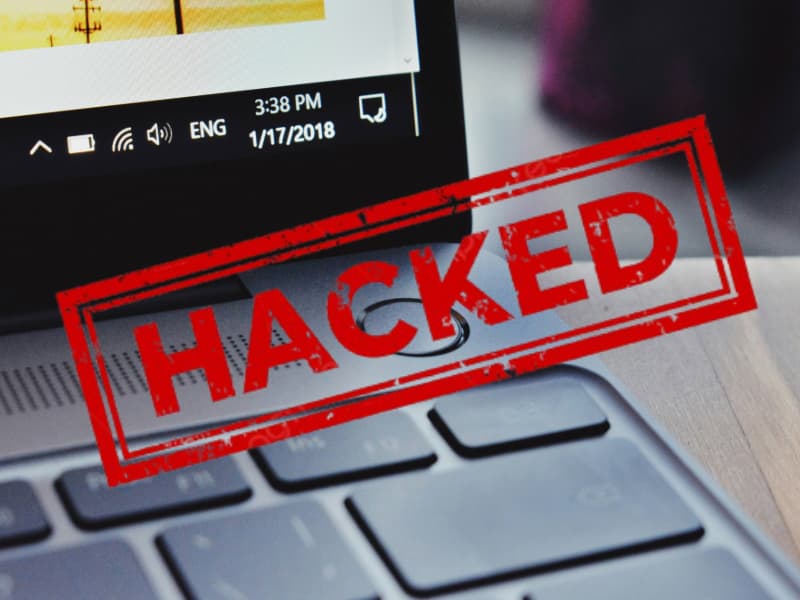
Fingerprint sensors have been around for quite some time, and they’ve become a standard feature in most smartphones. Apple introduced Touch ID on the iPhone 5s in 2013. Since then, it has appeared on 12 major iPhone models (and some iPads as well). Though Apple removed it from most phones after the iPhone 8, it’s still found in the iPhone SE series. On the flip side, almost every Android phone on the market has a fingerprint scanner. But are fingerprint scanners impossible to bypass? Frank from Deerton, Michigan, asked a similar question that I want to highlight and address because it helps all of us:
“Can a website be hacked/compromised with password and fingerprint protection (multiple verification)?”
I get what you’re saying, Frank. You’d think that since a fingerprint scanner literally requires your fingerprint, it couldn’t be bypassed. But you’d be wrong. While fingerprint scanners are generally more secure than facial recognition and passwords, they’re not foolproof. In fact, there are several ways bad actors can bypass them to steal your identity.
5 ways bad actors can bypass fingerprint scanners
There are multiple ways hackers use to bypass fingerprint scanners. Below, I will discuss 5 of the more prominent methods.
1) Masterprints and DeepMasterPrints
Hackers exploit the concept of “masterprints,” which are fingerprints engineered to match multiple individuals’ prints. Researchers at NYU Tandon developed “DeepMasterPrints” using machine learning to generate synthetic fingerprints that can deceive sensors by mimicking common fingerprint features. These artificial prints can match with a significant percentage of stored fingerprints, especially on devices with less stringent security settings.
2) Forged fingerprints using 3D printing
Another trick hackers use is making fake fingerprints. They can lift prints off things you’ve touched and then use stuff like fabric glue or even 3D printers to make molds. For example, researchers at Cisco Talos tried out a bunch of different ways to do this using 3D printing and tested them on phones like the iPhone 8 and Samsung S10, laptops like the Samsung Note 9, Lenovo Yoga, and HP Pavilion X360, and even smart gadgets like padlocks.
On average, the fake fingerprints worked about 80 percent of the time. They were able to fool the sensors at least once. Interestingly, they couldn’t crack the biometric systems on Windows 10 devices, but they pointed out that doesn’t necessarily mean those are more secure. It just means this particular method didn’t work on them.
3) Brute-force attacks via BrutePrint
Attackers have found a cheap way to break into smartphones by brute-forcing fingerprint authentication. The method, called BrutePrint, lets attackers get around the usual limits that stop too many failed fingerprint attempts. It works by taking advantage of two previously unknown flaws in the fingerprint system. These flaws, named Cancel-After-Match-Fail (CAMF) and Match-After-Lock (MAL), exist because of weak protection for fingerprint data on a part of the hardware called the Serial Peripheral Interface (SPI).
Basically, BrutePrint uses a hardware-based man-in-the-middle attack to hijack fingerprint data. It sits between the fingerprint sensor and the phone’s secure area (called the Trusted Execution Environment) and tries as many fingerprint images as needed until it finds a match. The relieving part is that the attacker needs to have physical access to the phone for this method to work.
4) Side-channel attacks with PrintListener
“PrintListener” is a side-channel attack that captures the sound of a finger swiping on a screen to extract fingerprint features. It might sound like something out of a sci-fi movie, but researchers have already built a proof of concept. By analyzing the friction sounds, attackers can reconstruct fingerprint patterns, potentially enhancing the effectiveness of masterprint attacks.
5) Exploiting unsecured fingerprint data storage
Some devices store fingerprint data without adequate encryption. If attackers gain access to this unprotected data, they can replicate fingerprints to bypass authentication. For example, in 2024, a misconfigured server exposed nearly 500 GB of sensitive biometric data, including fingerprints, facial scans, and personal details of law enforcement applicants.
TOP 20 APPS TRACKING YOU EVERY DAY
So, can you trust fingerprint scanners?
Fingerprint scanners make it easy and fairly secure to unlock your devices. Since everyone has unique fingerprints, you don’t need to remember complicated passwords. Just a quick touch and you are in. Most modern devices store your fingerprint data in secure parts of the system, and they use things like liveness detection to make sure someone is not trying to trick the scanner with a fake finger.
Still, no security method is perfect. Skilled attackers have found ways to get past fingerprint scanners using high-resolution photos, 3D-printed fingers, or by taking advantage of flaws in how the scanner communicates with the rest of the device. The risk really depends on how well the scanner is designed and how much effort someone puts into breaking it. For most people, fingerprint authentication is quick, easy, and secure enough. However, if you are dealing with very sensitive information, relying only on biometrics might not be the best idea.
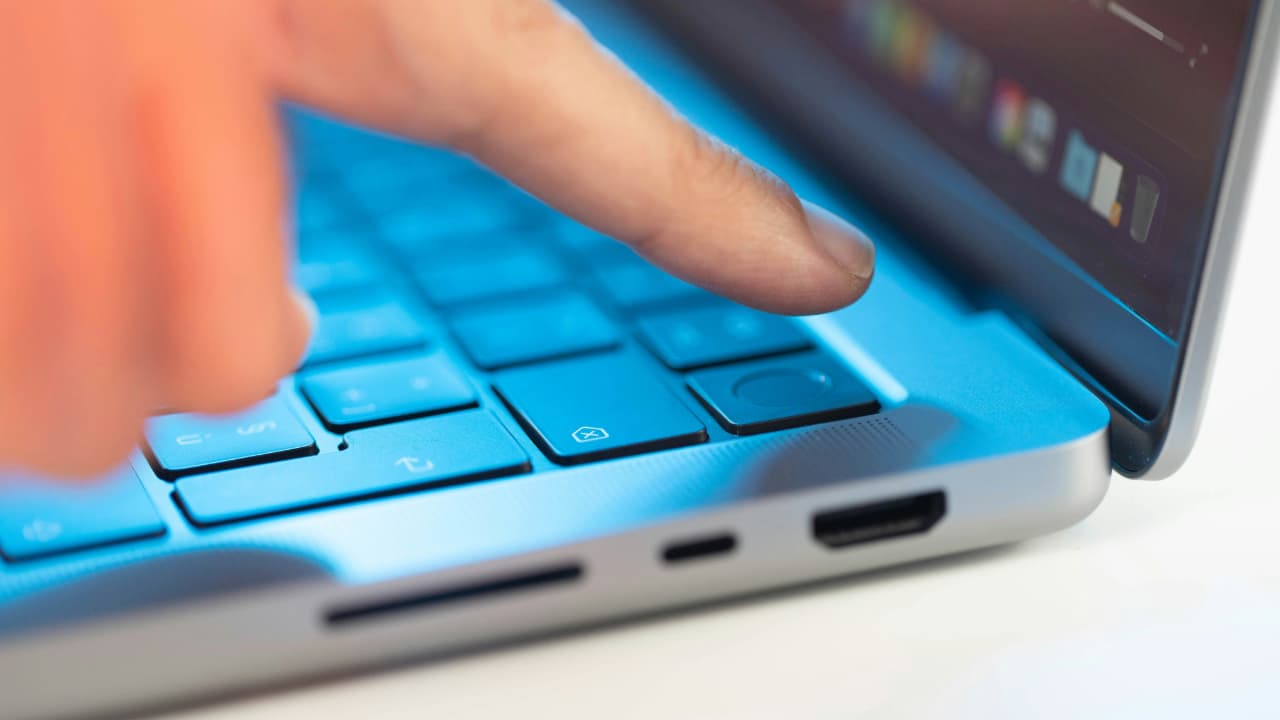
10 SIMPLE STEPS TO IMPROVE YOUR SMARTPHONE’S SECURITY AND PRIVACY
6 ways to protect your fingerprint data
Safeguard your biometric identity with these essential security measures.
1) Choose trusted phone brands: If you’re buying a phone, stick with well-known brands like Apple, Samsung, or Google. These companies take extra steps to protect your fingerprint data by storing it in secure areas of the phone that are harder to access. Cheaper or lesser-known brands may not have these protections, which makes it easier for attackers to steal your data.
2) Keep your phone updated: Phone updates are not just about new features. They fix security problems that hackers might use to break into your device. If your phone asks you to install an update, do it. Most phones also let you turn on automatic updates, so you don’t have to worry about remembering. Keeping your software updated is one of the easiest and most important ways to stay protected.
3) Use strong antivirus software: Install strong antivirus software to detect malware that could compromise biometric data storage. Strong antivirus software offers real-time threat detection, anti-phishing, and privacy features to block unauthorized access to fingerprint data. The best way to safeguard yourself from malicious links that install malware, potentially accessing your private information, is to have strong antivirus software installed on all your devices. This protection can also alert you to phishing emails and ransomware scams, keeping your personal information and digital assets safe.
4) Don’t rely only on your fingerprint: Using a fingerprint to unlock your phone is convenient, but it shouldn’t be your only line of defense, especially for sensitive apps like banking or email. Always set up a PIN, password, or pattern as a backup on your iPhone and Android. This way, even if someone manages to copy your fingerprint, they still need another piece of information to get in.
5) Be careful about who handles your phone: If someone else uses your phone, especially a stranger or someone you don’t know well, they might be able to copy your fingerprint from the screen. It’s rare, but it happens. To reduce this risk, avoid handing your phone to people unnecessarily, and wipe your screen occasionally to remove any clear fingerprints.
6) Only use fingerprint login with trusted apps: Not every app that asks for your fingerprint is trustworthy. It’s safest to use fingerprint login only with apps from known and reliable companies, like your bank, phone manufacturer, or email provider. If an unfamiliar app asks for fingerprint access, it’s better to skip it and use your password instead.
7) Consider using a personal data removal service: Even fingerprint scanners can be bypassed, and large amounts of personal and biometric data have been exposed in breaches. Using a personal data removal service helps reduce your risk by removing your sensitive information from public databases and data broker sites, making it harder for hackers to piece together details that could be used to steal your identity. Check out my top picks for data removal services here.
Is your personal information exposed online?
Run a free scan to see if your personal info is compromised. Results arrive by email in about an hour.
DON’T MISS OUT ON THESE MEMORIAL DAY BEST DEALS & DISCOUNTS
Kurt’s key takeaway
Passwords are generally easier to hack than biometric data like fingerprints or facial recognition. However, the key difference is that passwords can be changed if they’re compromised. Your biometrics cannot. Most modern devices allow both options, and biometrics can offer an extra layer of security by making it harder for someone else to access your phone or apps. They’re also fast and convenient, since you don’t need to remember or type anything. That said, in most cases, your device still falls back on a password or PIN when biometric identification doesn’t work, so both systems often go hand in hand.
With the increasing sophistication of methods to bypass fingerprint security, what should companies be doing to stay ahead of these threats and better protect user data? Let us know in the comments.
FOR MORE OF MY TECH TIPS & SECURITY ALERTS, SUBSCRIBE TO MY FREE CYBERGUY REPORT NEWSLETTER HERE
Copyright 2025 CyberGuy.com. All rights reserved. CyberGuy.com articles and content may contain affiliate links that earn a commission when purchases are made.