



Everyone wants their photos and videos to look polished, but not everyone has the time or budget for professional software. The good news? There are plenty of free apps that make editing simple without sacrificing quality. Whether you’re fixing a vacation snapshot, creating social media content, or producing a short video, these tools can help you achieve professional-looking results in minutes. We’ve rounded up the best free apps available today to take your photos and videos to the next level.
Amazing apps to download for easy photo editing
Canva
Best for beginners and small businesses
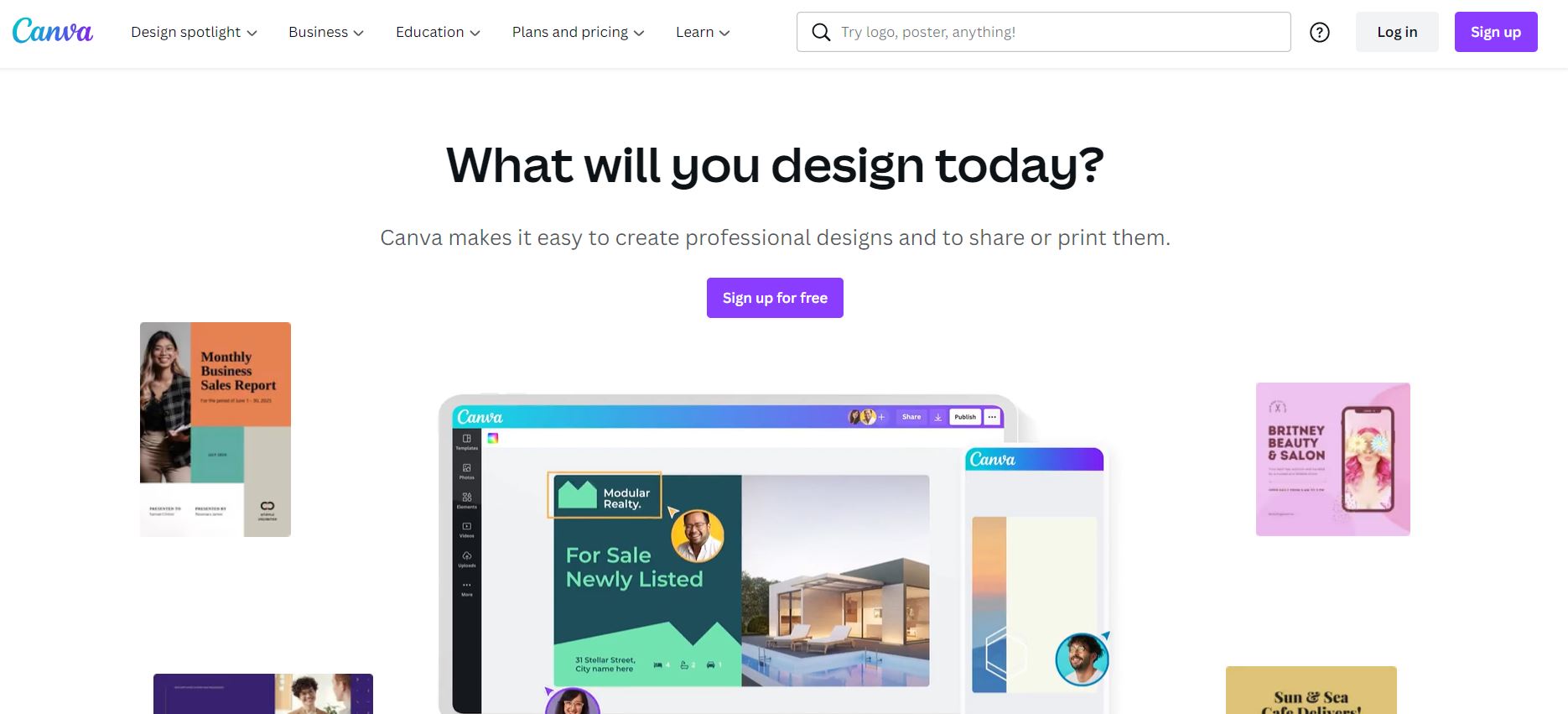
Canva has grown from a simple drag-and-drop design app into a full creative suite. It’s ideal for social media content, flyers, presentations, and quick photo edits.
Key Features (Free Plan):
- Over 250,000 free templates and 1M+ stock photos/graphics
- Essential tools: crop, filter, text overlays, and preset effects
- Autofocus, Photo Enhancer, and ColorMix for one-click improvements
- 5GB cloud storage for projects
Premium Perks:
- Access to 100M+ premium assets (stock photos, video, audio)
- AI-powered background remover and “Magic Resize” for instant social media reformatting
- Brand kit, folders, and team collaboration tools
- Social media scheduler for up to 8 platforms
Pros: Beginner-friendly, cross-platform (web, iOS, Android), generous free plan.
Cons: Advanced features like background remover and resizing are locked behind Pro.
Pixlr
Best free Photoshop-style editor in your browser
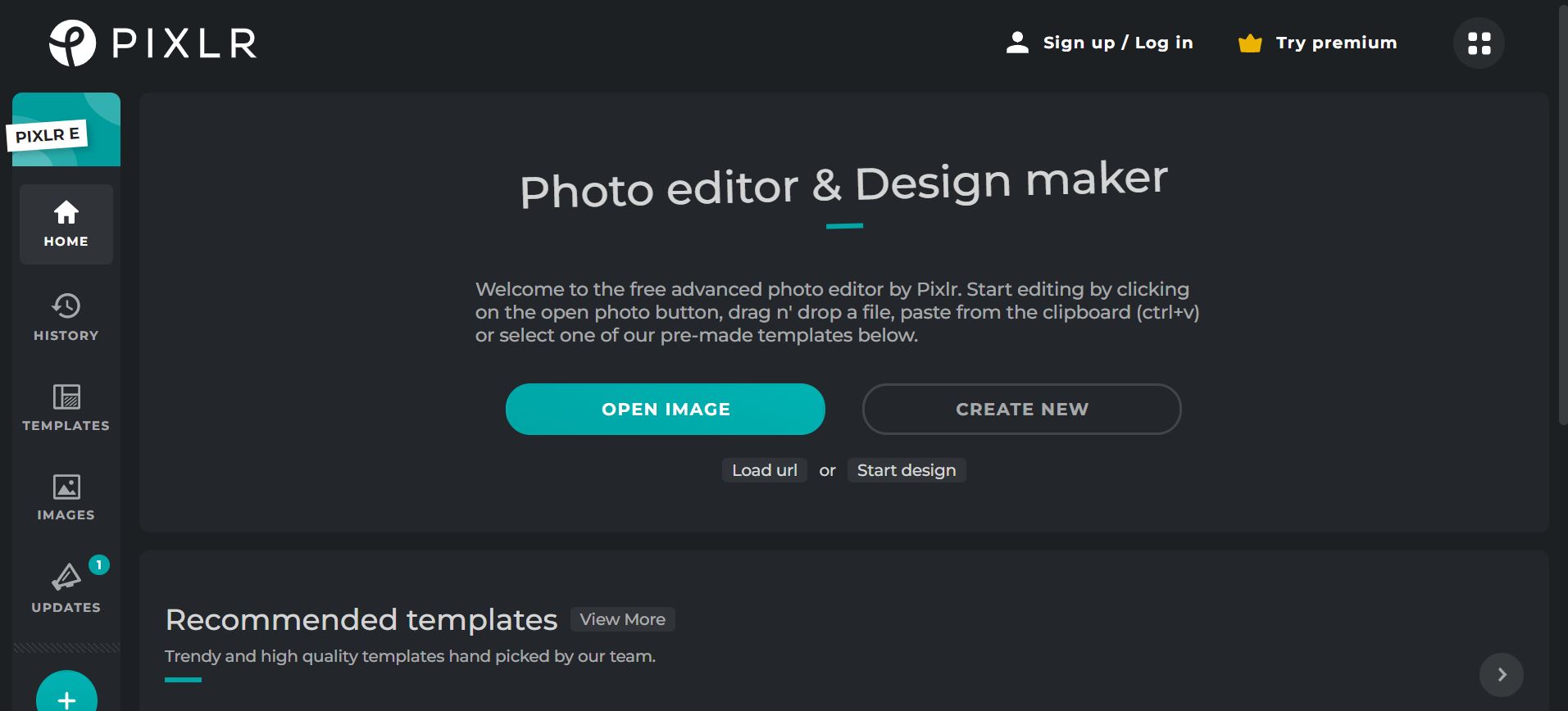
Pixlr comes in two versions: Pixlr X (simple, quick edits) and Pixlr E (more advanced Photoshop-style controls). Both run in your browser or mobile app, no install required.
Key Features:
- One-click tools for brightness, saturation, and sharpening
- AI-powered background remover
- Layer support, effects, and blending modes
- Collage maker with multiple layouts
- Templates for posters, flyers, and social content
- Mobile app for editing on the go
Pros: Free, sleek interface, no downloads, easier than Photoshop.
Cons: Free version includes ads, and the desktop experience is smoother than the mobile.
Photopea
Best free Photoshop alternative for advanced users
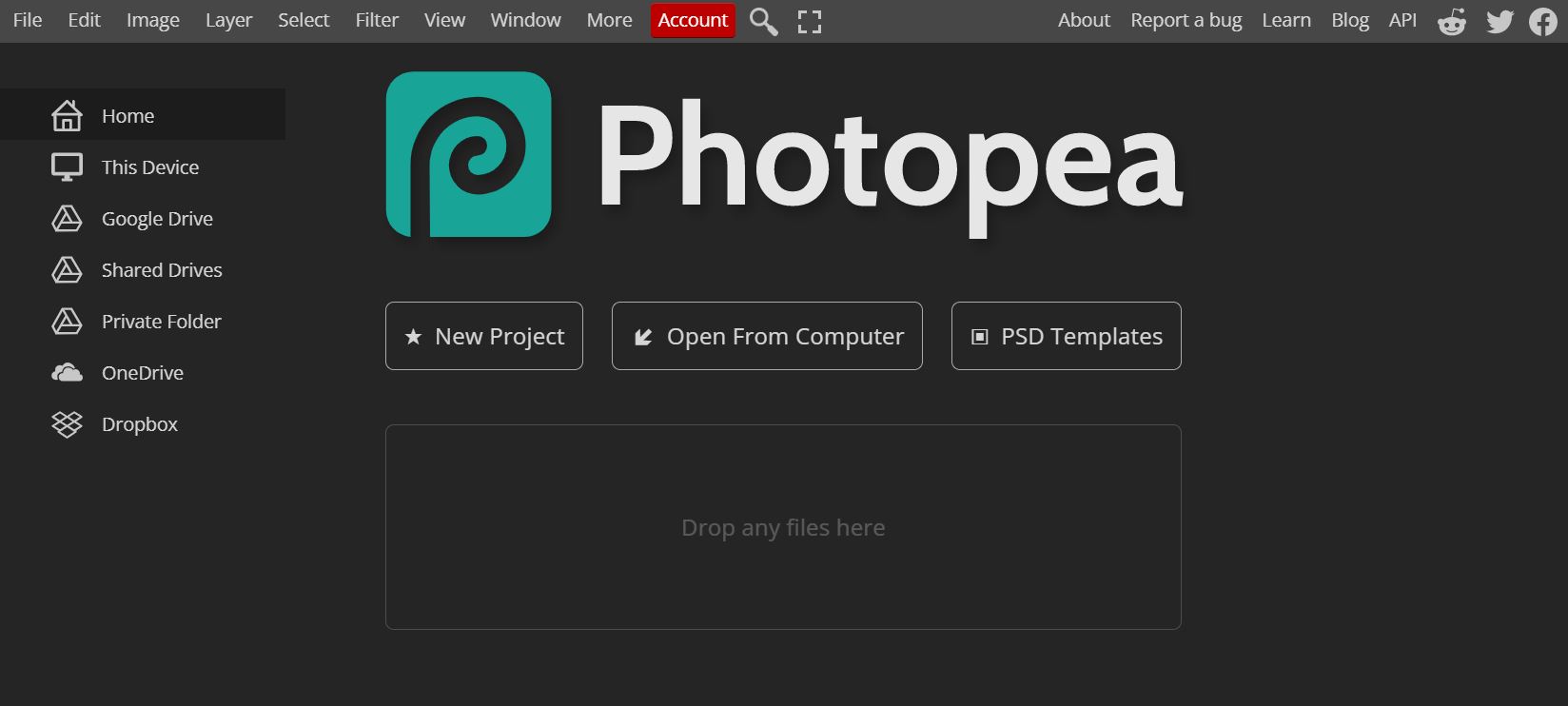

Photopea is a browser-based editor with professional-grade tools, layers, masks, vector shapes, and filters. It opens PSD, XCF (GIMP), and Sketch files, making it perfect for people who don’t want to pay for Photoshop.
Key Features:
- Spot healing, clone stamp, and patch tool for detailed retouching
- Full layer system: smart objects, masks, blending modes
- Vector graphics and text layers for complex designs
- Works offline once loaded in a browser
- Free with ads (premium removes them)
Pros: Totally free, supports pro workflows, cross-platform.
Cons: Interface feels dense for beginners; occasional lag.
Fotor
Best for quick, AI-powered edits

Credit: Fotor
Fotor balances simplicity with powerful AI. It’s great if you want studio-quality results with minimal effort.
Key Features:
- AI tools: background remover, photo enhancer, face retouching
- HDR effects, filters, and frames
- Batch editing for multiple photos at once
- Collage maker and design templates
- Cloud-based editing with mobile + desktop apps
Pros: Very user-friendly, strong AI tools, batch editing.
Cons: Best features (AI and RAW editing) require a subscription.
Snapseed (iOS/Android)

Credit: Google
Best free mobile photo editor (by Google)
Snapseed remains a must-have for mobile creators. The 2025 update improved RAW support, added film-inspired filters, and streamlined the UI.
Key Features:
- 29+ editing tools, including curves, white balance, perspective, and healing
- Powerful selective editing (apply changes to parts of an image)
- Double exposure and text overlays
- Integrated with Google Photos for backup and sync
- Works offline
Pros: Free, powerful, no watermarks, professional RAW support.
Cons: Only available on mobile (iOS/Android).
Best Video Editing Apps
DaVinci Resolve 20 (2025 Release)
Best free professional video editor
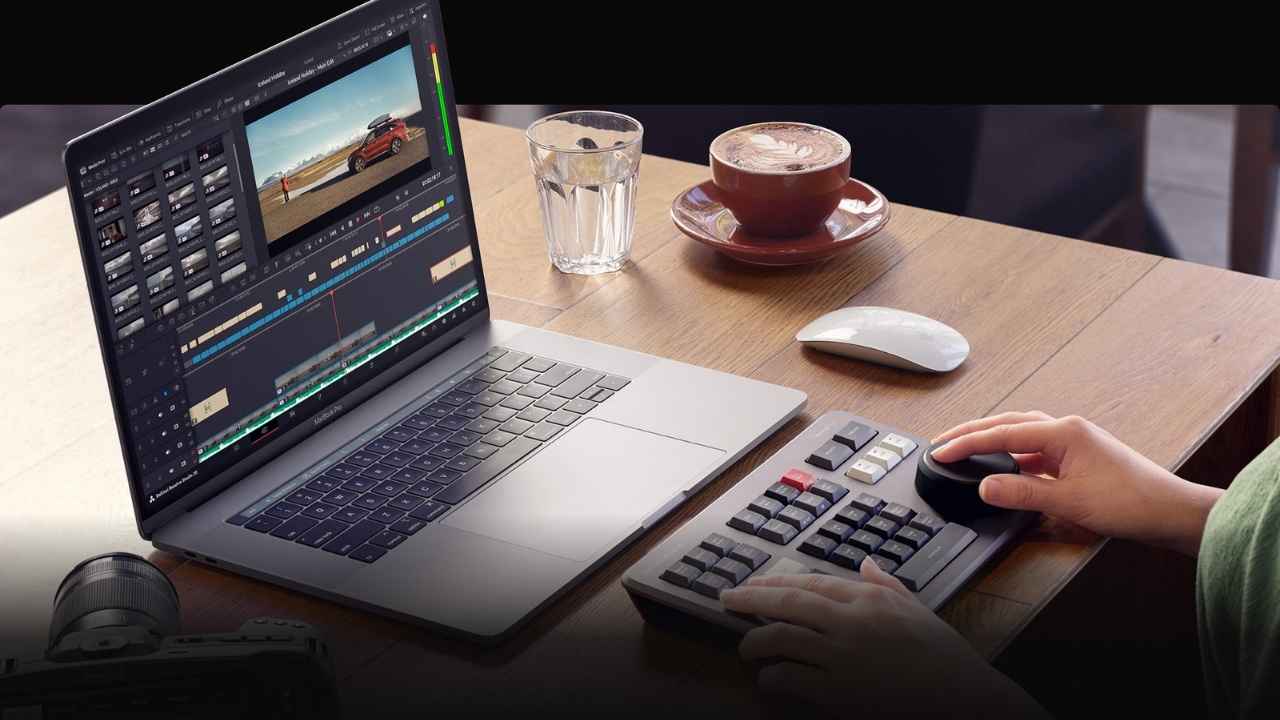
Blackmagic’s DaVinci Resolve 20 (released May 2025) combines editing, color grading, visual effects, and audio post in one platform.
New Features in 2025:
- IntelliScript AI for auto-generated captions and transcripts
- AI subtitle animation tools
- Smart multicam editing
- AI audio cleanup and mixing
- Cloud collaboration features
Pros: Hollywood-level tools, completely free tier, cross-platform.
Cons: Can feel overwhelming for beginners; requires a strong computer.
CapCut
Best free all-in-one editor for social media

Credit: CapCut
CapCut, owned by TikTok’s parent company ByteDance, remains the most popular app for short-form content creators.
Key Features:
- Supports 4K/8K video exports
- AI auto-captions, text-to-speech, and motion tracking
- Keyframe animations and chroma key (green screen)
- Large free template library for TikTok, Reels, Shorts
- Cross-platform: mobile, desktop, and browser
Pros: Free, intuitive, perfect for TikTok/Instagram creators.
Cons: Cloud sync may raise privacy concerns (owned by ByteDance).
CapCut Pro
CapCut Pro takes everything creators love about the free version and adds more advanced tools for serious editing. With features like higher-quality exports, premium templates, advanced keyframing, and cloud storage, it’s designed for anyone who wants to produce polished videos quickly. It’s especially useful for TikTok, Instagram Reels, and YouTube Shorts, giving you the flexibility to create professional-looking content with ease.
Pros:
- Affordable compared to other pro video editors
- Access to premium templates, effects, and stock libraries
- Higher-quality exports and faster rendering
- Cloud sync for easy editing across devices
Cons:
- Requires subscription for advanced features
- Some users have privacy concerns since it’s owned by ByteDance
Adobe Premiere Elements
Best for beginners wanting a one-time purchase

Credit: Adobe
Adobe Premiere Elements is a simplified version of Premiere Pro. The 2025 version adds improved color correction, new templates, and AI voice-over tools.
Key Features:
- Guided tutorials for beginners
- AI auto-edit and highlight reels
- Fun effects: motion titles, transitions, overlays
- Supports 4K editing
Pros: Easier than Premiere Pro, affordable.
Cons: Now requires a 3-year license (not truly a one-time purchase).
Clipchamp (by Microsoft)
Best free browser-based video editor

Credit: Clipchamp
Now bundled with Windows 11, Clipchamp is free and designed for casual creators.
Key Features:
- Drag-and-drop templates
- Green screen, filters, and text overlays
- Easy screen recording and webcam integration
- Cloud saves with OneDrive
Pros: Free, no downloads, tightly integrated with Windows.
Cons: Limited advanced features compared to DaVinci or Premiere.
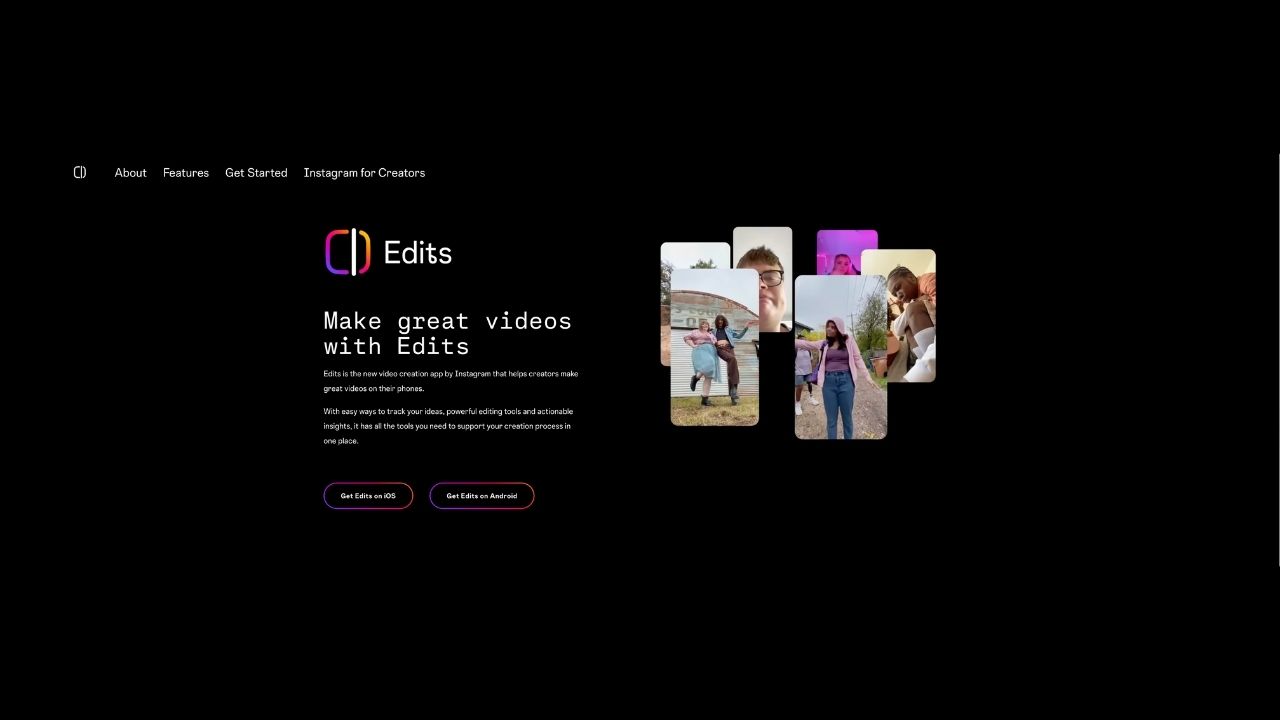
Meta “Edits” (New in 2025)
Best for Instagram creators
Credit: Meta
Instagram launched “Edits” to compete with CapCut. It allows quick vertical video creation up to 10 minutes.
Key Features:
- Music, text, filters, and simple transitions
- Direct integration with Instagram Reels
- Designed for beginners and social media posts
Pros: Seamless with Instagram; lightweight.
Cons: Very limited features compared to CapCut.
More design-related tips:
- How to easily transfer files and photos off of a computer to your hard drive
- Perfect photo but someone blinked? No problem with this trick
- How to take the best photo
Kurt’s key takeways
Editing photos and videos doesn’t have to feel intimidating anymore. With today’s apps, you can polish a vacation snapshot, design professional graphics, or even cut a cinematic short film, all from your phone or laptop. The real challenge isn’t finding tools, it’s deciding which ones fit your style and workflow. The good news? Whether you want quick fixes, creative control, or full professional features, there’s an option here that will make your content stand out.
How has photo and video editing changed the way you create and share your favorite moments? Let us know in the comments below.
FOR MORE OF MY TECH TIPS & SECURITY ALERTS, SUBSCRIBE TO MY FREE CYBERGUY REPORT NEWSLETTER HERE
Copyright 2025 CyberGuy.com. All rights reserved. CyberGuy.com articles and content may contain affiliate links that earn a commission when purchases are made.