



- Online security feels overwhelming because most advice throws everything at you at once.
- You do not need dozens of tools to stay safe, just a clear order of priorities.
- Protecting your devices, browsing privately, and securing passwords covers most everyday risks.
We get emails like this all the time. They usually land in our inbox after someone reads a few security articles and feels more stressed than protected. One message from John recently stood out because it captured what so many people are feeling right now.
“Reading about all the dangers lurking out there, and the multitude of possible solutions, is overwhelming. It sounds like I need virus protection, a VPN, a password manager, and who knows what else? I don’t know where to start, is there a concise checklist that guides me through the process?” John
That feeling is completely understandable. Online security can sound complicated and expensive. Every article seems to recommend something new. It can feel as if you miss one step, and everything falls apart. Here is the good news. You do not need everything at once. You just need a clear starting point.
Below is a simple online security checklist for 2026. Start at the top. Move down at your own pace. Each step solves a specific problem and builds on the previous step.
A Simple Online Security Checklist (Start Here)
If online security feels overwhelming, this checklist breaks it down into simple steps you can follow without overthinking.
1) Protect your devices first
This is the foundation. If your phone, tablet or computer is not protected, nothing else matters.
Strong antivirus software helps block:
- Viruses and malware
- Fake and dangerous websites
- Unsafe downloads before they cause damage
Once strong antivirus protection is installed, you immediately reduce a large percentage of everyday risk. This step alone stops many common attacks before they ever reach you.

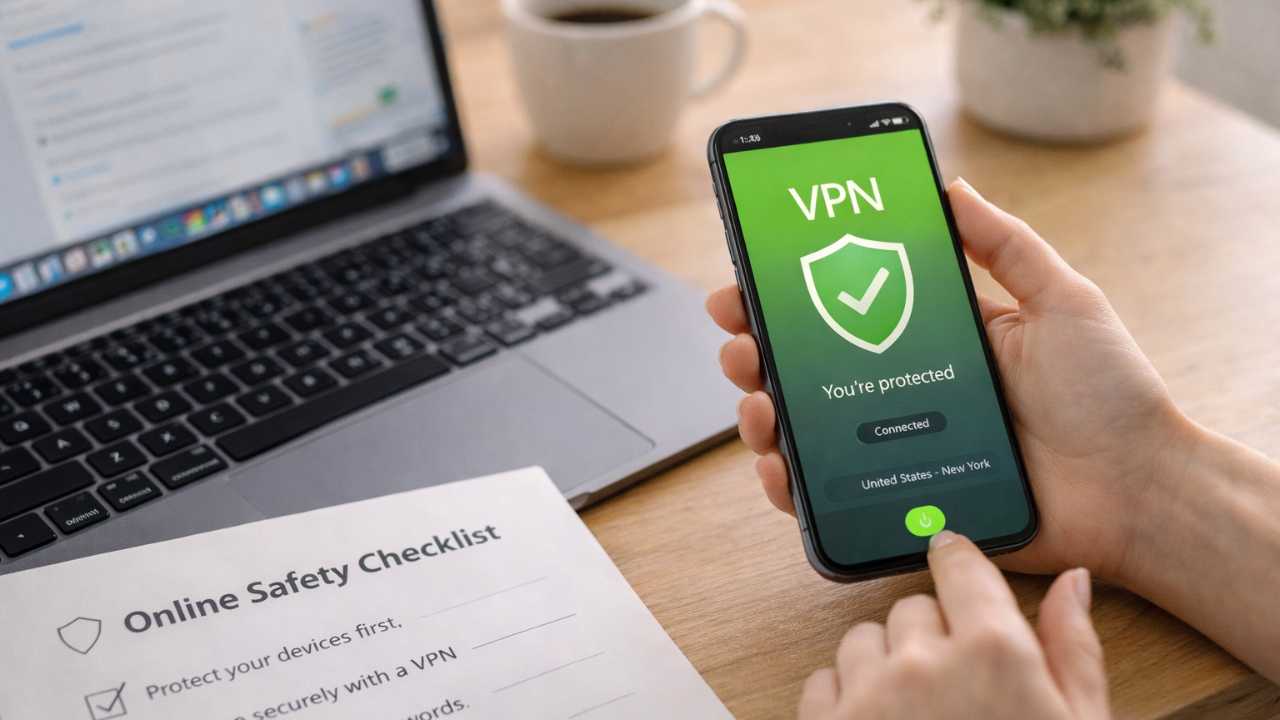
2) Browse privately and securely with a VPN
Any time you use public Wi-Fi at airports, hotels or coffee shops, your internet activity can be exposed.
A VPN helps:
- Protect your browsing activity from snooping
- Secure your connection on public Wi-Fi
- Reduce tracking across websites
You only need one VPN. Choose the option that fits your budget and comfort level. Think of a VPN as a layer of privacy when you travel online.
3) Lock down your passwords
Weak or reused passwords are still one of the most common ways accounts get hacked.
A password manager:
- Creates strong, unique passwords
- Stores them securely
- Saves you from having to remember them all
This turns password safety into something automatic instead of stressful. Once this is set up, logging in becomes easier and safer at the same time.

4) Reduce scam calls texts and spam
If your personal information is spread across the internet, scammers will find it.
Data removal services help:
- Remove your information from data broker sites
- Reduce scam calls, texts, and emails over time
- Lower long-term exposure
This is one of the most effective ways to cut down on scams before they start. It works quietly in the background and pays off over time.
Is your personal information exposed online?
Run a free scan to see if your personal info is compromised. Results arrive by email in about an hour.

5) Protect against identity theft
Even with good habits, things can still slip through. Identity theft protection acts as your safety net.
It helps:
- Monitor for misuse of your personal information
- Alert you quickly when something looks wrong
- Catch issues early before damage spreads
This layer gives you visibility when you would otherwise be in the dark.
6) Secure your email
Email is the front door to almost everything else. Banking. Shopping. Social accounts.
A secure email service helps:
- Reduce tracking
- Block phishing attempts
- Protect account access
When email is protected, everything connected to it becomes harder to break into.
Where to start and when to add more
If you do nothing else, start with Step 1. Everything else builds from there.
Start with this (non-negotiable):
- Device protection (Norton Antivirus Plus)
This blocks the biggest everyday threats right away. Most scams, malware, and fake websites stop here.
Add next when you’re ready:
- VPN for private browsing (ExpressVPN)
Especially important if you travel, use public Wi-Fi, or value privacy online. - Password manager (Nordpass)
Add this once you’re tired of remembering passwords or reusing the same ones.
Layer in over time for fewer scams and less stress:
- Data removal (Incogni)
This is about prevention. Fewer scam calls, texts, and emails over the long term. - Identity theft protection (Aura)
Think of this as your early-warning system if something slips through.
Finish by locking down your foundation:
- Secure email (StartMail)
Email is connected to everything else. Securing it makes all your accounts harder to break into.
The simple rule
You don’t need all of this today. Start with one tool, make sure it’s working, then add the next layer when it feels useful, not overwhelming.
Related links:
- Signs someone’s using your Social Security number
- 10 simple cybersecurity resolutions for a safer 2026
- How to protect your online privacy and security on your next cruise vacation
Kurt’s key takeaways
Online security does not have to be complicated. You do not need dozens of apps or constant worry. You need a clear plan and the right tools to do specific jobs. Start with device protection. Add private browsing. Lock down your passwords. Then layer in privacy and identity protection when you are ready. That is how online safety becomes manageable instead of overwhelming.
If you had to start with just one step today, which part of your digital life worries you the most right now? Let us know in the comments below.
FOR MORE OF MY TECH TIPS & SECURITY ALERTS, SUBSCRIBE TO MY FREE CYBERGUY REPORT NEWSLETTER HERE
Copyright 2026 CyberGuy.com. All rights reserved. CyberGuy.com articles and content may contain affiliate links that earn a commission when purchases are made.