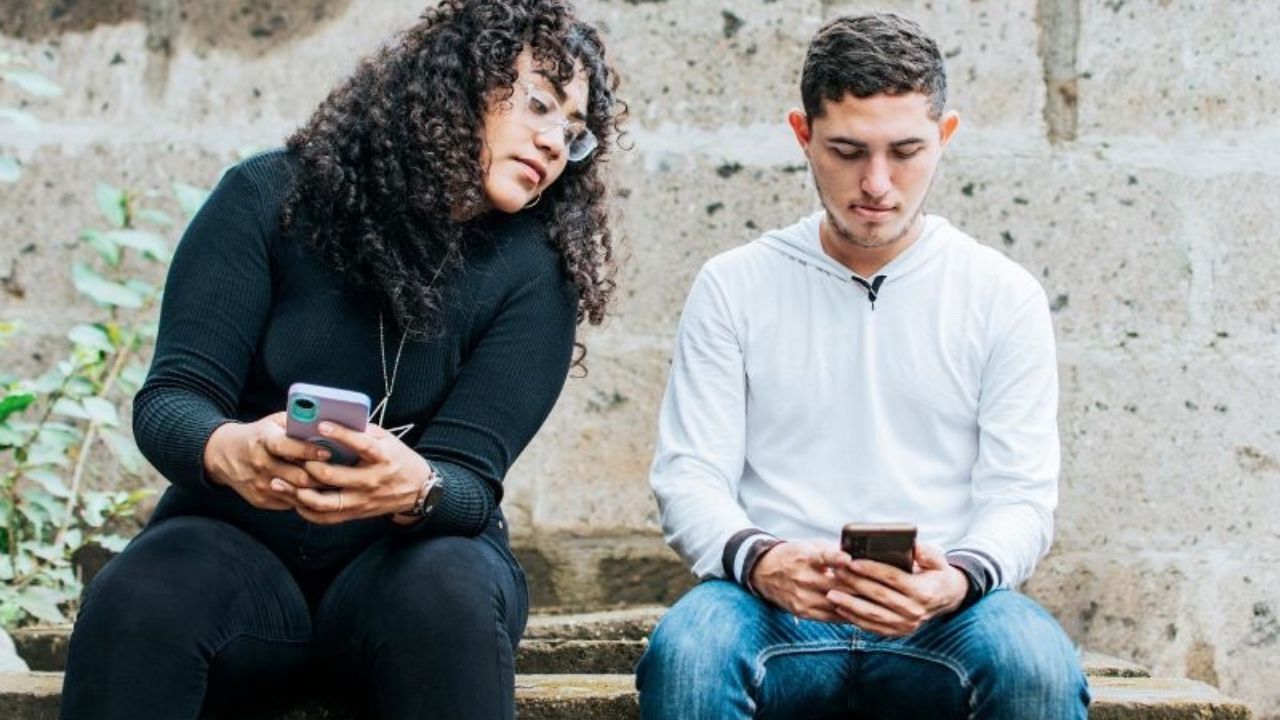
It happens when you are in line at the bank, riding on a plane from the row behind, getting coffee, or hanging out waiting for a friend when a modern-day snoop strikes. Sometimes an innocent invasion takes a swipe at your privacy when someone else turns a glance at your phone screen into an info-gathering stare.
One of the latest scams targeting mobile devices starts with snooping crooks watching how you enter your passcode to unlock your phone. Whether criminals have targeted you or the innocently inquisitive, people are naturally curious and may be inclined to glance over and see what you are doing.
Good news. There’s an easy way to address this issue: use an inexpensive privacy screen protector to make it much harder for others to see what is on your phone or tablet.
What does a privacy screen protector do?
Privacy screen protectors work as dark shields that you can use on your phones or tablets to keep other people from seeing what is on your screen. To fully see what is on a smart device with a screen protector, you have to be holding it directly in front of you, making those looking at it from an angle completely blind to the screen.
These privacy screens do not protect your smart device screen from cracking or breaking, although they certainly protect your privacy and are a great asset, especially if you are someone who is often surrounded by people, like on public transit or in a work situation.
Can you use a privacy screen with a phone case?
Yes. Most privacy screen protectors are case-friendly, which means they are slightly smaller than the full edge of the display, so they don’t lift or peel when used with a phone case. As long as your case does not wrap over the front glass, a privacy screen protector will fit and function normally.
In fact, using a privacy screen with a case is the recommended setup. The case helps protect the phone’s edges, while the privacy screen blocks side-angle views that can expose passcodes, messages, or sensitive information in public. When shopping, look for product descriptions that specifically mention “case-friendly” or “compatible with most cases.”
Avoid ultra-tight or front-cover cases that overlap the screen edges, as those can interfere with proper adhesion.
Will any privacy screen fit my smartphone or tablet?
Some privacy screens are designed for specific models, so be sure to check which iPhone or Android model you have. If you do not know it already, before you look into buying a privacy screen.
To check which iPhone or iPad model you have:
- Open your Settings app
- Click General
- Select About
- The model type for your iPhone will be listed next to Model Name
To check which Android phone or tablet model you have:
Settings may vary depending on your Android phone’s manufacturer
- Open your Settings app
- Click About Phone (or About Tablet)
- You should see the Model name or Tap Model
- The model of your Android will be listed under where it says Model, or Model Name
Once you have your model name, you can begin shopping for privacy screens. Here are some great ones we found on Amazon for both iPhone and Android devices.
Top privacy screens
If you want to stop shoulder surfers from peeking at your screen, these privacy screen protectors help keep your personal information out of view wherever you use your device.
ZAGG Glass Elite Privacy Screen Protector for iPhone 17
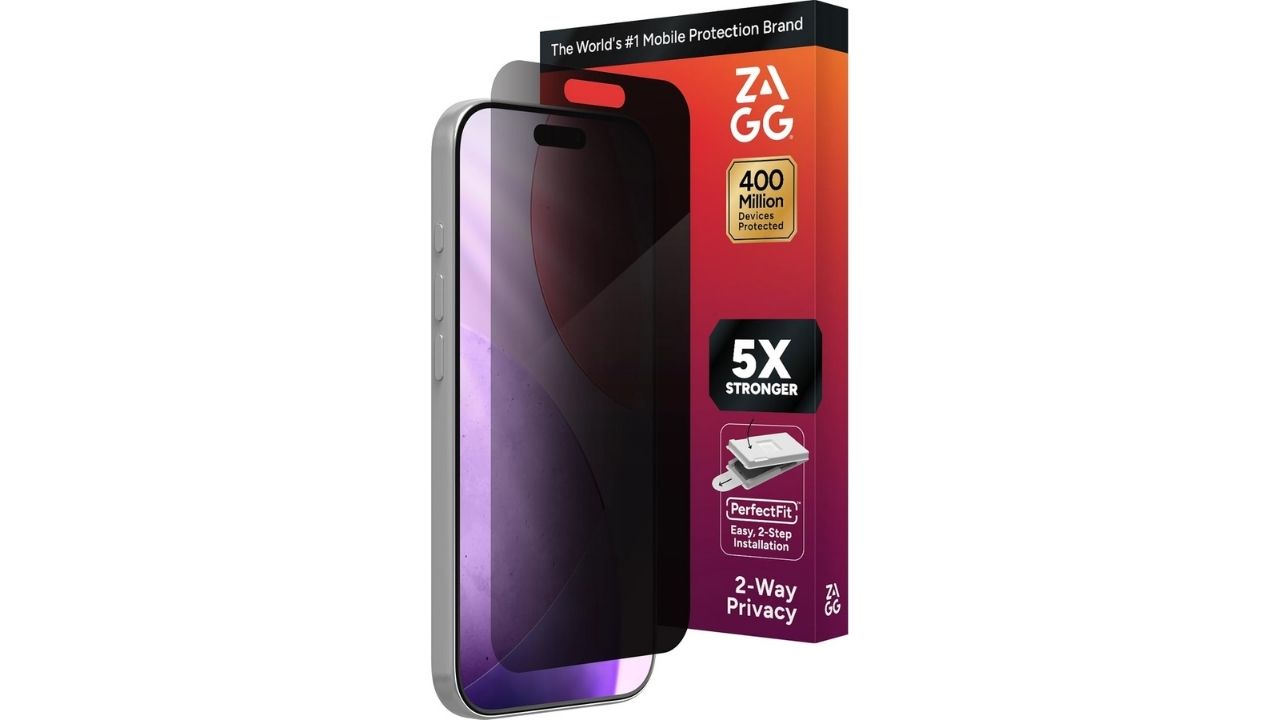
This premium privacy screen protector blocks side-angle views to help keep your personal information private in public spaces. It is made from ultra-strong tempered glass that ZAGG says is up to five times stronger than standard screen protectors, while still feeling smooth and responsive like your original iPhone screen. The fingerprint-resistant coating helps keep your display clear, and the included two-step installation frame makes alignment quick and easy.
Get ZAGG Glass Elite Privacy Screen Protector for iPhone 17
PEHAEL Privacy Screen Protector and Camera Lens Protector for iPhone 15 to 17
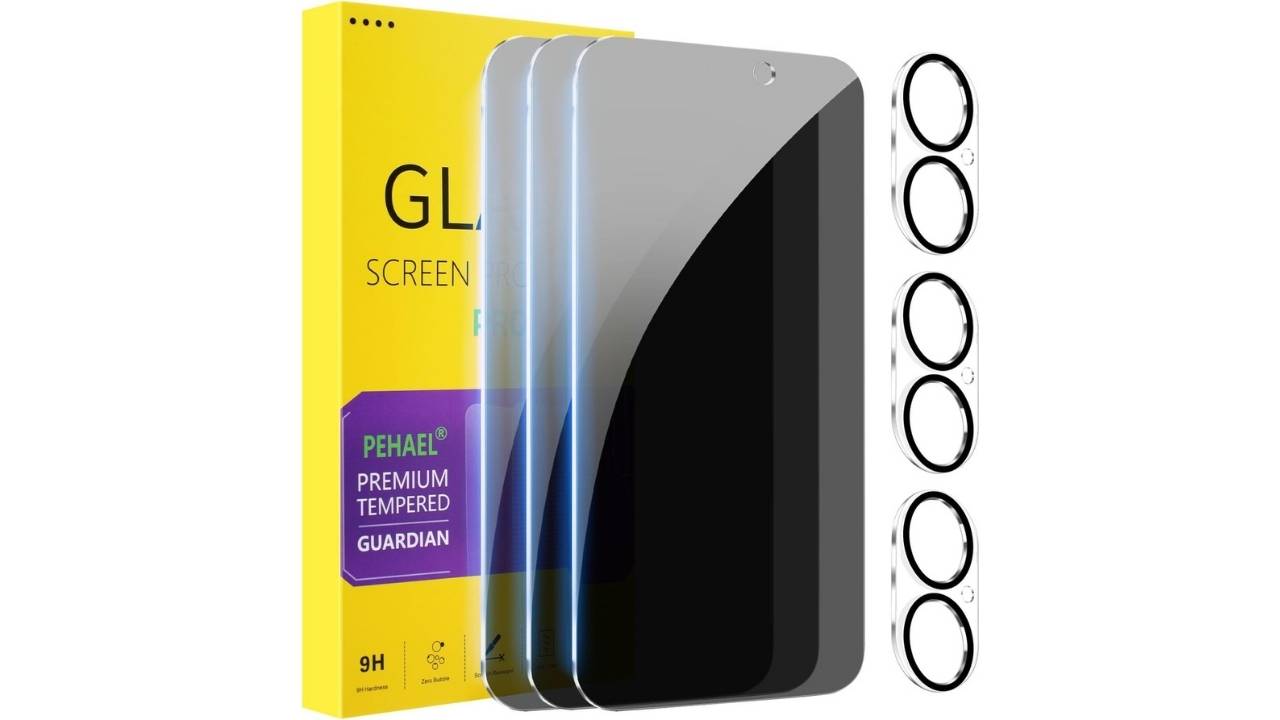
This value pack includes three privacy screen protectors and three camera lens protectors designed to fit iPhone models from iPhone 15 through iPhone 17. The tempered glass uses an anti-spy filter to block side views while keeping the display clear when viewed straight on. With 9H hardness, bubble-free installation, and full Face ID compatibility, it delivers strong privacy protection without interfering with daily use or photo quality.
Get PEHAEL Privacy Screen Protector for iPhone 15 to 17
Ailun 3-Pack Privacy Screen Protector for iPhone 15
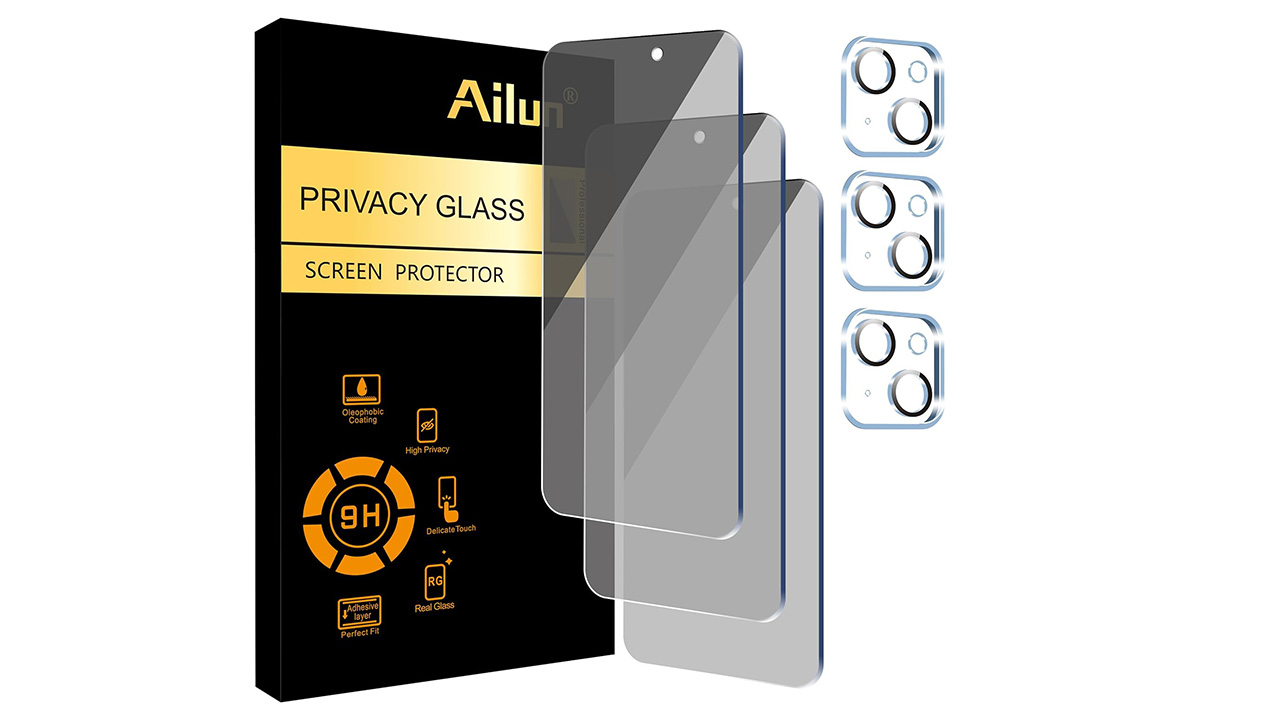
This set includes three privacy screens and three camera lens protectors for the iPhone 15 [6.1 inch]. The lens protector supports augmented reality and clear night shots. The privacy screen shields against side views but may need brightness adjustment. The protector also resists sweat, oil, and fingerprints.
Get Ailun 3-pack Privacy Screen Protector for iPhone 15
Get Ailun 3-pack Privacy Screen Protector for iPhone 15/15 Pro
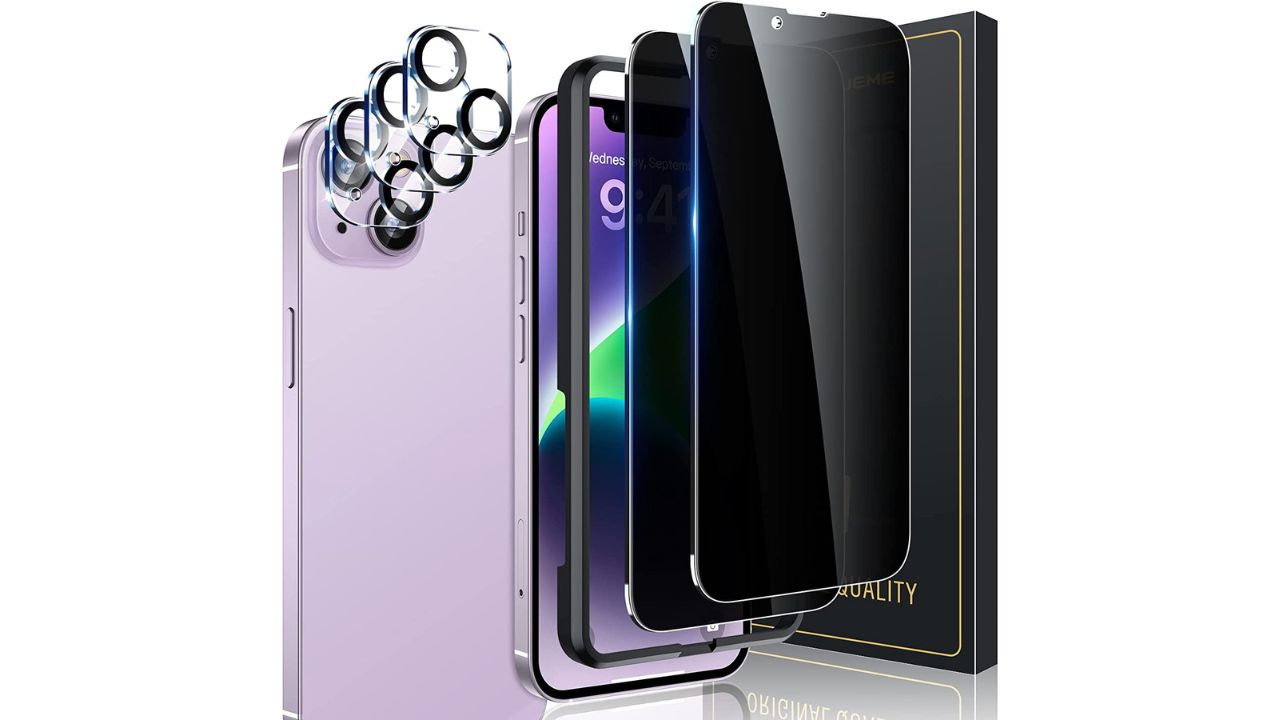
UniqueMe Screen Protector for iPhone
Credit: UniqueMe
The UniqueMe Screen Protector is designed for full coverage on various iPhone models, including the iPhone 16e, iPhone 13, iPhone 13 Pro, and iPhone 14. It features tempered glass with a 9H hardness rating, making it durable and resistant to scratches. The protector is case-friendly and comes in a pack of two, offering easy installation with a bubble-free design.
Get UniqueMe Screen Protector for iPhone
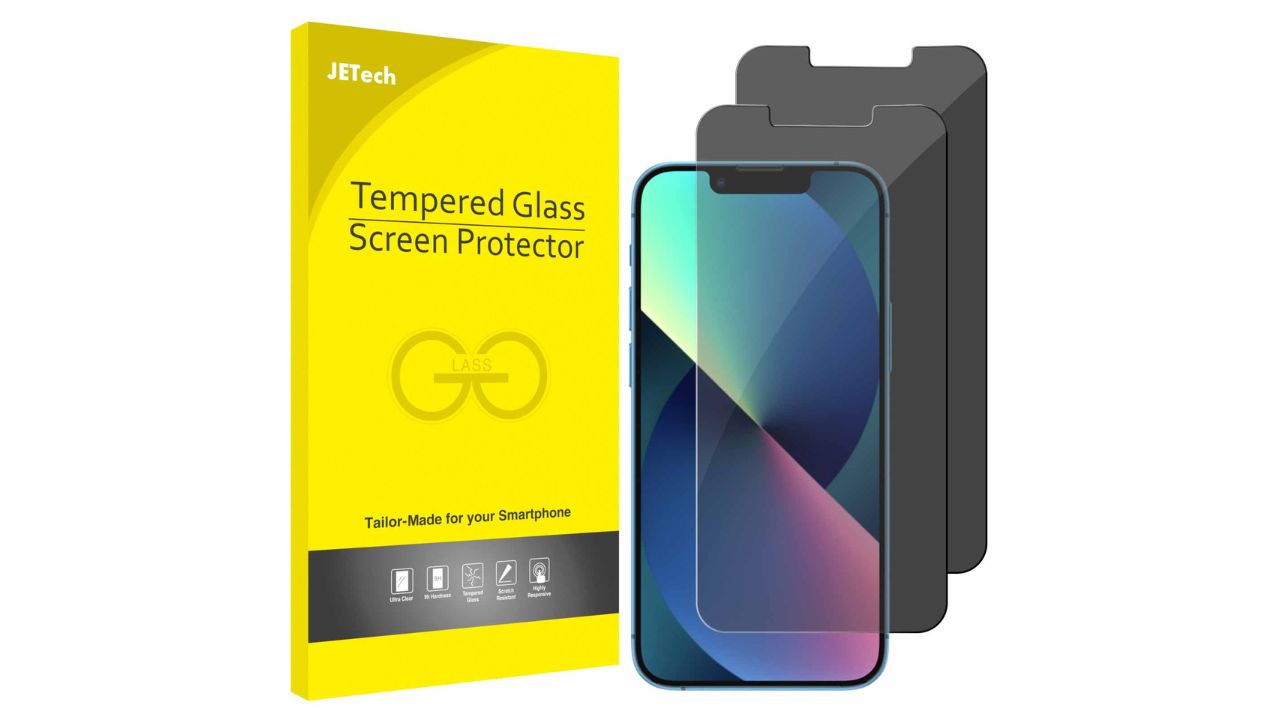
JETech Privacy Screen Protector for iPhone 13
Credit: JETech
The JETech privacy screen protector fits iPhone 13 and 13 Pro screens. It is made of premium ultra-thin tempered glass and resists scratches up to 9H. It is also dust-free, fingerprint-free, bubble-free, and easy to install. The package includes two tempered glass screen protectors, a cleaning kit, and instructions for installation.
Get JETech Privacy Screen Protector for iPhone 13
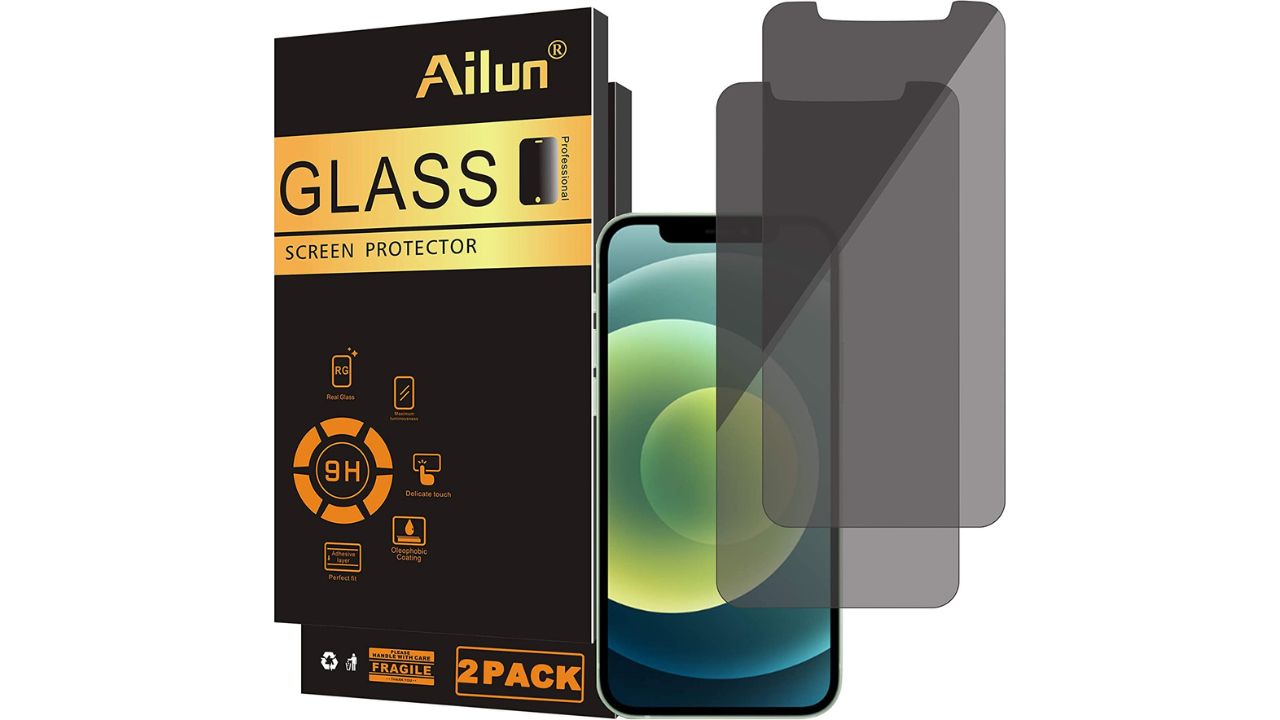
Ailun Privacy Screen Protector for iPhone 12
Credit: Ailun
The Ailun screen protector fits iPhone 12 and iPhone 12 Pro models. It features maximum protection from scratches, scrapes, and bumps and has a 99.99% high-definition clear hydrophobic and oleophobic screen coating that protects against sweat and oil residue from fingerprints.
Get Ailun Privacy Screen Protector for iPhone 12
Ferilinso Privacy Screen and Camera Lens Protector for Samsung Galaxy S24 and Google Pixel 9
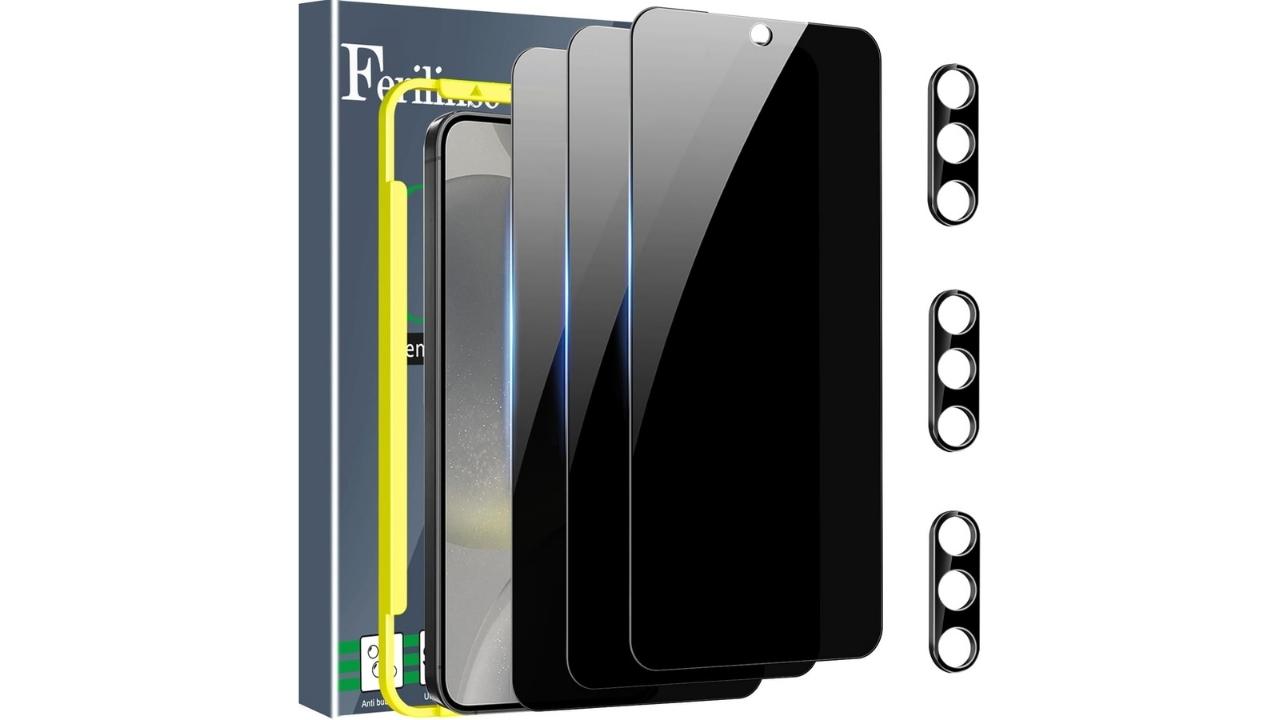
This three-pack includes privacy screen protectors and matching camera lens covers designed for the Samsung Galaxy S24 and Google Pixel phones. The tempered glass uses a narrow viewing angle to block side glances while keeping the display clear and touch-responsive when viewed straight on. With 9H hardness, case-friendly edges, and an easy installation frame, it adds strong privacy and scratch protection without interfering with fingerprint unlock or daily use.
Get Ferilinso Privacy Screen Protector for Samsung Galaxy S24 and Google Pixel 9
JETech Front Privacy Screen Protector for Samsung Galaxy Z Fold 5 to 7
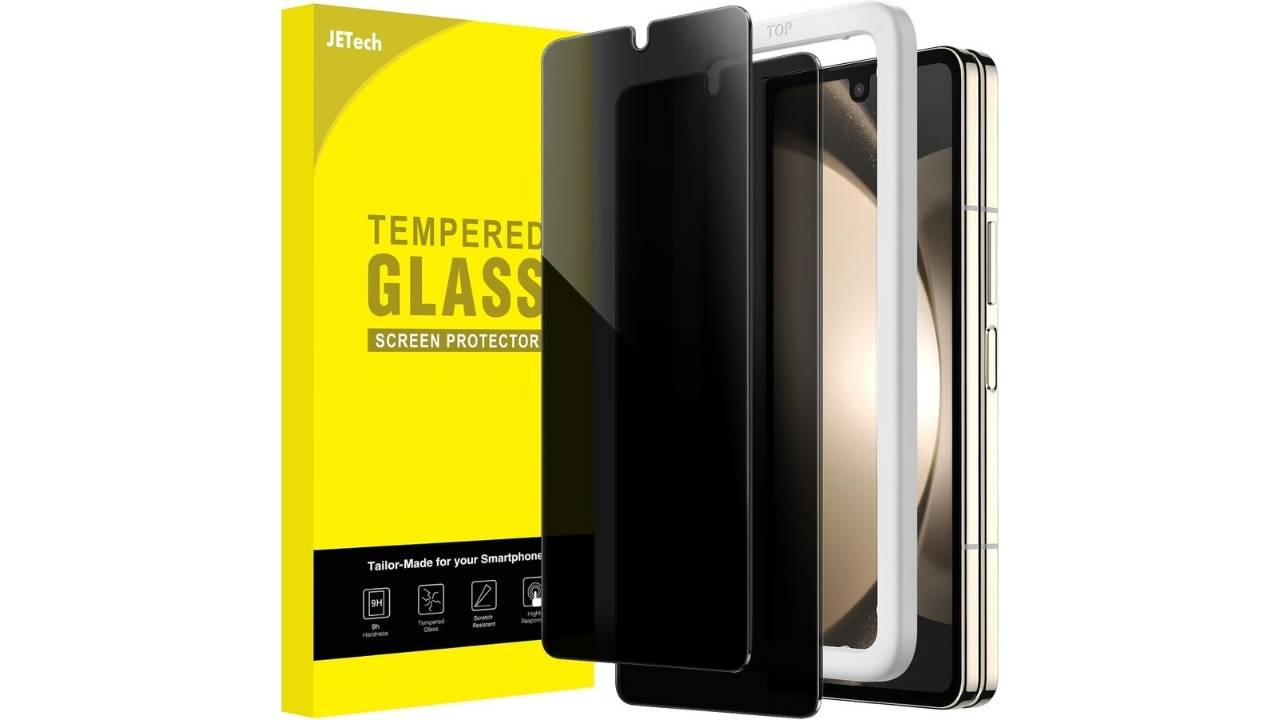
This two-pack privacy screen protector is designed for the front display of the Samsung Galaxy Z Fold 5 to help block side views and keep your information private. The tempered glass uses an anti-spy filter while maintaining clear visuals and responsive touch when viewed straight on. With 9H scratch resistance, a case-friendly fit, and an included installation tool, it offers solid privacy protection without interfering with everyday use.
Get JETech Front Privacy Screen Protector for Samsung Galaxy Z Fold 5 to 7
YWXTW Privacy Screen Protector for Android Galaxy
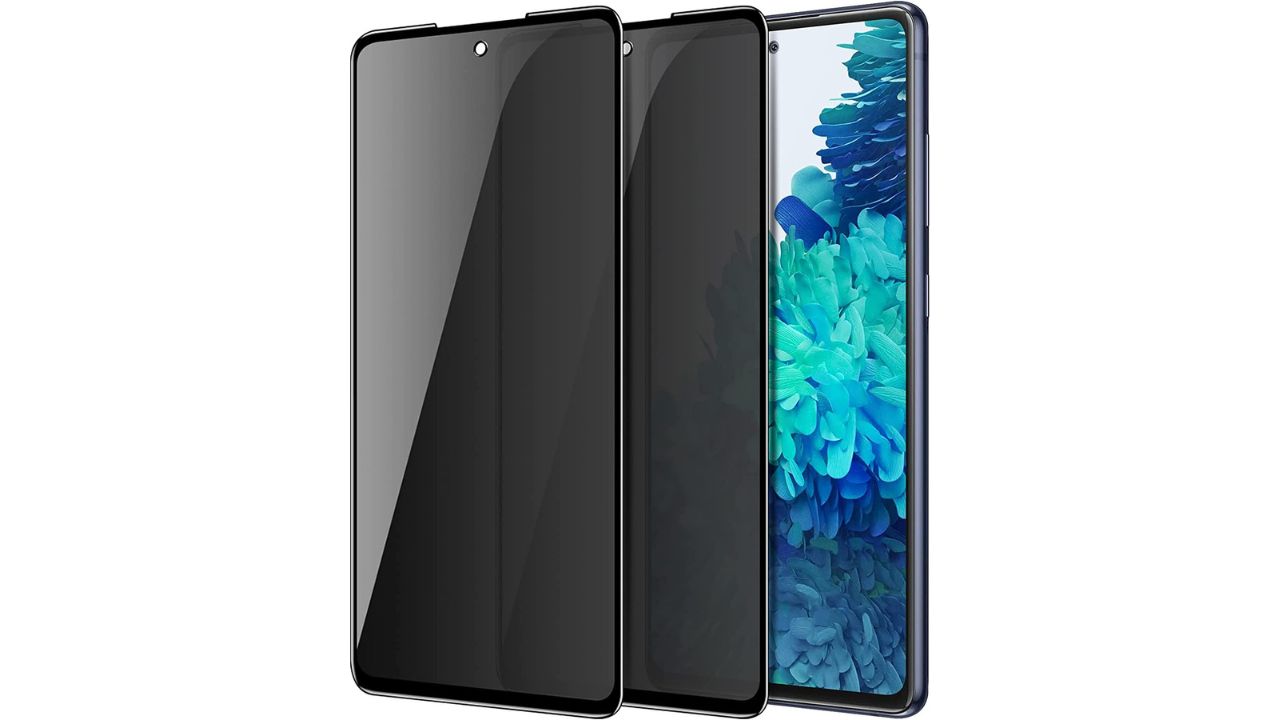
Credit: YWXTW
The screen is compatible with Samsung Galaxy S20 FE, A51, A52, and A53 models. It is easy to install with tempered glass and 100% bubble-free adhesives. Its screen protector is designed with a hydrophobic and oleophobic coating and an anti-scratch surface to protect your screen from accidental spills, oil residue from fingerprints, bumps, and daily wear and tear.
Get YWXTW Privacy Screen Protector for Android
YWXTW Privacy Screen Protector for Samsung Galaxy
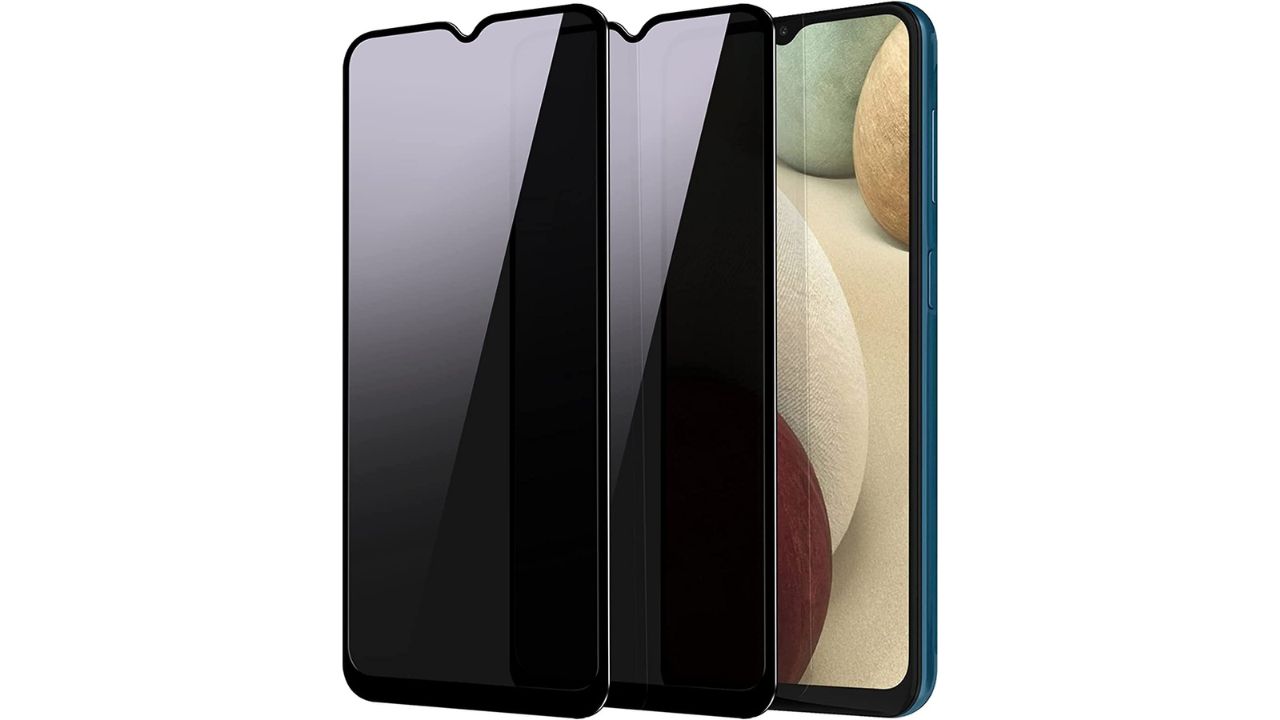
Credit: YWXTW
The YWXTW privacy screen is compatible with the Samsung Galaxy A12, A13, A13 LTE, A32 5G, A03S, and A02S. It features a 9H privacy glass protector. It is also scratch-resistant and highly durable. It is compatible with most Galaxy cases and installs easily.
Get YWXTW Privacy Screen Protector for Android
If you’re looking for more privacy for your tablet, we’ve found great privacy screen options that would work well.
Get YWXTW Privacy Screen Protector for iPad
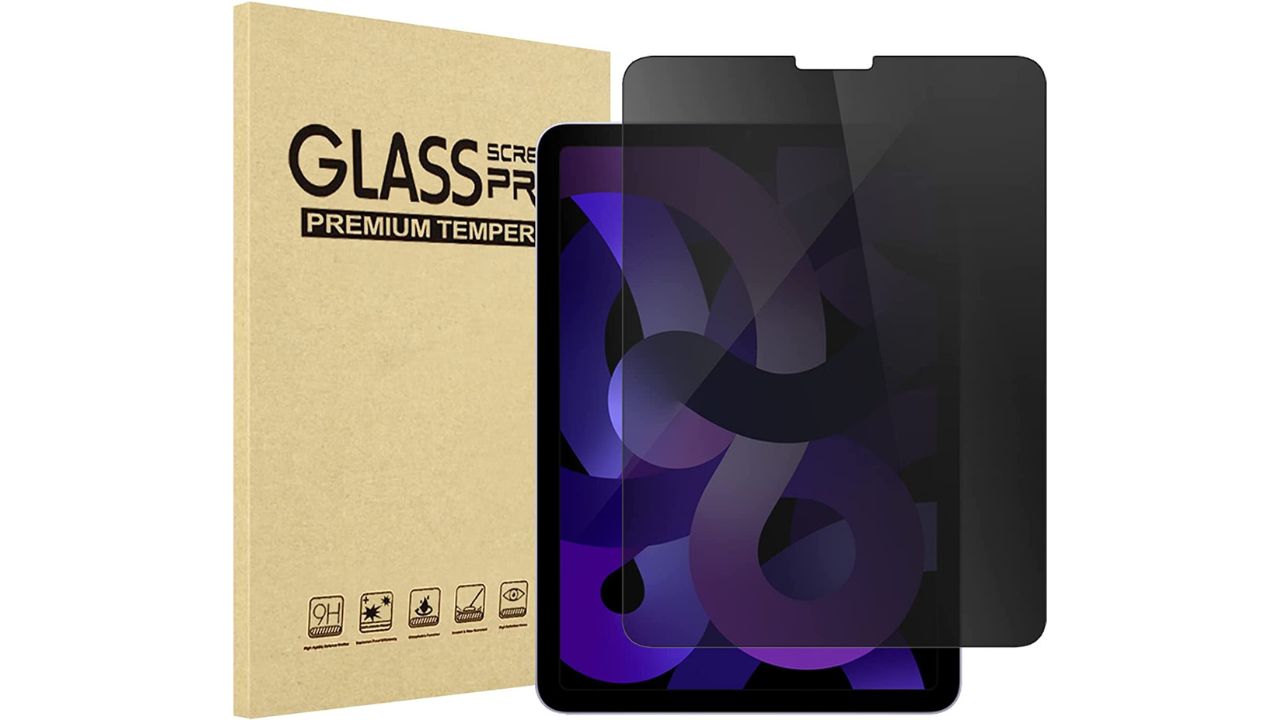
Credit: ProCase
This screen will perfectly fit an Apple iPad Air 5th Generation 10.9-inch, an iPad Air 4th Generation 10.9-inch, or an iPad Pro 11-inch 2nd Generation. It has a 9H hardness surface, is scratch-resistant, and protects your iPad from accidental bumps. Plus, it’s coated with a hydrophobic material and has ultra-thin tempered glass.
ProCase for Galaxy Tablet
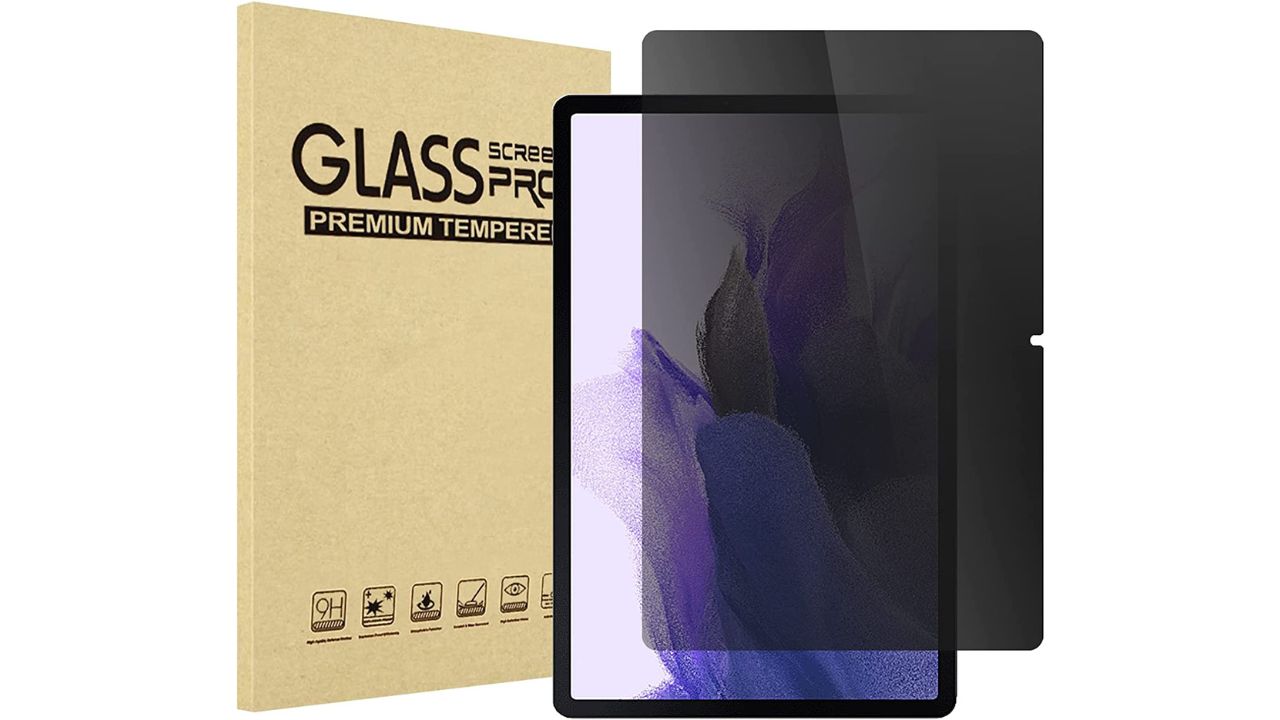
Credit: ProCase
We’re sticking with ProCase because this one can also fit the Galaxy Tablet S8 Plus 2022, the S7 FE 2021, and the S7 Plus 2020. This screen limits the viewing angle to 30 degrees, and the privacy film guard will darken your screen when viewing from the side. Its bubble-free installation only takes seconds and has an advanced silicone adhesive.
ProCase for Microsoft Surface
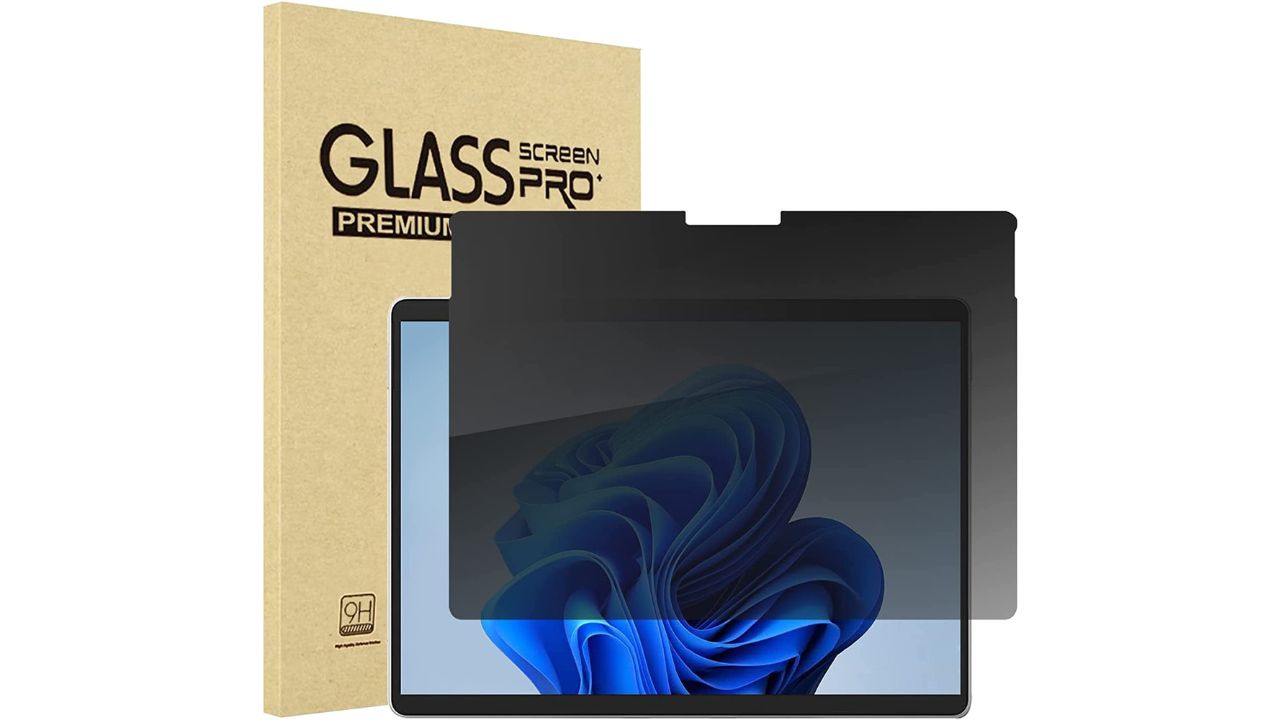
Credit: ProCase
If you have a Microsoft Surface Pro X, ProCase has you covered. Same as the iPad and Galaxy screen protectors, it has a 9H hardness surface, is scratch-resistant, and has bubble-free installation.
(For Microsoft Surface, find out which model you have by clicking Settings > System > About. Look near the top of the window to find which Surface module you have.)
Get ProCase for Microsoft Surface
Privacy screens are a great way to prevent others from viewing your screen, although there are other ways to protect your privacy:
8 additional ways to protect your privacy
These simple tips help you reduce tracking, block common threats, and keep your personal information from falling into the wrong hands.
1) Use strong antivirus software on all your devices
Strong antivirus software helps detect suspicious activity, block malware, and stop threats before they compromise your data. I recommend using protection that works across Windows, Mac, Android, and iOS.
The best way to safeguard yourself from malicious links that install malware, potentially accessing your private information, is to have strong antivirus software installed on all your devices. This protection can also alert you to phishing emails and ransomware scams, keeping your personal information and digital assets safe.
TotalAV is easy to set up and offers real-time protection for paid users, keeping your devices safe around the clock. It includes tools to block phishing scams, remove ransomware and spyware, and clean up adware and junk files. The software also features a browser manager, system tune-up tools, and protects across Windows, Mac, Android, and iOS devices.
GET MY EXCLUSIVE CYBERGUY TOTALAV DEAL:
Please note:
1) If you're having difficulty seeing either of the above deals, do this:
- If you're on a mobile device, hold down the link above, "Copy Link", and then paste it into a private or incognito browser.
- If you're on a laptop or desktop, right click the link, "Copy Link", and then paste it into a private or incognito browser.
2) During registration you may see optional upsells you can decline. Our top pick is the core antivirus product.
3) If you need help after your purchase, you can reach TotalAV directly through their official support page here.
2) Turn on two-factor authentication for your accounts
Use two-factor authentication (2FA), which adds an extra layer of security to your online accounts and makes it harder for hackers to access them.
3) Keep your devices and apps updated
Keep your software up to date because updates often include security patches that protect your device from vulnerabilities that can be exploited by attackers.
4) Create strong and unique passwords for every login
Use strong and unique passwords with a combination of letters, numbers, and special characters that are harder to crack than simple passwords. Consider using a password manager, which securely stores and generates complex passwords, reducing the risk of password reuse.
Next, see if your email has been exposed in past breaches. Our #1 pick, NordPass, includes a built-in breach scanner that checks whether your email address or passwords have appeared in known leaks. If you discover a match, immediately change any reused passwords and secure those accounts with new, unique credentials.
- Unlimited password storage
- Secure sharing
- Password health reports
- Auto-fill and emergency access
- Data breach monitoring to alert you if your credentials have been exposed
- A Security Dashboard with tools like the Data Breach Scanner and Password Health Checker to identify weak, reused, or compromised passwords
CyberGuy Exclusive Deal: Save 52% now with CyberGuy’s exclusive NordPass offer – Get 1 extra month FREE with a 2-year plan. Try 30 days risk-free for only $1.43 per month!
5) Share less personal information online
The more personal details you post, the easier it is for scammers, data brokers, and identity thieves to target you. Be cautious about what you share on social media, forums, and public profiles.
6) Use a data removal service to reduce your digital footprint
Even if you stop oversharing, your information may already be circulating online. Data removal services help find and remove your personal details from data broker sites that collect and sell your information.
While no service can guarantee the complete removal of your data from the internet, a data removal service is really a smart choice. They aren’t cheap, and neither is your privacy. These services do all the work for you by actively monitoring and systematically erasing your personal information from hundreds of websites. It’s what gives me peace of mind and has proven to be the most effective way to erase your personal data from the internet. By limiting the information available, you reduce the risk of scammers cross-referencing data from breaches with information they might find on the dark web, making it harder for them to target you.
Incogni, a service I trust 100% and use myself, helps automate the process by submitting removal requests to hundreds of data brokers and people-search sites on your behalf.
Incogni automatically contacts data brokers on your behalf and requests the removal of your personal information. It also continues monitoring those sites and submits new removal requests if your data reappears.
- Incogni currently removes personal data from 420+ data broker and people-search websites, and its Unlimited plan allows you to request removals from as many additional sites as you need.
- Incogni has also received third-party assurance from Deloitte, validating its marketing claims.
- The goal is simple: make it much harder for strangers, scammers, and cybercriminals to find your personal information online.
A Texas mom says she spent the night in jail after speaking up online about dirty water in her town. The case was later dropped, but her story raises a troubling question: could something you post online ever put you at risk?

Join Kurt this Saturday, June 13 at 10 AM ET for quick phone privacy and security fixes.
See Kurt’s 2026 picks for practical tech and everyday upgrades.
CyberGuy readers get 60% off Incogni’s annual plans using the links in this article.
The service also includes a 30-day money-back guarantee, so you can try it risk-free and see how much of your information is exposed online.
Is your personal information exposed online?
Run a free scan to see if your personal info is compromised. Results arrive by email in about an hour.
7) Avoid risky public Wi-Fi connections
Be cautious of public Wi-Fi networks because they are often unsecured and easy for hackers to exploit. Attackers can intercept your data, including logins and personal messages, without you realizing it. If you must connect, avoid accessing sensitive accounts and use a VPN for added protection.
8) Use a VPN to hide your IP address and location
Consider using a VPN to protect against those who can track you and identify your potential location on websites that you visit. Many sites are able to read your IP address and, depending on their privacy settings, may display the city from which you are corresponding. A VPN will disguise your IP address to show an alternate location.
ExpressVPN is the go-to choice for those who prioritize ultra-fast speeds, reliability, and top-tier security. With servers in 105 countries, ExpressVPN delivers blazing-fast performance for streaming, gaming, and secure browsing. It supports P2P file sharing, offers best-in-class encryption, and maintains a strict no-logs policy—with all servers running on RAM for enhanced privacy. You can connect up to 10 devices simultaneously, and setup takes under 2 minutes. Plus, with 24/7 live customer support and a 30-day money-back guarantee, ExpressVPN is a premium choice for security-focused users who want speed without compromise.
CyberGuy Exclusive ExpressVPN Deals:
✅ Save 61% – Get 3 months FREE with 12-month plan for $4.99/month. Try 30 days risk-free.
✅ Save 78% – Get 4 months FREE with 24-month plan for $2.79/month. Try 30 days risk-free.
Surfshark – Best for Unlimited Devices & Budget-Friendly Security
If you're looking for a more affordable VPN without sacrificing security, Surfshark is an excellent choice. Surfshark operates under a strict no-logs policy and offers top-notch encryption to keep your data safe. However, Surfshark stands out by allowing unlimited devices on a single account - making it perfect for families, small businesses, or users with multiple gadgets. If you're looking for a more affordable VPN without sacrificing security, Surfshark is an excellent choice. Surfshark operates under a strict no-logs policy and offers top-notch encryption to keep your data safe. It now runs on upgraded 100 Gbps servers, delivering faster speeds, smoother streaming, and greater reliability even during peak hours. The upgrade also makes Surfshark more future-proof with improved stability, scalability, and load balancing for growing bandwidth demands.
Surfshark stands out by allowing unlimited devices on a single account—making it perfect for families, small businesses, or users with multiple gadgets. It also includes features like MultiHop (double VPN) and Camouflage Mode to bypass VPN restrictions in censored regions. With a budget-friendly price and feature-rich security, Surfshark is ideal for those who want privacy on a budget.
CyberGuy Exclusive Surfshark Deals:
✅ Save 81% – Get 3 extra months FREE with 12-month plan for $2.98/month. Try 30 days risk-free.
✅ Save 88%/b> – Get 3 extra months FREE with 24-month plan for $1.78/month. Try 30 days risk-free.
For best VPN software, see my expert review of the best VPNs for browsing the web privately on your Windows, Mac, Android & iOS devices
Related Links:
Kurt’s key takeaways
Keeping your privacy intact and leaving snoopers out of your devices is incredibly important. We can’t get rid of snoops; however, we can certainly keep them off our device screens with the excellent options above.
Do you think devices should come with privacy screens by default, rather than requiring a separate purchase? Let us know by commenting below.
FOR MORE OF MY TECH TIPS & SECURITY ALERTS, SUBSCRIBE TO MY FREE CYBERGUY REPORT NEWSLETTER HERE
Copyright 2025 CyberGuy.com. All rights reserved. CyberGuy.com articles and content may contain affiliate links that earn a commission when purchases are made.
🎙 Now Streaming: My New Podcast: The CyberGuy Report
Kurt’s Top Deals
Deals move fast and inventory can be limited, so don’t wait too long.
| 🔥 Editor’s pick  Summer entertaining Ninja SLUSHi Machine (26% off) Frozen drinks and slushies at home in minutes. | |
| 💰 Top deal  Outdoor essential TYPEC Solar Bug Zapper (36% off) Solar-powered bug zappers for patios and camping. |