- A flaw in some Android phones can let attackers access encrypted data without needing your PIN.
- The attack requires physical access and a USB connection, not a remote hack.
- A fix exists, but updates depend on your phone manufacturer and device support.
- Simple steps like updates, 2FA, and limiting stored data can reduce your risk.
Your phone lock screen is supposed to be your last line of defense. If your device gets lost or stolen, that PIN or passcode should keep strangers out of your photos, messages, and financial apps. But researchers have found a serious flaw that can break through those protections on certain Android phones in less than a minute.
Once exploited, attackers can recover your phone’s PIN, unlock encrypted storage, and even extract sensitive data such as cryptocurrency wallet seed phrases. Security researchers estimate that roughly one in four Android phones could be affected, particularly budget phones.
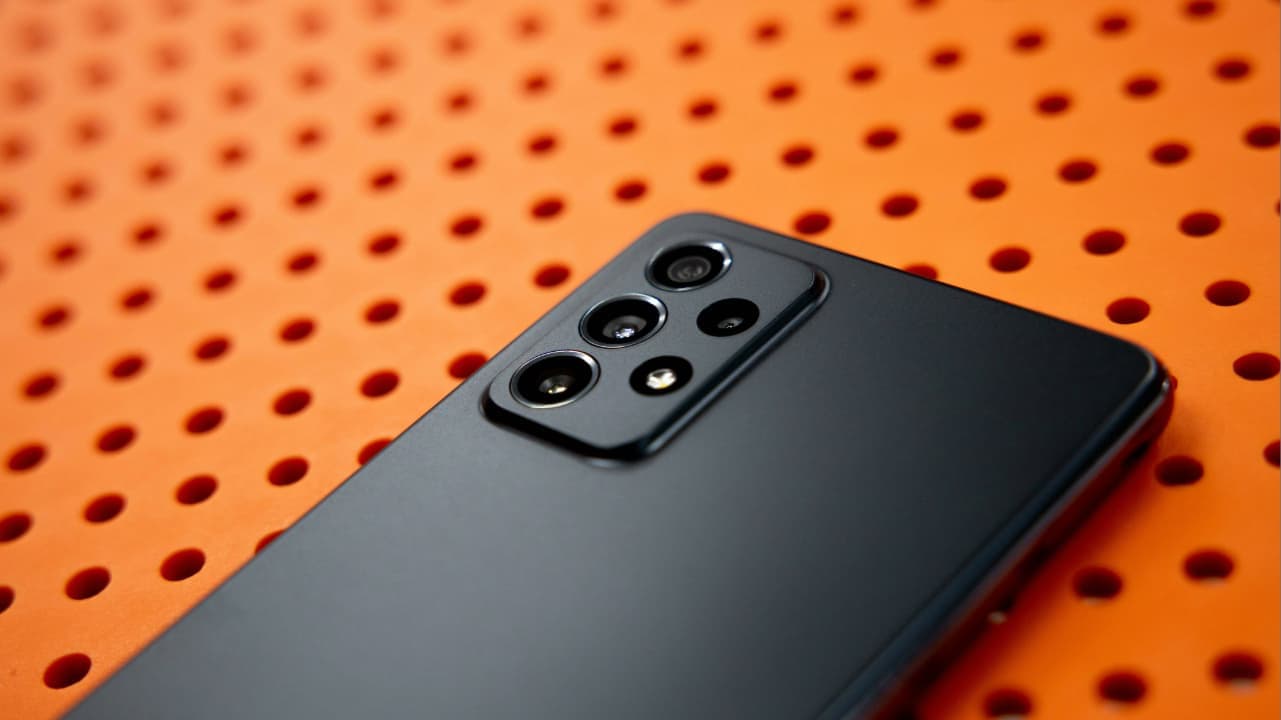
All about the Android hacking flaw
A newly disclosed vulnerability, tracked as CVE-2026-20435 in the National Vulnerability Database, affects some Android phones powered by MediaTek, a major smartphone chip maker based in Taiwan that competes with companies like Qualcomm. These phones use a security component called Trustonic’s Trusted Execution Environment (TEE), which is designed to keep sensitive data, such as encryption keys, protected from the rest of the system.
It stores cryptographic keys that help keep your device encrypted and secure, even if someone tries to tamper with it. However, security analyses of the vulnerability indicate that these protections may be bypassed on affected devices.
By connecting a phone to a computer using a USB cable, an attacker with physical access may be able to exploit the flaw during the early boot process, potentially exposing sensitive data before full security protections are enforced. Think of it like accessing the master key before the safe door even closes. Once attackers gain access to these low-level components, they may be able to access encrypted storage without needing your PIN.
In a worst-case scenario, this type of access could allow attackers to extract highly sensitive information, including personal photos, stored passwords, private messages, financial data, and crypto wallet credentials. If seed phrases for crypto wallets are exposed, attackers could drain funds permanently.
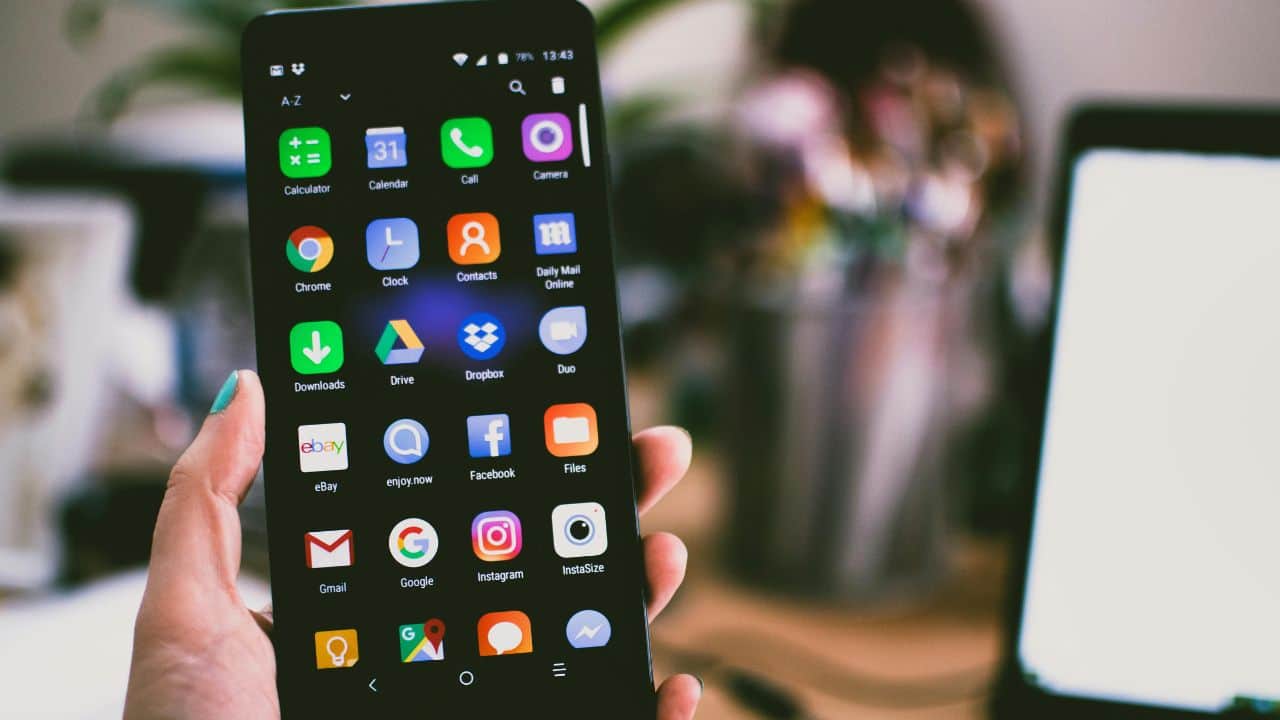
What are Android makers doing about this
There’s limited action manufacturers can take on their own since the issue originates at the processor level, which is manufactured by MediaTek. The company says it has released a firmware patch addressing the vulnerability. However, the update must still be distributed by individual phone manufacturers through security updates. Depending on the device and whether it is still supported, that update could arrive quickly or not at all.
The good thing is that this attack requires physical access to the phone and a USB connection to a computer. That means it cannot be done remotely over the internet. However, if your phone is stolen, briefly confiscated, or even taken during a repair, the attacker could potentially extract sensitive information.
If you’re not sure whether this vulnerability affects your mobile device, you can look up your phone on a platform like GSMArena or your vendor’s website to see which SoC it uses, then cross-check it with MediaTek’s March security bulletin under CVE-2026-20435.
CyberGuy reached out to MediaTek for comment, but did not hear back before our deadline.

How to tell if your phone is affected
So how do you know if your phone is actually at risk? Not every Android phone is vulnerable. The issue primarily affects devices that use certain MediaTek processors. Here’s how to check your phone:
1) Find your phone model
Go to Settings > About phone and look for your exact model name.
A Texas mom says she spent the night in jail after speaking up online about dirty water in her town. The case was later dropped, but her story raises a troubling question: could something you post online ever put you at risk?

Missed this event? Sign up via the registration form and see our live recording.
See Kurt’s 2026 picks for practical tech and everyday upgrades.
2) Look up your processor (chip)
Search your phone model on a site like GSMArena or your manufacturer’s website to find the processor (also called the SoC).
3) Check if it uses MediaTek
If your phone uses a MediaTek chip, it may be affected. Devices with Qualcomm Snapdragon or Google Tensor chips are not part of this specific issue.
4) Install the latest security updates immediately
Check your phone’s system update settings and install any available updates from your manufacturer. Go to Settings > Software update and install any available updates. MediaTek has already released a fix, but phone makers must distribute it. Installing updates quickly ensures you receive the firmware patch if your device manufacturer has released it.
7 ways you can protect your phone from getting hacked
If your phone uses one of the affected chips, a few simple precautions can help reduce the chances of someone accessing your data if the device ever falls into the wrong hands.
1) Install strong antivirus protection
A security app cannot fix this processor-level flaw. However, it can still help protect your phone from other threats that often follow stolen or compromised devices. It will not stop this specific exploit, but it can detect malicious apps, spyware, and suspicious activity that attackers may install after gaining access. That extra layer of monitoring can help stop additional data theft if your device ever falls into the wrong hands. Our #1 pick for antivirus is TotalAV ($19 for 5 licenses). Read more here.
2) Avoid keeping sensitive information on your phone
If you store things like cryptocurrency wallet seed phrases, recovery codes, or sensitive documents in notes apps or screenshots, consider moving them to a secure offline location. If someone extracts your phone’s data through this vulnerability, that information could be exposed.
3) Keep physical control of your phone
This exploit requires someone to physically connect your phone to a computer. Do not leave your device unattended in public places, and be cautious when handing it to repair shops or unknown technicians. Physical access dramatically increases the risk.
4) Use strong screen locks and auto-lock settings
While the vulnerability bypasses encryption on affected devices, strong lock settings still protect against many other threats. Use a longer PIN or passcode instead of simple patterns, and enable automatic locking after short periods of inactivity.
5) Protect accounts with two-factor authentication
Even if attackers gain access to data on your phone, two-factor authentication (2FA) can stop them from logging into your online accounts. Enable it for email, banking apps, cloud storage, and social media wherever possible.
6) Use a password manager
A password manager like Nordpass stores your login credentials in a secure, encrypted vault instead of leaving them scattered across apps and notes. If someone compromises your device, the password manager still protects your accounts with strong encryption, forcing attackers to break through another security layer before they can access your logins. Save 52% now with CyberGuy’s exclusive NordPass offer – Get 1 extra month FREE with a 2-year plan. Try 30 days risk-free for only $1.43 per month! (read more here)
7) Enable USB restricted mode (if available)
Some Android devices limit USB data access when locked. Turning on this setting can reduce the risk of unauthorized data extraction through a wired connection, especially in situations where someone briefly gains physical access to your phone. On Samsung phones running the latest software:
Settings may vary slightly depending on your Samsung model and software version.
- Go to Settings
- Tap Lock screen
- Then, tap Secure lock settings
- Enter your current PIN, then tap Continue
- Enable “Lock network and security” (or a similarly named option) to help block USB data access while your device is locked.
Related Links:
- How to spot fake data breach letters before you reply
- Why is it so hard to find every data broker selling your information
- Your phone shares data at night: Here’s how to stop it
Kurt’s key takeaway
This vulnerability exposes a deeper issue with the Android ecosystem. Even when chipmakers release a fix, millions of phones depend on manufacturers to deliver updates that may never arrive, especially for cheaper devices that lose support quickly. We often assume our lock screen and encryption will protect our data if a phone is lost or stolen. However, incidents like this show that protection is only as strong as the update policies behind it. When devices stop receiving security patches, those protections quietly weaken over time.
Should phone manufacturers be required to guarantee security updates for several years if their devices contain critical encryption vulnerabilities? Let us know in the comments below.
FOR MORE OF MY TECH TIPS & SECURITY ALERTS, SUBSCRIBE TO MY FREE CYBERGUY REPORT NEWSLETTER HERE
Copyright 2026 CyberGuy.com. All rights reserved. CyberGuy.com articles and content may contain affiliate links that earn a commission when purchases are made.
🎙 Now Streaming: My New Podcast: The CyberGuy Report
Kurt’s Top Deals
Deals move fast and inventory can be limited, so don’t wait too long.
| 🔥 Editor’s pick  Summer entertaining Ninja SLUSHi Machine (26% off) Frozen drinks and slushies at home in minutes. | |
| 💰 Top deal  Outdoor essential TYPEC Solar Bug Zapper (36% off) Solar-powered bug zappers for patios and camping. |