



We’re always watching out for your privacy – but when it comes to the internet, it’s really hard to have any privacy. That is – unless you use a VPN.A VPN is a Virtual Private Network and they’re becoming more commonly used than ever. VPNs are helpful for both advanced and novice tech users.
Why do you need a VPN?
If you’re using your laptop or mobile device to browse online at a coffee shop, you’re putting your personal information in jeopardy. A VPN can ensure that your connection is safe and your data is encrypted. Secure connections in public places are only guaranteed these days by using a VPN.
For the more technically savvy, using a VPN can help you bypass geographical restrictions. That means you can watch Italian Netflix while living in the U.S., or access your remote work while in a different country.
6 Reasons to Use a VPN
1. Anonymity
A VPN can help you remain anonymous online by masking your IP address and location.
2. Security
VPNs add a layer of enhanced security by scrambling your internet traffic to prevent your personal data from falling into the hands of hackers, advertisers, or other third parties.
3. Privacy
VPNs prevent Internet service providers from monitoring your online activity.
4. Access to restricted content
VPNs offer a way around geo-fencing blocks. That’s the technology that can tell where you are located geographically when not protected by a VPN. Some websites, especially streaming providers like Netflix, Hulu, Disney+, etc only offer certain programming in certain countries based on licensing agreements. In case you are wondering how to unblock Netflix in your location, VPN is the answer. In other words, you can watch programming and streaming services anywhere on the internet away from home with a VPN that connects back to your home region. Many people use VPN to watch TV shows and movies that are not available in their country.
5. Cost savings
You can save money on purchasing items following these 6 hidden tips.
6. Preventing data and bandwidth throttling
Some ISPs may throttle your internet connection if they detect that you are using certain types of services or applications. A VPN can help prevent this by encrypting your traffic and making it difficult for your ISP to detect what you are doing online. They can help increase your connection speeds, especially if your Internet provider decides to throttle down your speed at times when it’s busy online. Interesting fact: some countries, such as China, Russia, Iran, United Arab Emirates, Oman, Turkey, Iraq, Turkmenistan, Belarus, and North Korea forbid their usage altogether. Some ISPs may also throttle your bandwidth if you use too much data. A VPN can help prevent this by encrypting your traffic and making it difficult for your ISP to detect how much data you are using.
Our Top VPN Picks
Here are our top picks for VPN software:
ExpressVPN
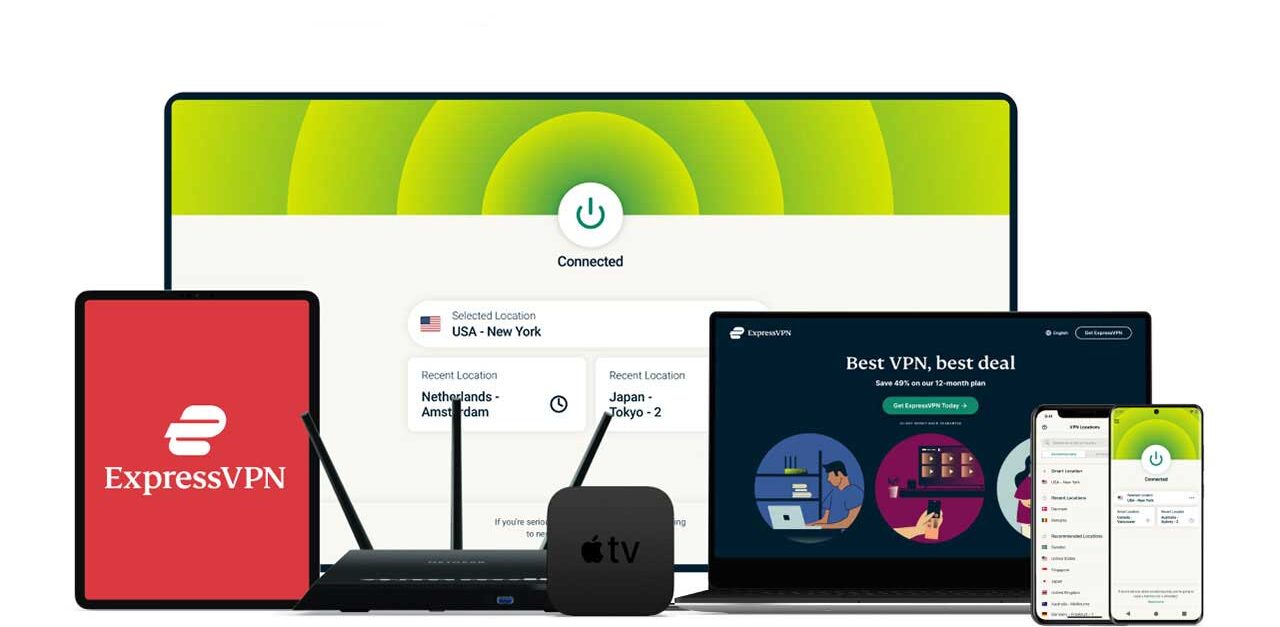
Now available with ExpressVPN Pro: a Dedicated IP option for fewer blocks and smoother logins.
If you’ve ever turned on a VPN and suddenly couldn’t log in to your bank, email, streaming service, or work portal, you’re not imagining it. Many websites aggressively block shared VPN IP addresses. With ExpressVPN Pro, you can get a Dedicated IP assigned only to you, which makes your connection look more like a normal home internet connection while keeping your traffic encrypted.
PROS
- The fastest and reliable VPN
- Quick and simple set up – takes less than 2 minutes
- Ultra-fast servers in 105 countries
- Available on every device including iOS, Mac, Android, Windows, router, Linux, web browser and more
- Connect 10 devices simultaneously
- Live chat support
- Top-notch privacy setting with “no log” policy
- Doesn’t collect user data including your activity or connection data;
- Won’t log your IP address, browsing history, traffic destination or metadata, or DNS queries.
- All servers run only on RAM so your data is never stored on a hard drive
- Full money-back guarantee within 30 days
- Excellent customer service – 24/7 live chat with real person
- Dedicated IP included with ExpressVPN Pro for fewer blocks and smoother access
- Reduces captchas and verification challenges caused by shared IP abuse
- More reliable access to banks, government sites, healthcare portals, and streaming services
CONS
- Price – but you get what you paid for!
Express VPN’s industry-first TrustedServer technology allows their servers to run on RAM only. This guarantees all software and data on a server is wiped on reboot, significantly minimizing any risk of servers could containing sensitive user information. Its in-house next-generation VPN protocol, Lightway gives you a faster, more reliable, and more secure VPN experience. The core codebase of Lightway has been open-sourced and is available on GitHub.
ExpressVPN is constantly going above and beyond to protect its users. And we’ve got an example of this. When the massive Log4J vulnerability shook the internet, ExpressVPN was the first VPN to deploy a wide-scale consumer mitigation tool for the Log4J bug.
CYBERGUY DEALS
- Save 75% now with CyberGuy’s exclusive offer – you can get now up to 3 months FREE with a 12-month plan, for $3.99/month. Try 30 days risk-free.
- Save 84% now with CyberGuy’s exclusive offer – you can get now up to 4 months FREE with a 24-month plan, for $2.49/month. Try 30 days risk-free.
Related
- How to install ExpressVPN on all of your devices
- Are free VPNs safe?
- What is a VPN? Can it really protect my online privacy and security?
- Top 6 hidden ways a VPN can save you money now
- Top 6 reasons why you need a VPN when you travel
- How do I use a VPN for online banking when I travel?
- Can I use multiple VPNs on my devices at the same time?
- How a VPN can protect you when using public wifi hotspots
Surfshark
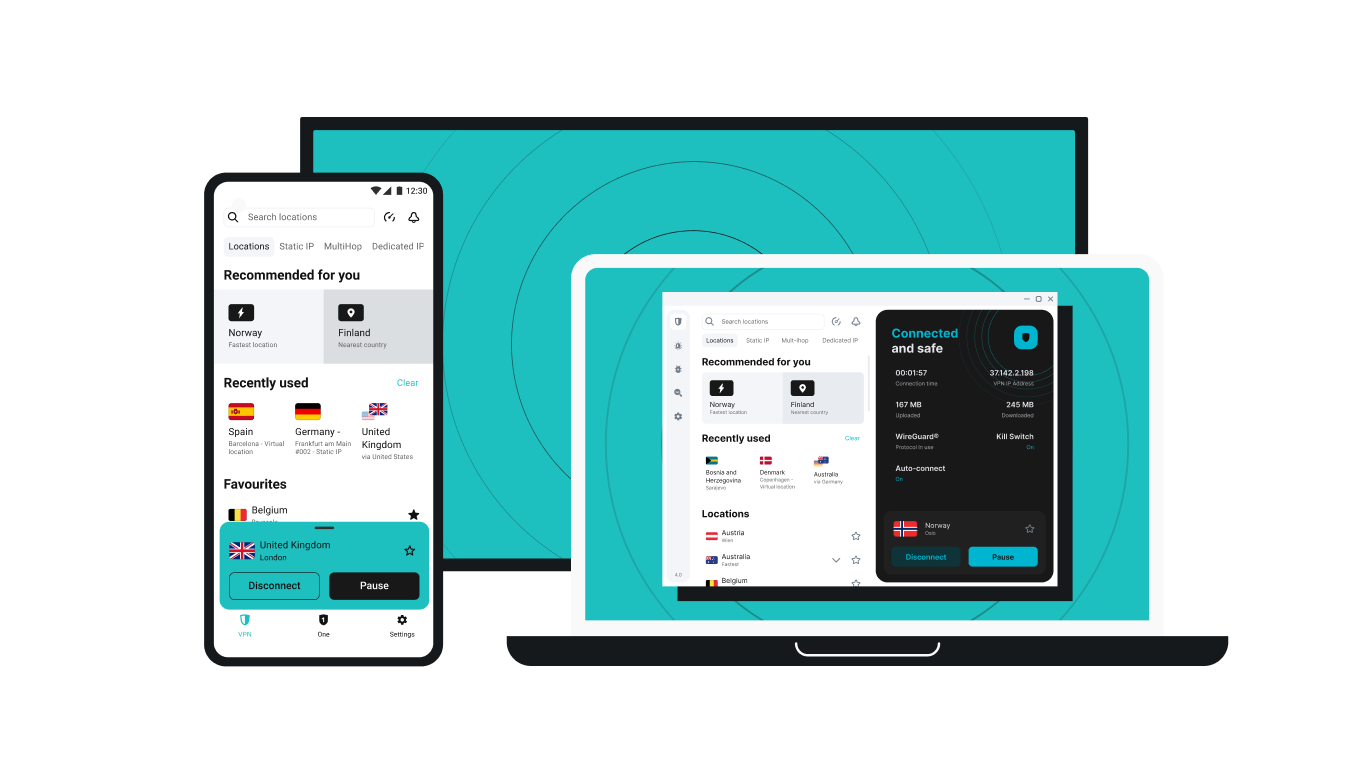
If you’re looking for a more affordable VPN without sacrificing security, Surfshark is an excellent choice. Like ExpressVPN, Surfshark operates under a strict no-logs policy and offers top-notch encryption to keep your data safe. Its new 100 Gbps servers deliver ten times more capacity than before, boosting speeds and reliability for streaming, gaming, and video calls even during peak usage. The upgrade also future-proofs the network with improved load balancing, stability, and scalability for growing bandwidth demands.
Surfshark stands out by allowing unlimited devices on a single account, making it perfect for families, small businesses, or users with multiple gadgets. It also includes features like MultiHop (double VPN) and Camouflage Mode to bypass VPN restrictions in censored regions. With a budget-friendly price and feature-rich security, Surfshark is ideal for those who want privacy on a budget.
NEW: Stay connected with Surfshark Everlink
Surfshark’s patented Everlink technology keeps your VPN connection stable even if the server drops. Think of it as a safety net that “self-heals” disruptions without disconnecting you, protecting you from sudden IP exposure and data leaks. It’s available by default on all major platforms when using the WireGuard protocol.
PROS
- The fastest VPN around
- Audited no-logs policy
- 3,200+ servers in 100 countries
- Unlimited device coverage
- 30-day money-back guarantee
- Perfect streaming scores
- Built-in ad blocker (CleanWeb)
- Live chat support
- Everlink for seamless, stable connections
CONS
- No forever-free version
- No password manager included
COVERAGE
- Covers unlimited devices
- Available for Mac, Windows, iOS, Android, Chrome, Firefox, and more
DOUBLE YOUR PRIVACY WITH SURFSHARK’S VPN + VIRTUAL NUMBER COMBO
Surfshark isn’t just a VPN—it’s a total privacy toolkit. When paired with Surfshark’s Alternative Number service, you unlock a new level of anonymity and control:
✔ Generate a Virtual Phone Number
Create a secure, U.S.-based virtual number to avoid robocalls, spam, and exposure of your personal digits.
✔ Mask Your Real Email Address
Sign up for services without revealing your primary email—ideal for avoiding trackers and junk mail.
✔ Enjoy Unlimited Connections
Use one subscription to protect all your devices—phones, tablets, laptops, and even browser extensions.
✔ CleanWeb Technology
Block ads, trackers, and malware automatically for a smoother and safer online experience.
Whether you’re protecting yourself from data leaks or just want to browse and stream freely without compromise, this combo plan has your back.
CYBERGUY DEALS
VPN only
- Save 81% now with CyberGuy’s exclusive offer – Get 3 extra months FREE with a 12-month plan. Try 30 days risk-free, for only $2.98 per month.
- Save 88% now with CyberGuy’s exclusive offer – Get 3 extra months FREE with a 24-month plan. Try 30 days risk-free, for only $1.78 per month.
NEW: Surfshark VPN + Virtual Number ComboDouble your privacy with Surfshark’s powerful VPN and virtual number combo—designed to keep your personal phone number, email, and browsing activity completely private. With features like CleanWeb ad blocking, unlimited device protection, and secure virtual numbers, Surfshark gives you total control over your digital identity.
- Save 79% now with CyberGuy’s exclusive offer – Get 4 extra months FREE with a 24-month plan. Try 30 days risk-free, for only $3.49/month
NordVPN – Best VPN for fast browsing
PROS
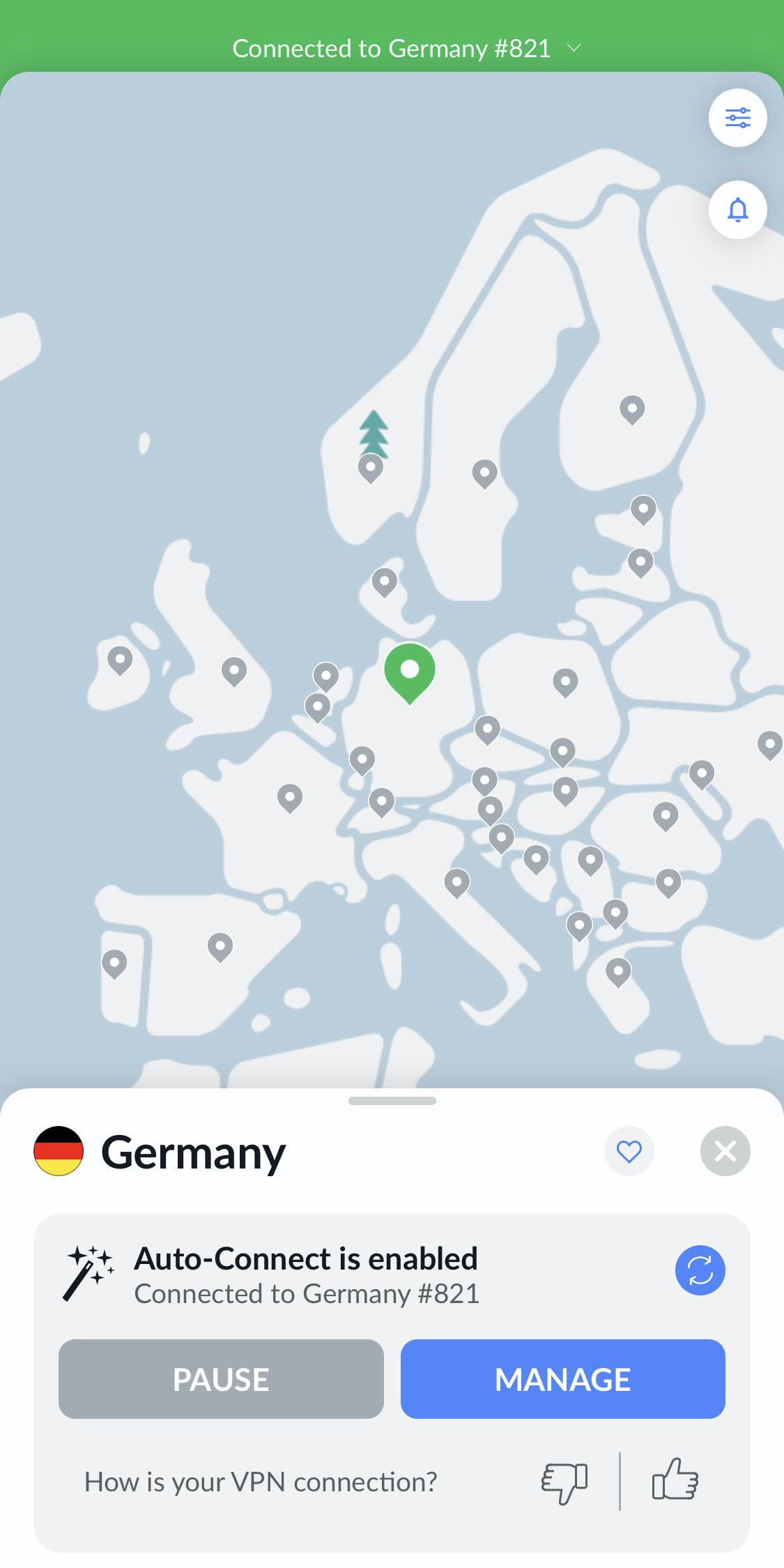
- Has over 7,400 servers in 118 countries
- Includes Meshnet for secure device-to-device connections
- Has Kill Switch, Split Tunneling, and advanced Double VPN options
- Backed by independent no-logs audits and RAM-only servers for maximum privacy
CONS
- No free trial
- Priced higher than other VPN packages
COVERAGE
- You can set up Nord VPN on up to 10 devices simultaneously.
- Available for iOS, Windows, Mac, and Android
CYBERGUY DEAL
Be sure to check out my picks for Best Antivirus Software, including Norton Antivirus Plus (CyberGuy Deal: 58% off), our winning Antivirus protection pick.
Related
- Can I use multiple VPNs on my devices at the same time?
- The safest way to browse the web: VPN Browsing
- Are free VPNs safe?
- Top 6 reasons why you need a VPN when you travel
- Top 6 hidden ways a VPN can save you money now
- VPNs and Browsing the Internet Privately – What you need to know
Copyright 2026 CyberGuy.com. All rights reserved. CyberGuy.com articles and content may contain affiliate links that earn a commission when purchases are made.
🎙 Now Streaming: My New Podcast: The CyberGuy Report
Kurt’s Top Deals
Deals move fast and inventory can be limited, so don’t wait too long.
| 🔥 Editor’s pick  Summer entertaining Ninja SLUSHi Machine (26% off) Frozen drinks and slushies at home in minutes. | |
| 💰 Top deal  Outdoor essential TYPEC Solar Bug Zapper (36% off) Solar-powered bug zappers for patios and camping. |


1 comment
Great for travel