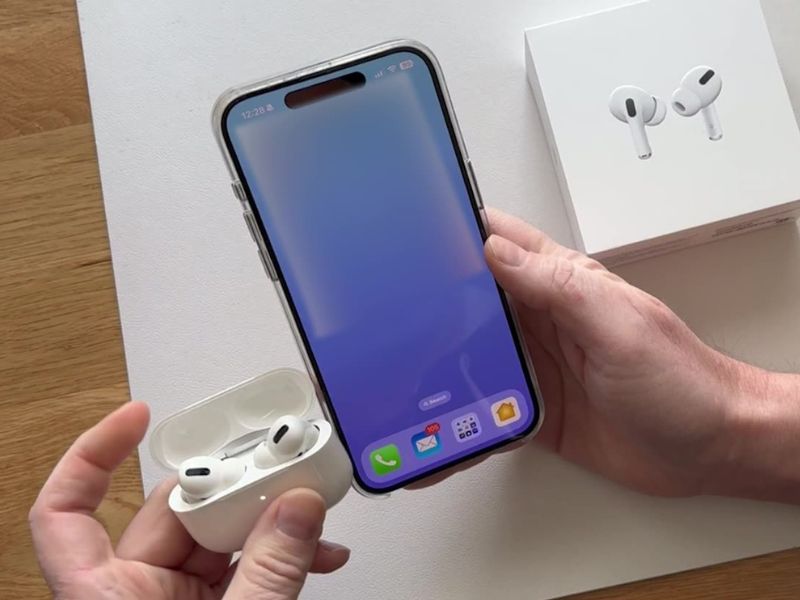
While the sonic quality of Apple’s AirPods certainly works across most devices with a Bluetooth connection, the real magic and a plethora of useful features really shine when you connect AirPods with other Apple devices. If you use the same Apple ID across all your Apple devices, you can really take advantage of the seamless auto-connect features.

GET SECURITY ALERTS, EXPERT TIPS – SIGN UP FOR KURT’S NEWSLETTER – THE CYBERGUY REPORT HERE
How to connect your AirPods to your iPhone
Before you start, make sure you’ve installed the latest version of iOS on your iPhone and be sure your AirPods are charged and in their case. If you’ve already connected your AirPods to your iPhone, it should connect automatically if you are signed in with the same Apple ID you used to sign onto your Mac. If not, here’s how to connect them to your iPhone.
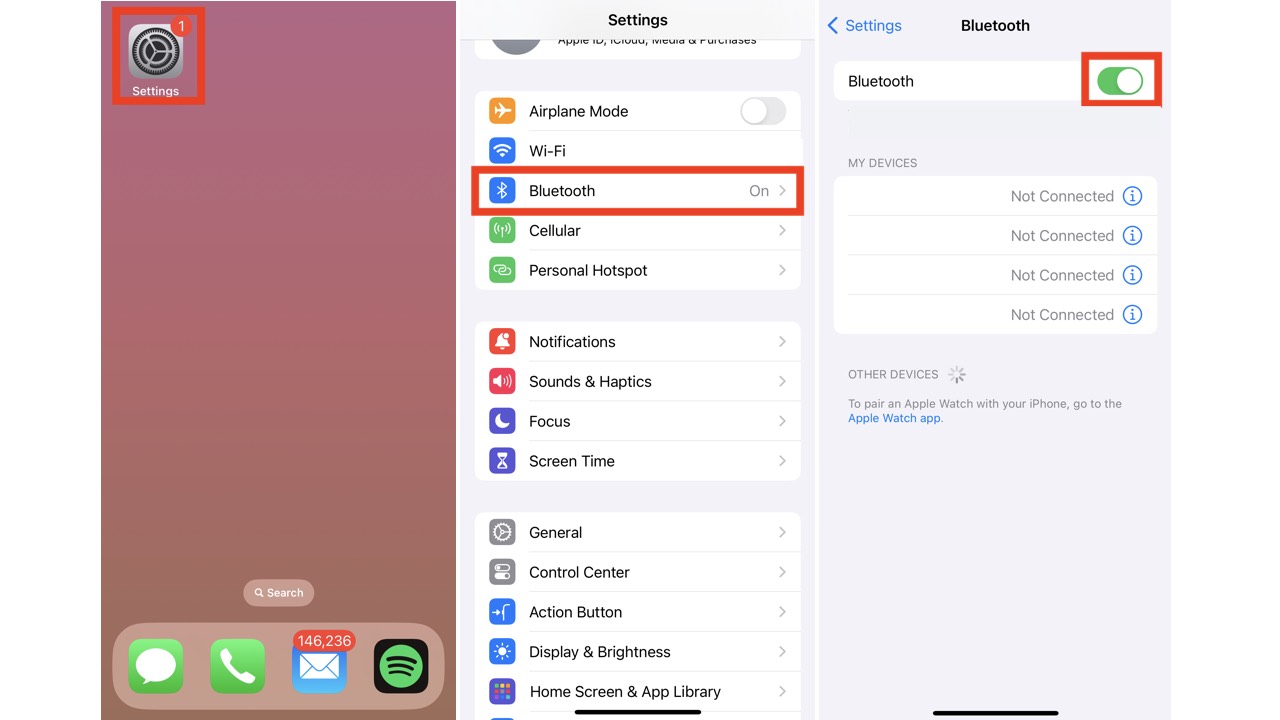
- Unlock your iPhone, and go to ‘Settings’
- Scroll down and tap ‘Bluetooth,’ then turn on Bluetooth (if it isn’t already on)
- The toggle next to ‘Bluetooth’ should be green, not grayed out
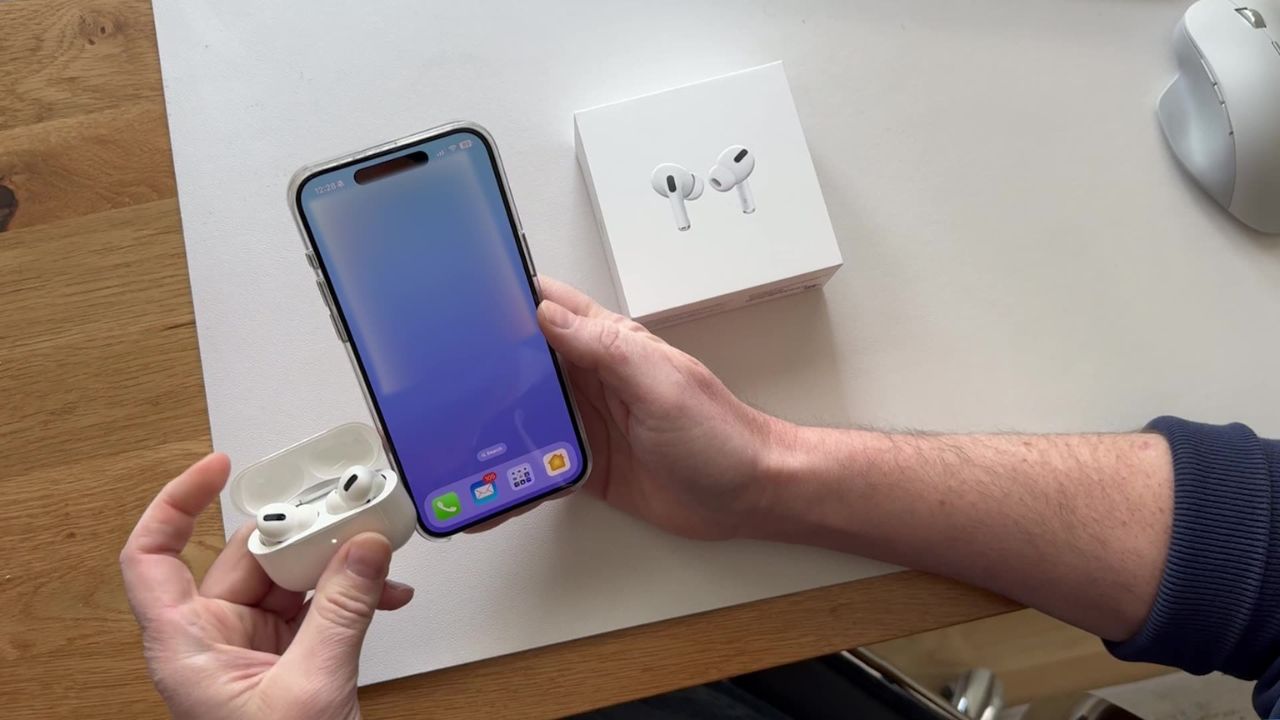
- Now, grab your AirPods Pro case with the AirPods inside, then hold it next to your iPhone with the case top open
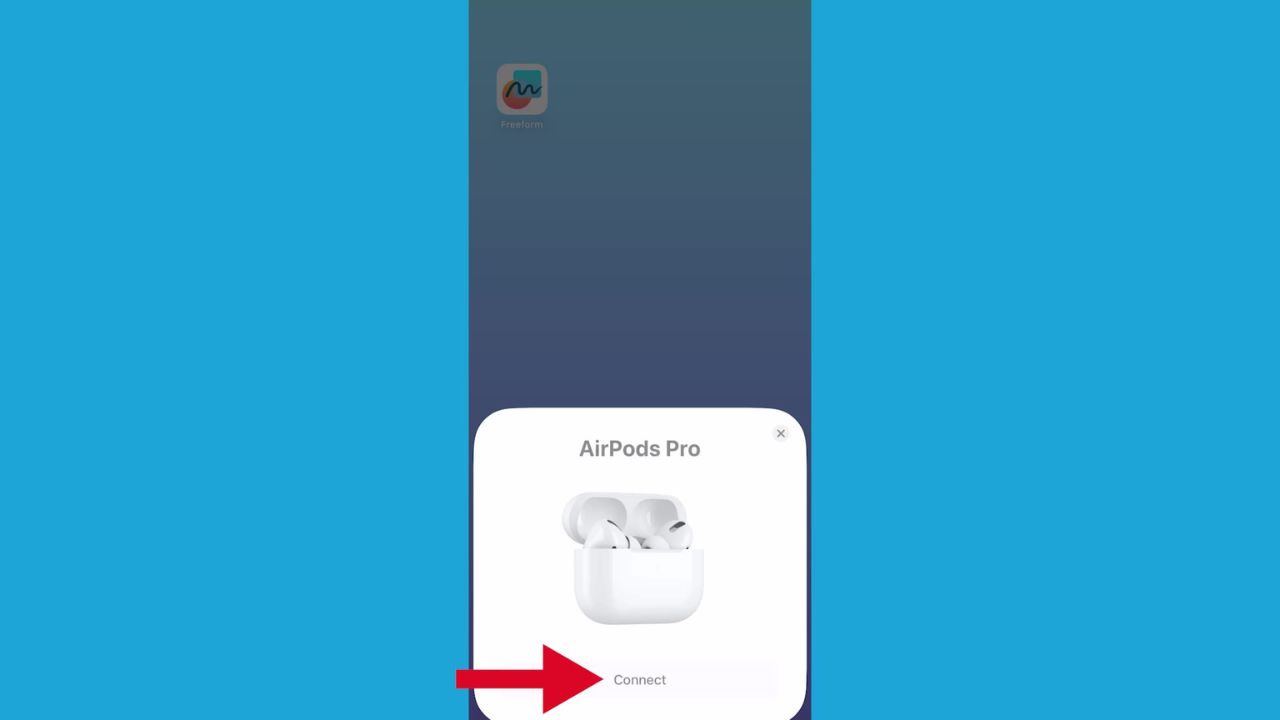
- At this point, a set-up animation will show up on your iPhone screen.
- Tap ‘Connect’ and you should be ready to listen
MORE: 8 INCREDIBLY USEFUL THINGS YOU CAN DO WITH AIRPODS
How to connect your AirPods Pro to your iPad
Before you start, make sure you’ve installed the latest version of iOS on your iPhone and be sure your AirPods are charged and in their case. If you’ve connected your AirPods to your iPad already, it should connect automatically if you are signed in with the same Apple ID you used to sign onto your Mac. If not, here’s how to connect them to your iPad.
- Open up your iPad and go to Settings
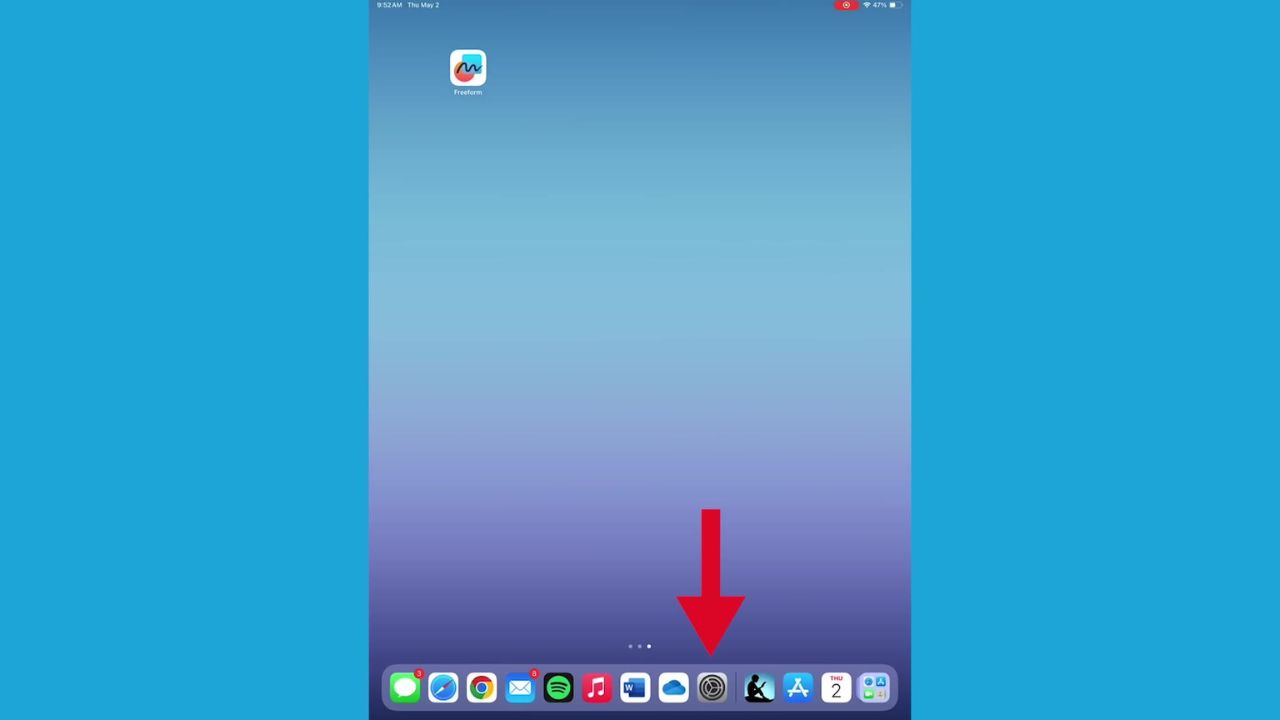
- From settings, scroll down and tap Bluetooth

- Then, tap the button on the right once so that it turns green

- Keep your iPad open to this screen, and take out your AirPods
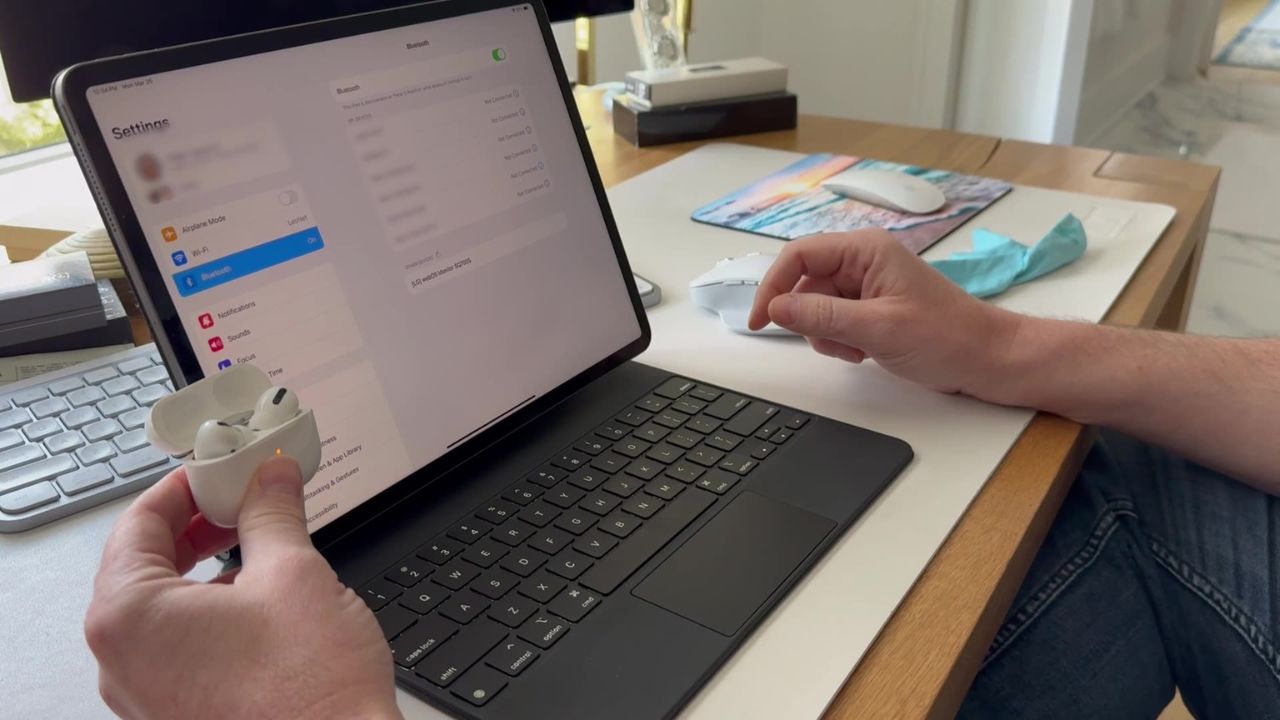
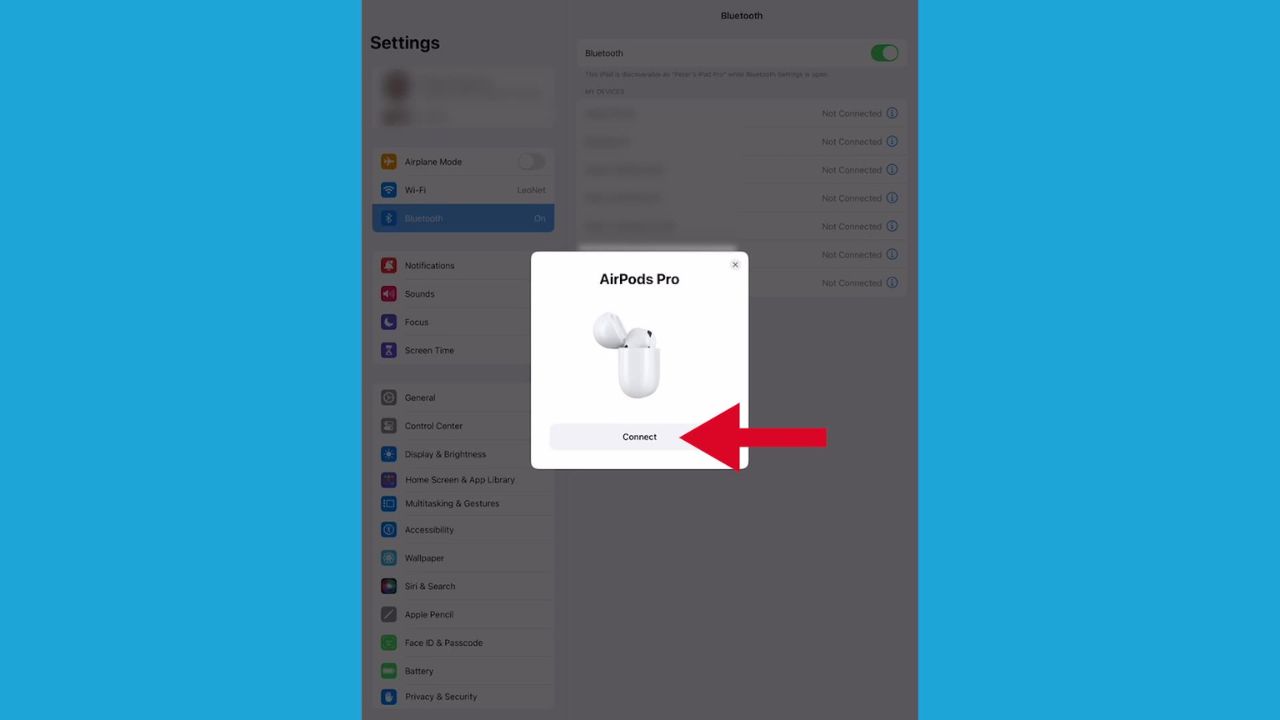
- From here, a setup animation will appear on the iPad. Tap connect.
- Now tap Done
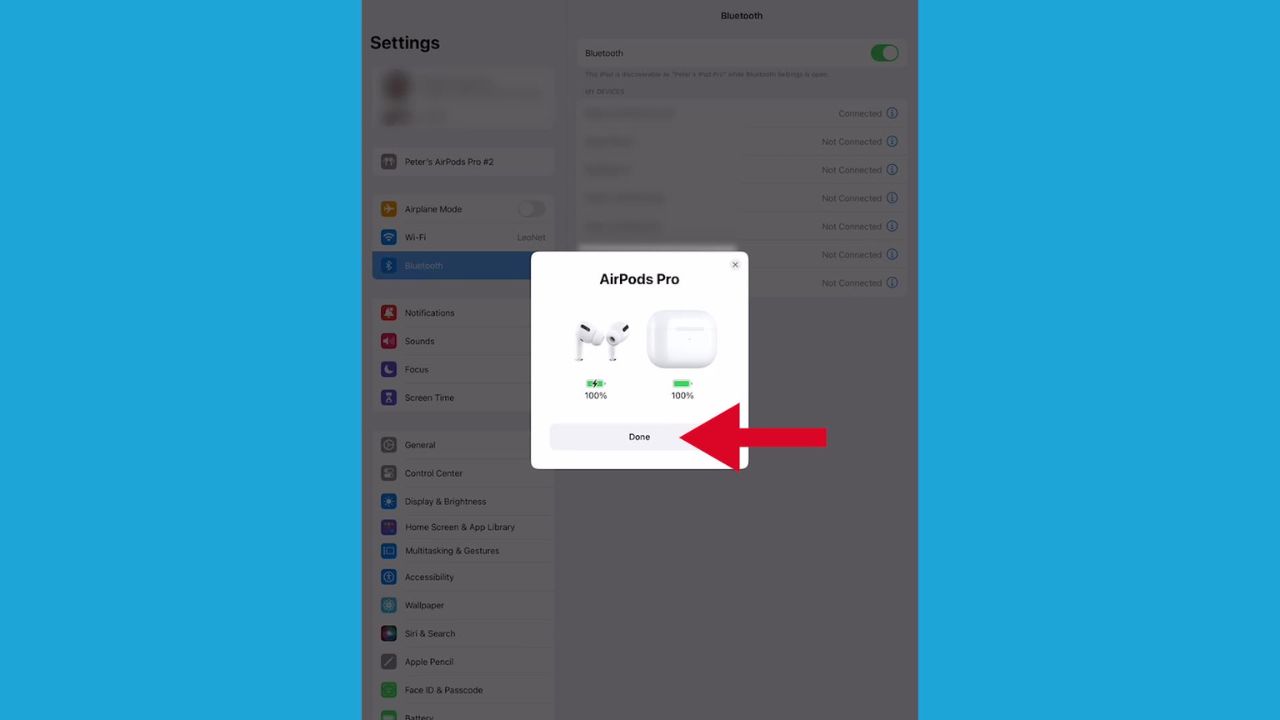
- Your AirPods should appear under the list of available devices in your Bluetooth settings on the iPad. Now tap your AirPods, and there you go

ASK ANY TECH QUESTION, AND GET KURT’S FREE CYBERGUY REPORT NEWSLETTER HERE
Watch the latest episode of The CyberGuy Report.

Missed this event? Sign up via the registration form and see our live recording.
See Kurt’s latest Amazon picks for useful gadgets, smart home upgrades and everyday tech worth grabbing while the deals last.
Apple AirPods (3rd Generation)
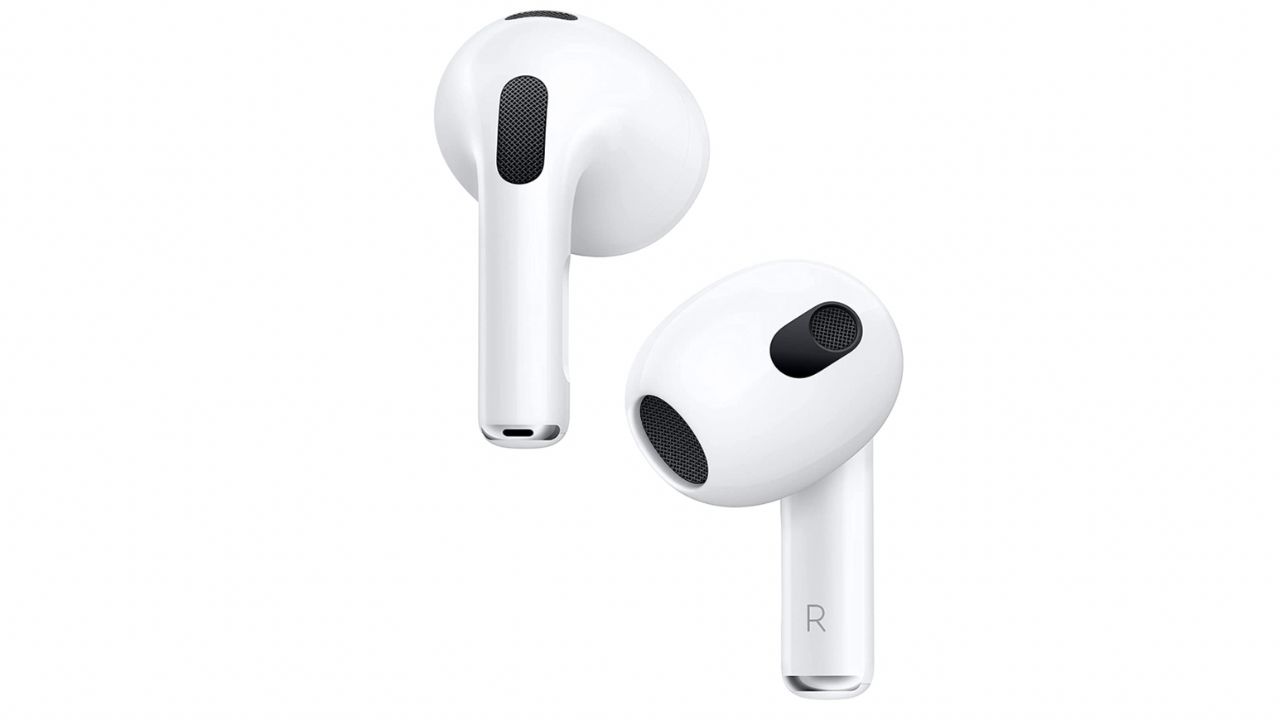
The Apple AirPods 3rd Generation earbuds are yet another quality release from the mega-tech company.
These popular earbuds have features that were once exclusive only to Pro-level AirPods, including personalized spatial audio and Find My integration to avoid losing your pair.
They also come with a case that’s compatible with Apple’s MagSafe Charging system, allowing for up to 30 hours of listening on one charge.
These more affordable AirPods even come with quick access to the Siri feature when you need information fast. I love the force sensor allows you to control your entertainment and answer calls immediately. For more in-depth coverage of AirPods, click here.
Get Apple AirPods (3rd Generation)
MORE: 8 INCREDIBLY USEFUL THINGS YOU CAN DO WITH AIRPODS
Kurt’s key takeaways
So, in a nutshell, the AirPods are pretty awesome, especially if you’re all about that Apple ecosystem. They just get you, you know? They move from your iPad to your iPhone without a hitch—it’s like they’ve got a mind of their own. And setting them up is super simple. It’s like tap, tap, boom—you’re connected.
In what ways do you think the AirPods Pro’s features could be further enhanced when paired with Apple devices? Let us know in the comments below.
TO GET MORE OF MY SECURITY ALERTS, SUBSCRIBE TO MY FREE CYBERGUY REPORT NEWSLETTER
Copyright 2024 CyberGuy.com. All rights reserved. CyberGuy.com articles and content may contain affiliate links that earn a commission when purchases are made.
🎙 Now Streaming: My New Podcast: The CyberGuy Report
Kurt’s Top Deals
Deals move fast and inventory can be limited, so don’t wait too long.
| 🔥 Editor’s pick  Summer entertaining Ninja SLUSHi Machine (26% off) Frozen drinks and slushies at home in minutes. | |
| 💰 Top deal  Outdoor essential TYPEC Solar Bug Zapper (36% off) Solar-powered bug zappers for patios and camping. |