



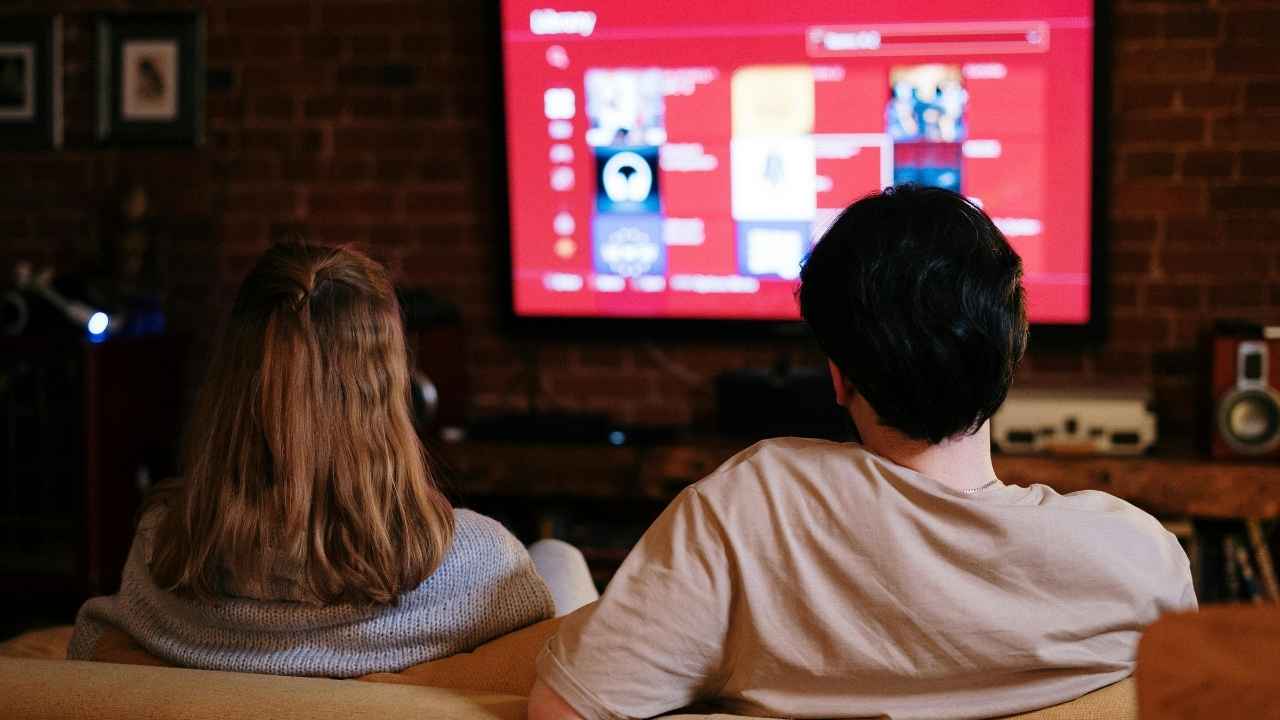
Most people do not realize their smart TV includes microphones that can capture sound even when voice commands are off. These tiny mics power voice search and assistants, but they also pose privacy risks. If that makes you uneasy, you are not alone. The good news is that it takes only a few minutes to disable your smart TV microphone and protect your conversations.
Step one: Find the built-in mic switch
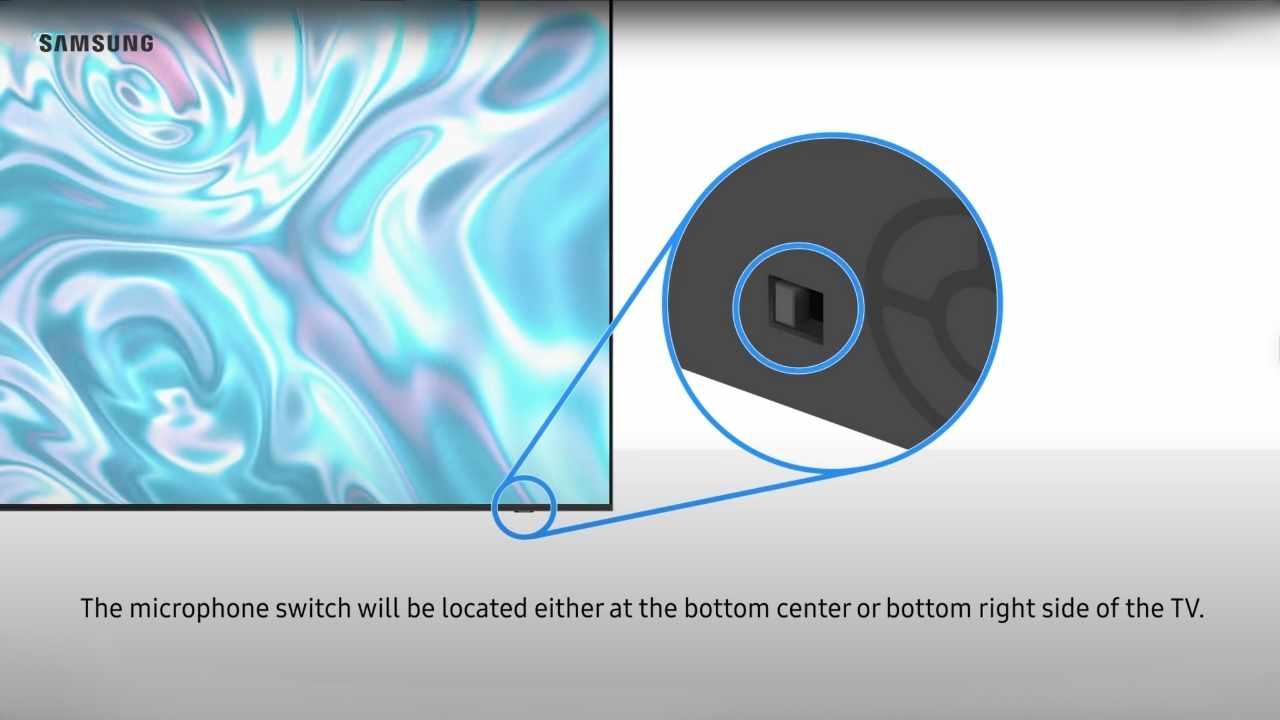
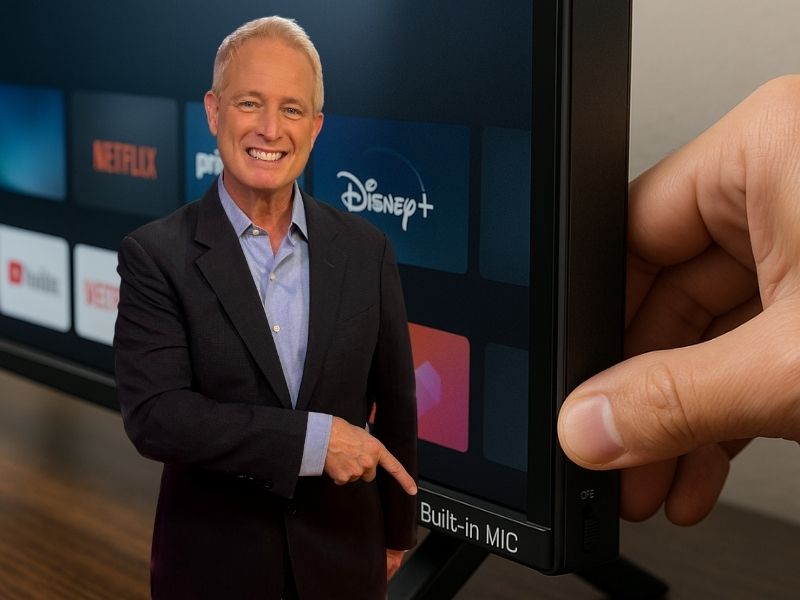
Before opening menus, check your TV’s frame. Many models feature a small hardware switch that turns the microphone off completely.
Look closely along the bottom or sides of your screen. Some switches are labeled “Built-in MIC.” On Samsung TVs, it’s often near the bottom right edge when facing the screen.
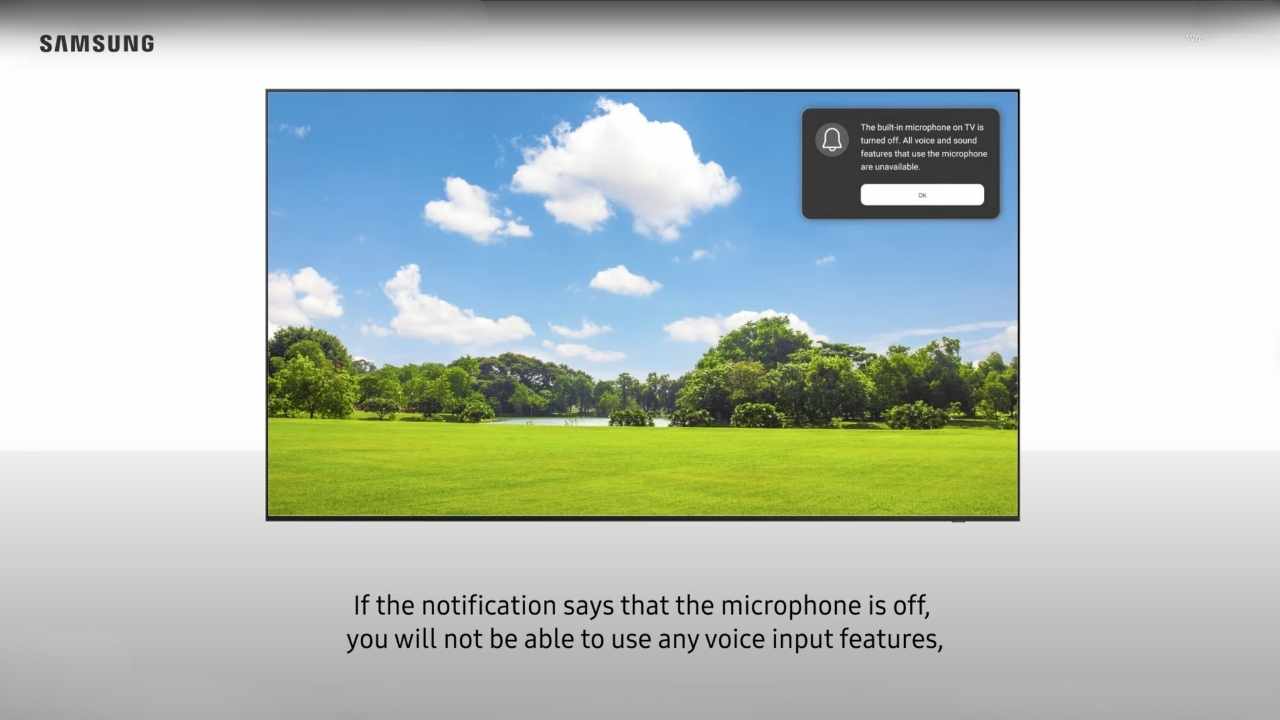
Slide the switch to “off.” Your TV may confirm the change with an on-screen message. This is the most reliable way to stop the mic because it physically cuts power to it.
Credit: Samsung
Step two: Disable the smart TV microphone in settings
If your TV lacks a physical switch, go through its settings menu. While the exact names differ by brand, most follow a similar pattern.
Press Home or Settings on your remote. Look for main sections such as System, General, or Privacy. Inside, you’ll find microphone or voice options labeled Voice Recognition, Voice Assistant, or Microphone Access.
Examples:
- Samsung: General → Voice
- Sony: Privacy → Google Assistant
- LG: User Agreements → Voice Settings
Toggle off every feature that uses the microphone. Some options may appear in more than one place, so check each section carefully.
Credit: Samsung
Step three: Balance convenience and privacy
Turning off your TV’s microphone does not mean you lose smart features. Many remotes include a push-to-talk button that activates voice control only when pressed.
If you rarely talk to your TV, keeping the microphone off makes sense. If you like using voice commands, enable it temporarily when you need it.

Watch the latest episode of The CyberGuy Report.

Missed this event? Sign up via the registration form and see our live recording.
See Kurt’s latest Amazon picks for useful gadgets, smart home upgrades and everyday tech worth grabbing while the deals last.
Step four: Check connected devices and apps
Even after you disable your smart TV microphone, voice-enabled apps and linked devices may still be listening.
Check any connected smart assistants such as Alexa, Google Assistant, or Bixby. These platforms can continue capturing audio through your phone, smart speaker, or another device on the same network.
Take a moment to review privacy settings in those apps as well. Turning off voice activity tracking across all your devices ensures that nothing in your home listens when you do not want it to.
Why smart TVs have microphones at all
Manufacturers include microphones to make TVs more interactive. You can ask for weather updates, control volume, or find movies with your voice. It’s convenient, but it comes with trade-offs.
Some companies state in their privacy policies that voice data may be shared with third parties for analysis. That means your living room chatter could leave your home.
When you disable your smart TV microphone, you keep the benefits of a modern TV while limiting unwanted data collection.
What this means for you
By taking a few minutes to change one setting or flip one switch, you gain control over what your TV hears. It’s an easy way to improve your digital privacy without losing the entertainment experience you love.
You still get streaming apps, vivid displays, and fast connectivity, just with added peace of mind.
Related Links:
- Top TVs of 2025
- How to easily connect headphones or earbuds to your TV for great sound
- Do dogs really watch TV? Science says yes
Kurt’s key takeaways
Smart TVs offer great features, but convenience should never cost you privacy. Whether you flip a switch or use your settings menu, you have the power to decide when your TV listens.
Will you take back your living room privacy today or leave it as it is? Let us know in the comments below.
FOR MORE OF MY TECH TIPS & SECURITY ALERTS, SUBSCRIBE TO MY FREE CYBERGUY REPORT NEWSLETTER HERE
Copyright 2025 CyberGuy.com. All rights reserved. CyberGuy.com articles and content may contain affiliate links that earn a commission when purchases are made.
🎙 Now Streaming: My New Podcast: The CyberGuy Report
Kurt’s Top Deals
Deals move fast and inventory can be limited, so don’t wait too long.
| 🔥 Editor’s pick  Summer entertaining Ninja SLUSHi Machine (26% off) Frozen drinks and slushies at home in minutes. | |
| 💰 Top deal  Outdoor essential TYPEC Solar Bug Zapper (36% off) Solar-powered bug zappers for patios and camping. |


2 comments
Thanks Kurt for letting us know about the tv mic. I would never have thought about that..Thanks again.
WOW! One never knows the extent of how wrongly this world invades one’s privacy! I have a new Samsung and sure enough, the switch was there. I would never have seen it without your ‘pic’. THANK YOU!
PS: your heads up on the email hack was right on. Mine was hacked. Changed password and altered the two way authentication as well. Another BIG THANKS.