



Have you ever stumbled upon a webpage so packed with juicy content that you wished you could keep it all? Maybe it’s a thread of hilarious comments, a lengthy how-to guide, or an article that’s just too good to forget. We’ve all been there, tapping away at our screens, wishing we could bottle up the internet goodness for later.
Now, if you own an iPhone you can perform the same steps. To learn how click here.
Well, if you own an Android device, you’re in for a treat. There’s a little-known feature that’s about to change the way you save and savor those digital moments. So, grab your phone and get ready to discover a screenshot secret that’ll have you saying, “Why didn’t I know about this sooner?”
MORE: BEST ACCESSORIES FOR YOUR ANDROID
Beyond the snapshot: Mastering full-page screenshots on Android
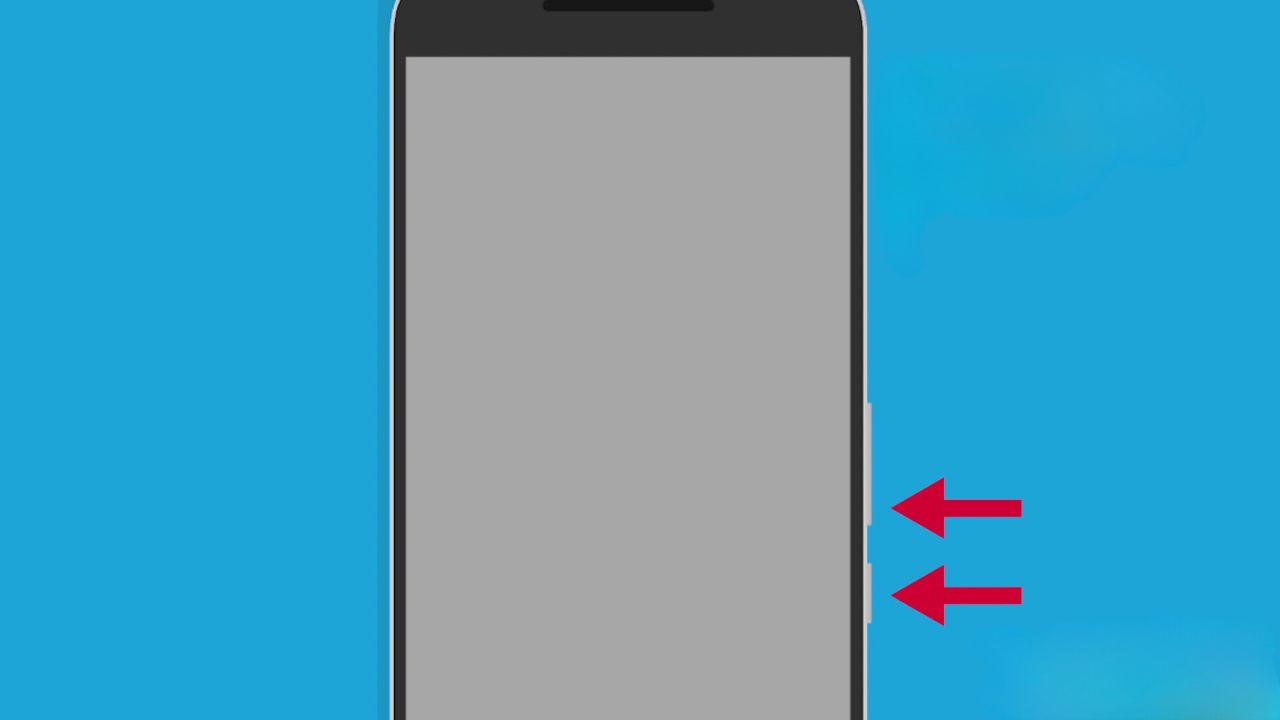
You’re probably familiar with the standard way of taking a screenshot on your Android phone. It’s simple: press the volume down and power button simultaneously, and voilà. Your phone snaps a picture of whatever’s on your screen, offers you a few quick options, and then tucks the image away in your gallery.
But what if you want to capture an entire webpage? Maybe it’s a delicious recipe that stretches beyond the confines of your screen, or perhaps an article you want to read offline. Whatever the reason, Android has got you covered with a nifty trick for long screenshots.
MORE: HOW TO HIDE PHOTOS ON ANDROID FROM SNOOPS
How to take screenshots in a web browser on Android
Settings may vary depending on your Android phone’s manufacturer
- Navigate to your desired webpage using your favorite web browser.
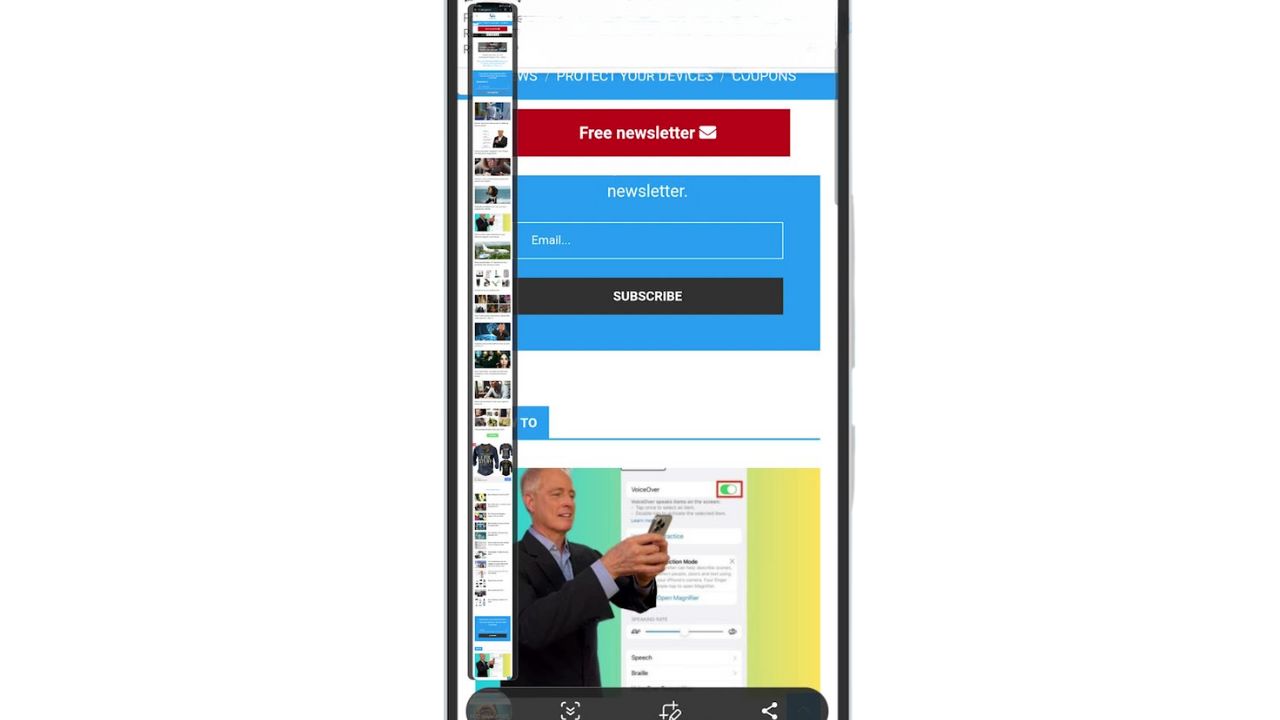
- Press the volume down and power buttons together—just like a normal screenshot.
- Options will pop up on your screen.
- Look for the arrow—it’s your key to more content. Pressing it will scroll the page down.
- Keep pressing the arrow to continue capturing more of the page. You’ll see a preview on the left side of your screen.

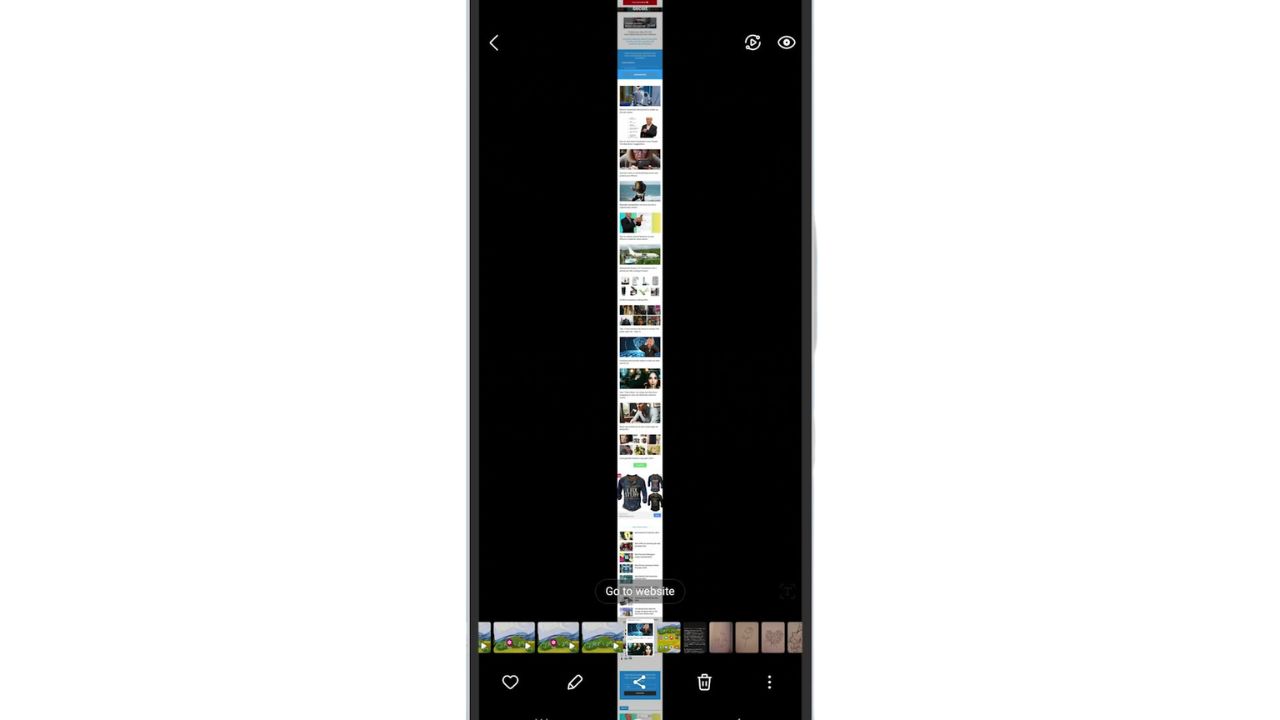
- Stop when you’ve got it all. Give it a moment, and your phone will save the extended screenshot to your gallery.
MORE: HOW TO HIDE PHOTOS ON ANDROID FROM SNOOPS
A Texas mom says she spent the night in jail after speaking up online about dirty water in her town. The case was later dropped, but her story raises a troubling question: could something you post online ever put you at risk?

Missed this event? Sign up via the registration form and see our live recording.
See Kurt’s 2026 picks for practical tech and everyday upgrades.
Kurt’s key takeaways
Isn’t that just wonderfully convenient? Gone are the days of multiple screenshots and the hassle of stitching them together. With this feature, Android users can capture as much of a webpage as they need, all in one go. It’s a small but significant feature that makes information management just a bit easier. So next time you find yourself wanting to save a long article or a series of comments, remember this trick and capture away.
How do you think full-page screenshots could help you capture images in your daily life? Let us know in the comments below.
FOR MORE OF MY TECH TIPS & SECURITY ALERTS, SUBSCRIBE TO MY FREE CYBERGUY REPORT NEWSLETTER HERE
🎙 Now Streaming: My New Podcast: The CyberGuy Report
Kurt’s Top Deals
Deals move fast and inventory can be limited, so don’t wait too long.
| 🔥 Editor’s pick  Summer entertaining Ninja SLUSHi Machine (26% off) Frozen drinks and slushies at home in minutes. | |
| 💰 Top deal  Outdoor essential TYPEC Solar Bug Zapper (36% off) Solar-powered bug zappers for patios and camping. |



1 comment
Tried the Android screen shot on my Samsung s22 phone and all I got was a restart screen.