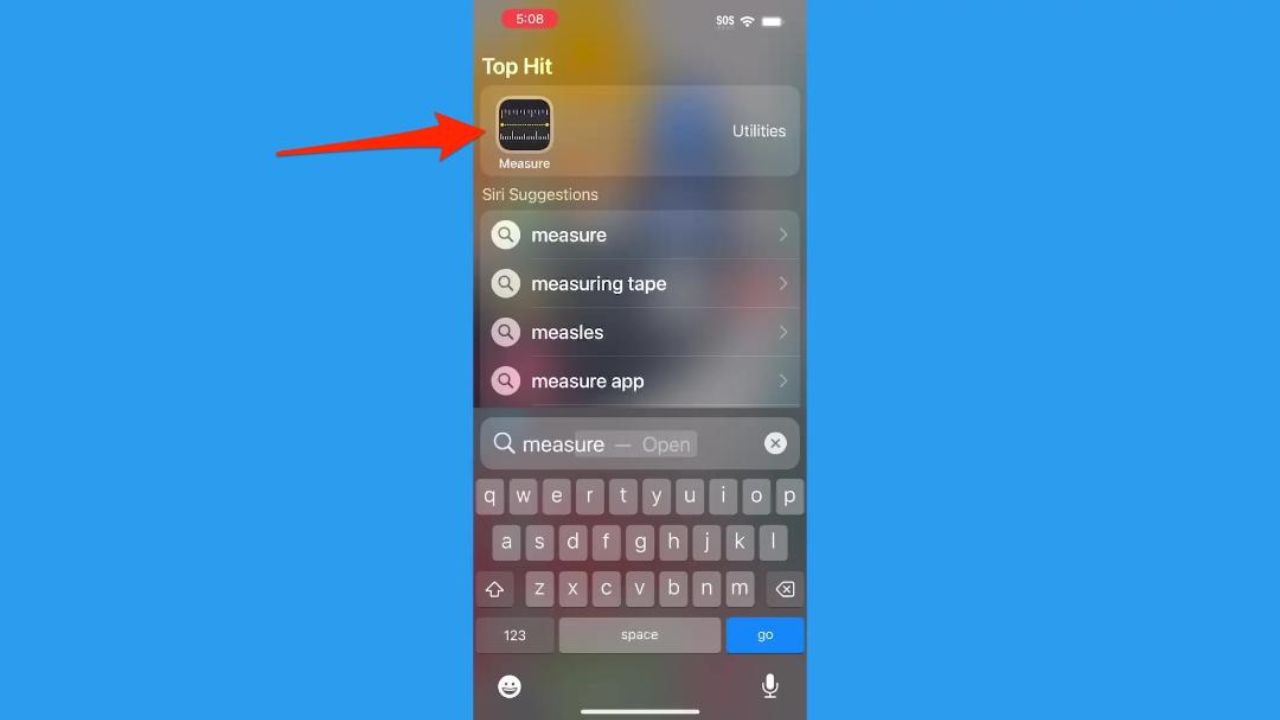
- The iPhone Measure app lets you estimate object and room dimensions using your phone’s camera.
- The app comes preinstalled on iPhone 6s or later and most modern iPads.
- Newer iPhone Pro models with LiDAR can also estimate a person’s height automatically.
- The Measure app also includes a built-in digital level for hanging pictures and aligning objects.
Do you ever find yourself furniture shopping, doing home renovations, or even DIY projects, and needing accurate measurements, yet you don’t have a tape measure? That’s where the Measure app on the iPhone comes in. If you have an iPhone 6s or later, or most modern iPads, the Measure app is already installed for free on your device. With it, you can effortlessly measure objects and spaces with just a few taps on your device, eliminating the need for a physical measuring tape.
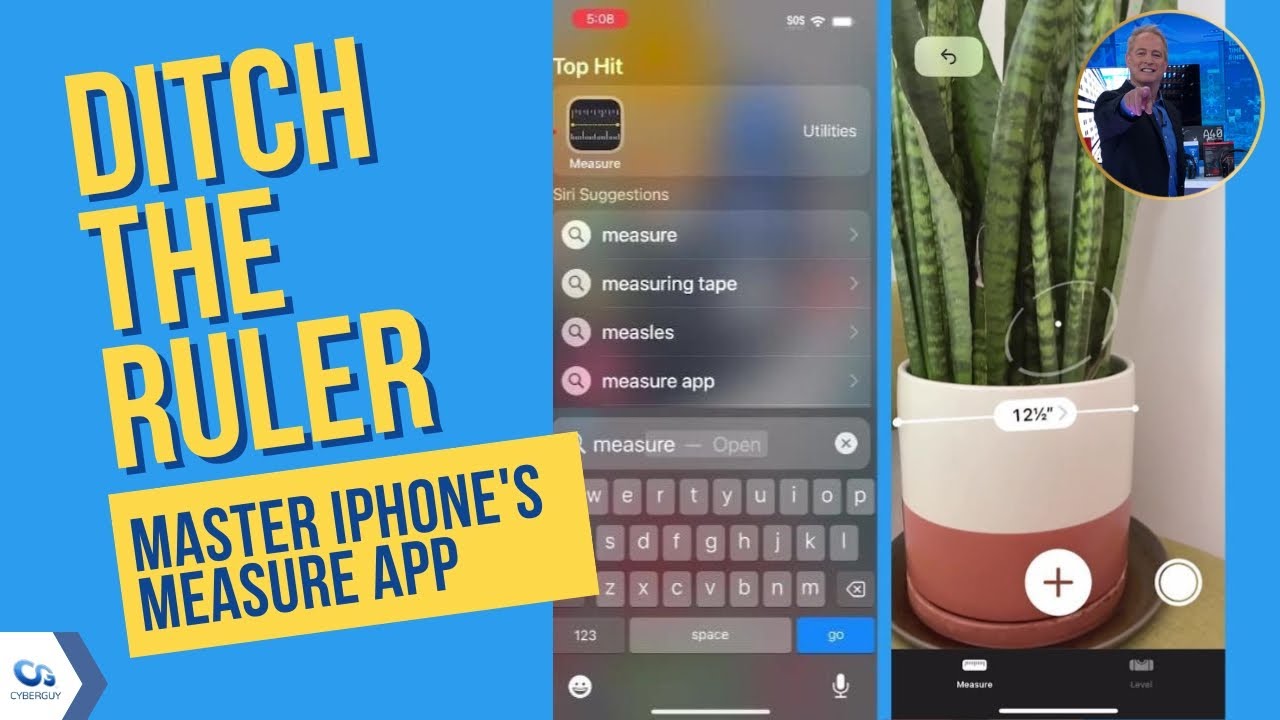
How to use the iPhone’s Measure app
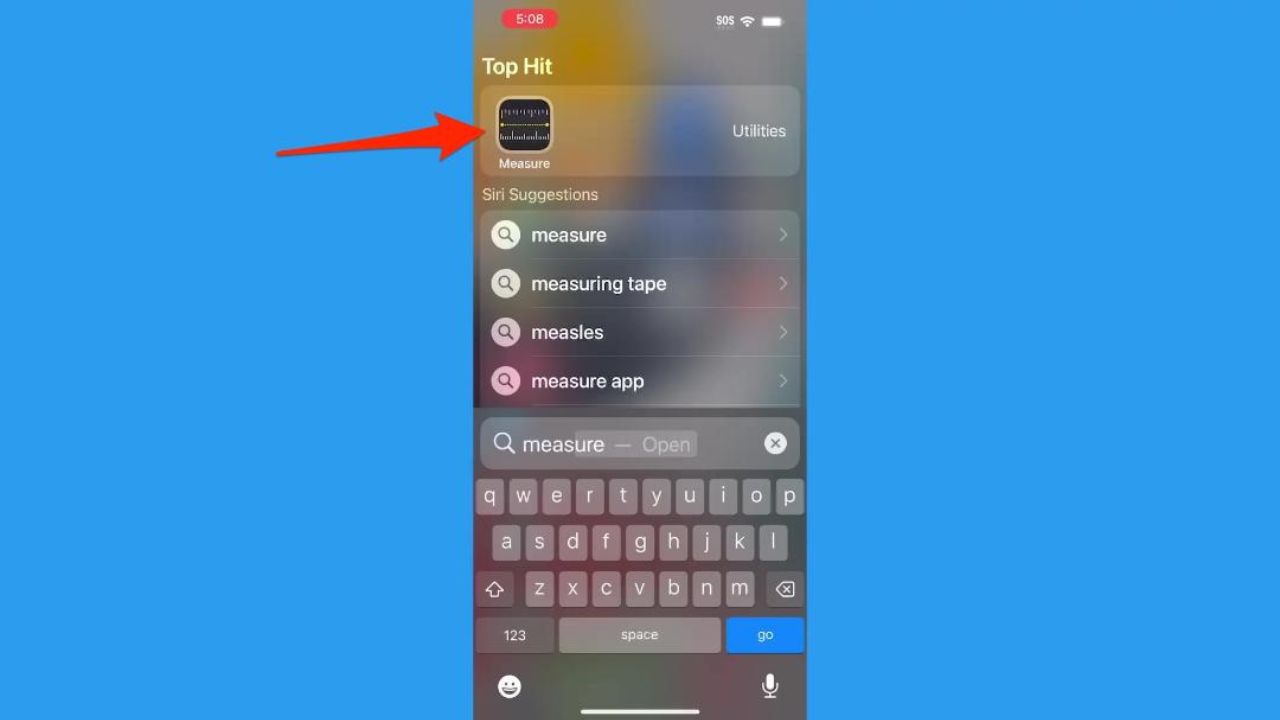
1. Open the Measure app
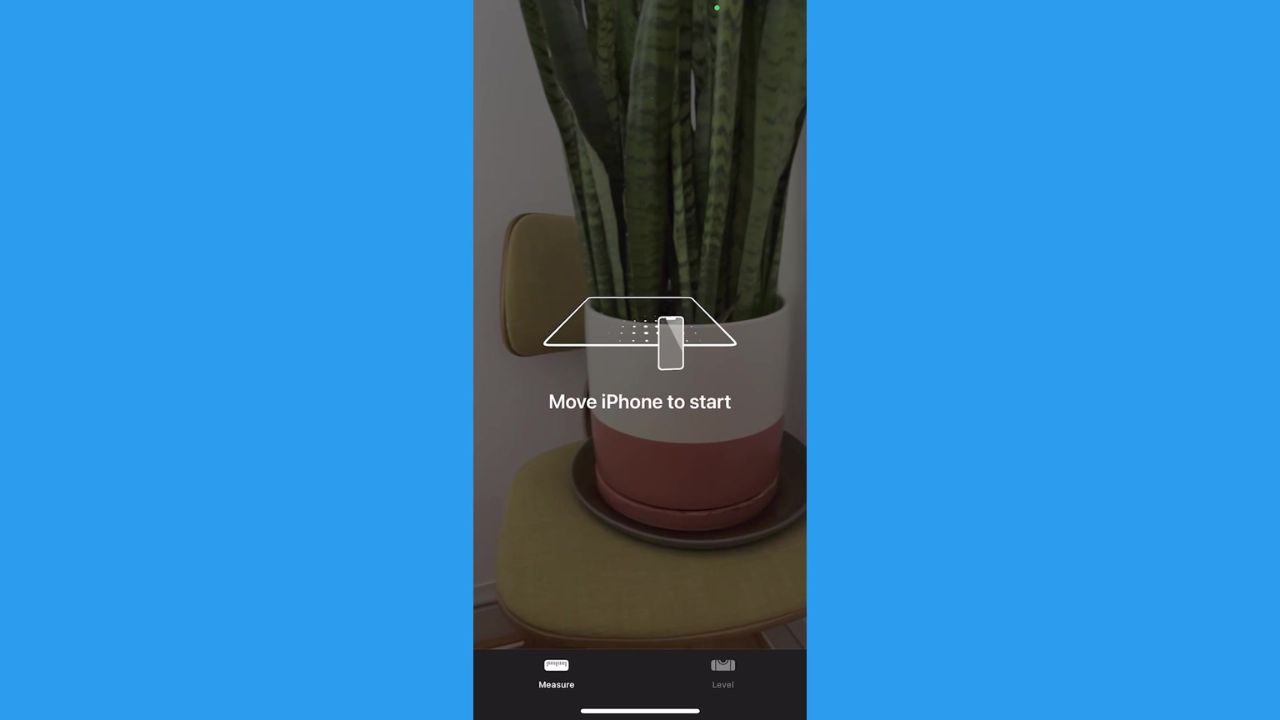
You may be instructed to move your phone around slightly so the app can gauge its surroundings. This will help it measure more accurately.
2. Hold your phone so you can see the item you want to measure
Make sure your screen is displaying the item you want to measure head-on.
3. Angle your phone to create a starting point
Use the dot inside an open circle as your guide. Place that dot at the edge of the item you want to measure.
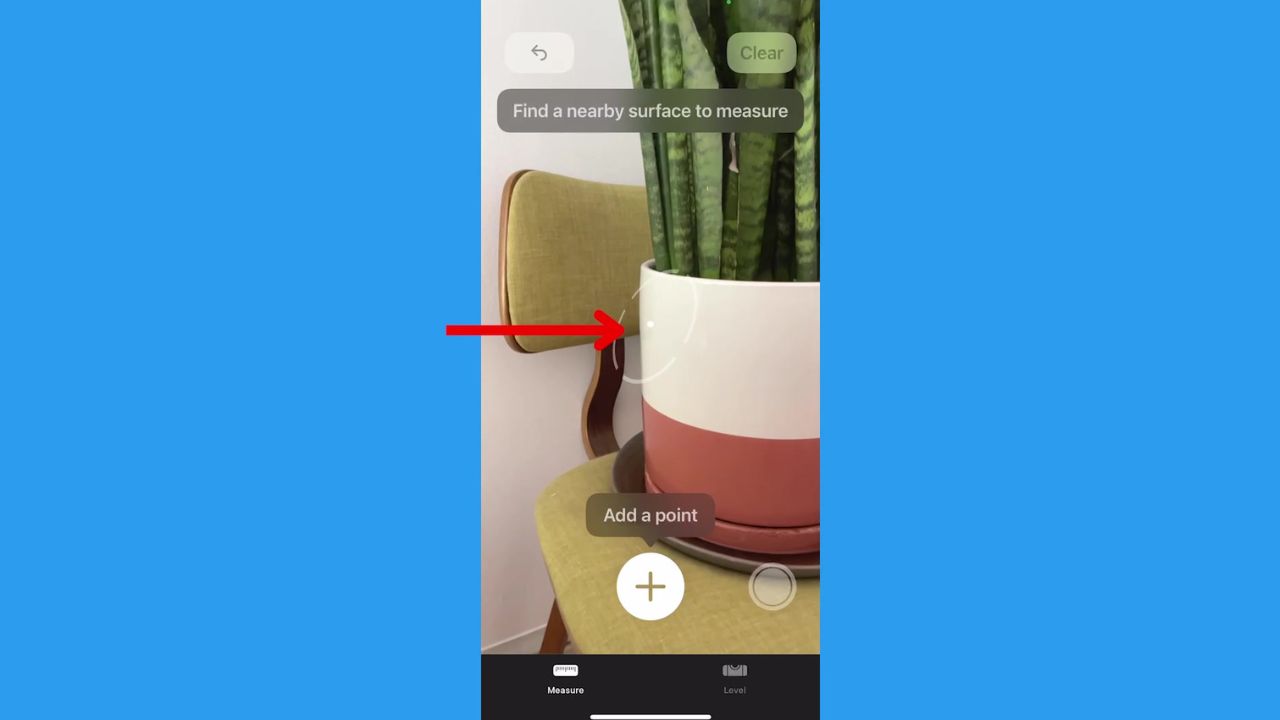
4. Tap the plus (+) button
Once your dot is placed on the edge, tap the + button. Then move your phone so the line displayed goes across your item.
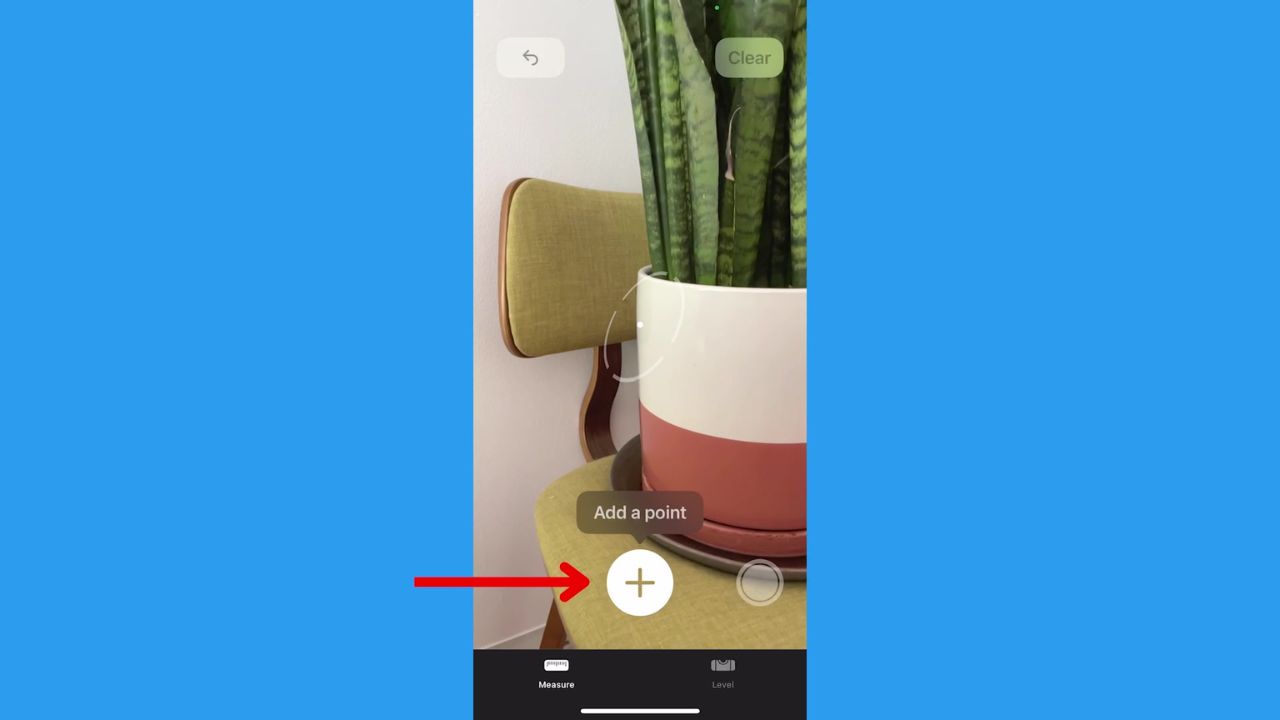
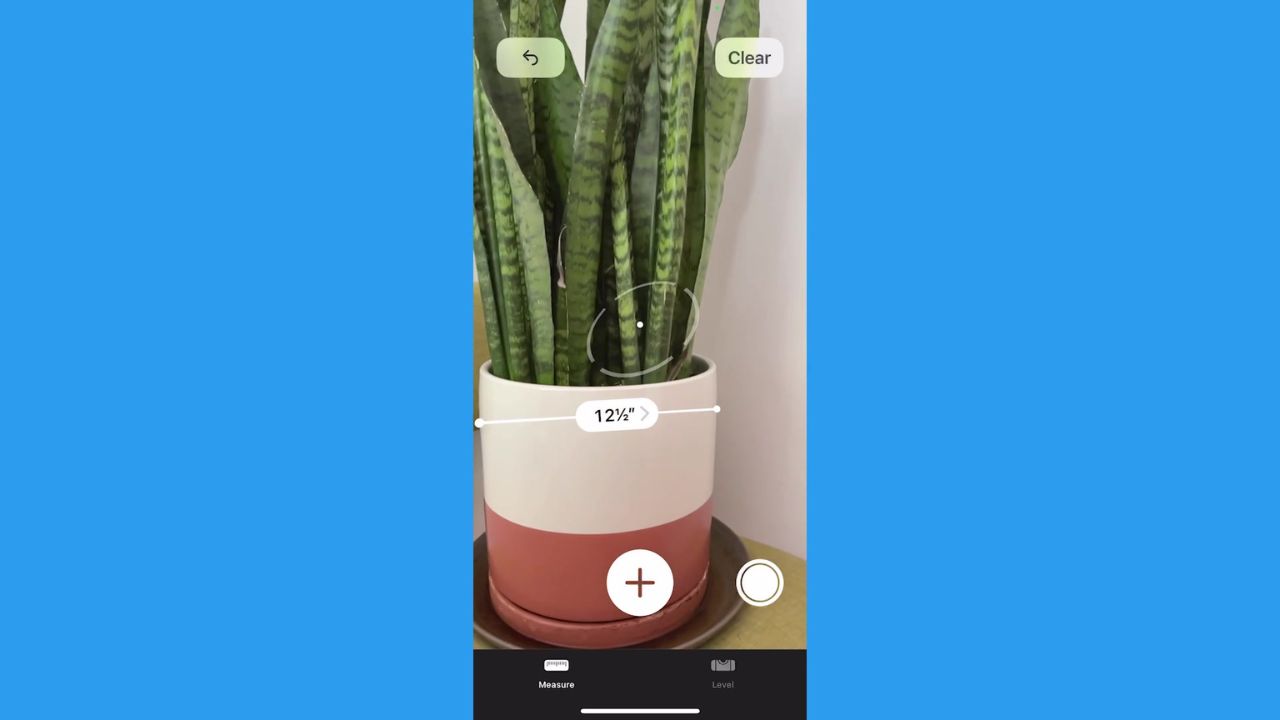
5. Place the next dot on the other edge of your item
You will see the measurement displayed on the screen. Tap the + again to keep that measurement displayed.
A Texas mom says she spent the night in jail after speaking up online about dirty water in her town. The case was later dropped, but her story raises a troubling question: could something you post online ever put you at risk?

Join Kurt this Saturday, June 13 at 10 AM ET for quick phone privacy and security fixes.
See Kurt’s 2026 picks for practical tech and everyday upgrades.
6. Measure another item or angle of the item
After you’ve pressed the + key, you can place your starting dot in a new area and create a new line to measure.
How accurate is the iPhone Measure app?
The Measure app provides estimates rather than exact measurements. Accuracy can vary depending on lighting, distance and the device you’re using. Newer iPhone Pro models with LiDAR tend to deliver more precise results, but for projects that require exact measurements, a physical tape measure is still the safest option.
My pro tips:
- Hold your phone 2-8 feet away from the item, depending on its size.
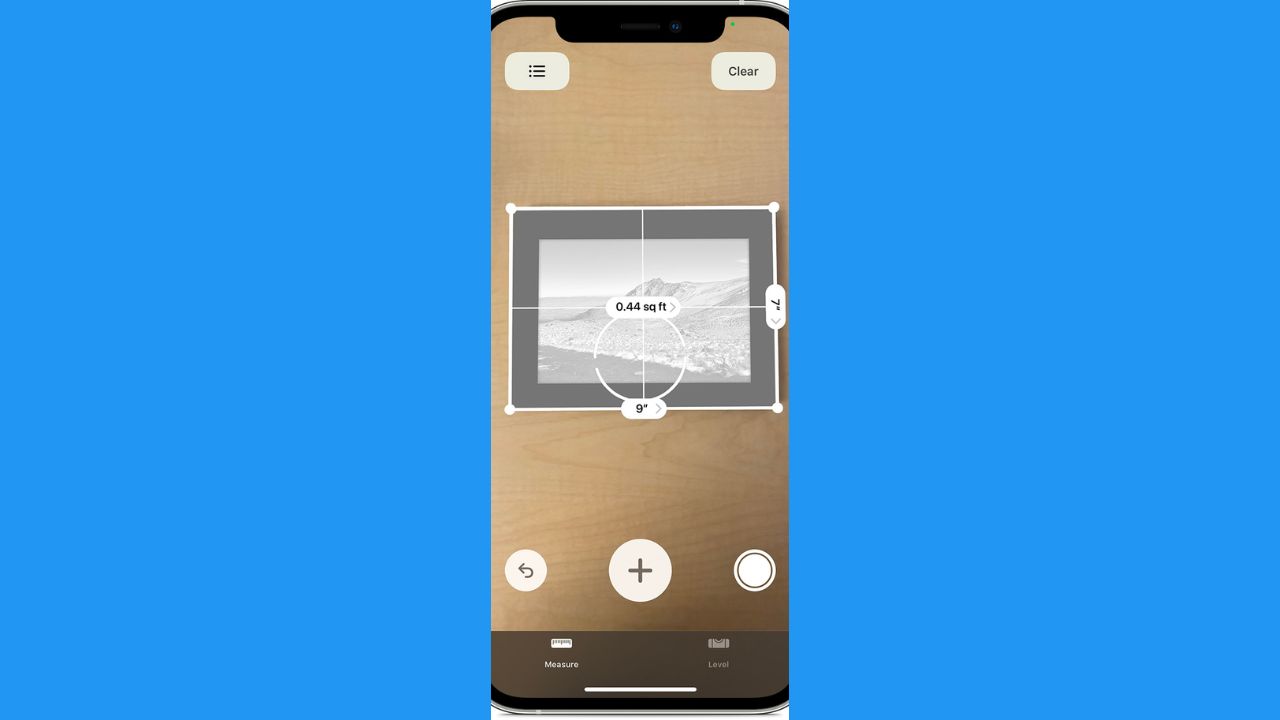
- If the item you’re measuring is a rectangle, the Measure app will detect that. A box will be displayed, and if you tap the + icon, the measurements for each side will be displayed.
- If you point the camera toward a person while using the Measure app, some newer iPhone Pro models can automatically estimate their height. This feature requires a device with Apple’s LiDAR scanner and works best when the person’s full body is visible from head to toe in good lighting.
How to use an iPhone as a level
If you don’t have a level handy, your iPhone can also serve as a device to make sure anything you hang on the wall is straight.
- Open the Measure app and tap Level at the bottom.
- You will see the angle your phone is facing, and when it reaches a level balance of 0 degrees, the screen will turn green.

Related Links:
- 5 simple tech tips to improve digital privacy
- 5 digital clean-up tips you didn’t know you needed
- 5 best tips to improve your cell phone signal
Kurt’s key takeaways
So, the next time you find yourself in need of accurate measurements, yet you don’t have a tape measure, don’t fret. Just grab your iPhone and open the Measure app. With a few simple taps, you can easily measure objects and spaces, eliminating the need for a physical measuring tape. And if you ever need to ensure something is level, the Measure app has got you covered there too. It’s like having a handy toolkit right at your fingertips.
Besides using the Measure app, what other smartphone apps or features have you found helpful for home improvement projects or DIY tasks? Let us know by commenting below.
FOR MORE OF MY SECURITY ALERTS, SUBSCRIBE TO MY FREE CYBERGUY REPORT NEWSLETTER HERE
Copyright 2026 CyberGuy.com. All rights reserved. CyberGuy.com articles and content may contain affiliate links that earn a commission when purchases are made.
🎙 Now Streaming: My New Podcast: The CyberGuy Report
Kurt’s Top Deals
Deals move fast and inventory can be limited, so don’t wait too long.
| 🔥 Editor’s pick  Summer entertaining Ninja SLUSHi Machine (26% off) Frozen drinks and slushies at home in minutes. | |
| 💰 Top deal  Outdoor essential TYPEC Solar Bug Zapper (36% off) Solar-powered bug zappers for patios and camping. |