



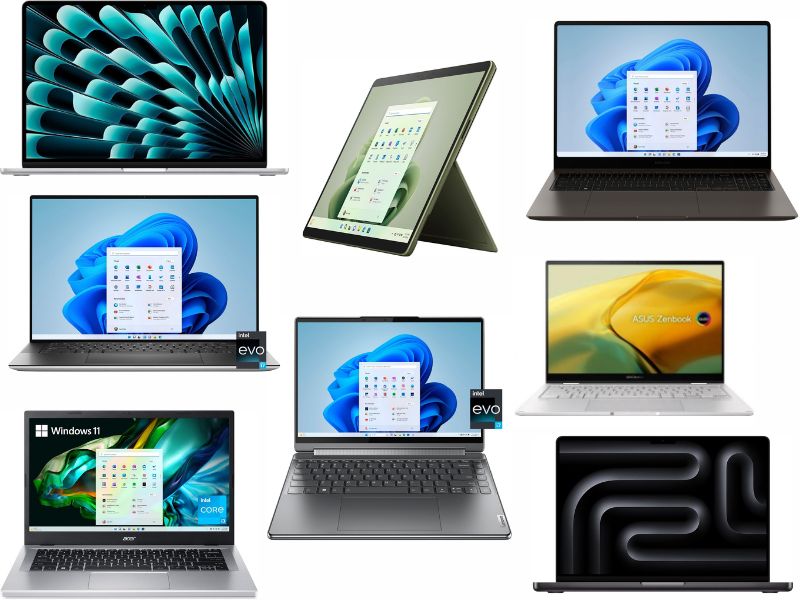
- This guide highlights top laptops across multiple price ranges to fit different needs and budgets
- Budget options under $500 focus on everyday tasks like browsing, streaming and schoolwork
- Midrange laptops offer better performance, storage and features for work and multitasking
- Premium models deliver high-end power, advanced displays and long battery life for demanding users
Having a working laptop that lasts a long time has become an essential part of people’s everyday lives. With so many great laptops on the market, trying to pick the right one for you might get overwhelming. That’s why we’ve narrowed down some of the best laptops that you can purchase right now.
And if you’re planning on turning your laptop into a workstation, here’s how to connect it to external devices, including a monitor, keyboard and more.
Table of Contents:
A laptop you can snag for $750 or less
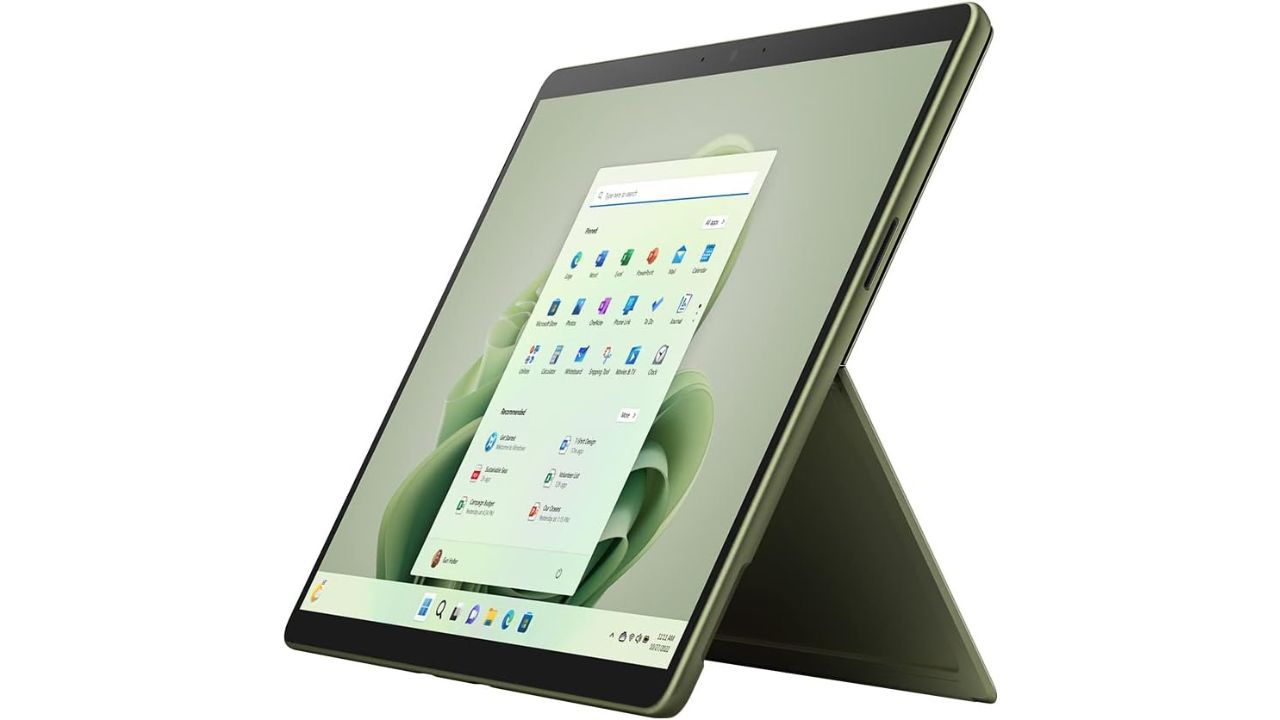
Microsoft Surface Pro 9
Credit: Microsoft
The Microsoft Surface Pro 9 uses Copilot on Windows 11, which is your everyday AI companion to help you complete your tasks. It helps you to create faster and complete tasks in a timely fashion. This laptop will also offer you a 13-inch touchscreen, a Surface Slim Pen 2 to take notes, and an incredible camera to put you squarely in the frame.
Laptops you can purchase for $700 or less
Samsung Galaxy Book3 15.6″ Laptop

Credit: Samsung
The Samsung Galaxy Book3 15.6″ is a sleek and dependable business laptop designed for productivity and portability. It runs on Windows 11 Pro and is powered by a 13th Gen Intel Core i7 processor, offering fast and responsive performance for multitasking, office work, and everyday computing. With 16GB of memory and a 512GB SSD, it provides smooth operation and ample storage for files and applications. The 15.6-inch display delivers clear visuals, while the slim silver design keeps it lightweight and professional. This 2023 model combines power, security, and style for users who need a reliable device for work or school.
Get Samsung Galaxy Book3 15.6″ Laptop
ASUS Vivobook 14 Laptop

Credit: ASUS
The ASUS Vivobook 14 is a compact and capable laptop built for everyday use. It features a 14-inch WUXGA display with a 60Hz refresh rate for clear and smooth visuals. Powered by the Qualcomm Snapdragon X processor and Qualcomm Adreno graphics, it delivers efficient performance for web browsing, streaming, and productivity tasks. With 16GB of RAM and a 512GB solid-state drive, it offers fast multitasking and plenty of storage. The lightweight Cool Silver design makes it easy to carry, while Windows 11 provides a modern interface and built-in productivity tools. This laptop is a solid choice for students, professionals, and casual users who want reliable performance in a sleek form.
Top laptops you can buy for $600 or less
Apple MacBook Neo 13-inch Laptop

The Apple MacBook Neo 13-inch is a smart pick if you want Apple performance without the premium price. Powered by the new A18 Pro chip, it handles everyday tasks like browsing, streaming, and multitasking with ease. The 13-inch Liquid Retina display looks sharp and vibrant, making everything from work documents to videos pop. You also get solid battery life that can carry you through most of the day without needing to recharge. With built-in AI features designed to boost productivity, this laptop feels modern and capable without overcomplicating things. If you want a reliable, lightweight MacBook for daily use, the MacBook Neo hits a sweet spot between performance and value.
Why we like this: It delivers solid performance, long battery life and built-in AI features at a more accessible price point.
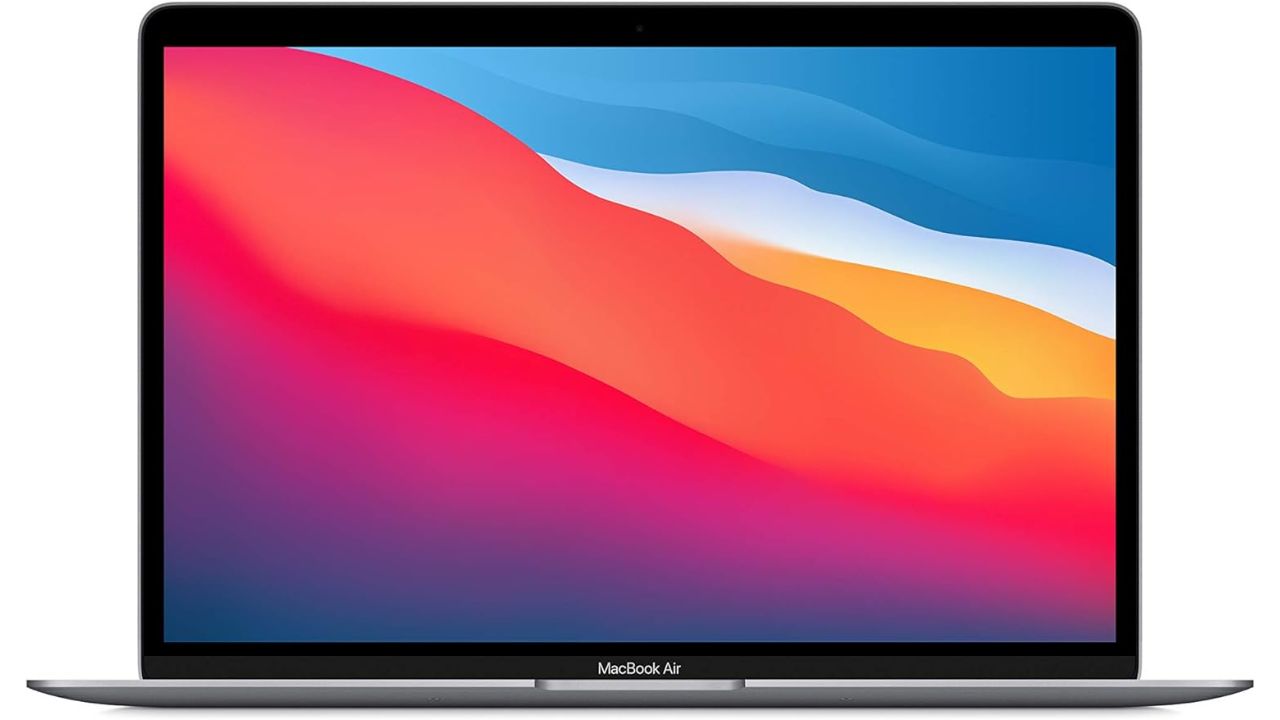
Apple MacBook Air 2020
Credit: Apple
If you want to get a MacBook but don’t want to spend an enormous amount of money, you can get the MacBook Air from 2020. This laptop will give you up to 18 hours of battery life and has a stunning 13.3-inch display. It is also easy to set up and will give you more than enough storage and memory.
Great laptops you can get for $400 or less
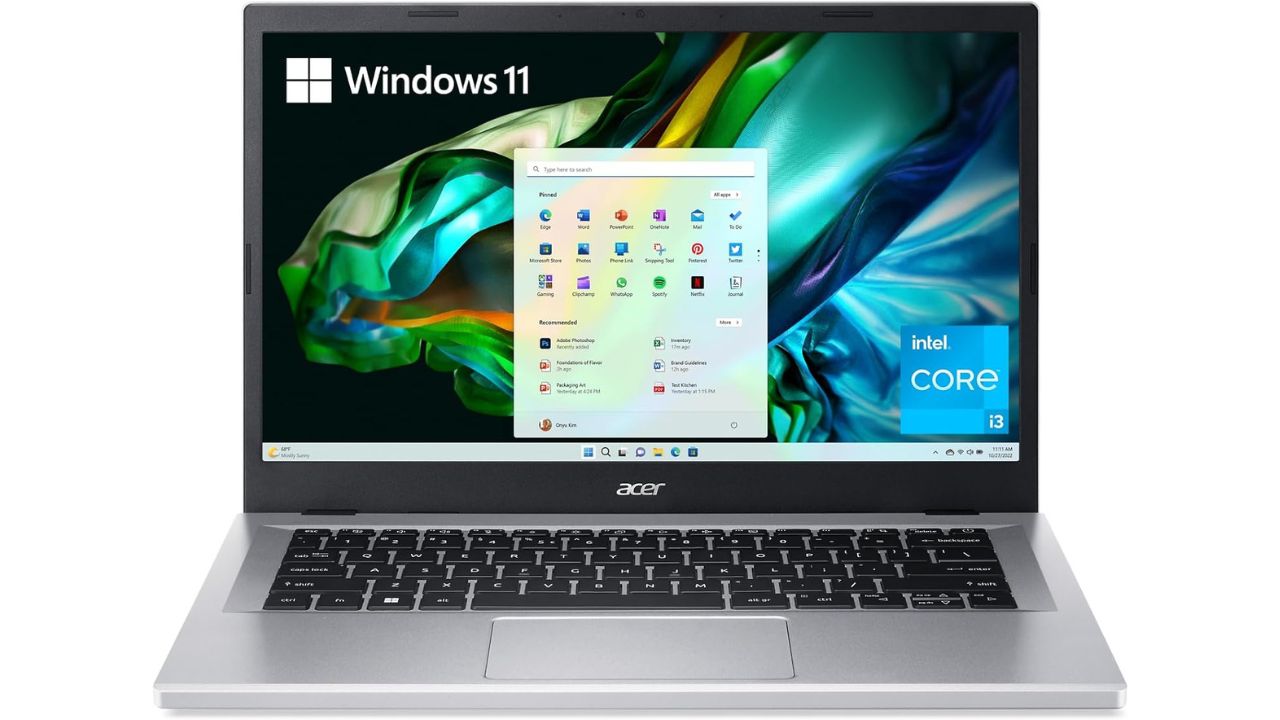
Acer Aspire 3
Credit: Acer
This laptop from Acer allows you to travel with ease thanks to its slim and lightweight design. It uses the Intel Core i3-N305 Processor for great performance, even if multiple people need to use it for different things. It comes with an HD front-facing camera as well as PurifiedVoice technology with AI Noise Reduction.
Acer Aspire 3
Credit: Acer
This laptop from Acer allows you to travel with ease thanks to its slim and lightweight design. It uses the Intel Core i3-N305 Processor for great performance, even if multiple people need to use it for different things. It comes with an HD front-facing camera as well as PurifiedVoice technology with AI Noise Reduction.
A portable and versatile laptop you can get for $300 or less
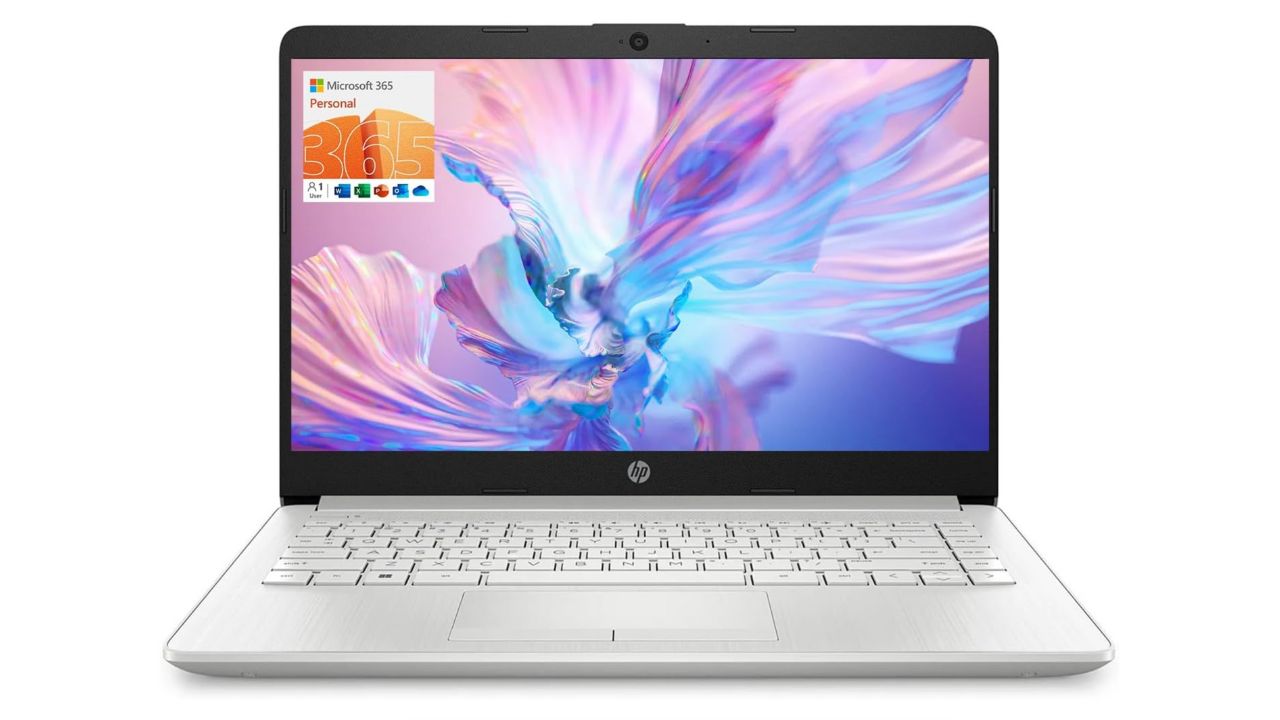
HP Portable 14″ laptop
Credit: HP
The HP 14-inch laptop is a portable and versatile device ideal for students and business professionals. Powered by an Intel Celeron N4120 quad-core processor and equipped with 16GB of DDR4 RAM, it ensures smooth multitasking and efficient performance. Its 64GB eMMC storage provides quick boot-up times and ample space for essential files, and it comes with a one-year subscription to Office 365 for enhanced productivity. Featuring a 14-inch HD display, this laptop delivers clear visuals for work and entertainment, while its array of connectivity options, including USB Type-A, Type-C, HDMI, and Wi-Fi, keep you connected.
Top premium laptops worth your money
M4 MacBook Pro

The Apple 2024 MacBook Pro, featuring the powerful M4 chip with a 10-core CPU and 10-core GPU, is designed for peak performance and seamless Apple integration. It boasts a stunning 14.2-inch Liquid Retina XDR Display, 16GB of unified memory, and 512GB SSD storage, all encased in a sleek Space Black design. Ideal for professionals and creatives alike, this laptop redefines efficiency and visual excellence.
M4 MacBook Max
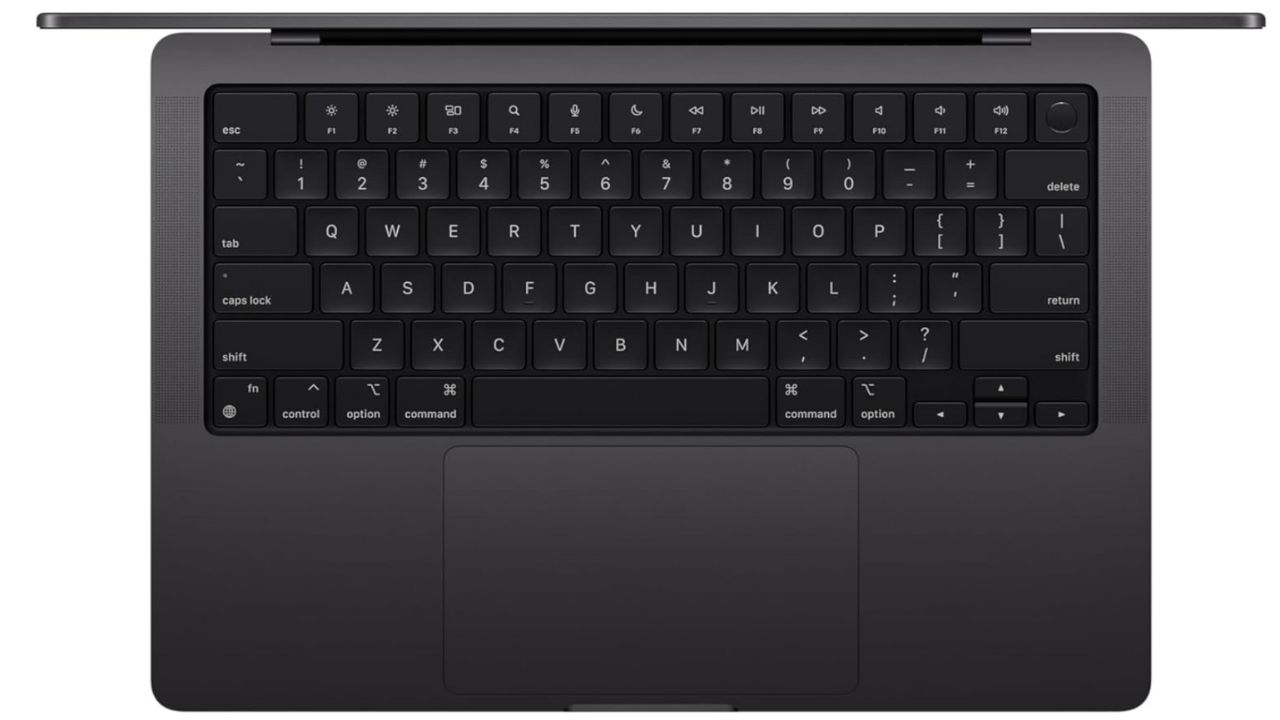
The Apple 2024 MacBook Pro with M4 Max chip boasts a robust 14-core CPU and 32-core GPU, ensuring top-notch performance and efficiency. It features a brilliant 14.2-inch Liquid Retina XDR Display, 36GB of unified memory, and a spacious 1TB SSD storage. Encased in a stylish Space Black design, this laptop is built for unparalleled power and creativity, perfect for demanding professional tasks.
Apple MacBook Air 15-inch Laptop with M3 chip
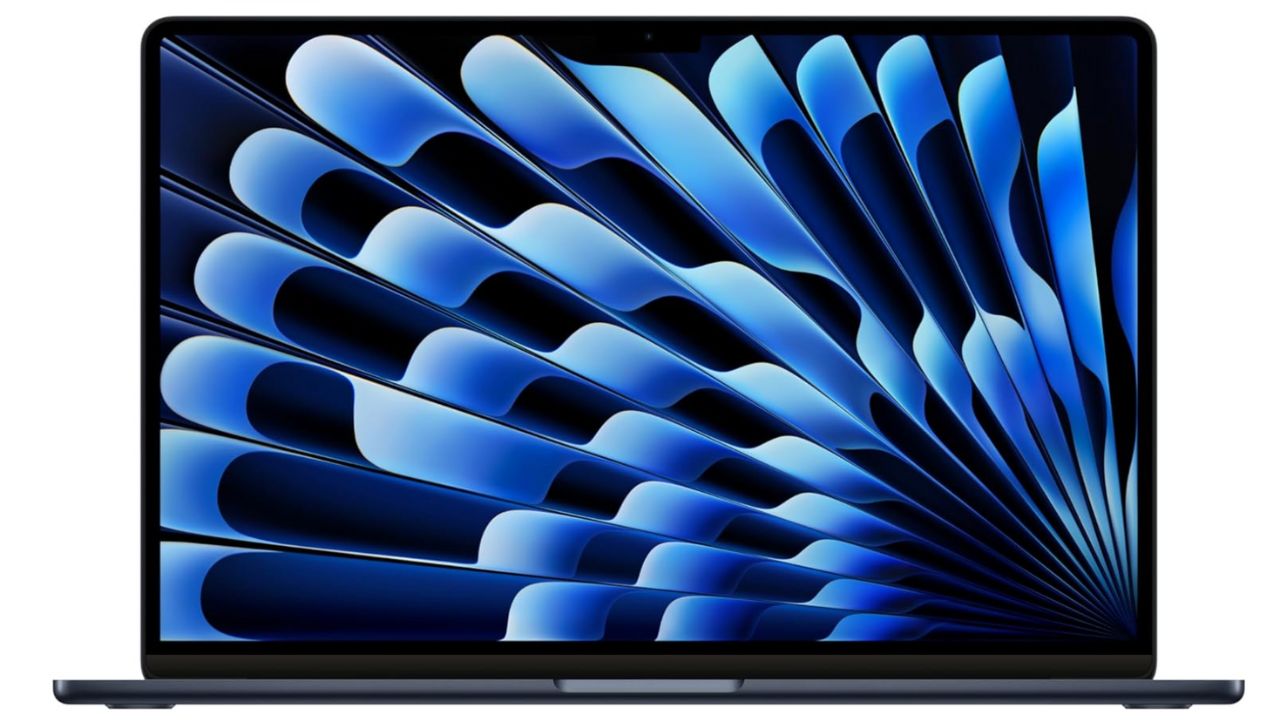
The new MacBook Air 15-inch laptop features the powerful M3 chip, which provides a significant performance boost. It is up to 60% faster than the previous model with the M1 chip and an impressive 13x faster than the fastest Intel-based MacBook Air. Despite its performance gains, the 15-inch MacBook Air retains its strikingly thin and light design. It boasts up to 18 hours of battery life, which is six hours longer than an Intel-based MacBook Air. The laptop also features a stunning Liquid Retina display. Additionally, it is available in four colors: midnight (with a breakthrough anodization seal to reduce fingerprints), starlight, space gray, and silver.
Get Apple 2024 MacBook Air 15-inch
Apple 2024 MacBook Air 13-inch Laptop with M3 chip

The Apple 2024 MacBook Air 13-inch Laptop with the M3 chip offers a winning combination of power, portability, and industry-leading battery life, making it an ideal choice for a wide range of users. It features a thin and light design, a stunning Liquid Retina display, and up to 18 hours of battery life. The M3 chip provides impressive performance, and the laptop supports up to two external displays and faster Wi-Fi. Available in multiple colors, it’s a top pick for everyday productivity and creative tasks .
Get Apple 2024 MacBook Air 13-inch
Apple MacBook Pro

Credit: Apple
The Apple MacBook Pro is 14.2 inches wide and gives you an excellent display with Liquid Retina XDR. It can give you up to 18 hours of battery life on a single charge and gives you an advanced camera and audio if you need to use it for Zoom meetings. It can also accommodate your demanding workflow by operating on the Apple M3 Pro chip, with an up to 12-core CPU and up to 18-core GPU.
Apple MacBook Air
Credit: Apple
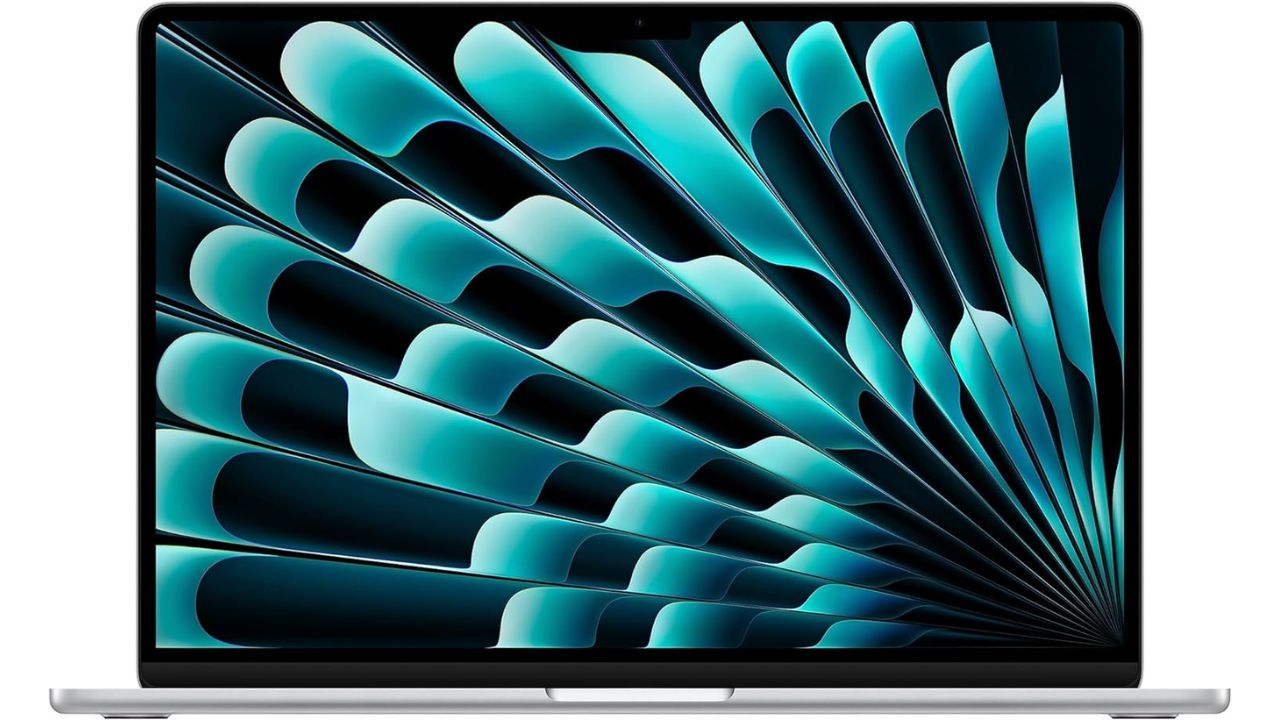
The 2023 Apple MacBook Air is another excellent recent release from the tech giant. It has some fantastic features including a 15-inch screen, 24 GB of memory, and a fanless design that keeps your laptop silent at all times as you’re working. It’s also compatible with multiple software programs, including Microsoft Excel, PowerPoint, Adobe Creative Cloud, and Google Workspace.
Dell 16 Plus Laptop

Credit: Dell
The Dell 16 Plus (DB16250) is built for users who need reliable performance, sharp visuals, and plenty of storage. It features a 16.0-inch 2.5K (2560×1600) display with a 16:10 aspect ratio that provides extra screen space for work or entertainment. Powered by the Intel Core Ultra 9 288V processor, it includes 32GB of LPDDR5X memory and a 2TB solid-state drive to handle large files and multitasking with ease. Intel Arc Graphics support smooth visuals for creative or everyday tasks. The keyboard includes a backlight and a dedicated Copilot key for quick access to Windows AI tools. This model was previously part of the Inspiron series and now offers upgraded specs in a modern design.
Lenovo Yoga 7i 2-in-1 Slim AI Laptop

Credit: Lenovo
The Lenovo Yoga 7i is a versatile 2-in-1 laptop designed for work, creativity, and everyday tasks. It features a 16-inch WUXGA touchscreen with TÜV-certified low blue light protection and includes a stylus for drawing or taking notes. Powered by the Intel Ultra 7 155U processor, it offers strong performance for multitasking and AI-supported tools. With 16GB of RAM and a 1TB solid-state drive, it provides fast load times and plenty of storage space. The laptop includes a backlit keyboard, a fingerprint reader, Thunderbolt 4 ports, and runs on Windows 11 Pro. Its slim design and flexible build make it a solid choice for users who want both performance and portability.
Get Lenovo Yoga 7i 2-in-1 Slim AI Laptop
Dell XPS 13 Copilot+ AI Laptop

Credit: Dell
The 2025 Dell XPS 13 9345 is a premium, ultra-portable laptop built for speed, efficiency, and all-day performance. It features a 13.4-inch FHD+ display with a 120Hz refresh rate, offering smooth visuals in a compact frame. Powered by an 8-core Snapdragon X Plus processor and 16GB of high-speed RAM, it handles everyday tasks, AI tools, and multitasking with ease. A 512GB solid-state drive provides fast storage, while Windows 11 Pro supports productivity and security. With up to 27 hours of battery life, Wi-Fi 7 connectivity, an IR webcam for facial recognition, and a sleek design, the XPS 13 is ideal for professionals and power users who need performance on the go.
Get 2025 Dell XPS 13 Copilot+ AI Laptop
ASUS ZenBook Pro Duo 15
Credit: ASUS
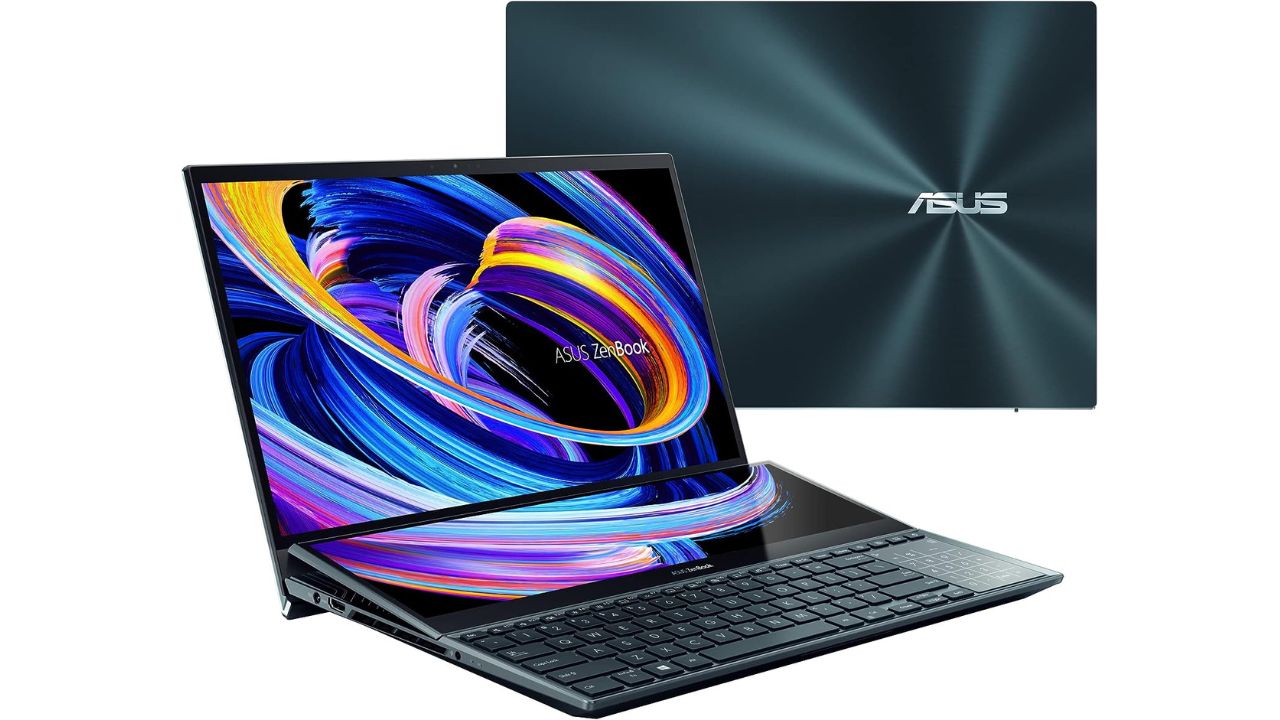
This ASUS ZenBook Pro Duo 15 will give you a complimentary 3-month Adobe Creative Cloud subscription when you purchase it. It has a massive 15.6-inch display for gorgeous pictures and runs on a 12th-generation Intel Core i9 processor for fast and reliable performance. It also has a 14-inch touchscreen available to use that lets you multitask by extending the screen or splitting windows and apps on both displays.
A powerful portable charger to pair with your laptop
Anker Prime Power Bank (26,250mAh, 300W Portable Charger)

The Anker Prime Power Bank is a high-performance portable charger built for power users who need serious output on the go. With a massive 26,250mAh capacity and up to 300W total output across two USB-C ports and one USB-A port, it can charge multiple devices at once, including power-hungry laptops like a MacBook Pro, without slowing down. Speed is a major highlight here. A single USB-C port delivers up to 140W fast charging, enough to bring a MacBook Pro to 50% in under 30 minutes. Even more impressive, the dual USB-C input supports up to 250W recharging, allowing the power bank itself to reach 50% in just 13 minutes-ideal when you’re short on time. Despite its power, it’s travel-ready. The TSA-approved 99.75Wh capacity makes it safe for carry-on use, while the compact design fits easily into a bag. A built-in smart display shows real-time charging stats, and app connectivity lets you monitor performance and adjust output settings for more control. Whether you’re traveling, working remotely, or managing multiple devices, this power bank is designed to keep everything running without compromise.
Connecting a monitor to your laptop for a Desktop Experience
Connecting a monitor to your laptop can transform your setup into a desktop-like experience, enhancing productivity and comfort. Start by identifying the appropriate cable (HDMI, USB-C, or VGA) compatible with both your laptop and monitor. Connect the cable securely to both devices. Power on the monitor first, then your laptop.
- On Windows, right-click the desktop, select “Display settings,” and choose “Extend” or “Duplicate” displays based on your preference.
- On macOS, go to “System Preferences” > “Displays” and arrange the monitors. Adjust the resolution and orientation to match your needs.
This setup allows you to enjoy a larger screen, making multitasking easier and reducing eye strain.
Consider these ultra-wide monitors
Portable dual monitors
For those who need a more flexible and mobile setup, portable dual monitors are an excellent solution. These lightweight, compact screens can be easily connected to your laptop via USB-C or HDMI, providing additional screen real estate on the go. Brands like ASUS, Lenovo, and AOC offer various models with features such as full HD resolution, adjustable stands, and even touch capabilities. Portable dual monitors are perfect for enhancing productivity during travel, remote work, or even at home, allowing you to extend your workspace without the bulk of traditional monitors.
Consider these portable dual monitors
More on getting rid of your old devices
- How to securely get rid of your old PC or Mac
- How to securely get rid of your old cell phone
- How to recycle your old electronics into Amazon gift cards
Related Links:
- Best travel adapters of 2026
- 5 best streaming devices in 2026
- The best wireless mice of 2026
- How to securely get rid of your old PC or Mac
Kurt’s key takeaways
Finding the right laptop does not have to be overwhelming. Instead, it comes down to how you plan to use it day to day. If you mainly browse the web, check email or stream videos, a budget-friendly option will likely do the job just fine. However, if you work with large files, edit photos or juggle multiple apps at once, stepping up to a midrange or premium model can make a noticeable difference. At the same time, it is worth thinking about what matters most to you. For example, battery life can be a game-changer if you are always on the move. Likewise, a brighter display or lighter design can make everyday use more enjoyable. Because of that, it helps to balance performance, portability and price before making a final decision. Ultimately, there is no one-size-fits-all laptop. Instead, the best choice is the one that fits your routine, your workload and your budget. So take a moment to compare your options, focus on the features you will actually use and choose a device that will keep up with you long after the first unboxing.
What matters most to you when choosing a new laptop? Let us know in the comments below.
FOR MORE OF MY TECH TIPS & SECURITY ALERTS, SUBSCRIBE TO MY FREE CYBERGUY REPORT NEWSLETTER HERE
Copyright 2026 CyberGuy.com. All rights reserved. CyberGuy.com articles and content may contain affiliate links that earn a commission when purchases are made.
🎙 Now Streaming: My New Podcast: The CyberGuy Report
Kurt’s Top Deals
Deals move fast and inventory can be limited, so don’t wait too long.
| 🔥 Editor’s pick  Summer entertaining Ninja SLUSHi Machine (26% off) Frozen drinks and slushies at home in minutes. | |
| 💰 Top deal  Outdoor essential TYPEC Solar Bug Zapper (36% off) Solar-powered bug zappers for patios and camping. |


2 comments
What is the best browser to download? I have Bing but have been considering DuckDuckGo.
Hi Elizabeth, please refer to our articles here about best browsers:
https://cyberguy.com/more-picks/how-to-add-safe-browsers-to-your-mobile-device/
https://cyberguy.com/top-stories/best-web-browsers/