



- Gas price apps can help you compare nearby stations and find cheaper fuel.
- Google Maps, Waze and AAA Mobile show prices, directions and stations along your route.
- GasBuddy offers added discounts but may require location access and a linked bank account.
- Limiting location permissions can help you save without sharing more data than necessary.
Gas prices are always changing, and drivers feel it every time they fill up. That is why many of us are looking for simple ways to save money on gas. One option more people are trying is gas-savings apps that offer discounts, rewards and cash back at the pump.
One reader, Cecilia, recently wrote in with a question:
“Someone told me about an app called Upside. If you install it on your phone, you get discounts on gas per gallon at stations near you. It sounds too good to be true. Is it legit?”
Great question, Cecilia. The Upside app is one option, but it is far from the only one. Below are five main apps that can help you save money on gas, plus loyalty programs and two additional gas-price tools worth knowing about.
7 Best apps to save money on gas
These apps can help you find cheap gas, cash-back deals and rewards in your area. To start saving money, simply download the app to your iPhone or Android. Once downloaded, it will ask you to allow location access to provide personalized offers and show you the best deals near you.
1) Upside
Getting cash back on apps sounds too good to be true, yet that is indeed what the Upside app offers. The app is free, simple to use, and can save you money every time you get gas. All you have to do is download the app and find the best offers in your area, then fill up using your credit or debit card at the pump. Then follow the app instructions to either upload a receipt or check in, and you’ll earn cash back points directly in the app. You can cash out quickly and easily whenever you want via your bank account, digital gift card, or PayPal. This app is available for both iPhone and Android devices.
2) Checkout 51
Watch the latest episode of The CyberGuy Report.

Missed this event? Sign up via the registration form and see our live recording.
See Kurt’s latest Amazon picks for useful gadgets, smart home upgrades and everyday tech worth grabbing while the deals last.
The Checkout 51 app is free and allows you to get cash back. This simple, easy-to-use app lets you buy from any store, including over 5,000 gas stations, snap a photo of the receipt and earn cash back. You can easily link your loyalty cards, and it offers sweepstakes offers. This app is available for both iPhone and Android devices.
3) AAA TripTik
The app linked above is called AAA Mobile. TripTik is the route-planning feature available through AAA Mobile and AAA’s website. You can use it to locate nearby gas stations, compare available fuel prices and see which fuel grades a station offers. You can also plan a longer trip and find gas stations, hotels, restaurants, attractions and electric vehicle charging stations along your route. This app is available for both iPhone and Android devices.
4) Google Maps
Google Maps lets you compare gas station prices and get directions, all in an app that you likely already have installed on your smartphone. Open the app and tap the Gas shortcut near the top of the screen. You can also search for “gas stations.” Google Maps will display nearby stations and may show fuel prices, addresses, ratings and distance. Move the map to another neighborhood or destination and search again to compare stations in that area. Tap a station to see its hours, reviews, directions and prices for different fuel grades when that information is available. This app is available for both iPhone and Android devices.
5) Waze
Waze can show you the nearest gas stations along with recently reported fuel prices. Open Waze, tap the search field and select Gas stations. You can sort the results by price or distance. Waze also lets you set a preferred fuel type and gas-station brand. Tap a station to see available details, which may include its address, hours, services and fuel prices. Because Waze relies partly on information submitted by drivers, compare the displayed price with the station’s signs before filling up. Waze also tells you about traffic, roadwork, crashes and police reports along your route. This app is available for both iPhone and Android devices.
6) GasBuddy
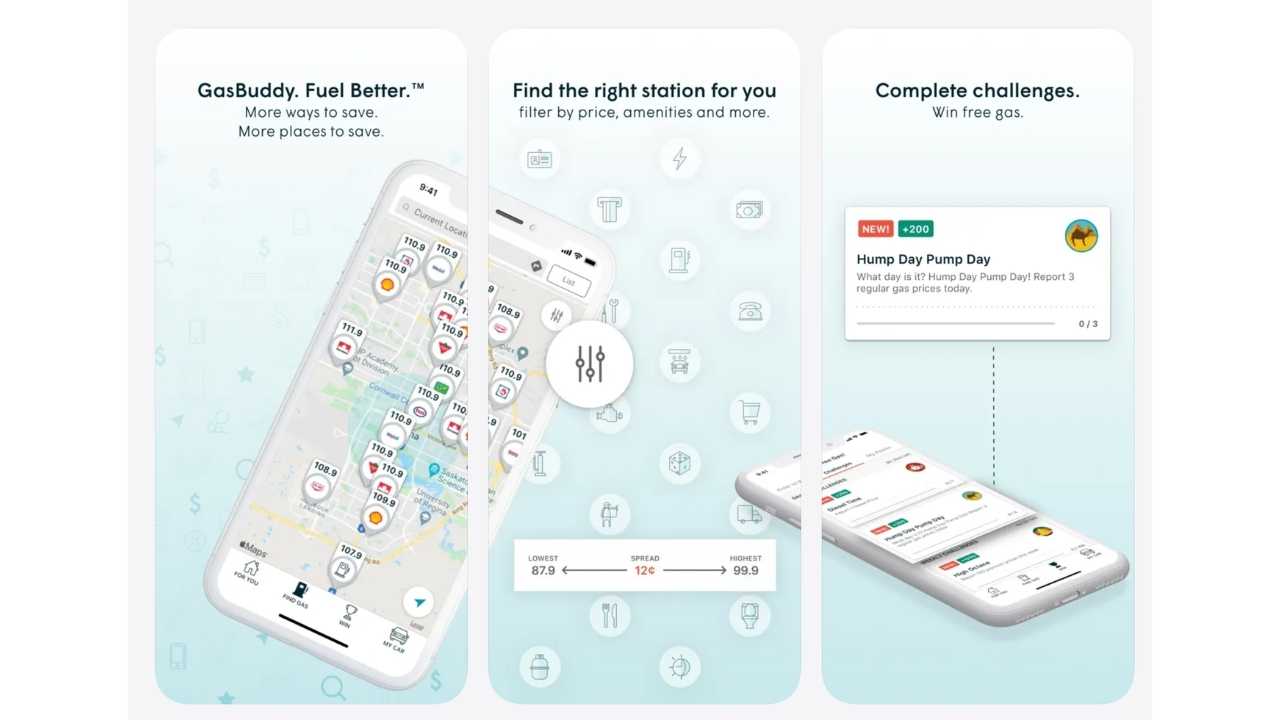
GasBuddy can show nearby gas stations and let you sort the results by price or distance. You can select your fuel grade and, where available, compare cash and credit prices. You do not need an account simply to search for nearby prices.
GasBuddy also offers an optional payment and rewards program called Pay with GasBuddy+. Its payment card is connected to a bank account, and fuel purchases are withdrawn from that linked account. It does not work like a traditional credit card. GasBuddy+ Premium currently costs $9.99 per month or $99 per year and offers larger fuel discounts along with benefits such as roadside assistance.
However, CyberGuy previously raised concerns in 2022 about how GasBuddy handled precise location and driving data. Privacy policies and app features can change, so review the current privacy terms and requested permissions before signing up. You can also search for prices through the GasBuddy website without creating an account if you would rather share less information. This app is available for both iPhone and Android devices.
7) WEX Connect
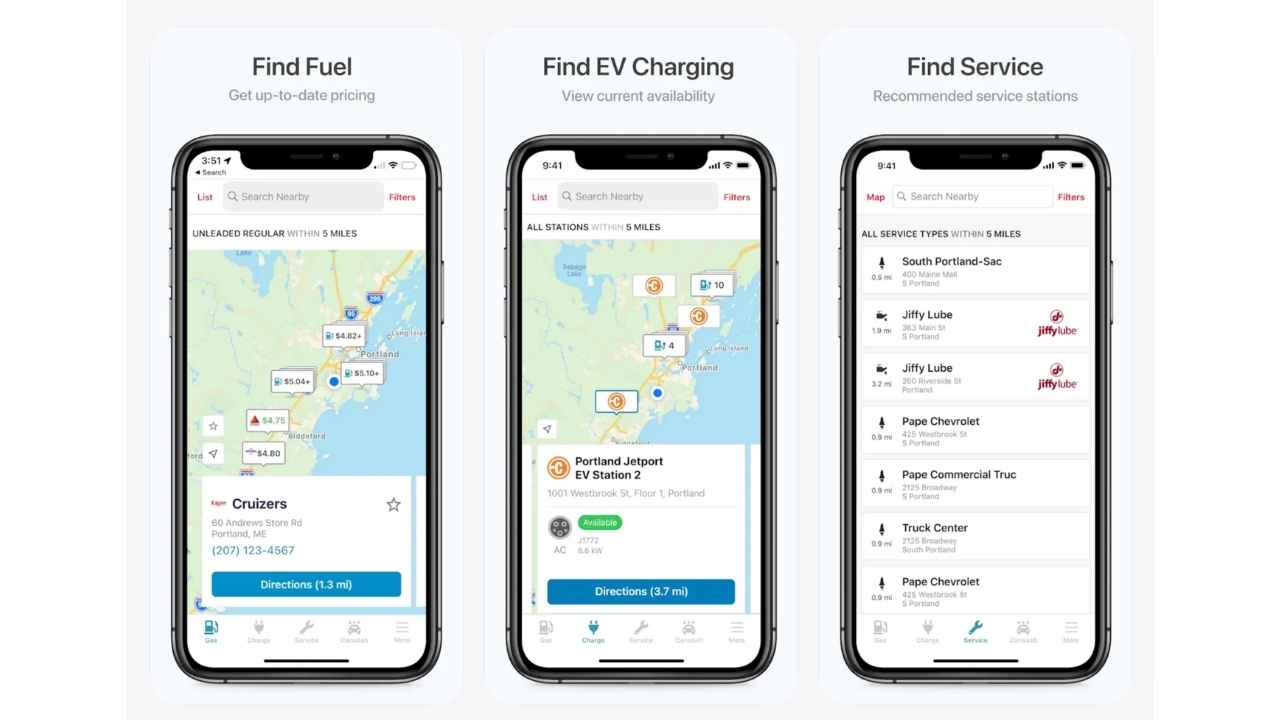
WEX Connect can locate nearby fuel stations and display fuel prices. It can also help find electric vehicle chargers and service locations. However, WEX describes Connect as a fleet app designed mainly for commercial vehicles and drivers who use WEX fleet cards. Individual drivers can explore it, but Google Maps, Waze or AAA Mobile may provide a more straightforward experience for everyday use. This app is available for both iPhone and Android devices.
5 best gas station loyalty programs
Most major gas stations offer loyalty programs leading to discounted prices, with the apps and membership both being free to use. Our recommended strategy for these programs is to look out for which of your local gas station has the consistently lowest prices and choose that loyalty program. Among the gas stations currently offering loyalty programs are:
1) Exxon Mobil rewards+
Exxon Mobil Rewards+ is a loyalty app that allows you to stay in the comfort of your vehicle while you pay for fuel with your phone. Say goodbye to going inside to pay for gas, taking your wallet out, and swiping your credit card at the pump. The app currently offers $1 in points just for signing up. New members only* (at time of publishing). This app is available for both iPhone and Android devices.
2) Shell fuel rewards

The Shell Fuel Rewards app is a free loyalty program that helps you save money on fuel at over 11,000 Shell stations across the country. You can link the app to a credit or debit card to gain rewards. Fuel Rewards members with Gold Status save at least 5¢/gal on every fill-up. The app also provides a secure and convenient way for you to pay for fuel inside the safety and comfort of your car, as well as purchase any items inside the store at participating Shell stations. This app is available for both iPhone and Android devices.
3) My 76
Download the My 76 app to find the nearest 76 gas stations and stay up-to-date on current promotions. It is a safe and secure way to save on gas. This app is available for both iPhone and Android devices. This app is available for both iPhone and Android devices.
4) My Phillips 66
Download the My Phillips 66 app to find the nearest Phillips 66 stations in your area, earn Points, and learn about their current promotions. Limit 30 gallons per fill-up, and it’s for first-time app users only. This app is available for both iPhone and Android devices.
5) My Conoco
Download the My Conoco app to find the closest Conoco gas stations and get directions from your current location. Find nearby stores based on city and state or ZIP code. If you like a station, you can save it to your favorites. The app displays area promotions, station attributes, and services. With Conoco’s KickBack Points loyalty program, you can earn points from purchases at participating Conoco stations and then spend those points just like cash. This app is available for both iPhone and Android devices.
*It’s important to note that the terms and conditions of these loyalty promotions can change at any time, so it’s always a good idea to check with the company directly for the most up-to-date information.
Protect your privacy on gas apps
Should you choose to use one of the gas apps, there are ways to further protect your privacy by limiting your location services access.
For iPhone users:
- Go to Settings
- Tap Privacy and Security
- Tap Location Services
- Find the relevant app
- In the Allow Location Access tab, click While Using the App
For Android users
Settings may vary slightly depending on your phone manufacturer.
- Open Settings
- Tap Location
- Tap App location permissions
- Select the gas app you want to adjust
- Tap Allow only while using the app
This setting prevents the app from accessing your location in the background while still allowing it to show nearby gas deals when you open it.
Related Links:
- These apps can help you save money at the gas pump
- 5 Google Maps tricks that can save you money
- Traveling? Bring this triple protection for safer online banking
Kurt’s key takeaways
Gas prices are one of those expenses most drivers cannot avoid. Whether you commute every day, drive kids to activities or take regular road trips, the cost of filling up adds up quickly. Finding small ways to save money on gas can make a real difference over time. Apps like Upside, Google Maps, Waze and AAA Mobile can help you compare prices, earn rewards and find cheaper fuel nearby. Loyalty programs can also help you save more if you regularly fill up at the same station. GasBuddy offers useful price comparisons and optional discounts, but take a close look at its privacy settings and bank-linking requirements before enrolling. WEX Connect can also show fuel and charging locations, although it is geared mainly toward commercial fleets. Just remember that many of these apps rely on your location to show deals near you. Adjusting your privacy settings can help you save money on gas without sharing more data than you are comfortable with.
Now I am curious: Have you tried any gas savings apps, and do they actually help you save money on gas where you live? Let me know which ones work best for you.
FOR MORE OF MY TECH TIPS & SECURITY ALERTS, SUBSCRIBE TO MY FREE CYBERGUY REPORT NEWSLETTER HERE
Copyright 2026 CyberGuy.com. All rights reserved. CyberGuy.com articles and content may contain affiliate links that earn a commission when purchases are made.
🎙 Now Streaming: My New Podcast: The CyberGuy Report
Kurt’s Top Deals
Deals move fast and inventory can be limited, so don’t wait too long.
| 🔥 Editor’s pick  Summer entertaining Ninja SLUSHi Machine (26% off) Frozen drinks and slushies at home in minutes. | |
| 💰 Top deal  Outdoor essential TYPEC Solar Bug Zapper (36% off) Solar-powered bug zappers for patios and camping. |


