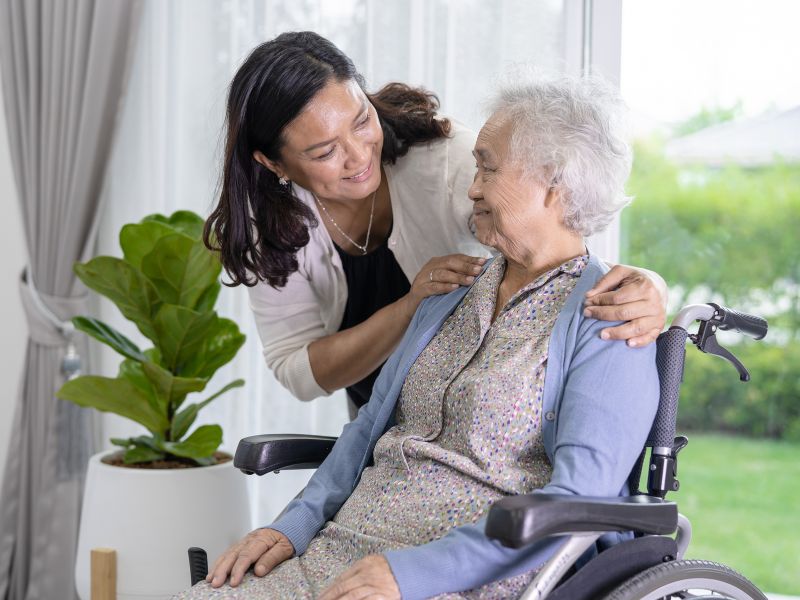
As some of our loved ones get older, it can be stressful for them and those providing care for them. That’s why I’m listing out 10 ways that you can make sure your loved one is always taken care of whether you’re with them or not.
1. Communicate easily with the Amazon Echo Show 8

The Amazon Echo Show 8 (2nd generation) is a smart speaker that doubles as a communication tool, making it an ideal device for people living alone. It allows for two-way video chats with family and caregivers. It can also be used to schedule reminders, watch videos, and identify grocery items using the Show and Tell feature.
2. Control your home with Amazon Echo
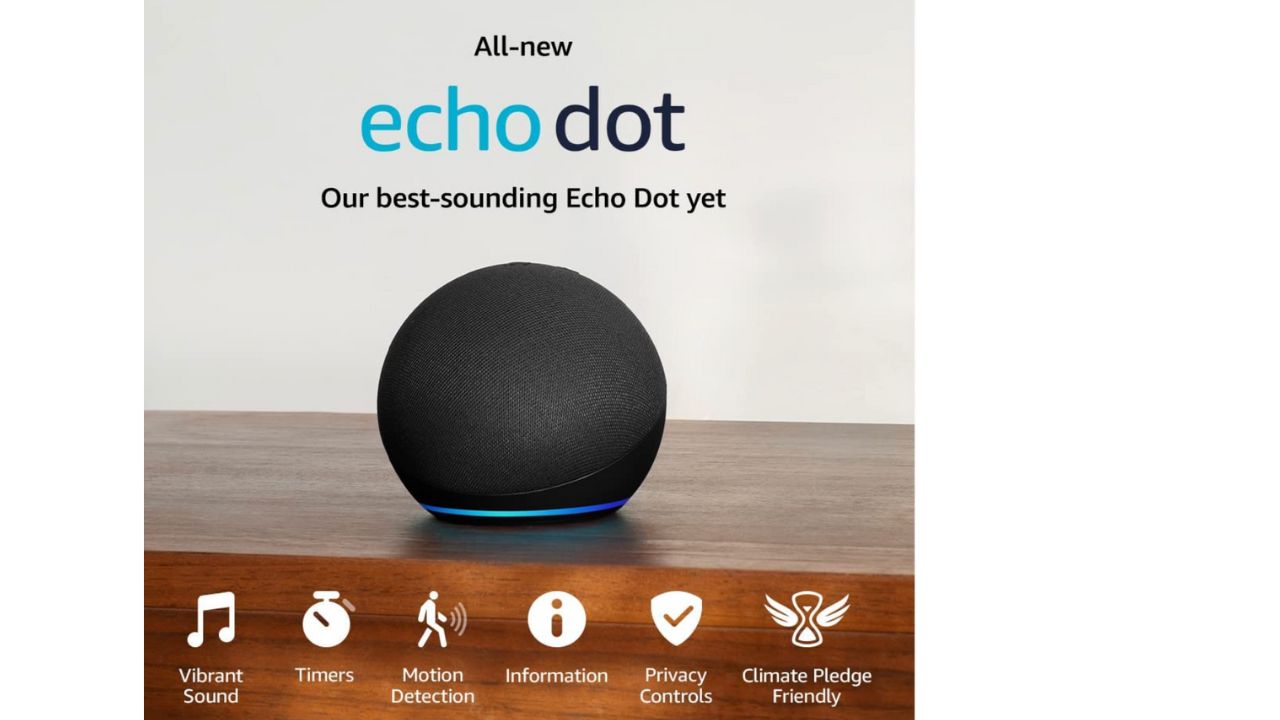
The Amazon Echo can be particularly helpful for older people with mobility or vision impairments, as it allows them to use their voice to control their environment without interacting physically with devices. Additionally, Alexa can provide weather updates, read the news, and answer questions, which can be useful for seniors who may have difficulty reading or accessing information online. The device can also be programmed to remind seniors to take their medication or attend appointments. It can even be used to call for emergency assistance in the event of a fall or other medical emergency.
3. Handrails in the bathroom

Credit: Vive
The bathroom can be a big problem for older people because it is a small space, and oftentimes water gets on the floor from the sink or shower, making it extra slippery for those who are not as physically agile. One thing you can do to help this is to install a handrail in the shower. This will allow your loved one to hold onto something sturdy when they’re getting in and out of the shower.
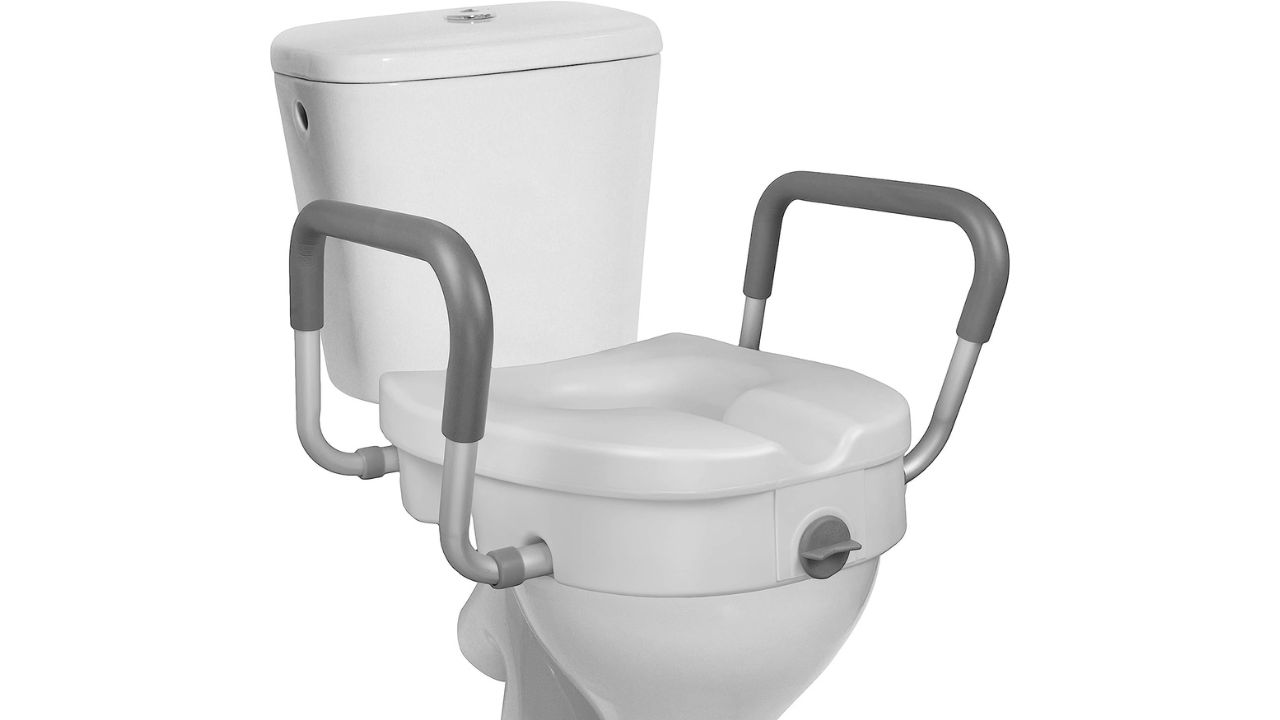
4. Raised toilet lids
Credit: RMS
This could be a huge help for someone who has trouble sitting down because they may have a bad back, hips, or knees. A raised toilet seat will lessen the distance for a loved one when they have to sit on the toilet and will make it physically much easier for them to get up and own. It’s even better if you can get one with handles to assist them as well. Here’s one with handles that we found on Amazon.
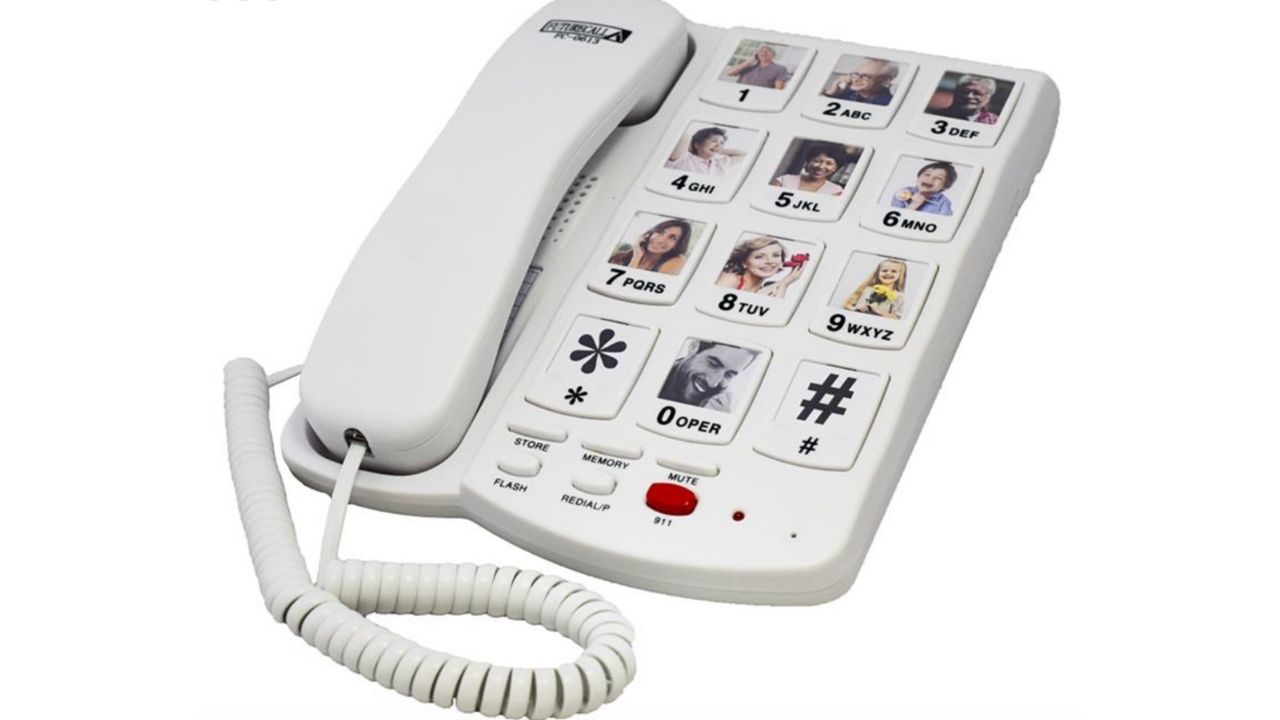
5. Telephone with large buttons
Credit: Future Call
Consider purchasing a phone like the Serene Innovations Amplified Big Button Landline Phone, where a speed dial is associated with a picture. It’s important to determine who your loved one would call in an emergency in order of importance. Add their photo and set up the phone accordingly. Keep in mind that the person may not recognize the pictures at some point. My recommendation would be to place a sticky note next to the phone with the words, “In an emergency, press the number 1 to contact me.
Get Call FC-0613 Picture Phone for Seniors
6. First aid kit
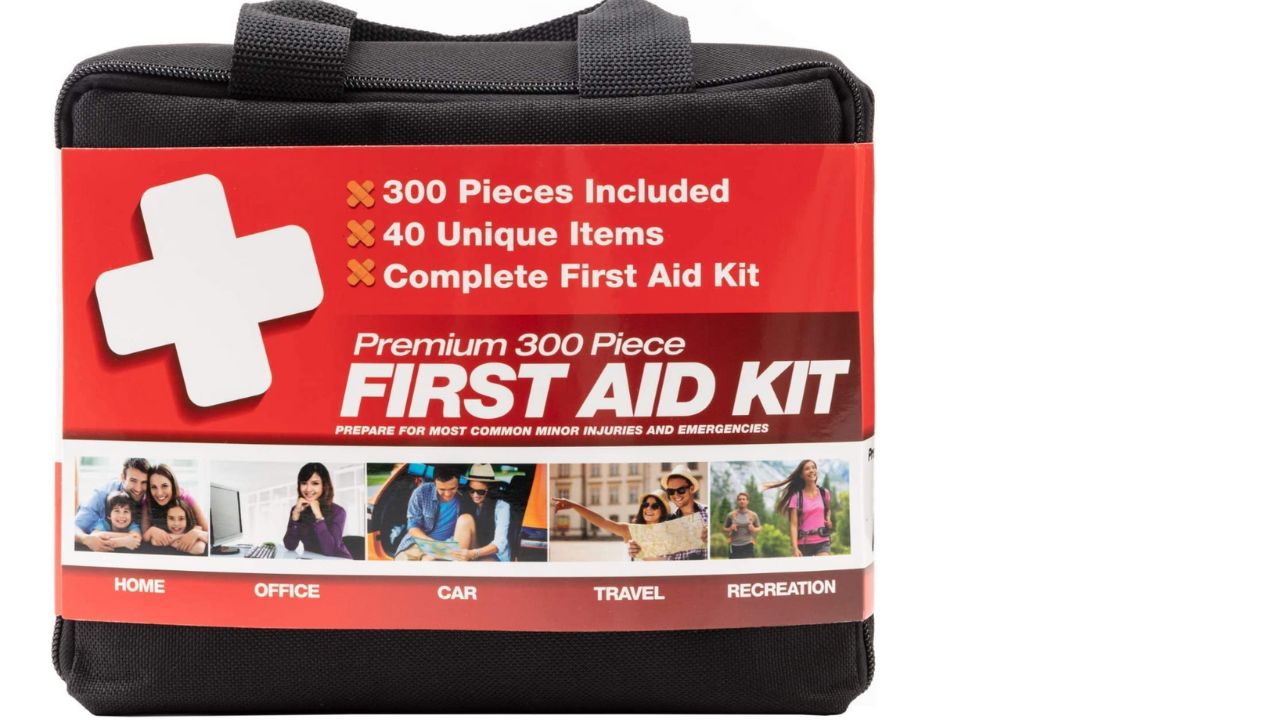
You should always have a first aid kit in the house regardless of age, however, it’s especially important to have one if you have young children or older adults in the house. These come with essentials for minor injuries like bandaids, alcohol wipes, and more, and can be found at any major pharmacy store.
Get 300 premium 300-piece First Aid Kit
7. Get a tracker
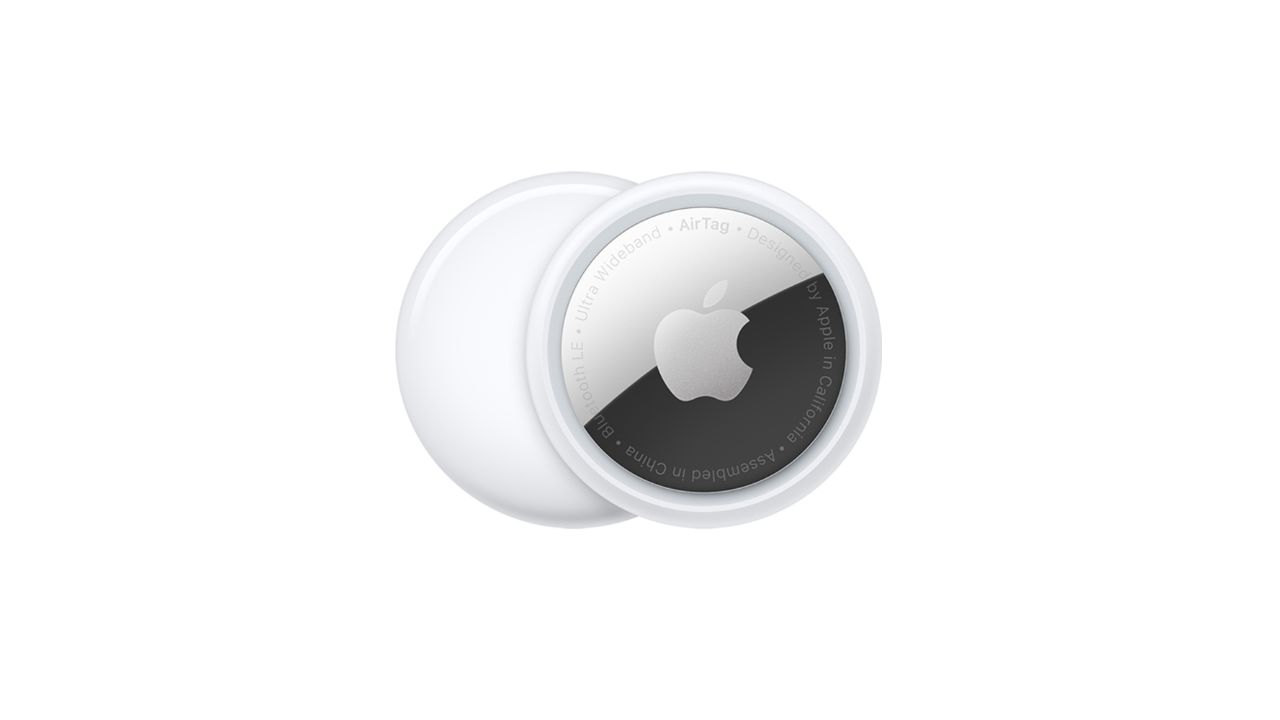
Credit: Apple
Our favorite tracker is the Apple AirTag. Its simple one-tap setup instantly connects AirTag with your iPhone or iPad. It has precision finding with ultra-wideband technology that leads you right to your nearby AirTag. You can use it with your loved one by keeping it in a personal belonging of theirs like a bag or jacket or attach it to a strap and tie it around a device they regularly use, such as a walker or wheelchair. Note that the tracker does have a safety precaution telling the individual that they are being tracked, which is a small price to pay to be able to use it.
Setting Up and Tracking an AirTag on an iPhone
- Set Up the AirTag:
- Remove the plastic covering from the AirTag.
- Hold the AirTag near your iPhone. A setup animation should appear on your iPhone screen.
- Tap Connect.
- Choose a name for your AirTag from the list or select Custom Name to type a name and select an emoji.
- Tap Continue to register the AirTag to your Apple ID, then tap Finish.
- Track the AirTag:
- Open the Find My app on your iPhone.
- Tap on the Items tab at the bottom of the screen.
- Select the AirTag you want to track. You can see its location on the map and use features like Play Sound to help locate it.
Setting Up and Tracking an AirTag on an Android Device
While you can’t set up an AirTag directly with an Android device, you can still use it to track AirTags using the Tracker Detect app developed by Apple.
- Download Tracker Detect:
- Go to the Google Play Store and download the Tracker Detect app.
- Scan for AirTags:
- Open the Tracker Detect app and tap on Scan for Trackers.
- The app will show you any nearby AirTags that are not paired with your phone.
- If you find an AirTag, you can tap on it and choose to play a sound to help locate it.
8. Good lighting
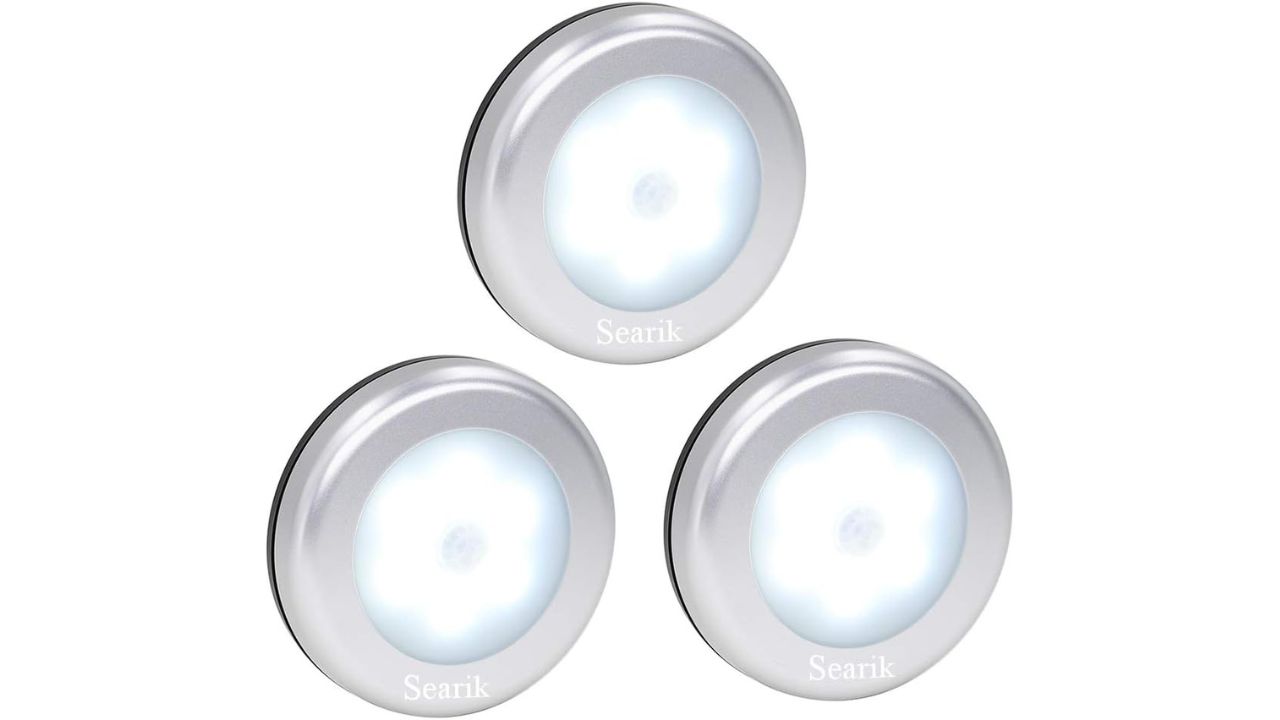
Credit: Searik
Your loved one must have good lighting throughout their home, especially in those easy-to-fall places like the bathroom or the stairs. You want to make sure that they can see everything clearly so that they avoid getting hurt. These motion sensor battery LED lights are perfect because they can be easily installed anywhere in the home and will light those hard-to-spot areas.
9. Put a bench in the shower
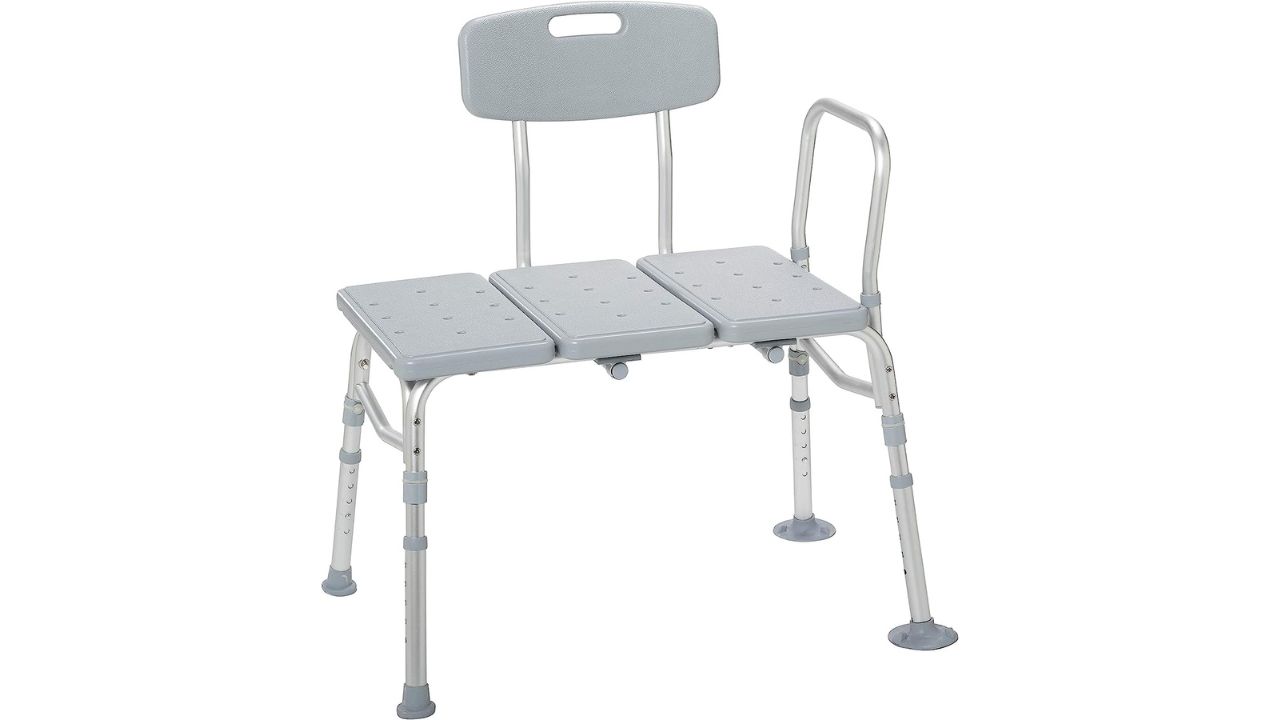
Credit: Drive Medical
Having a bench in the shower will significantly decrease the chances of your loved one falling and allow them to relax their legs and not have to get too tired from standing up. This one from Amazon is designed to assist individuals while entering and exiting the bath for renewed independence. No tools are required to assemble the back, arms, or legs of our tub benches for bathtubs, and it can pretty much work in any bathroom layout.
Get Drive Medical Shower Bench
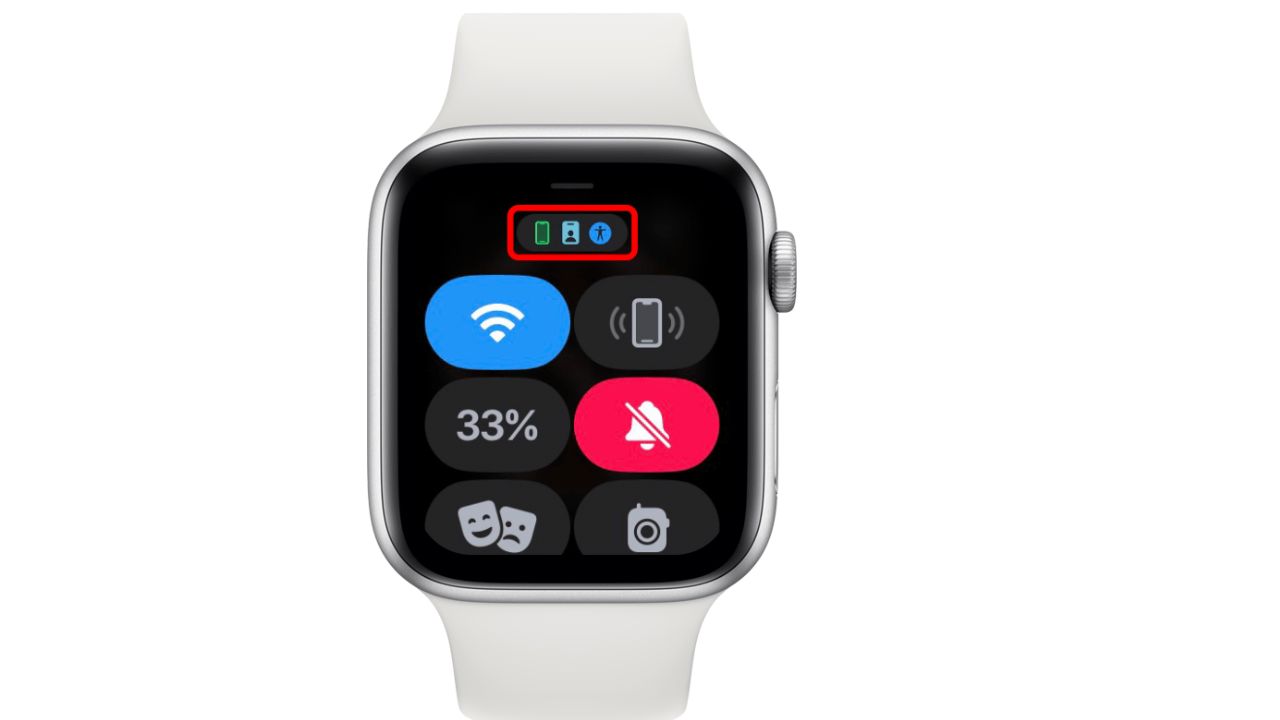
10. Get them a smartwatch
Credit: Apple
Consider using a smartwatch with cellular connectivity that your loved one can wear, which would allow them to make phone calls directly from their wrist without having to find their phone. One great option is the Apple Watch SE.
Pro tip
The best way to keep your loved one’s digital devices safe is to install and activate antivirus software on all their devices. Having antivirus software on their devices can prevent them from clicking malicious links and falling for all kinds of scams, including phishing scams, ransomware, identity theft, and more.
TotalAV is easy to set up and offers real-time protection for paid users, keeping your devices safe around the clock. It includes tools to block phishing scams, remove ransomware and spyware, and clean up adware and junk files. The software also features a browser manager, system tune-up tools, and protects across Windows, Mac, Android, and iOS devices. GET MY EXCLUSIVE CYBERGUY TOTALAV DEAL: Please note: - If you're on a mobile device, hold down the link above, "Copy Link", and then paste it into a private or incognito browser. - If you're on a laptop or desktop, right click the link, "Copy Link", and then paste it into a private or incognito browser. 2) During registration you may see optional upsells you can decline. Our top pick is the core antivirus product. 3) If you need help after your purchase, you can reach TotalAV directly through their official support page here.
1) If you're having difficulty seeing either of the above deals, do this:
Kurt’s key takeaways
There are so many ways to ensure that your loved ones receive the best care possible. From high-tech devices like the Amazon Echo Show 8 to practical items like handrails and raised toilet seats, these 10 suggestions can make a real difference in the quality of life for older adults.
Does having products like these give you better peace of mind for your loved ones? What more could the world of tech be doing to help? Let us know by commenting below.
FOR MORE OF MY SECURITY ALERTS & TECH TIPS, SUBSCRIBE TO MY FREE CYBERGUY REPORT NEWSLETTER HERE.
Related:
- Best tech to help a loved one with memory issues
- How to set up Alexa for emergencies
- How to force your loved one’s iPhone to ring in an emergency
- More: how to set up alexa for emergencies
- More: how to force your loved one’s iphone to ring in an emergency
- More: 5 top watches to monitor your blood pressure
Copyright 2025 CyberGuy.com. All rights reserved. CyberGuy.com articles and content may contain affiliate links that earn a commission when purchases are made.
🎙 Now Streaming: My New Podcast: The CyberGuy Report
Kurt’s Top Deals
Deals move fast and inventory can be limited, so don’t wait too long.
| 🔥 Editor’s pick  Summer entertaining Ninja SLUSHi Machine (26% off) Frozen drinks and slushies at home in minutes. | |
| 💰 Top deal  Outdoor essential TYPEC Solar Bug Zapper (36% off) Solar-powered bug zappers for patios and camping. |