



- Simple tech like karaoke, party games and projectors can turn routine nights into shared experiences
- Phone-based games and trivia keep everyone involved without a complicated setup
- Creating your own shows or videos turns passive screen time into something interactive and memorable
- Keeping things simple and rotating activities helps maintain momentum and keeps everyone engaged
Family night used to mean board games and pizza. That still works. But adding the right tech can take it from predictable to something everyone actually gets excited about.
If your crew is glued to screens anyway, why not turn that into a shared experience?
Here are five easy tech ideas that bring everyone together without feeling forced.

1) Host an outdoor movie night

Watching a movie outside feels different. It turns a regular Friday into an event.
All you need:
- A portable projector
- A screen or even a blank wall
- A Bluetooth speaker for better sound
Set up some blankets, bring out snacks, and suddenly your backyard feels like a private theater.
Why families love it:
- It gets everyone off the couch
- Kids feel like it is a special occasion
- You can make it a weekly tradition
If you want to level it up, let each family member take turns picking the movie.
A big screen makes backyard movie night feel real
A larger screen can make the whole setup feel less like watching a movie outside and more like creating your own backyard theater.
PPXIA 20-foot Inflatable Outdoor Movie Screen

The PPXIA 20-foot inflatable movie screen is made for backyard movie nights, pool parties, sports viewing and outdoor gatherings. It offers a large 16:9 viewing area with front and rear projection support, giving you more flexibility when setting up your projector and speakers. The screen includes an air blower and uses a durable Oxford cloth frame with a wrinkle-resistant white display surface for a cleaner picture. It is designed to inflate quickly, pack away for storage and turn almost any outdoor space into a big-screen theater experience.
Why we like this: It makes backyard movie night feel bigger and more special, while still being simple enough to set up, take down and store when the night is over.
Watch the latest episode of The CyberGuy Report.

Missed this event? Sign up via the registration form and see our live recording.
See Kurt’s latest Amazon picks for useful gadgets, smart home upgrades and everyday tech worth grabbing while the deals last.
Best projectors for backyard movie night
If your family likes the idea of backyard movie night, a portable projector can make the setup feel much more fun without turning it into a complicated home theater project.
ViewSonic LS740HD 1080p Laser Projector
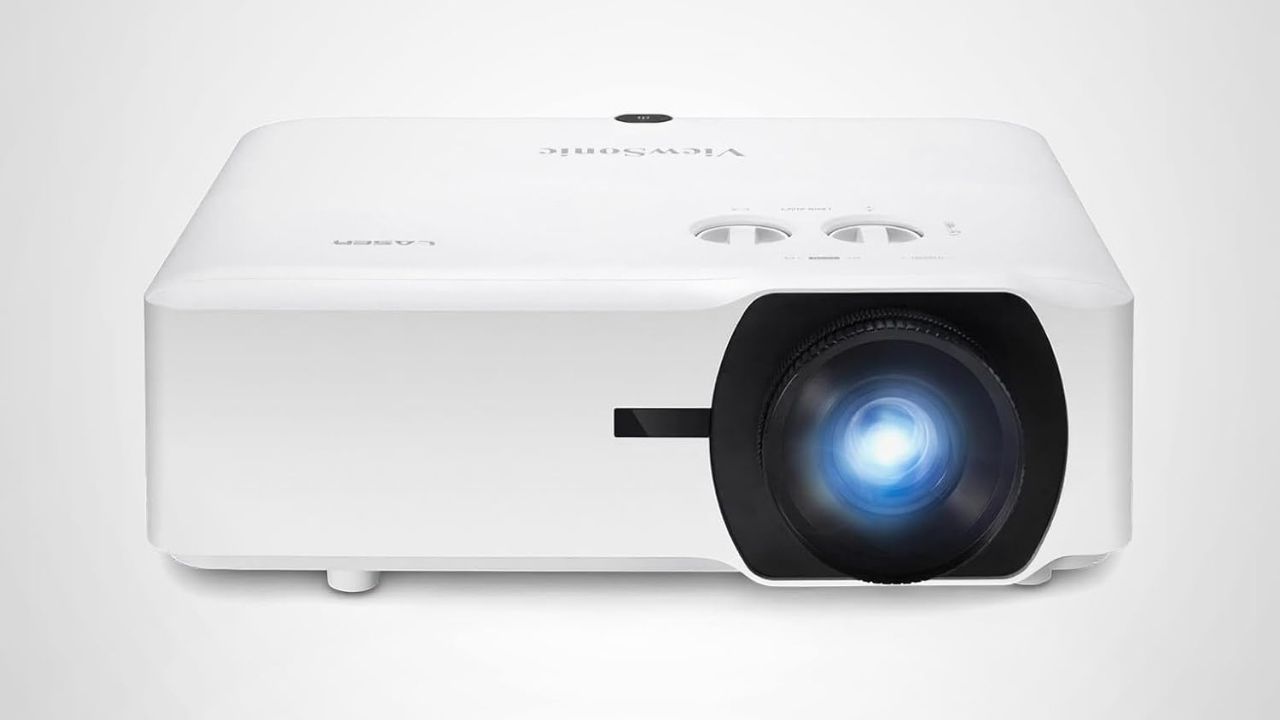
The ViewSonic LS740HD is built for big, bright viewing in larger spaces like auditoriums, classrooms, conference rooms, golf simulator setups and home theaters. It delivers Full HD 1080p resolution with 5,500 ANSI lumens, so the picture can stay clear even when the room is not completely dark. The projector can create an 80-inch to 150-inch image and includes 1.3x optical zoom, horizontal and vertical keystone correction, 4-corner adjustment, portrait mode and 360-degree projection for flexible installation. It also supports HDR, HDMI inputs and instant power on/off, making it a strong pick for anyone who needs a high-brightness laser projector with easier setup options.
Why we like this: It brings a brighter, sharper big-screen feel to family movie night, especially in larger spaces where a regular portable projector may not be powerful enough.
2) Turn your living room into a karaoke stage

There is something about karaoke that breaks people out of their shell fast.
With a setup like the IKarao karaoke machine, you can turn your living room into a full-on performance space. It comes with two wireless microphones and an adjustable mic stand, so kids, teens and adults can all take a turn without fighting over equipment.
What makes it especially easy is the built-in touchscreen and Wi-Fi. You can pull up songs directly from YouTube or karaoke apps without needing another device. That means less setup and more singing.
It also doubles as a powerful Bluetooth speaker, so you can use it for music before and after the performances or even take it outside for a backyard sing-along.
What makes this fun:
- Two wireless mics make duets and group songs easy
- Adjustable stand works for all ages
- Built-in screen streams songs instantly
- A portable speaker lets you move the party anywhere
Pro tip: Start with a “no judgment” rule. The worse the singing, the better the night.

Why we like this: The IKarao karaoke machine makes it easy to bring the whole family together for a fun night in, and the built-in screen, wireless mics and portable speaker setup make it feel simple instead of stressful.
Get IKarao karaoke machine: Break X2 (16% off)
IKarao Shell S1 karaoke machine (Shell S1)

The IKarao Shell S1 is a sleeker, more powerful take on at-home karaoke, with better sound and an easy, portable setup. With wireless microphones and simple Bluetooth pairing, it keeps the focus on fun, not setup.
Why we like this: It upgrades family karaoke nights with stronger audio and a more polished, take-anywhere design.
3) Play party games everyone can join from their phone

If you have ever tried to get a group to agree on a game, you know it can derail the whole night.
That is where party games like Quiplash, Fibbage and Drawful come in.
These games let everyone join using their phone. No controllers needed. No complicated setup.
Here’s a quick look at how each one works:
Quiplash – You answer hilarious prompts and compete head-to-head as the group votes for the funniest response.

Fibbage – Players make up fake answers to trivia questions, then try to fool others into picking theirs.

Drawful – You sketch ridiculous prompts on your phone while others guess what your drawing is supposed to be.

Each game is fast, visual and designed for laughs, which makes them perfect for mixed ages.
Even better, no one has to sit out. While a handful of players compete, others can jump in as the audience and vote on answers. That means even larger groups stay involved the entire time.
Why they work so well:
- No right answers means anyone can play
- Head-to-head matchups create instant laughs
- Audience voting keeps everyone involved
- You only need a phone to join
You will quickly find that the game is only half the fun. The reactions are what make it memorable.
Keep bugs from crashing backyard movie night
A backyard movie setup is great until mosquitoes and flies start stealing the show. A handheld electric fly zapper gives you one more way to keep the area more comfortable while everyone is outside.
The Executioner Fly Zapper

The Executioner Fly Zapper is a battery-powered electric swatter designed for flies, mosquitoes, wasps and other bugs indoors or outdoors. It uses a single-layer grill for more direct zapping and has a sturdy ABS plastic build, so it can handle regular use around the house, patio, campsite or barbecue area. It weighs about 8 ounces and has a long racket-style design that makes it easy to grab when bugs get too close.
The brand says its electronics have been tested to more than 100,000 zaps, and the swatter comes with a one-year warranty. Just note that batteries are not supplied for the U.S. market, so you will want to have them ready before family night starts.
Why we like this: It is a quick, low-tech add-on for outdoor movie nights, backyard parties and camping trips when bugs can ruin the mood fast.
4) Create a family trivia showdown

Turn your night into a full game show experience instead of just another app. Think buzzer energy, friendly competition and a host calling the shots. Instead of scrolling separately, turn your devices into a shared challenge. You can run a full trivia game in minutes using apps or even a smart speaker. Here’s exactly how to do it.
Option 1: Use trivia apps on your phone or TV
Some of the easiest apps to use:
Kahoot!

A fast-paced quiz game where players join with a code and compete in real time on shared questions. You can launch it on a TV, laptop or tablet while everyone answers on their own phone, with instant scoring, leaderboards and music that make it feel like a live game show.
Trivia Crack 2

A colorful trivia game with categories like science, sports and entertainment, where players battle for points. It mixes classic trivia with head-to-head challenges, daily events and unlockable characters, so it works well for both quick rounds or longer competitive sessions.
Heads Up!

A charades-style guessing game where one player holds the phone while others give clues. The phone displays a word or phrase on screen, and players tilt it down when guessed correctly, making it fast-paced, physical and perfect for all ages to jump in.
These apps feel more like a live game show than casual gameplay, especially when you add teams and keep score.
Option 2: Use your voice assistant as the host
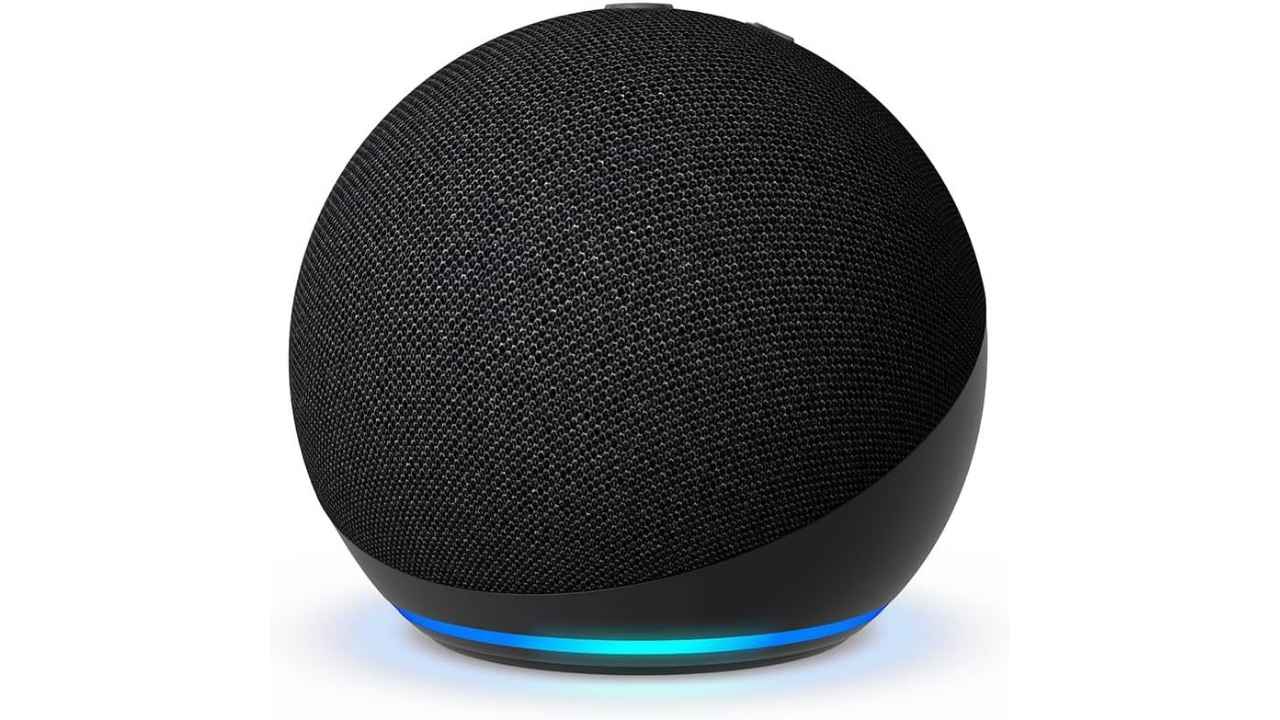
If you have a smart speaker, you already have a built-in game host.
This works with:
- Amazon Alexa
- Google Assistant
Step-by-step (Alexa example):
- Say: “Alexa, open Trivia Night” or “Alexa, play Jeopardy.”
- Choose solo play or teams if available
- Listen to the question out loud
- Call out your answers as a group or take turns
- Let Alexa keep score automatically
Step-by-step (Google Assistant):
- Say: “Hey Google, play a trivia game.”
- Pick a category or general knowledge
- Answer questions out loud
- Track points as you go or assign a scorekeeper
Make it feel like a real game night
Once you have the basics set up, add a little structure:
- Split into teams to keep it competitive
- Set a timer for each question
- Offer small prizes, like choosing the next movie
- Mix in custom questions about family memories
This works especially well with mixed ages. Kids might dominate pop culture while adults take history or music.
5) Make a family mini movie or game show
Instead of only watching content, create your own. Turn your living room into a mini studio using devices you already have. A phone, a TV and a speaker are all you need to get started.

Here is a simple way to make this feel easy and fun
You do not need a full production setup. Just pick a loose idea, give everyone a part to play and use the tech you already have to turn it into a family show.
Step 1: Pick a theme everyone understands
Example: A “family game show night” where one person hosts, and others compete, or a fake news show with silly headlines.
Step 2: Assign roles
Host, contestants, scorekeeper and even a “judge” to add humor.
Step 3: Record using a phone
Use your phone or tablet camera to film each round or segment. Keep clips short so it stays fast-paced.
Step 4: Cast it to your TV instantly
Use AirPlay or screen mirroring to show each clip right after recording so everyone can watch together.
Step 5: Add simple extras
Play music through a Bluetooth speaker, keep score on a whiteboard or app, and hand out funny awards at the end.
Why this works so well:
- Everyone participates at the same time.
- It turns tech into a creative tool
- The videos become memories you can replay
- You can change themes every week
Pro tip: Save your best clips and build a running “family show” playlist you can revisit later.
Ways to make family tech nights actually work
Even the best ideas fall flat without a little structure.
Keep these in mind:
- Keep the setup simple so you do not lose momentum
- Rotate who chooses the activity each week
- Set a clear start and end time
- Focus on interaction, not perfection
The goal is connection, not a flawless production.
What this means for you
Technology often pulls families apart. Everyone ends up in their own world. But with the right approach, it can do the opposite. A shared screen, a silly game or a backyard movie can create moments people remember long after the night ends.
Related Links:
- Best free sites for sharing photos and videos with your extended family
- TikTok still irresistible? 5 steps to ratchet up your family’s privacy now
- Spotify expands family controls for kids’ accounts
Kurt’s key takeaways
Family time does not need to compete with devices. It can work with them. The difference comes down to intention. When you turn tech into something shared, it stops being a distraction and starts being the reason everyone gathers in the same room. So instead of fighting screen time, try reshaping it.
If you handed everyone in your family the power to plan the perfect tech night, what would they choose? Let us know in the comments below.
FOR MORE OF MY TECH TIPS & SECURITY ALERTS, SUBSCRIBE TO MY FREE CYBERGUY REPORT NEWSLETTER HERE
Copyright 2026 CyberGuy.com. All rights reserved. CyberGuy.com articles and content may contain affiliate links that earn a commission when purchases are made.
🎙 Now Streaming: My New Podcast: The CyberGuy Report
Kurt’s Top Deals
Deals move fast and inventory can be limited, so don’t wait too long.
| 🔥 Editor’s pick  Summer entertaining Ninja SLUSHi Machine (26% off) Frozen drinks and slushies at home in minutes. | |
| 💰 Top deal  Outdoor essential TYPEC Solar Bug Zapper (36% off) Solar-powered bug zappers for patios and camping. |

