



A VPN, or Virtual Private Network, enhances your online privacy and security by encrypting your internet traffic and masking your IP address. This makes it harder for third parties to track your online activity. John from Danbury, CT, recently wrote to us asking:
How do I make sure the VPN I purchased and installed is actually working? Thanks, John.
It’s a great question, John. To ensure your VPN is doing its job, you can perform a VPN test to confirm your connection is functioning properly and not leaking your real IP address and location. This can be done by checking your IP address, running DNS and WebRTC leak tests, and conducting a VPN speed test. Here are some simple steps you can follow to test its functionality and make sure your VPN is working properly.
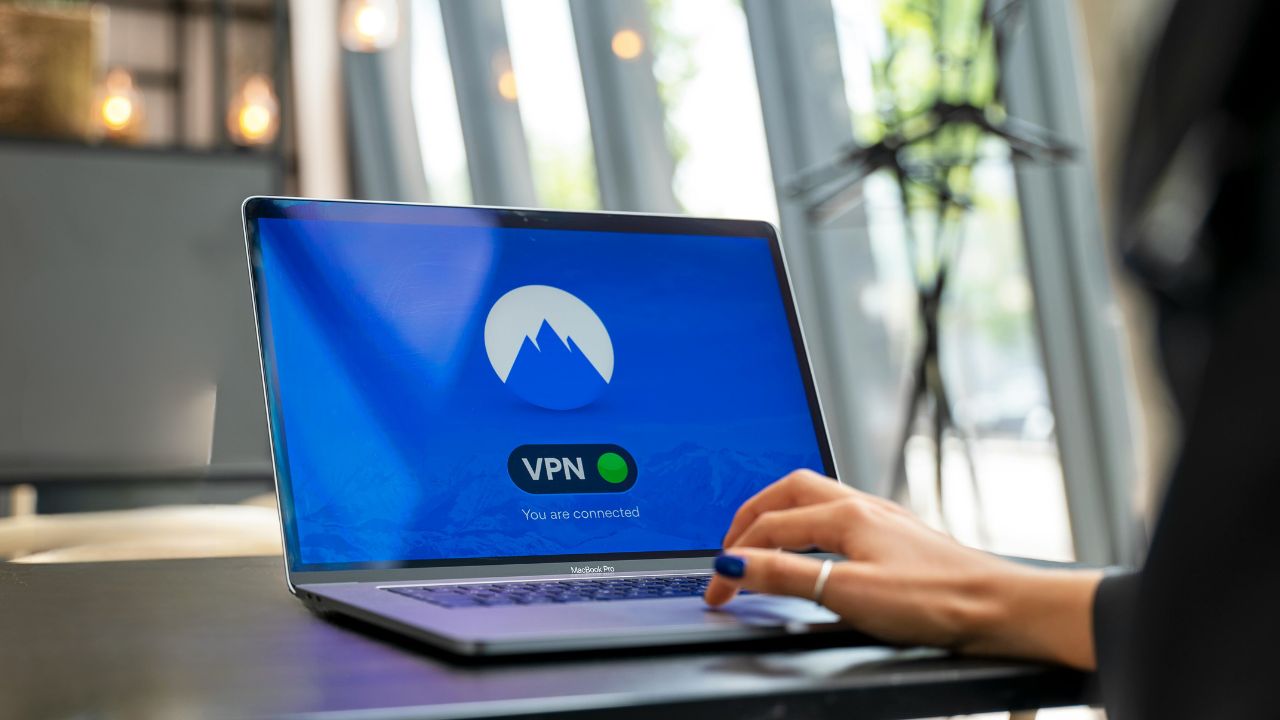
How to verify your VPN is working
Here are five essential steps to ensure your VPN is operating correctly:
1) Check your IP address
- Before connecting: Visit a site like WhatIsMyIPAddress to note your current IP address and location.
- After connecting: Turn on your VPN and connect to a server in a different location. Check the IP address again on the same site. If it shows the location of the VPN server instead of your real one, your VPN is working.
2) Test for DNS leaks
- Why it matters: A DNS leak can reveal your browsing activity even with a VPN.
- How to test: Visit tools like DNSLeakTest or BrowserLeaks. Perform an extended test. If the results show only the DNS servers from your VPN provider, you’re secure.
3) Test for WebRTC leaks
- What it is: WebRTC can expose your real IP address through your browser.
- How to test: Use tools like BrowserLeaks’ WebRTC test. If only the VPN’s IP address appears, you’re safe.
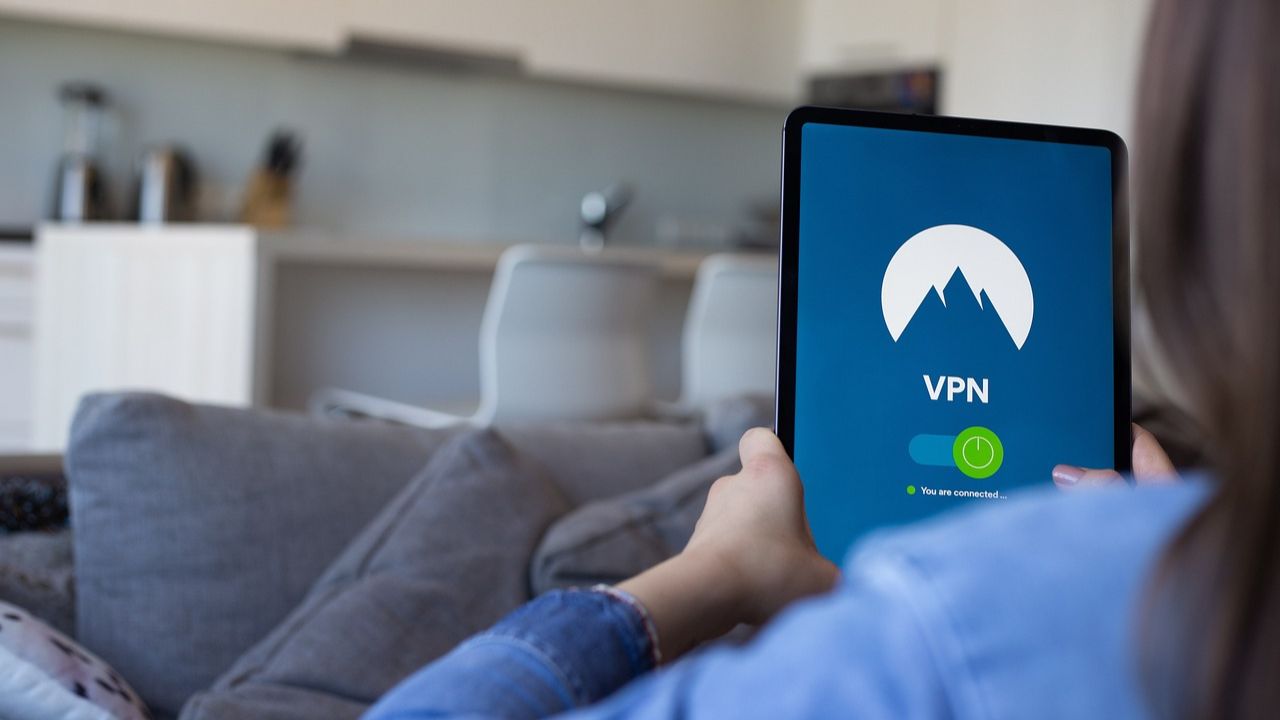
4) Check your connection status
Most VPN apps display whether you’re connected. Ensure that the status reads “Connected” and verify that the server location matches your selection.
5) Run an Internet Speed Test
- Why speed matters: A slight drop in speed is normal with a VPN, but significant drops may indicate issues.
- How to test: Use services like Speedtest before and after connecting to assess performance.
Common issues and fixes
- DNS leaks: Misconfigured settings or ISP interference can cause leaks. Use a reliable provider with built-in DNS leak protection.
- WebRTC leaks: Disable WebRTC in your browser settings if leaks persist.
- Connection drops: Enable the “Kill Switch” feature in your VPN app to block internet access if the connection fails.
Watch the latest episode of The CyberGuy Report.

Missed this event? Sign up via the registration form and see our live recording.
See Kurt’s Prime Day picks for useful gadgets, practical upgrades and everyday tech while the deals last.
Our top VPN picks for 2026
A reliable VPN is essential for protecting your online privacy and ensuring a secure, high-speed connection. Based on extensive testing, here is our top recommendation:
ExpressVPN is the go-to choice for those who prioritize ultra-fast speeds, reliability, and top-tier security. With servers in 105 countries, ExpressVPN delivers blazing-fast performance for streaming, gaming, and secure browsing. It supports P2P file sharing, offers best-in-class encryption, and maintains a strict no-logs policy—with all servers running on RAM for enhanced privacy. You can connect up to 10 devices simultaneously, and setup takes under 2 minutes. Plus, with 24/7 live customer support and a 30-day money-back guarantee, ExpressVPN is a premium choice for security-focused users who want speed without compromise. CyberGuy Exclusive ExpressVPN Deals: ✅ Save 75% – Get 3 months FREE with 12-month plan for $3.99/month. Try 30 days risk-free. ✅ Save 84% – Get 4 months FREE with 24-month plan for $2.49/month. Try 30 days risk-free.
Related Links:
Kurt’s key takeaways
By following these steps, you can confirm whether your VPN is functioning as intended. Ensuring that your IP address is masked, DNS queries are secure, and WebRTC leaks are blocked will give you peace of mind while browsing online. If you’re still unsure about which VPN to use, consider one of our top picks—they’ve been rigorously tested for reliability and performance.
What are your biggest concerns about online privacy? Let us know in the comments below.
FOR MORE OF MY SECURITY ALERTS, SUBSCRIBE TO MY FREE CYBERGUY REPORT NEWSLETTER HERE
Copyright 2026 CyberGuy.com. All rights reserved. CyberGuy.com articles and content may contain affiliate links that earn a commission when purchases are made.
🎙 Now Streaming: My New Podcast: The CyberGuy Report
Kurt’s Top Deals
Deals move fast and inventory can be limited, so don’t wait too long.
| 🔥 Editor’s pick  Summer entertaining Ninja SLUSHi Machine (26% off) Frozen drinks and slushies at home in minutes. | |
| 💰 Top deal  Outdoor essential TYPEC Solar Bug Zapper (36% off) Solar-powered bug zappers for patios and camping. |


1 comment
Thank you. After reading this article I tested my VPN and found out it was not working. I tweaked a couple of settings and now it’s working.