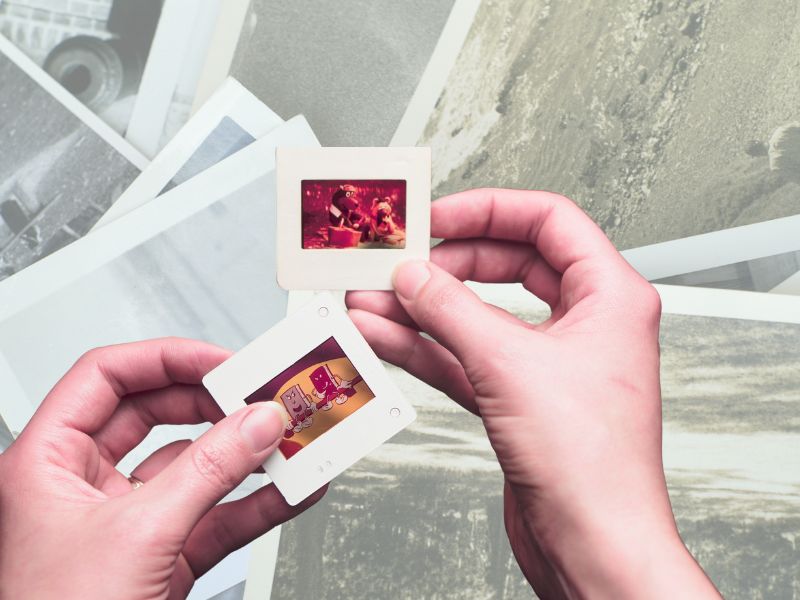
Gone are the days when we had to wait seemingly forever, sometimes weeks, to get a glimpse of our vacation pictures once they were developed and printed. This process saw a steady decline with the arrival of digital cameras, which then became all but obsolete when our smartphones included cameras that produced pictures as good or better than anything we captured on film.
However, many of us still have boxes and boxes full of our old photographs or even slides, taking up space and often collecting dust in our closets.
Thankfully, there are several ways of digitizing our old slides and photos. Several highly rated self-contained scanners are available at a variety of prices. But if you don’t have the storage space for a scanner, fear not, as it’s possible to scan your photos and slides using your smartphone.
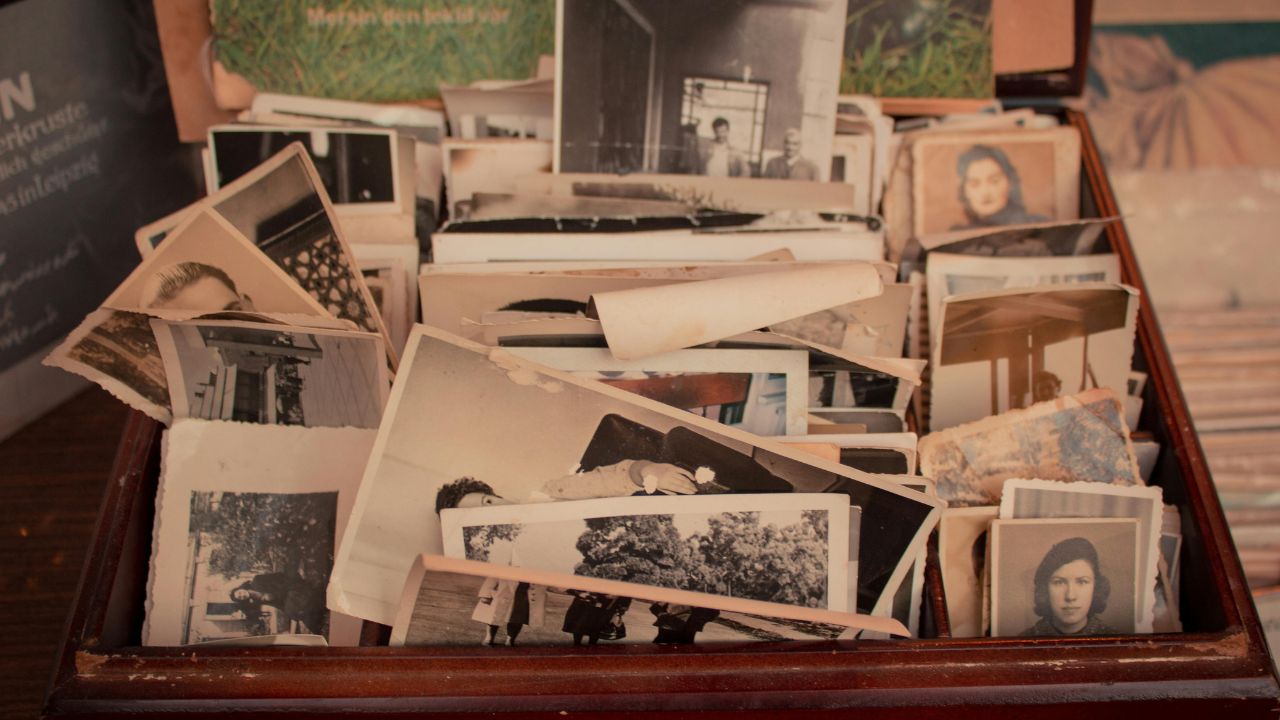
How do I convert my photos into digital files?
Photomyne is an app available for both iOS and Android that makes it easy to turn printed photos into digital files using just your phone’s camera. The app can scan multiple photos at once and automatically detect the edges of each image, saving time while producing clear, high-quality results.
Once your photos are scanned, Photomyne lets you enhance and organize them with several built-in features, including:
- Adding names, locations, and dates
- Tagging faces
- Attaching audio recordings
- Applying color filters
- Colorizing black-and-white photos
After uploading, you can save your digitized photos to your phone or computer, or share them with friends and family using a simple link.
At the time of publication, Photomyne offers three pricing options:
- Annual plan: $5 per month, billed annually at $59.99, with a 3-day free trial
- Monthly plan: $19.99 per month, no free trial
- One-time purchase: $119.99 for lifetime access
Photomyne is primarily designed for photographs, but it also includes tools for digitizing slides, making it a useful option for preserving older family collections in multiple formats.
‘
How do I convert my slides into digital files?
Photomyne also offers SlideScan, a dedicated slide-scanning app that uses your phone’s camera and a backlight (like a tablet screen or light pad) to turn physical slides into digital images. The workflow is similar to the main Photomyne photo scanner. Point your camera at a slide held in front of light, and let the app automatically detect, crop, enhance, and save the scan.
We tested SlideScan and found it quick and straightforward for converting multiple slides, though keeping your camera steady and using a consistent light source makes a big difference in quality.
The app is free to download and lets you scan a limited number of slides without purchasing anything. To unlock unlimited scanning, saving, sharing, and cloud backup, you need to buy a paid plan through in-app purchases. SlideScan offers:
- Monthly and yearly subscription options
- A one-time or long-term access plan (e.g., multi-year)
Pricing can vary by platform and region, and exact costs aren’t always displayed in the same way in every app store. Whether you choose a short-term subscription for a one-off project or a longer plan for ongoing slide-digitization work, SlideScan adds a dedicated tool to your scanning toolkit beyond the standard photo scanner.
Do I really only need my phone to digitize my photos and slides?
Once the app is downloaded, you will not need any additional software or materials. However, to ensure the best possible quality photos, Photomyne sells accessories on its own Amazon storefront, with a couple of accessories coming highly recommended. These include the following:
How one convincing SSA scam nearly tricked a reader, and the five red flags to check before you click.

Saturday, June 13 at 10 AM ET.
See Kurt’s 2026 picks for every kind of dad.
[Ep. 34] Is that Social Security email in your inbox real?
```
Light Pad
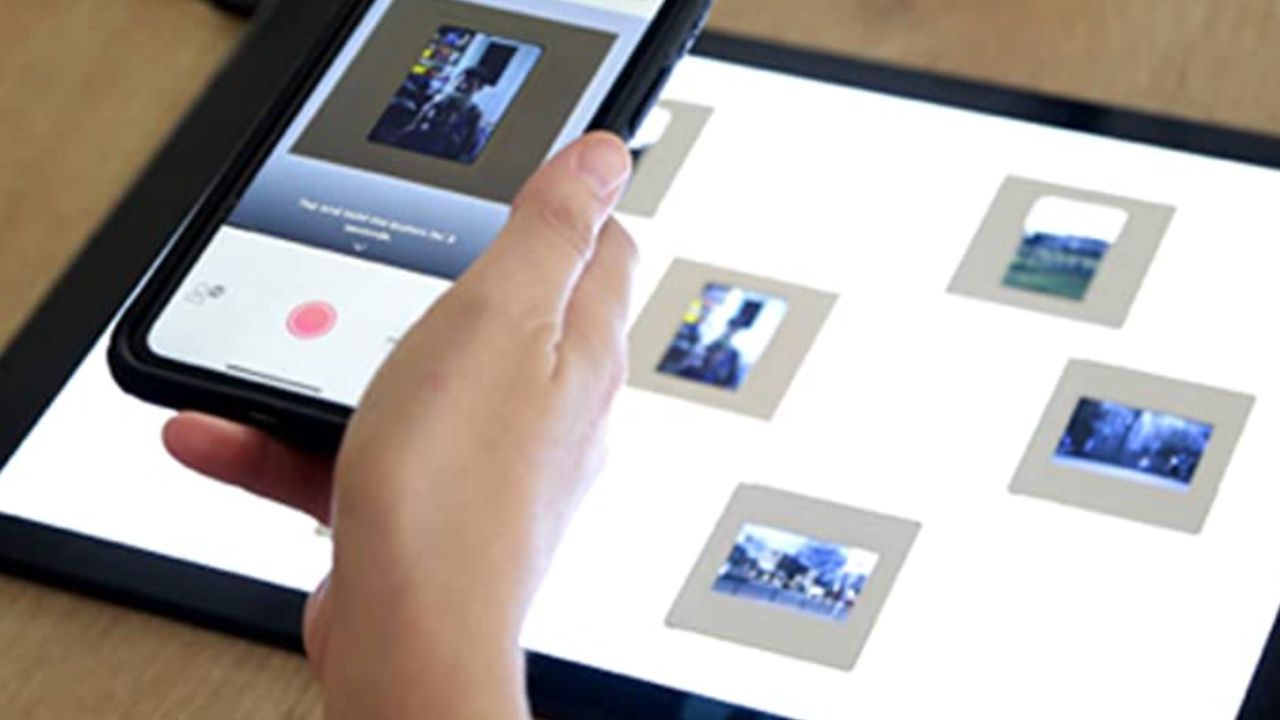
- Easy and convenient backlighting, should you be digitizing slides
- Large, lightweight, flat surface
- Allows you to scan multiple images at the same time with a scanning device
- Saves you the trouble of holding slides or negatives up against your computer
- For any artist, the light pad will also come in handy for tracing and sketching.
Macro Lens
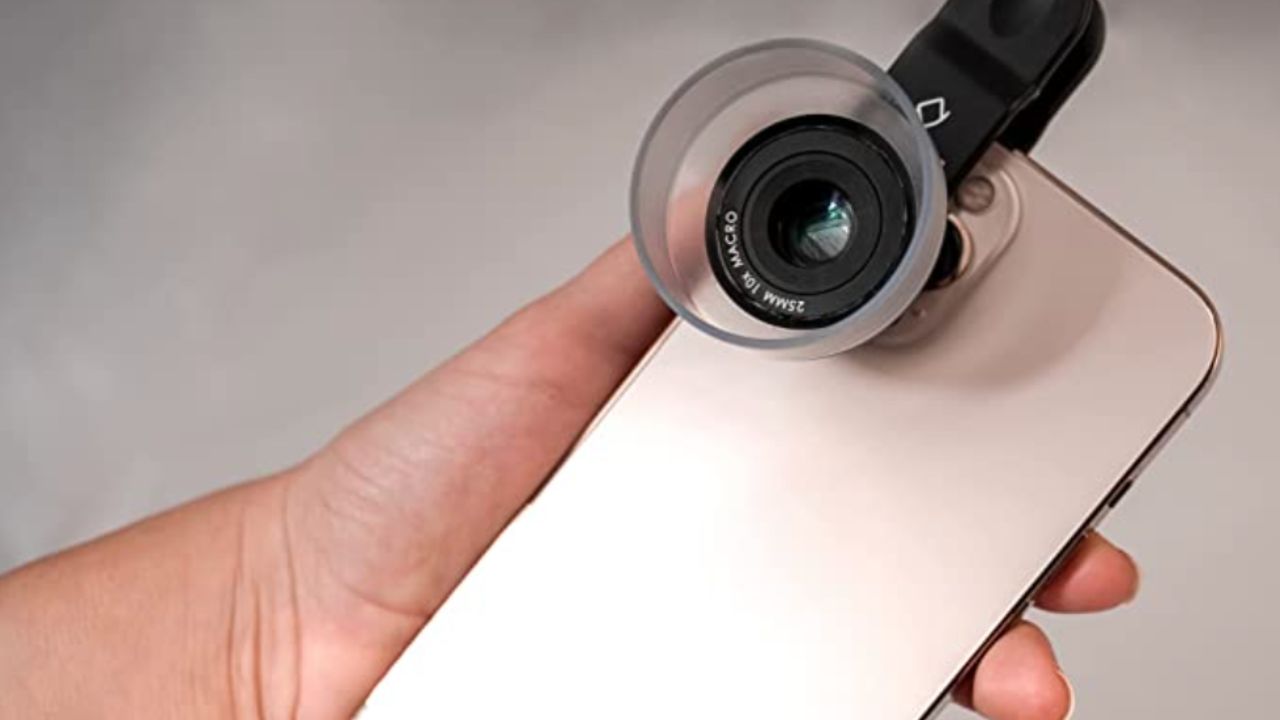
- Built-in magnifying lens to expand small subjects into high-quality HD images
- Saves you the trouble of manually zooming in on certain subjects with your camera
- Easily clips onto your smartphone camera lens, posing no threat of damage
- Compatible with most smartphones (currently not compatible with the iPhone 13 pro
- User friendly
Phone Mount
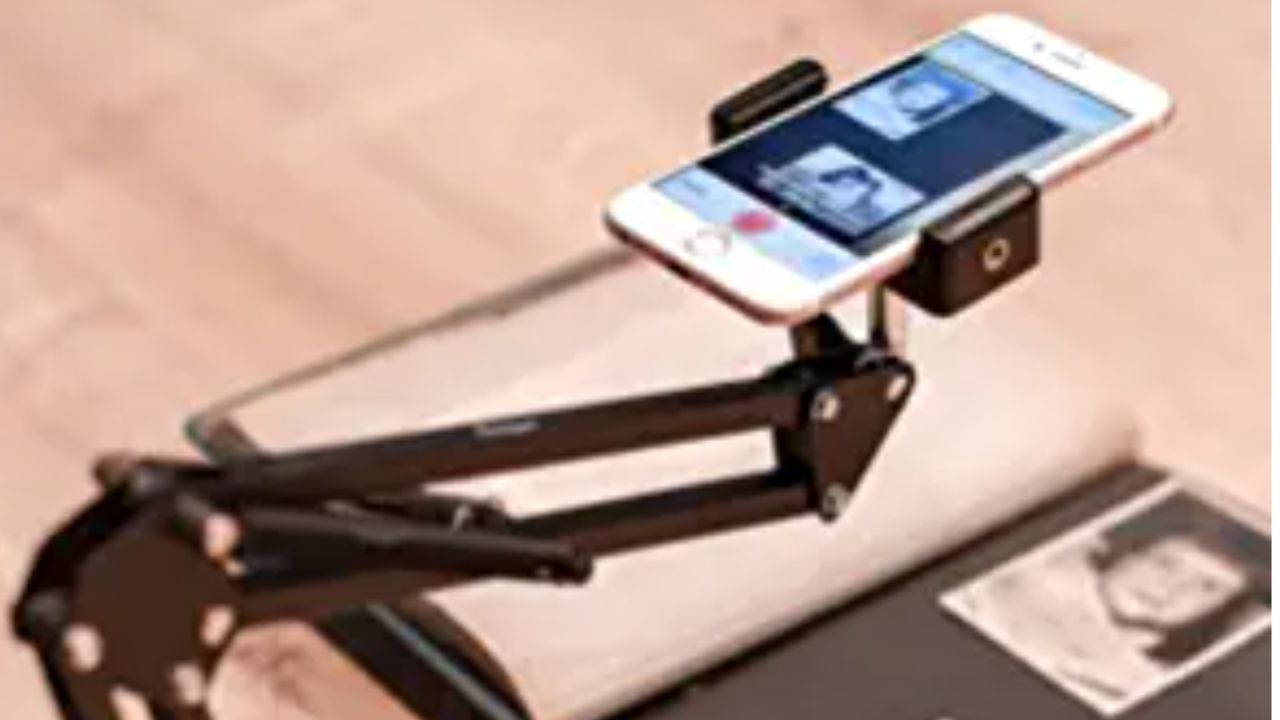
- Sturdily holds the phone over photos and slides
- Saves you the trouble of holding the phone yourself, with no risk of a shaky camera.
- Adjustable arm and mount to easily scan photographs and slides with your phone
- Easily attaches to any firm, steady surface
- Compatible with just about all smartphones
- Limited assembly required
What are alternative scanning devices to consider?
Understandably, many people would prefer not to be beholden to their phones and apps when scanning their photographs. In this case, several scanning devices are just as quick and easy.
Plaustek Photo Scanner
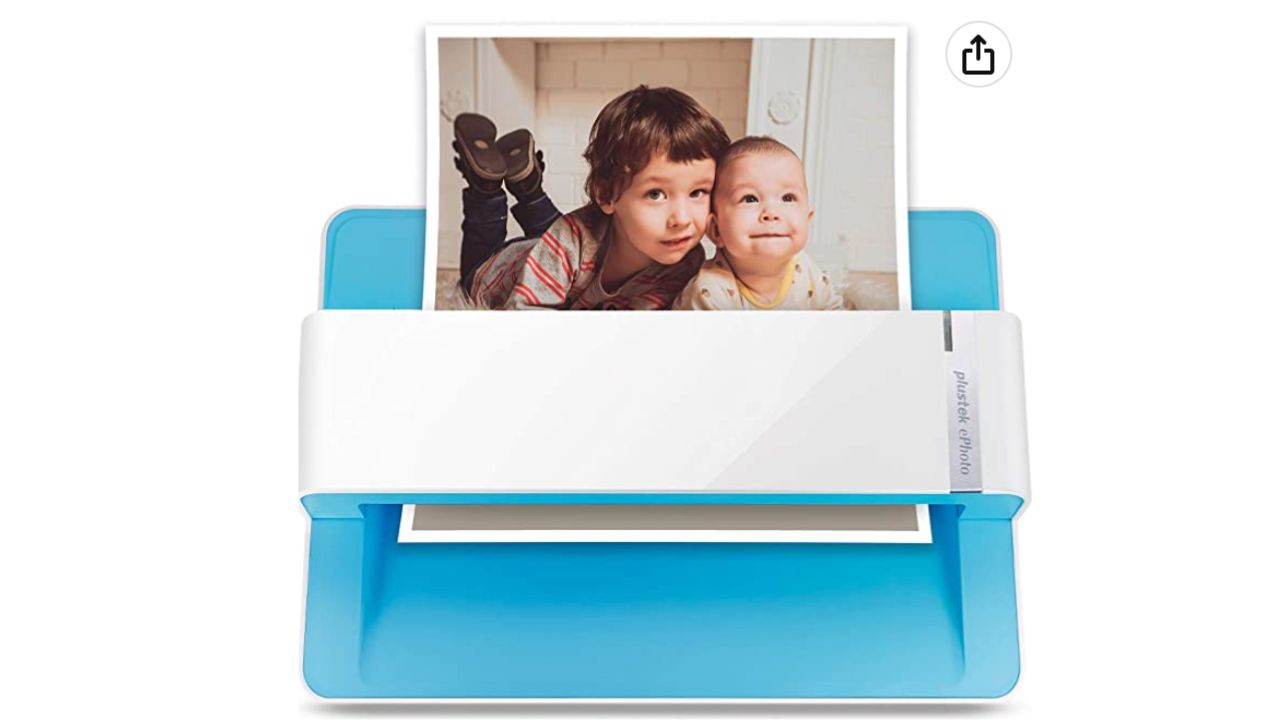
- Easily Scans photographs one by one
- Compatible with Mac and Windows
- Easily transfers from iPhoto
- Easy setup
- Slightly limited storage
Kodak SCANZA Digital Film & Slide Scanner
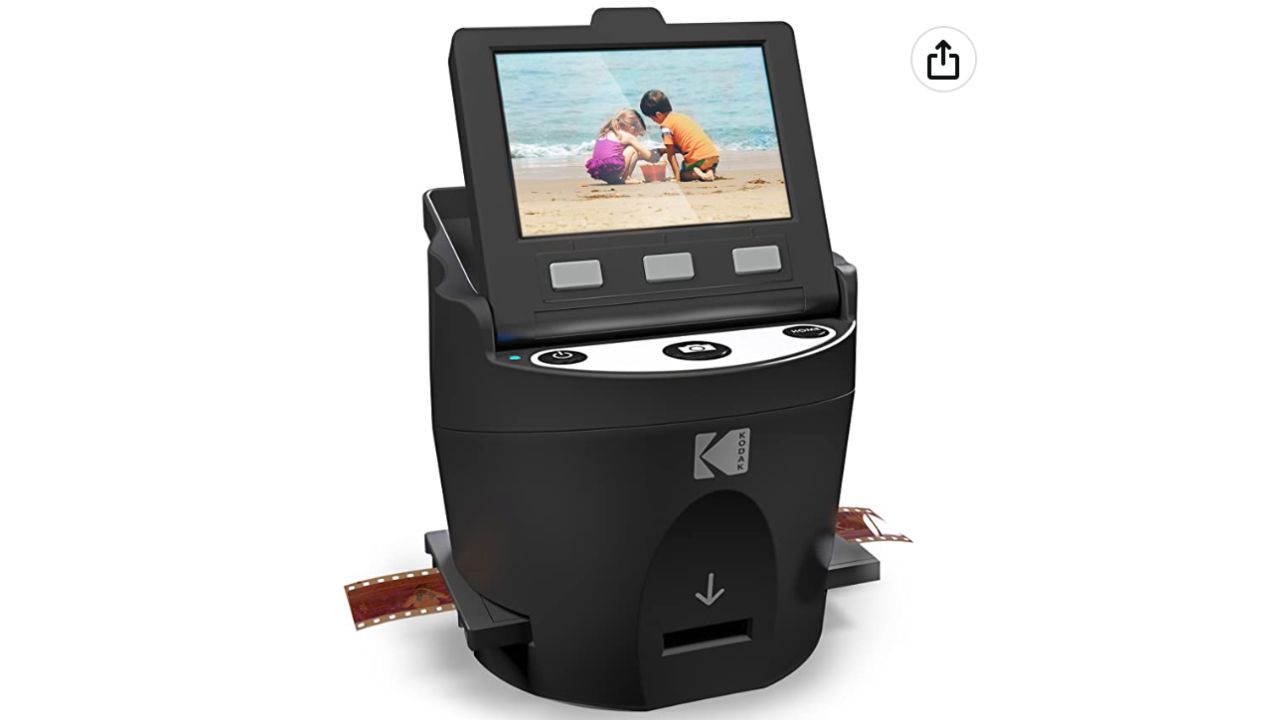
- Able to digitize both slides and film negatives.
- Mac and Windows compatible
- Easy setup
- Built-in color display features
Epson FastFoto Scanner
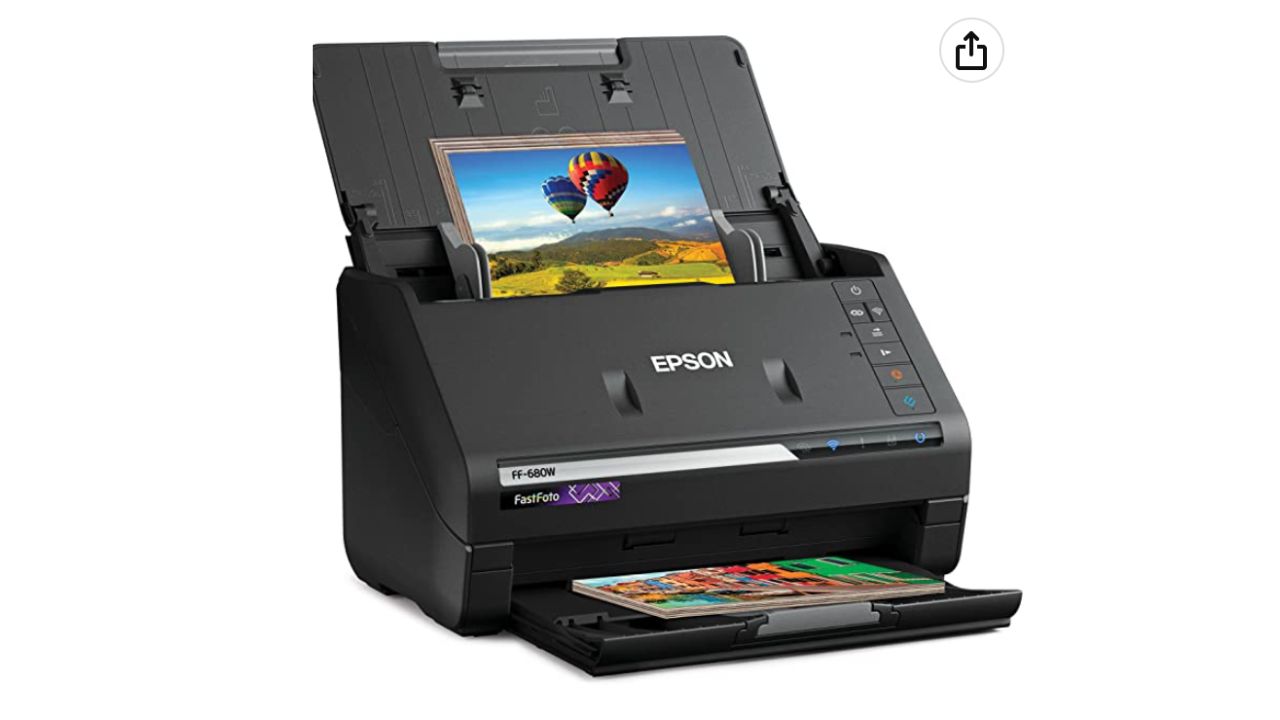
- Scans photos and documents
- WiFi Connectivity
- Color enhancement and restoration software are included.
- User friendly
- Scans 1 photo per second
- Scan up to 33 photos at a time
Canon CanoScan LiDE400 Flatbed Scanner
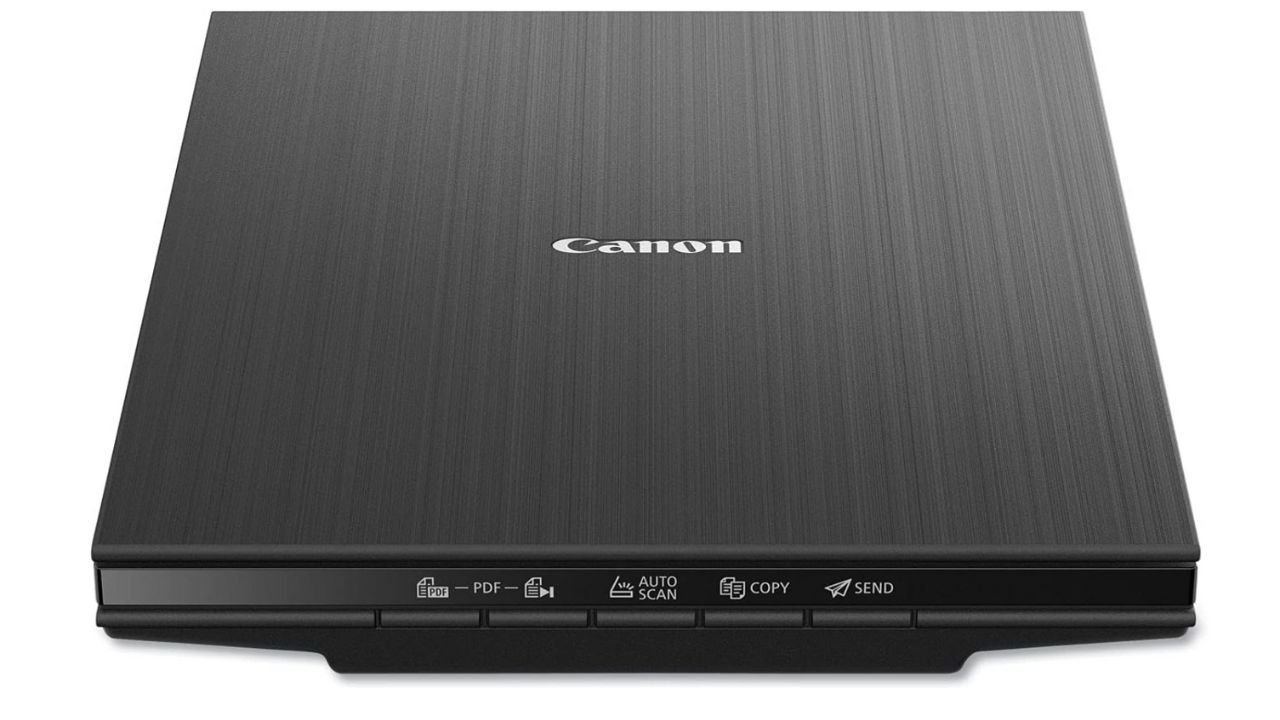
- Compact and lightweight design
- High-resolution scanning up to 4800 x 4800 dpi
- Fast scanning with USB-powered operation
- Auto Scan Mode for easy, one-touch scanning
- Compatible with both Windows and Mac OS
MORE PHOTO SCANNING OPTIONS
ScanMyPhotos.com for all photo scanning
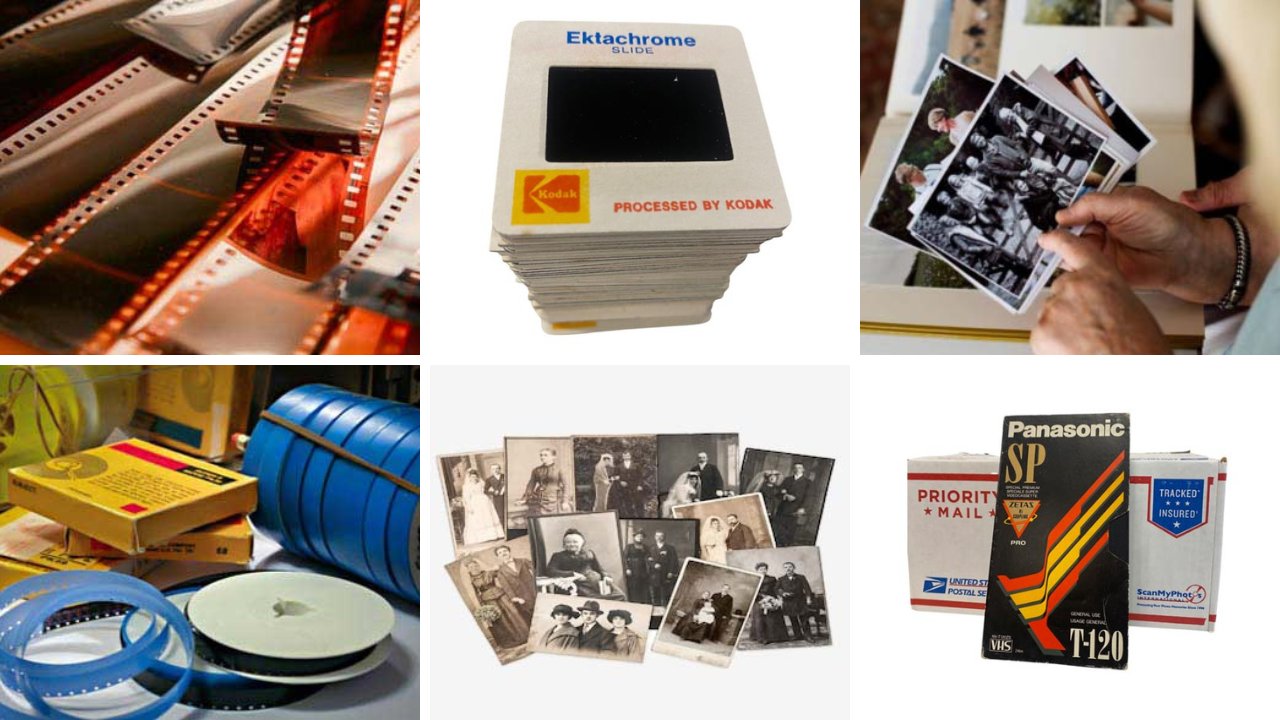
Give the timeless gift of memories with ScanMyPhotos.com, a long-standing photo and media digitization service trusted by families and professionals alike.
One of their most popular offerings is the prepaid photo scanning box, a flat-rate service that lets you fill a supplied box with up to about 1,800 printed photos and mail them in for professional digitization, with return shipping included. Current pricing on the site shows this service starting around $145, depending on the resolution and options you choose.
It’s a great way to convert decades of cherished snapshots into high-quality digital files you can save, share, and preserve for future generations. Beyond printed photos, ScanMyPhotos also offers services to digitize slides, negatives, and home movies, making it a comprehensive solution for safeguarding your entire analog media collection.
Add-ons like express scanning can help you get your digitized photos back even faster, and optional features such as image enhancements or cloud delivery make preserving memories easier and more convenient.
Whether you’re tackling a long-neglected shoebox of prints or preparing heirlooms for sharing with family, ScanMyPhotos.com provides an accessible and affordable path from physical to digital.
Enjoy up to 25% off at ScanMyPhotos.
Related Links:
- Top Printers
- How to take a family photo AND be in the photo!
- How to take the best photo
- Perfect photo but someone blinked? No problem with this trick
- How to easily markup photos on your phone
Kurt’s key takeaways
Let’s face it, those dusty boxes of old photos aren’t just clutter; they’re time capsules holding precious memories. And there’s never been an easier time to rescue and preserve your cherished photographs. The technology today makes digitizing your memories not just possible but surprisingly simple. So go ahead, dust off those old albums, and give your memories a new digital lease on life.
What memories are you most excited to rediscover and preserve for future generations? Let us know in the comments below.
FOR MORE OF MY TECH TIPS & SECURITY ALERTS, SUBSCRIBE TO MY FREE CYBERGUY REPORT NEWSLETTER HERE
Copyright 2025 CyberGuy.com. All rights reserved. CyberGuy.com articles and content may contain affiliate links that earn a commission when purchases are made.
🎙 Now Streaming: My New Podcast: The CyberGuy Report
Kurt’s Top Deals
Deals move fast and inventory can be limited, so don’t wait too long.
| 🔥 Editor’s pick  Summer entertaining Ninja SLUSHi Machine (26% off) Frozen drinks and slushies at home in minutes. | |
| 💰 Top deal  Outdoor essential TYPEC Solar Bug Zapper (36% off) Solar-powered bug zappers for patios and camping. |