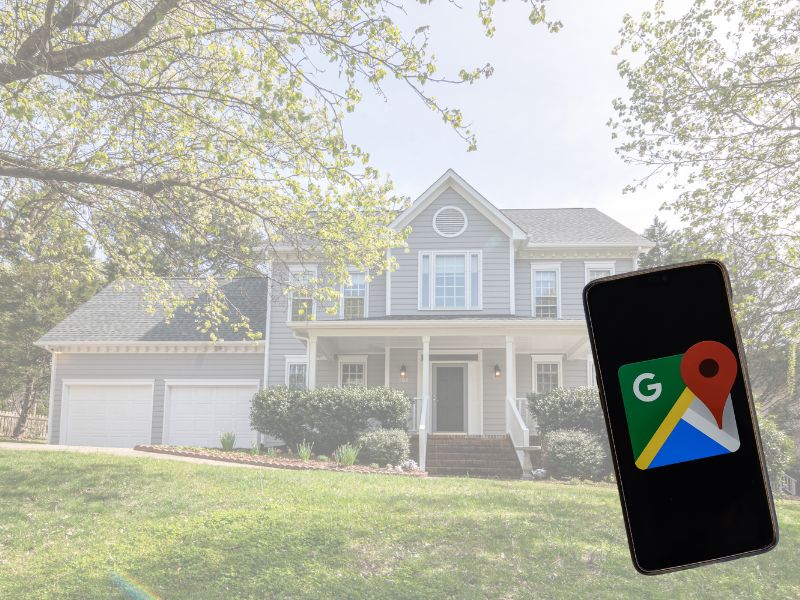
Google Maps and Apple Maps allow anyone to snoop on you and violate your privacy by posting crystal clear pictures of the front of your house or aerial shots of your property on their websites and apps.
Google has run into legal problems amid growing concerns regarding people’s privacy. These included multiple instances where people were photographed through their windows without realizing it.
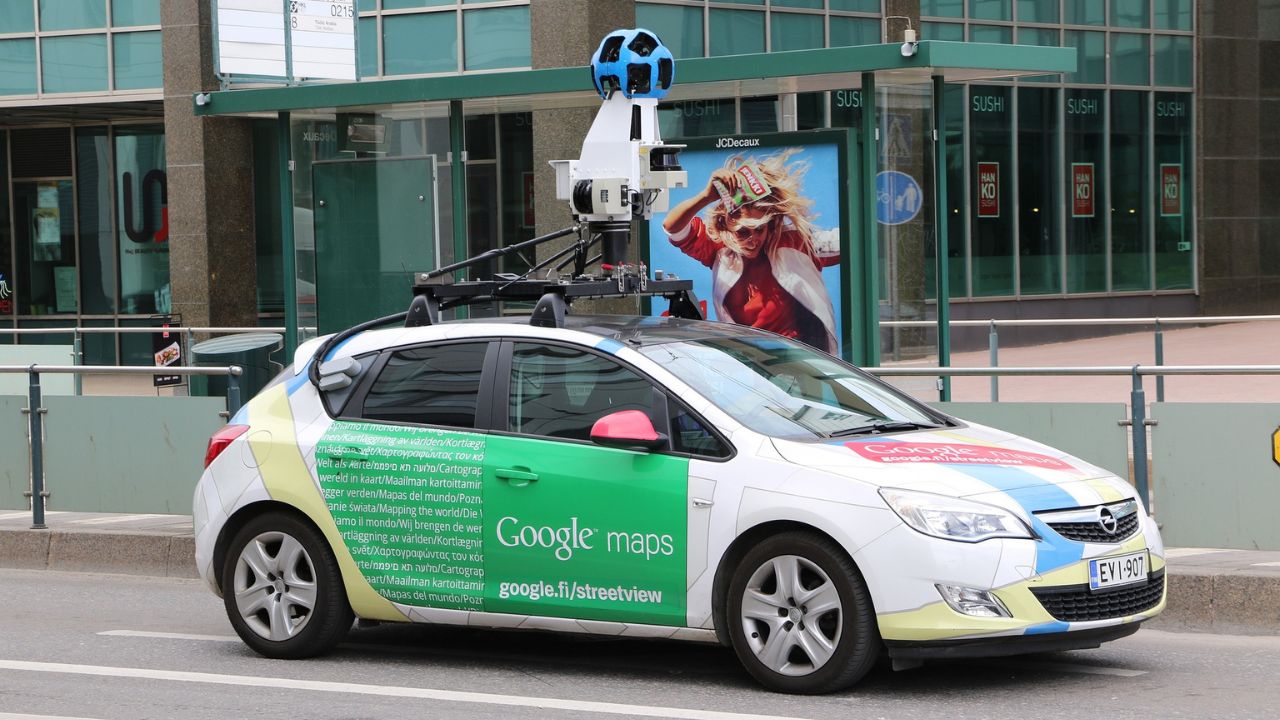
One Minnesota community successfully got Google to take down all pictures of their houses – which is something you have the power to do on your own. You can also ask Google to blur images of your car, license plate, and, perhaps most importantly, yourself.
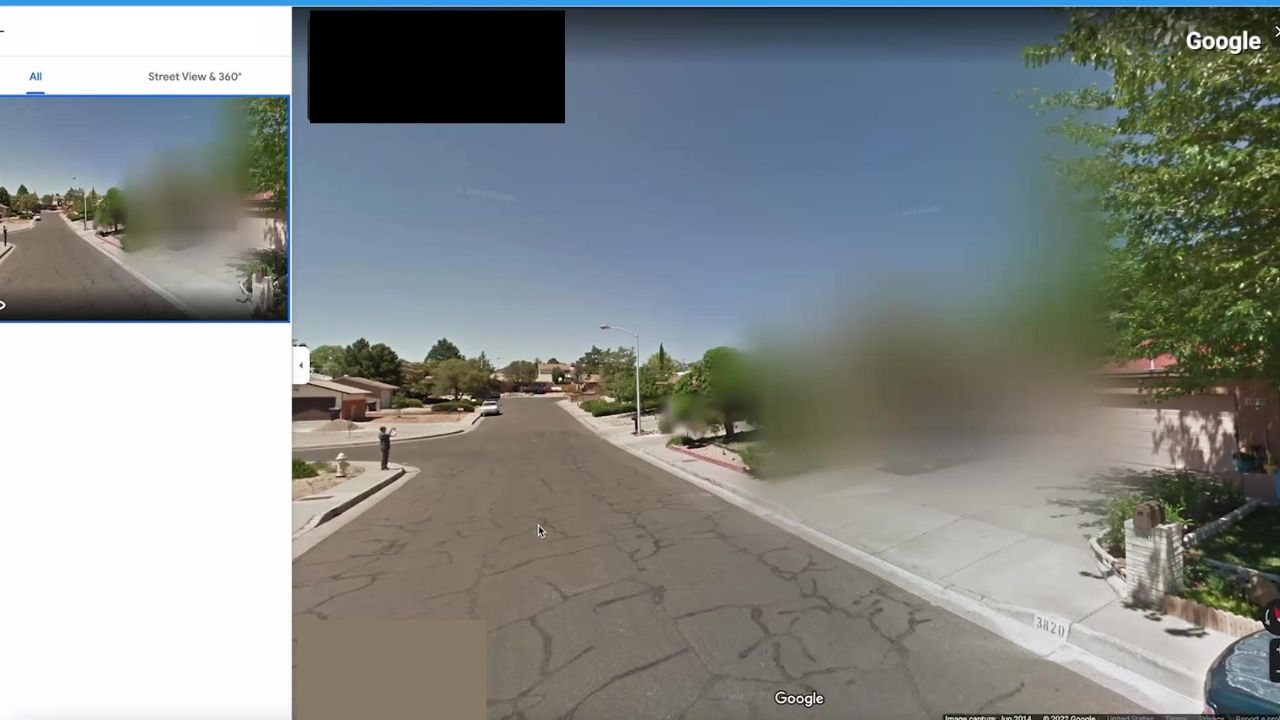
How to take pictures of your home off Google Maps on a computer
- Go to google.com/maps
- Enter your home address in the search field
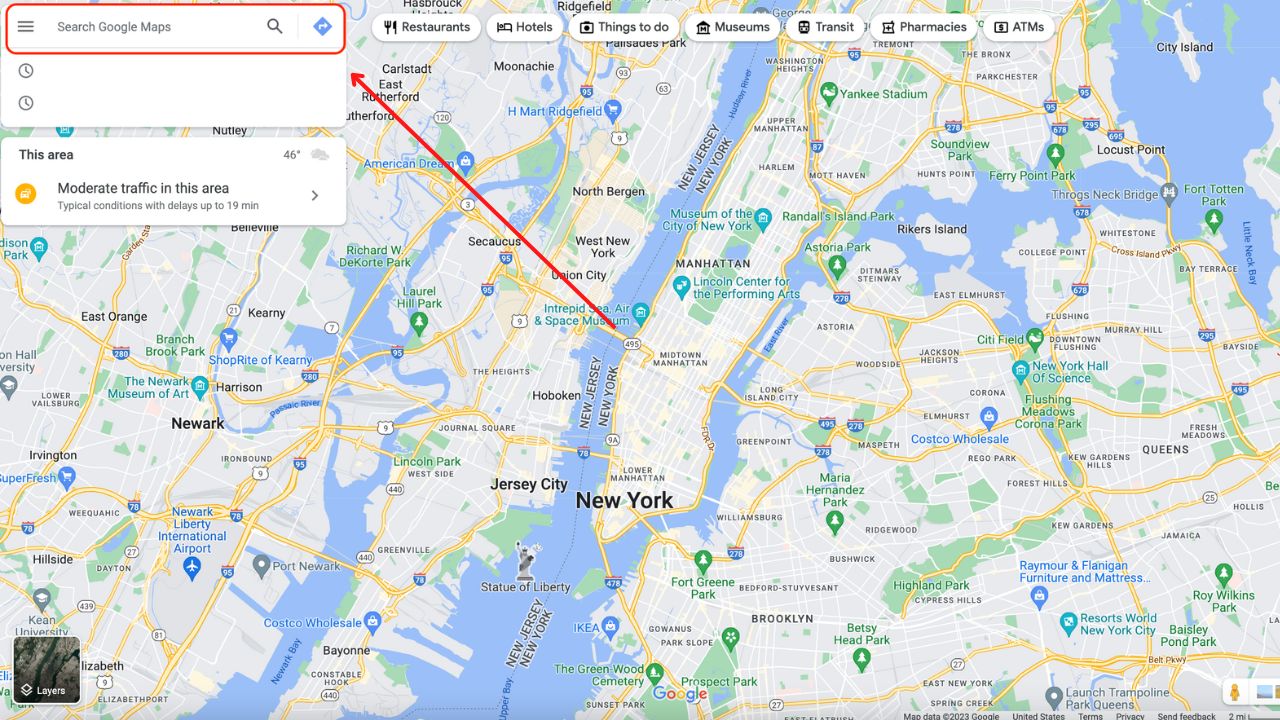
- Click on the photo of your house in the upper right-hand corner
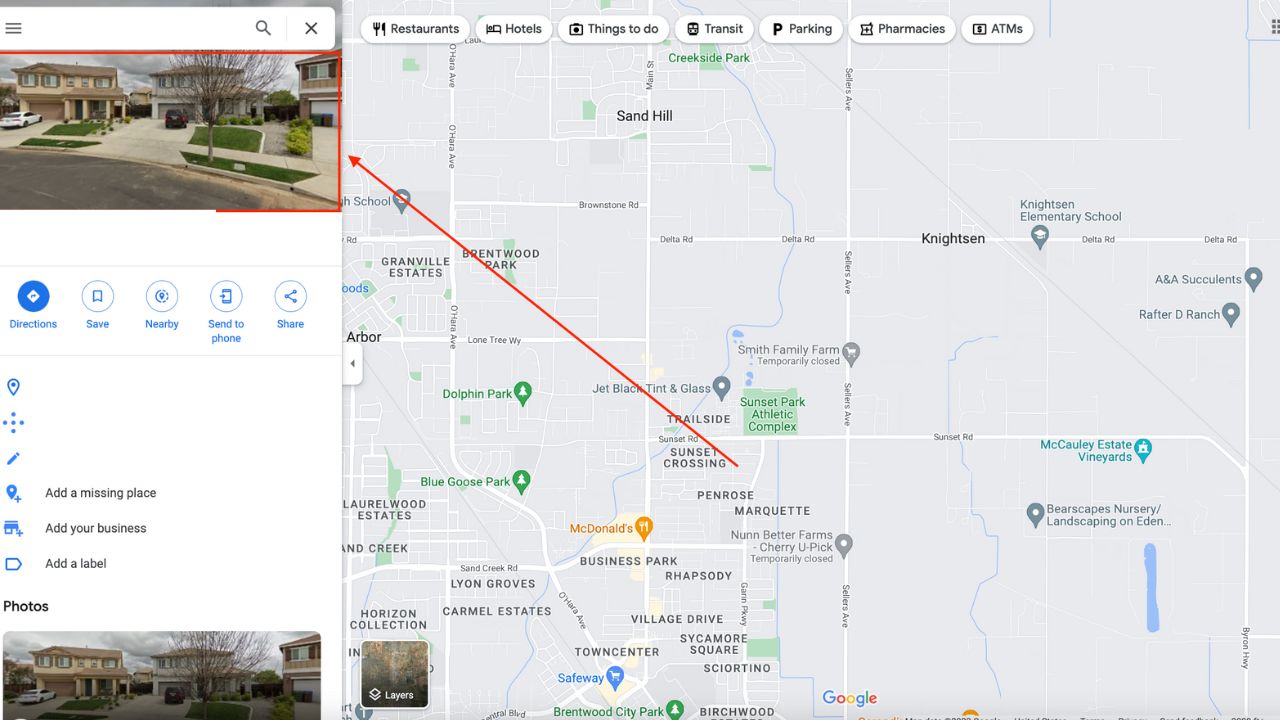
- See if your home is visible
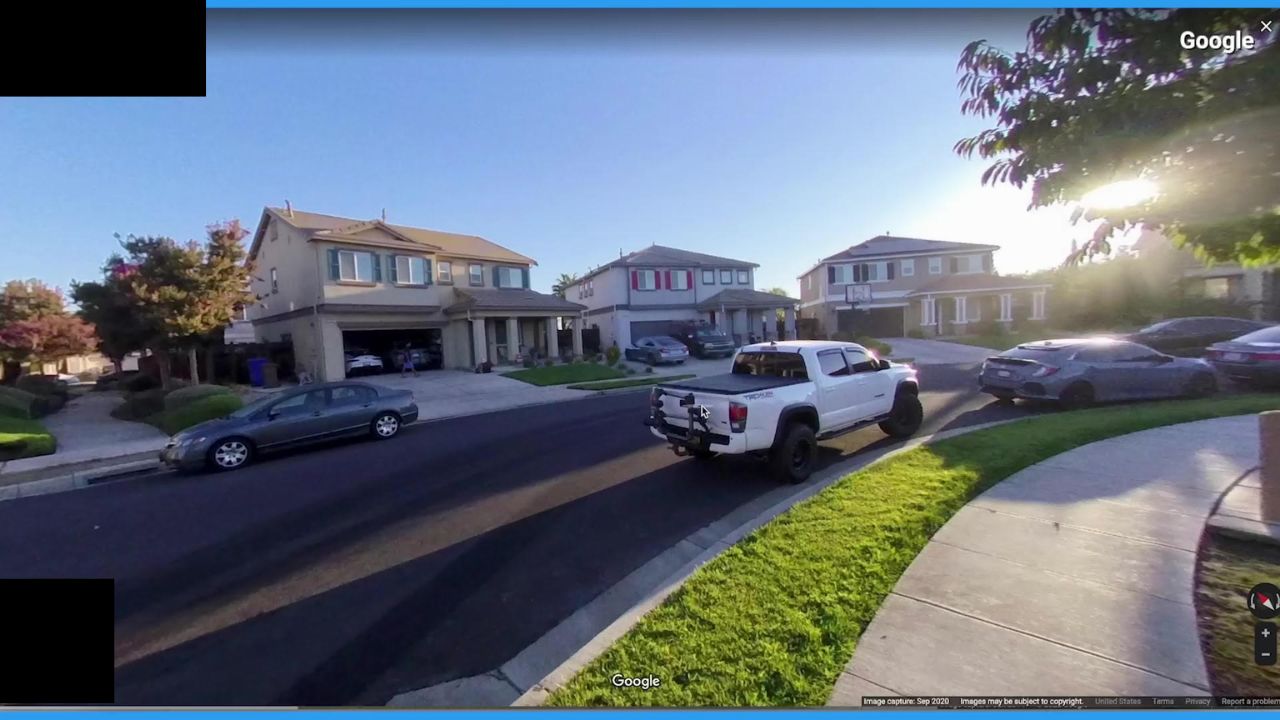
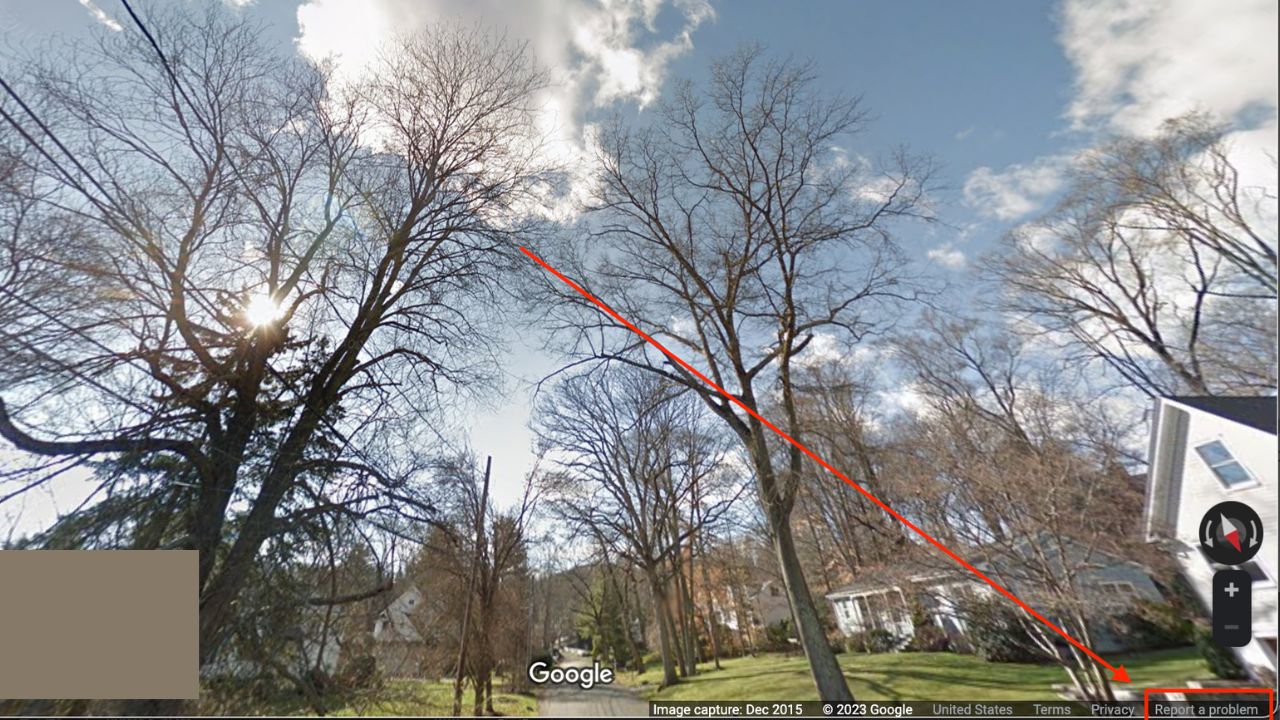
- Click Report a problem in the small text in the lower left-hand corner
- Make sure what you want blurred from the picture is in the center of the black and red box
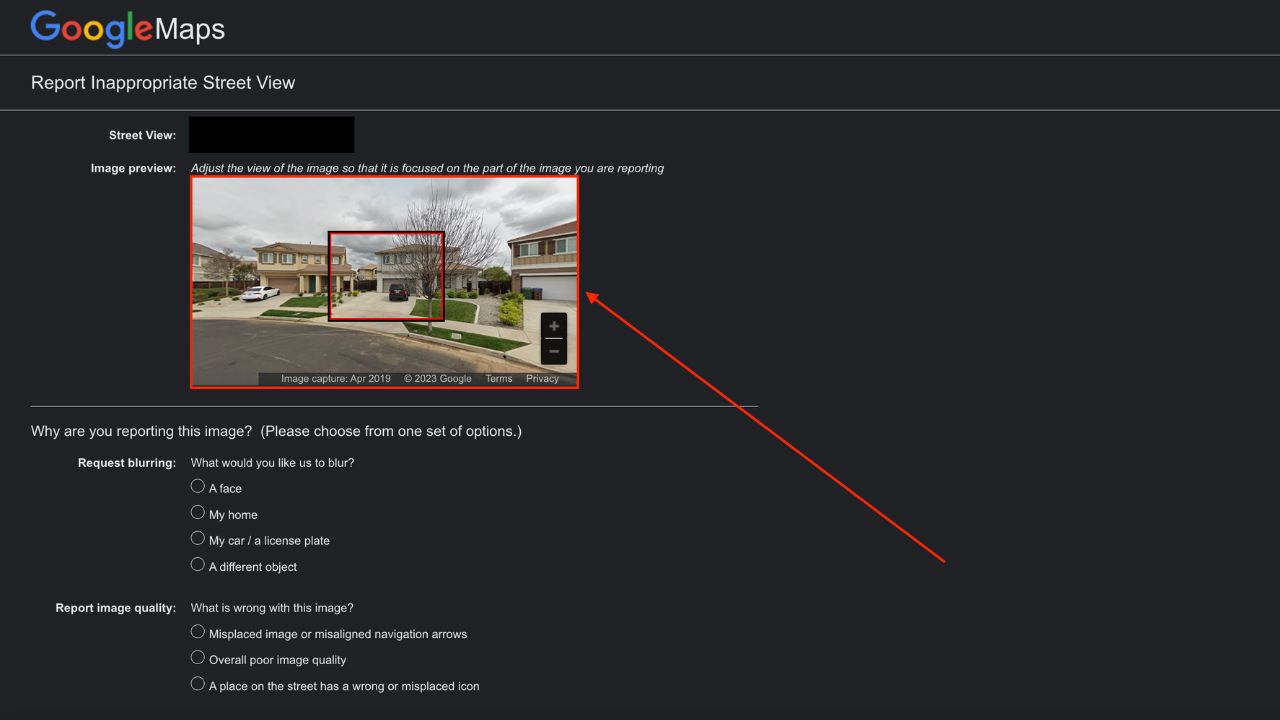
- Under Request blurring, select what you would like blurred: a face, my home, my car/license plate, or a different object
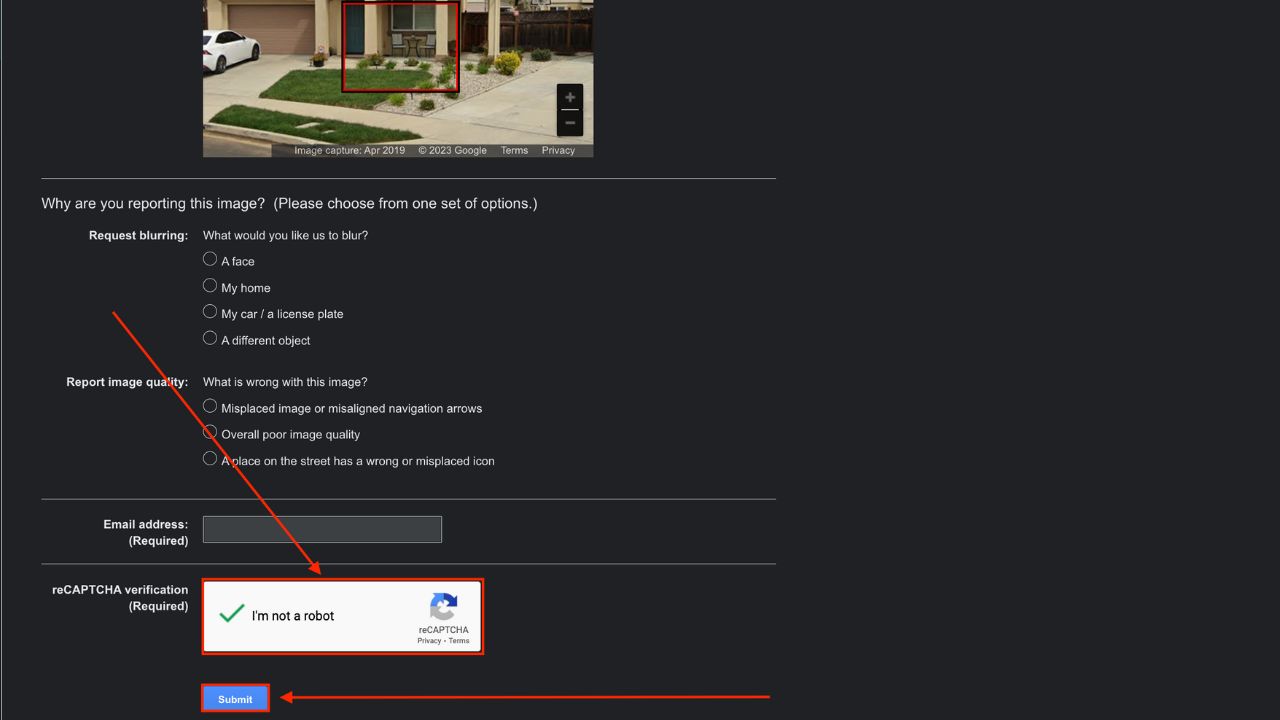
- Enter any additional information in the box provided to help them know what you want blurred out and why
- Enter a working email address
- Click the I’m not a robot button
- Click submit
After submitting for your house to be blurred, you should then get an email confirmation requiring you to make any verifications. After a few days, it’s worth checking to see whether or not your house is still visible. One thing that is worth keeping in mind, in case you have any doubts, blurring your house on Google Maps is permanent.
How to take pictures of your home off Apple Maps
To take pictures of your home off of Apple Maps, you will need to do so in writing, and “request that a face, license plate or your own house be censored”. The email address to reach them at is MapsImageCollection@apple.com.
Have you been successful at removing your house from either Google or Apple Maps? Let us know. We’d love to hear from you.
Related:
How one convincing SSA scam nearly tricked a reader, and the five red flags to check before you click.

Saturday, June 13 at 10 AM ET.
See Kurt’s 2026 picks for every kind of dad.
[Ep. 34] Is that Social Security email in your inbox real?
```- 5 Google Maps tricks that can save you money
- 5 Google Settings to update now to fix your privacy
- Location service software: life-saving or life-threatening?
- How to stop your phone from sharing your location with others
- Top tech you need on RV road trips
🎙 Now Streaming: My New Podcast: The CyberGuy Report
Kurt’s Top Deals
Deals move fast and inventory can be limited, so don’t wait too long.
| 🔥 Editor’s pick  Summer entertaining Ninja SLUSHi Machine (26% off) Frozen drinks and slushies at home in minutes. | |
| 💰 Top deal  Outdoor essential TYPEC Solar Bug Zapper (36% off) Solar-powered bug zappers for patios and camping. |