



- Streaming exposes your activity to providers, networks, and services that track your viewing habits.
- A VPN encrypts your connection, hiding your activity and masking your real IP address.
- Using a VPN can help you access your home streaming content while traveling abroad.
- Simple habits like avoiding public Wi-Fi and logging out protect your data on the go.
It happens to a lot of us when we travel abroad. You land, open your streaming app, and realize the shows you watch are gone. The library has changed, and some of what you expect to see is suddenly unavailable. It is one of those inconveniences that may rarely cross your mind before a trip. Still, it happens to millions of travelers every year. But the streaming problem is just one part of a bigger issue.
Whether you are at home or on the other side of the world, the way you stream says a lot about how exposed your data is, how fast your connection runs, and how much control you actually have over what you watch. Most of us have never thought about any of that. Although we probably should.
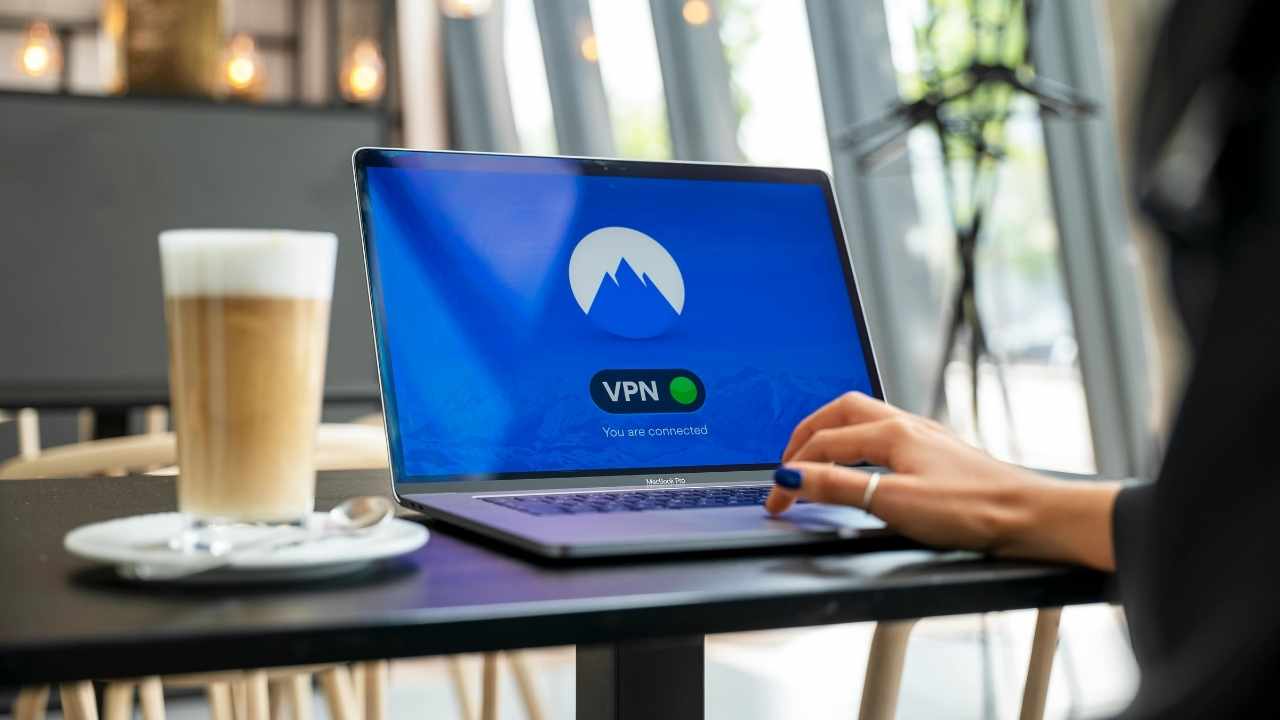
What actually happens to your data when you stream
Every time you fire up a streaming app, your device sends and receives a large amount of data. That data passes through your internet provider, through various servers, and sometimes through networks like hotel Wi-Fi that are far from secure.
Your internet provider can see what you stream and when. On public or shared networks, that visibility can extend further. In the background, your IP address gets logged by every service you connect to, quietly building a record of your habits.
Most people assume streaming is passive. From a data standpoint, it is anything but.
How a VPN protects your streaming and privacy
A VPN encrypts your connection before it leaves your device. That means your internet provider cannot see what you are watching, networks you connect to cannot monitor your activity, and the IP address shared with streaming platforms is not your real one.
For everyday home streaming, that is a meaningful privacy upgrade that most people have never applied to their TV habits. The benefits become even more noticeable the moment you travel.
ExpressVPN is one of the best-performing VPNs for streaming, and performance matters most here. A VPN that protects your connection but slows your speed misses the point. Buffering is not an acceptable trade-off.
Its network is optimized for high-bandwidth activity, with server capacity up to 40 Gbps. That helps HD and 4K content stay smooth, even when your connection routes through distant servers.
How to stream your content when traveling abroad
When you are abroad and want to watch the content you subscribe to at home, like local news, sports, or your usual streaming lineup, ExpressVPN lets you connect through a server back home and stream as if you never left.
With servers in 105 countries and more than 170 locations worldwide, including all 50 U.S. states, your subscriptions stay within reach wherever you are.
It also means you avoid relying on hotel or airport networks for security. Your connection stays encrypted end to end, which matters more when you are away from your home network than almost any other time.

Ways to protect your streaming and data when traveling
Traveling puts your devices on networks you do not control, which makes a few simple habits go a long way. If you want to keep your streaming private and your accounts secure, start here:
1) Avoid public Wi-Fi when possible
Airport and hotel networks are convenient, but they are also the easiest places for your data to be exposed or intercepted.
2) Use a VPN before you connect
Turn on your VPN, such as our #1 pick, ExpressVPN, before joining any network so your connection stays encrypted from the moment you go online.
3) Stick to your own devices and accounts
Logging into streaming services on shared or hotel devices can expose your login details long after you leave.
4) Keep your apps and devices updated
Updates often include security fixes that protect against known vulnerabilities and exploits.
5) Turn off auto-connect to Wi-Fi
Your device can automatically reconnect to saved networks without you realizing it, which can increase your exposure if those networks are unsecured or impersonated. Turn off auto-connect in your settings to stay in control of when and where you connect.
6) Log out when you are done
If you do sign in on a shared device, make sure you fully log out and clear the browser if possible.
Fast, private streaming at home and on the go
ExpressVPN is our go-to choice for those who prioritize ultra-fast speeds, reliability, and top-tier security. With servers in 105 countries, ExpressVPN delivers blazing-fast performance for streaming, gaming, and secure browsing. It supports P2P file sharing, offers best-in-class encryption, and maintains a strict no-logs policy with all servers running on RAM for enhanced privacy. You can connect up to 10 devices simultaneously, and setup takes under 2 minutes. Plus, with 24/7 live customer support and a 30-day money-back guarantee, ExpressVPN is a premium choice for security-focused users who want speed without compromise.
CyberGuy Exclusive ExpressVPN Deals:
✅ Save 61% – Get 3 months FREE with 12-month plan for $4.99/month. Try 30 days risk-free.
✅ Save 78% – Get 4 months FREE with 24-month plan for $2.79/month. Try 30 days risk-free.


Related Links:
- Tired of websites blocking your VPN? A dedicated IP fixes that
- Top 6 reasons why you need a VPN when you travel
- How to know if your VPN is working
Kurt’s key takeaways
Streaming has quietly become one of the biggest data pipelines in your daily life. Most people focus on content, not on what happens behind the scenes. Once you understand how much data moves every time you press play, the case for adding a layer of protection becomes much clearer. A VPN does more than unlock content while traveling. It gives you more control over your privacy, your connection, and your overall experience. That applies just as much on your couch as it does in a hotel room halfway around the world.
If you pay for streaming every month, should you also have more control over who can see what you watch and where you can watch it? Let us know your thoughts in the comments below.
FOR MORE OF MY TECH TIPS & SECURITY ALERTS, SUBSCRIBE TO MY FREE CYBERGUY REPORT NEWSLETTER HERE
This article was created in partnership with ExpressVPN
Copyright 2026 CyberGuy.com. All rights reserved. CyberGuy.com articles and content may contain affiliate links that earn a commission when purchases are made.
🎙 Now Streaming: My New Podcast: The CyberGuy Report
Kurt’s Top Deals
Deals move fast and inventory can be limited, so don’t wait too long.
| 🔥 Editor’s pick  Summer entertaining Ninja SLUSHi Machine (26% off) Frozen drinks and slushies at home in minutes. | |
| 💰 Top deal  Outdoor essential TYPEC Solar Bug Zapper (36% off) Solar-powered bug zappers for patios and camping. |


