A $9 million settlement is a win for cable Internet consumers of Frontier. The FTC sued the Internet provider claiming it lied about Internet speed and ripped off customers by delivering slower service. The proposed settlement may also open a can of worms for numerous other Internet providers if guilty of underdelivering expected internet speeds.
Frontier and the FTC agreed to a settlement this week after litigation against the cable provider in Los Angeles County and Riverside County on behalf of the people of California.
They’ve also agreed to new rules that make it easier for customers to cancel service at no charge. Frontier must also discount the bills of customers who were charged higher prices for lower-speed DSL service.
The settlement still requires the court’s sign-off before becoming effective. Once approved, it will come as welcome news to many rural customers who have limited or no other high-speed Internet service options other than Frontier.
For 60,000 homes, Frontier agrees to install more modern fiber to the home service over the next 4 years. Fiber is a much faster service than predecessor DSL internet.
Frontier also promises not to lie about Internet service speeds in the future and must notify customers who are currently receiving DSL Internet service at lower speeds than advertised. Customers may cancel or change service at no charge according to the settlement.
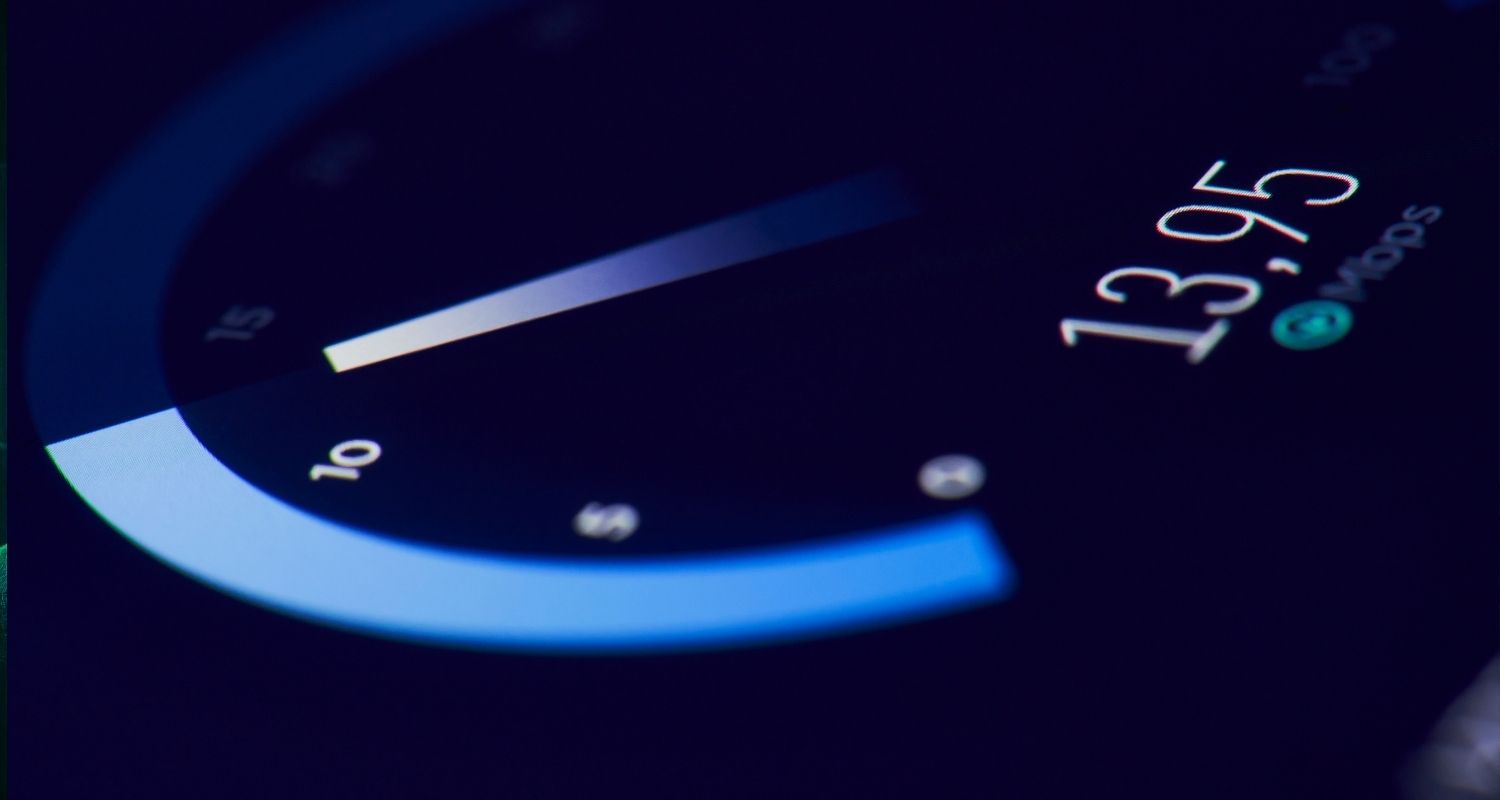
Regardless of your provider, take a moment to see if you are getting the Internet speed you are paying for.
How to check your internet speed
- Go to a free internet speed test site like Fast.com or Ookla Speedtest
- Grab your cable or phone bill to see what speed you are being charged to receive.
- Alternatively, you can logon to your cable or phone internet account to view details of promised speed.
- Make sure you are near your wireless router when running the free speed test.
If it is slower than expected, run the Speedtest a couple more times and take a screenshot or picture of the results. With results in hand, call your Internet provider and demand an adjustment to your bill.
Test your wireless phone data too
These free Speedtests are also helpful for testing the data speed on your phone. In order to get an accurate measure from a cellular connection, make sure to temporarily disable your WiFi on your smartphone.
🎙 Now Streaming: My New Podcast: The CyberGuy Report
Kurt’s Top Deals
Deals move fast and inventory can be limited, so don’t wait too long.
| 🔥 Editor’s pick  Summer entertaining Ninja SLUSHi Machine (26% off) Frozen drinks and slushies at home in minutes. | |
| 💰 Top deal  Outdoor essential TYPEC Solar Bug Zapper (36% off) Solar-powered bug zappers for patios and camping. |