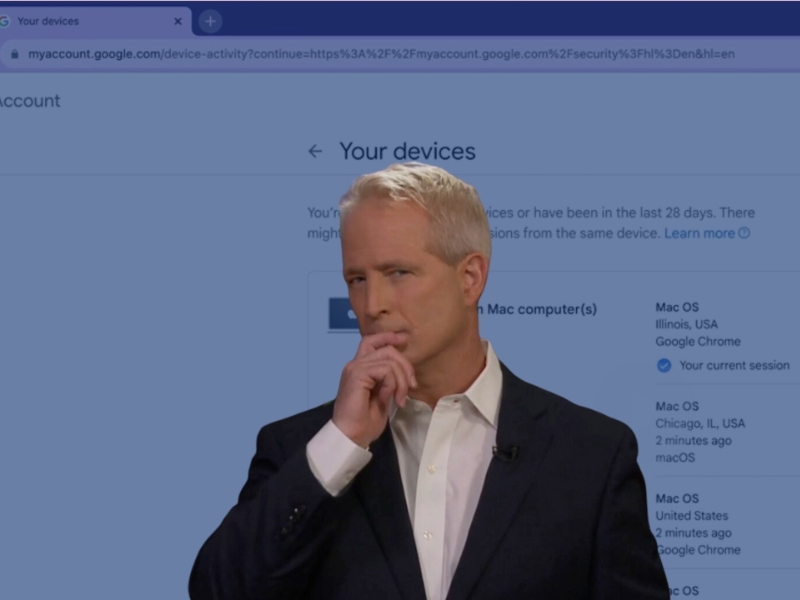
Here’s what I get asked a lot. Are you safe using Google? There is a way to find out.
Now, on top of being used by billions of people, Google also provides—
Gmail, Maps, Drive, YouTube. A laundry list of stuff that touches our lives at some point or another.
With all of these apps and services— your account can be seen on your phone, on your living room TV, your friend’s computer you borrowed— anywhere and everywhere – as long as you logged in— whether you knew about it or not.
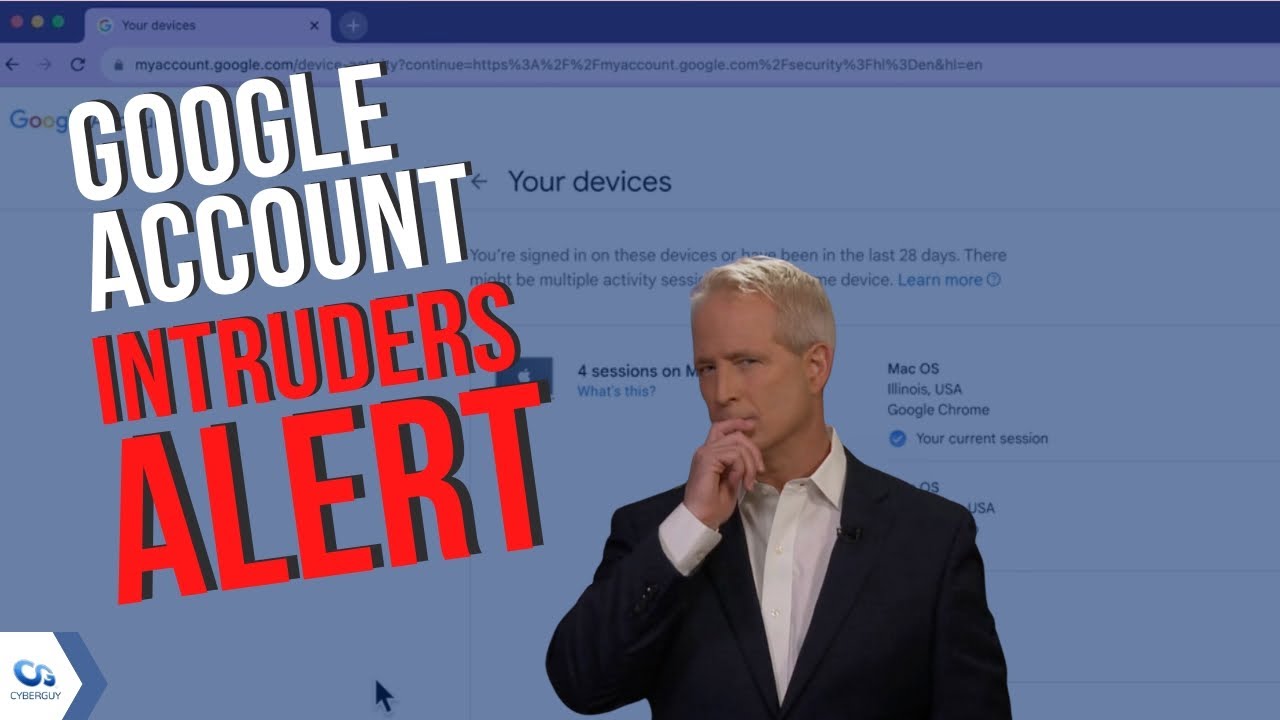
Do this on your computer (PC or Mac). Go to any Google page.
That can be google.com, your Gmail account, or YouTube — as long as you are logged in.
Don’t worry— there is a way to check what devices are using your account and to remove them swiftly if you don’t recognize them.
How to check what devices are using your Google Account
- On your desktop, Mac, or PC, go to google.com
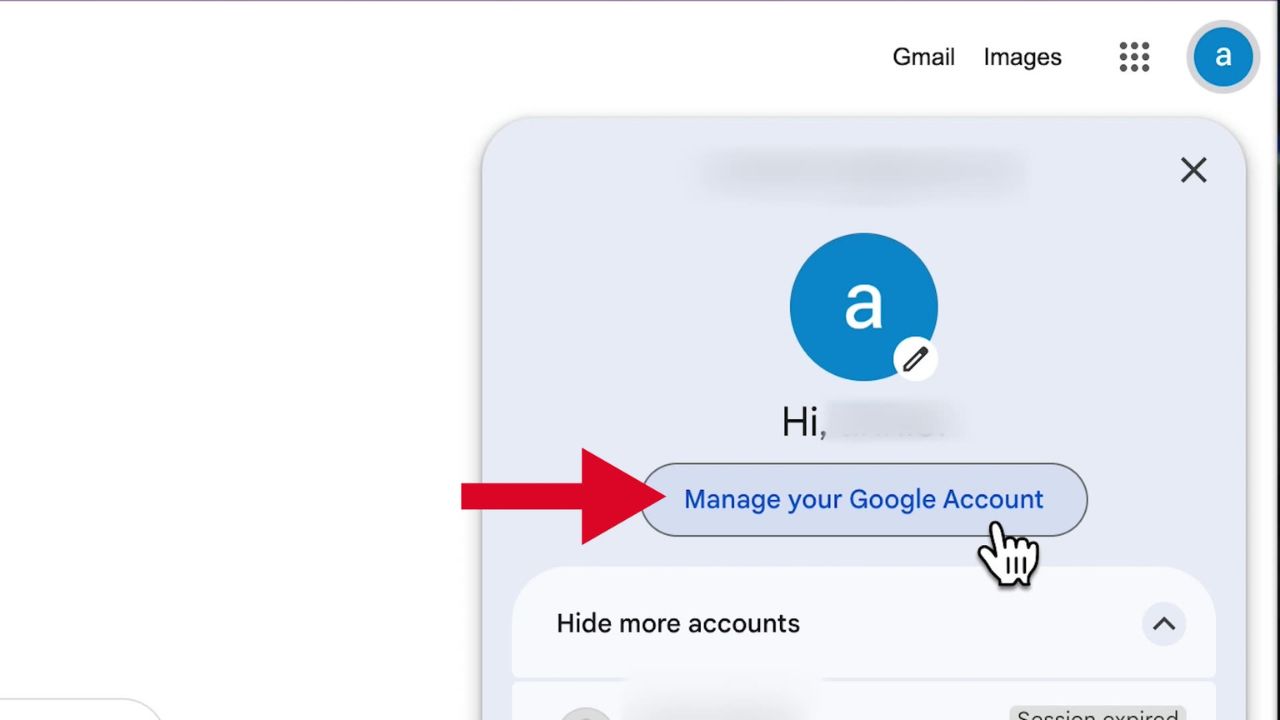
- Click your profile picture in the upper right-hand corner
- Click Manage your Google Account
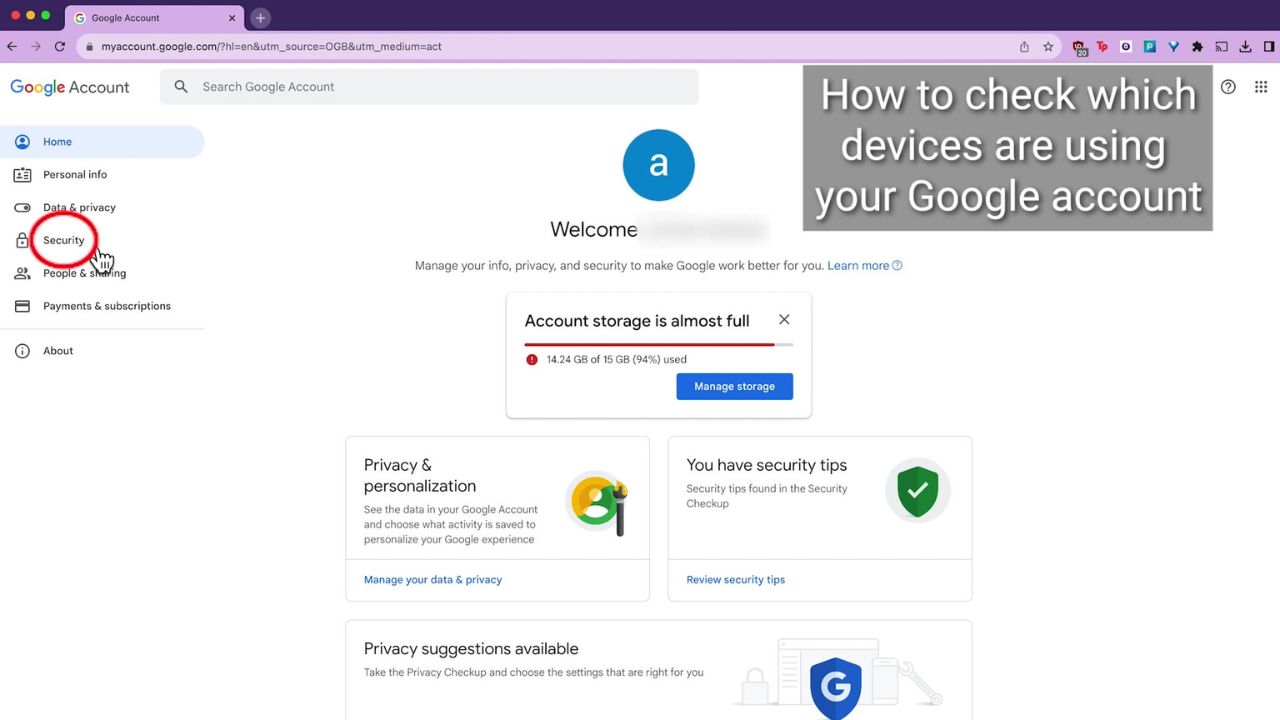
- On the left taskbar, click Security
- Scroll down under Your Devices and click Manage all devices
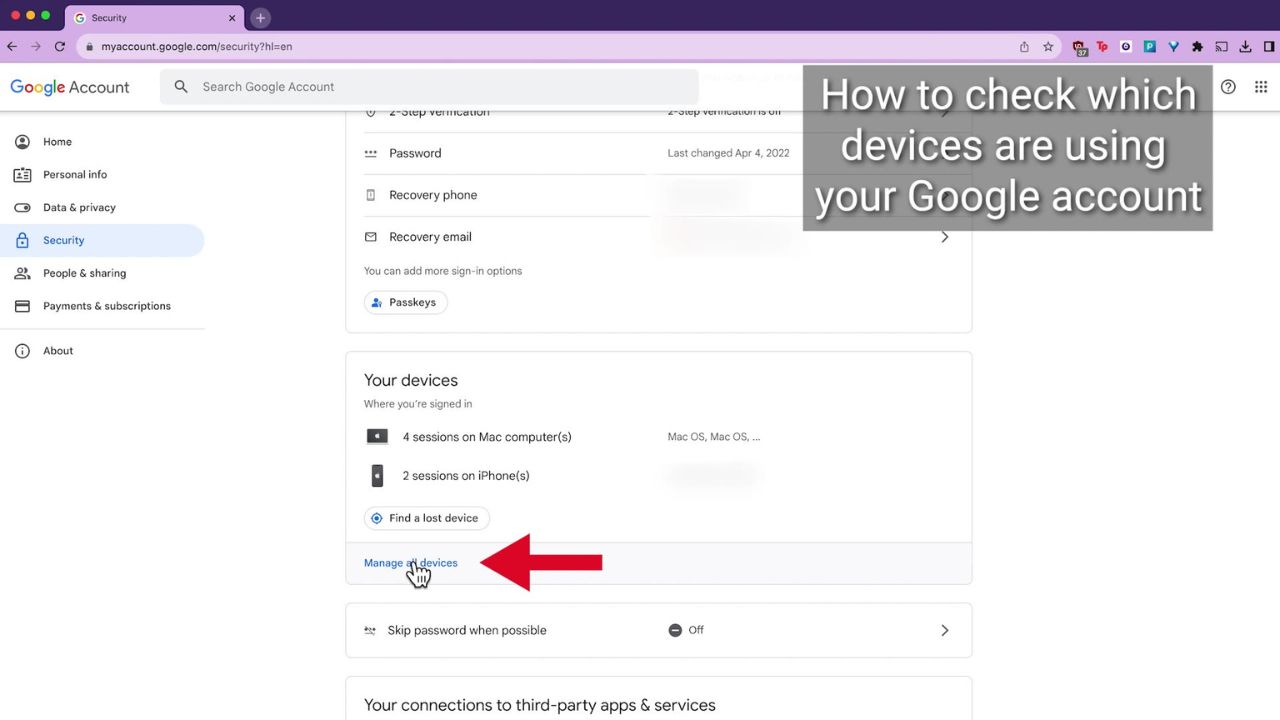
Here, you will able to review what devices are actively using and logged into your Google account.
Nothing seems out of the ordinary? Well great. But if you see an unknown device— removing it is quick and easy.
Click the right arrow “>” of the device you want to remove
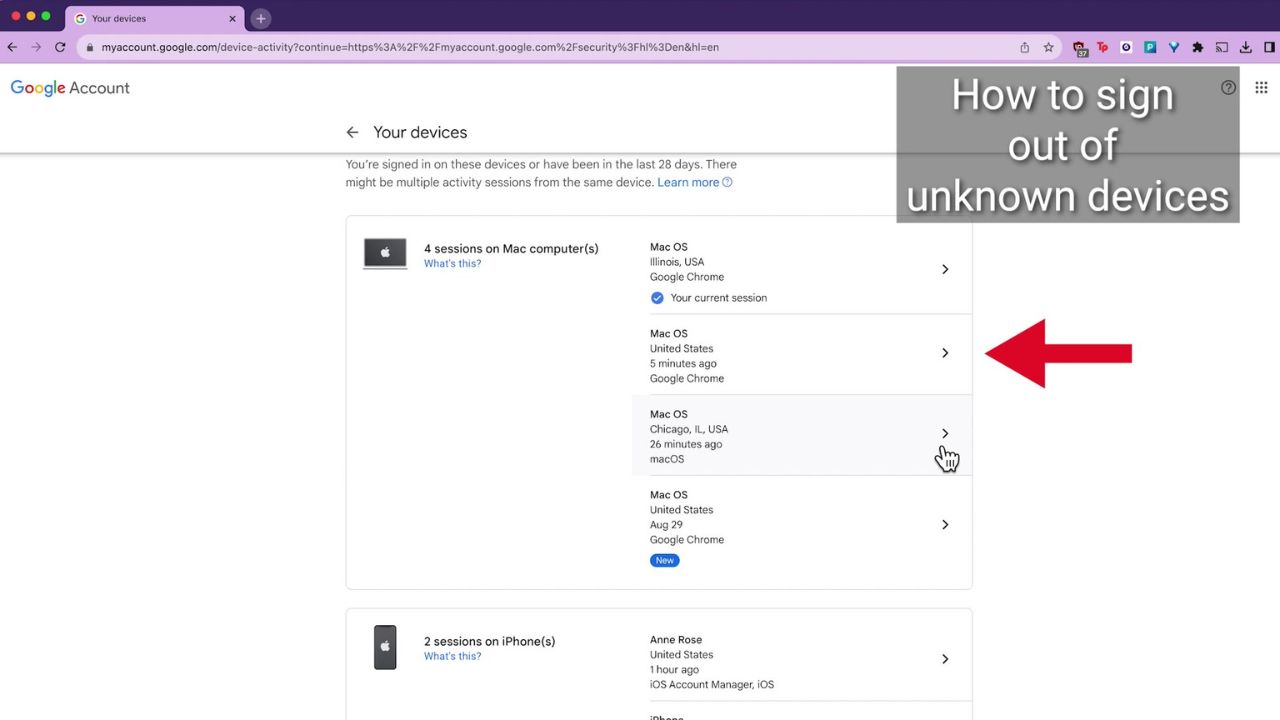
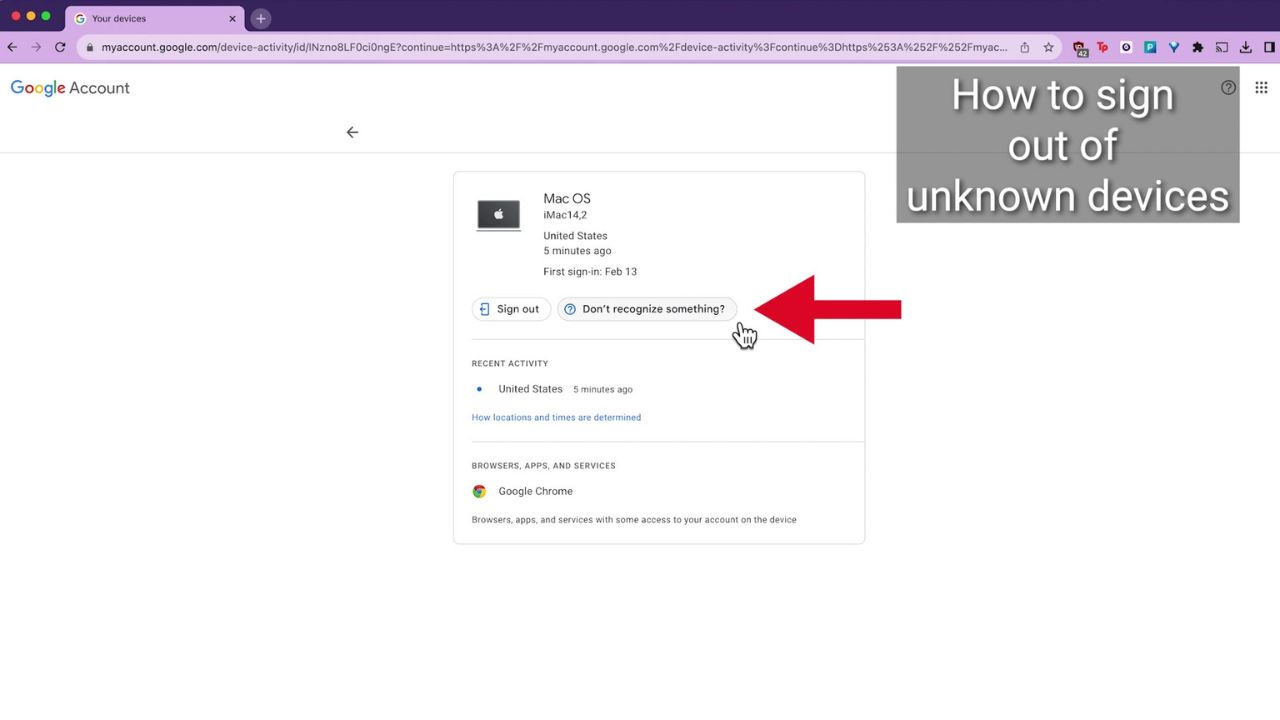
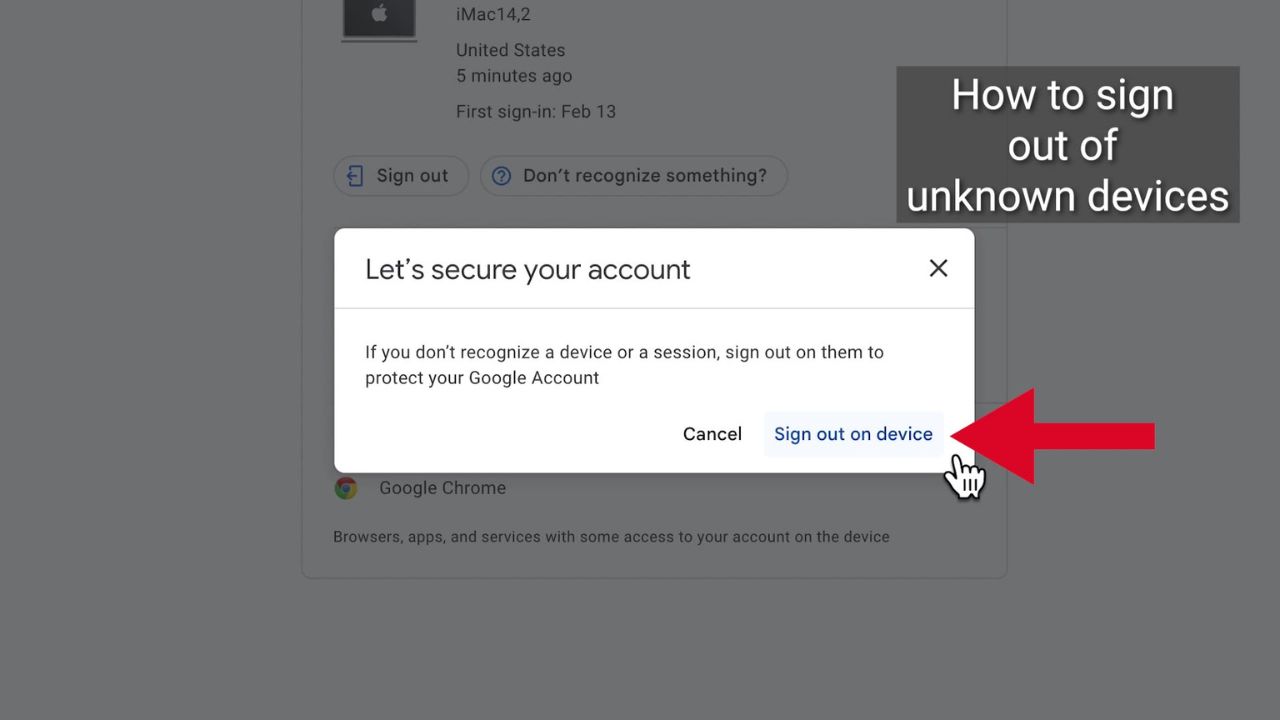
- Then click Don’t recognize something?
- A popup will appear saying: Let’s secure your account
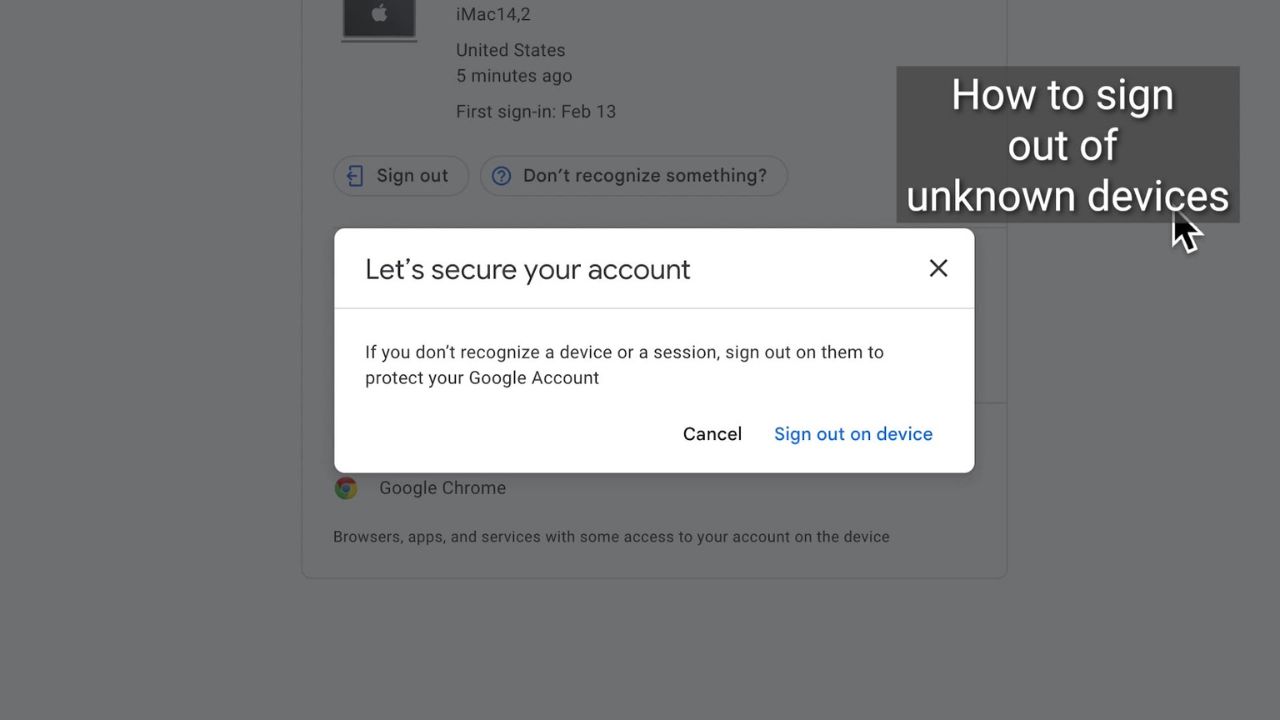
- If you don’t recognize a device or session, sign out on them to protect your Google account by clicking Sign out on Device
Now, your Google account is more protected and secure.
More ways to take back your privacy:
Watch the latest episode of The CyberGuy Report.

Missed this event? Sign up via the registration form and see our live recording.
See Kurt’s Prime Day picks for useful gadgets, practical upgrades and everyday tech while the deals last.
- Best VPNs for Browsing the Internet privately
- Best Antivirus Protection 2023
- How to remove yourself from the Internet
🎙 Now Streaming: My New Podcast: The CyberGuy Report
Kurt’s Top Deals
Deals move fast and inventory can be limited, so don’t wait too long.
| 🔥 Editor’s pick  Summer entertaining Ninja SLUSHi Machine (26% off) Frozen drinks and slushies at home in minutes. | |
| 💰 Top deal  Outdoor essential TYPEC Solar Bug Zapper (36% off) Solar-powered bug zappers for patios and camping. |